Search Header Logo
Input devices-Part 1

Input devices-Part 1

Assessment

Presentation

Computers

8th - 9th Grade

Practice Problem

Medium

Created by

RASHA SHOWAIKH

Used 24+ times

FREE Resource

12 Slides • 14 Questions

1

Input devices

Lesson 2
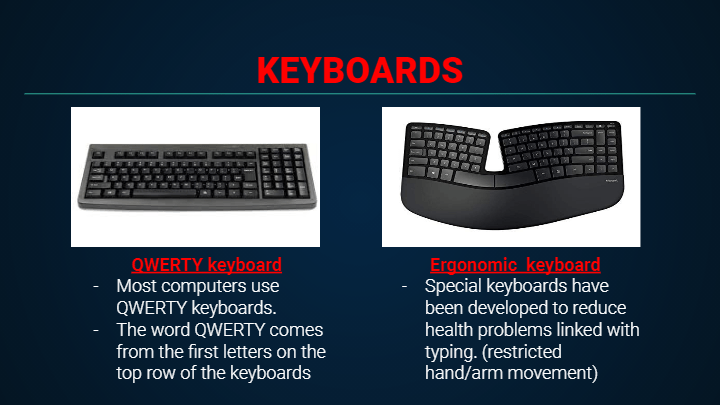
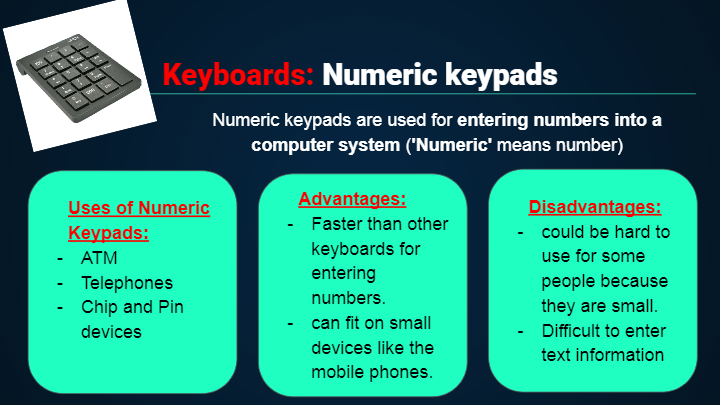
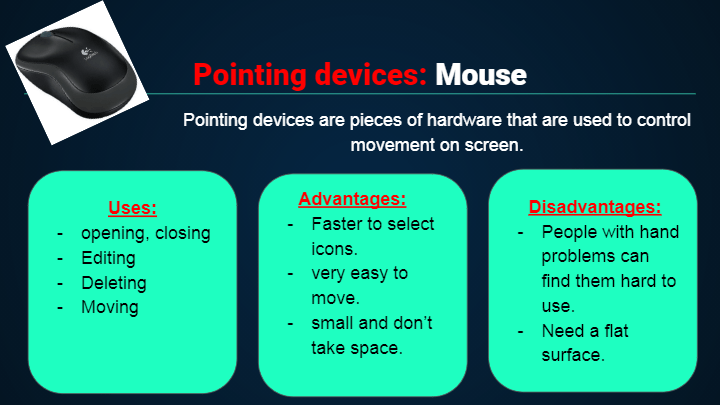
Slide image

2

Slide image

3

Slide image

4

Slide image

5

Slide image

6

Slide image

7

Multiple Choice

Most commonly used input device.

1

ergonomic keyboard

2

QWERTY keyboard

3

Concept keyboard

4

Numeric keypad

8

Multiple Choice

A device used to select commands for people with restricted arm movements

1

QWERTY keyboard

2

ergonomic keyboard

3

concept keyboard

4

numeric keypad

9

Multiple Choice

An input device which the user can use to type in numbers into a computer.

1

QWERTY keyboard

2

Concept keyboard

3

Ergonomic keyboard

4

Numeric keypad

10

Multiple Choice

Question image

What type of keyboard is this?

1

ergonomic keyboard

2

numeric keypad

3

QWERTY keyboard

4

concept keyboard

11

Slide image

12

Slide image

13

Slide image

14

Multiple Choice

Input device commonly found on laptops instead of a mouse.

1

Touch pad

2

Sensors

3

Scanner

4

Stylus

15

Multiple Choice

What is the most suitable input device for highlighting or selecting an object on the screen?

1

Mouse

2

Keyboard

3

Joystick

4

None of the above

16

Multiple Choice

The tracker ball is more expensive than a normal mouse.

1

True

2

False

17

Slide image

18

Slide image

19

Slide image

20

Multiple Choice

The infrared signal between the remote control and the other device could not be blocked.

1

True

2

False

21

Multiple Choice

It is easy to enter text using a joystick.

1

True

2

False

22

Multiple Choice

An input device used to control DVD players and multimedia projectors:

1

Joystick

2

Ergonomic keyboards

3

Remote control

4

Touchpad

23

Multiple Choice

A device used in flight simulators:

1

remote control

2

Tracker ball

3

Joystick

4

smart board

24

Multiple Choice

A device which is useful for the disabled people because they don't have to move:

1

Scanner

2

remote control

3

keyboard

4

mouse

25

Multiple Select

Tick all the pointing devices.

1

Mouse

2

tracker ball

3

remote control

4

touchpad

5

joystick

26

Multiple Select

Tick all the input devices

1

microphone

2

graphics tablet

3

printer

4

projector

5

scanner

Input devices

Lesson 2

Slide image

Show answer

Auto Play

Slide 1 / 26

SLIDE