

Google Calendar

Presentation
•
Professional Development
•
10th - 11th Grade
•
Practice Problem
•
Medium

Joanne Morris
Used 84+ times
FREE Resource
10 Slides • 6 Questions
1
Google Calendar
2
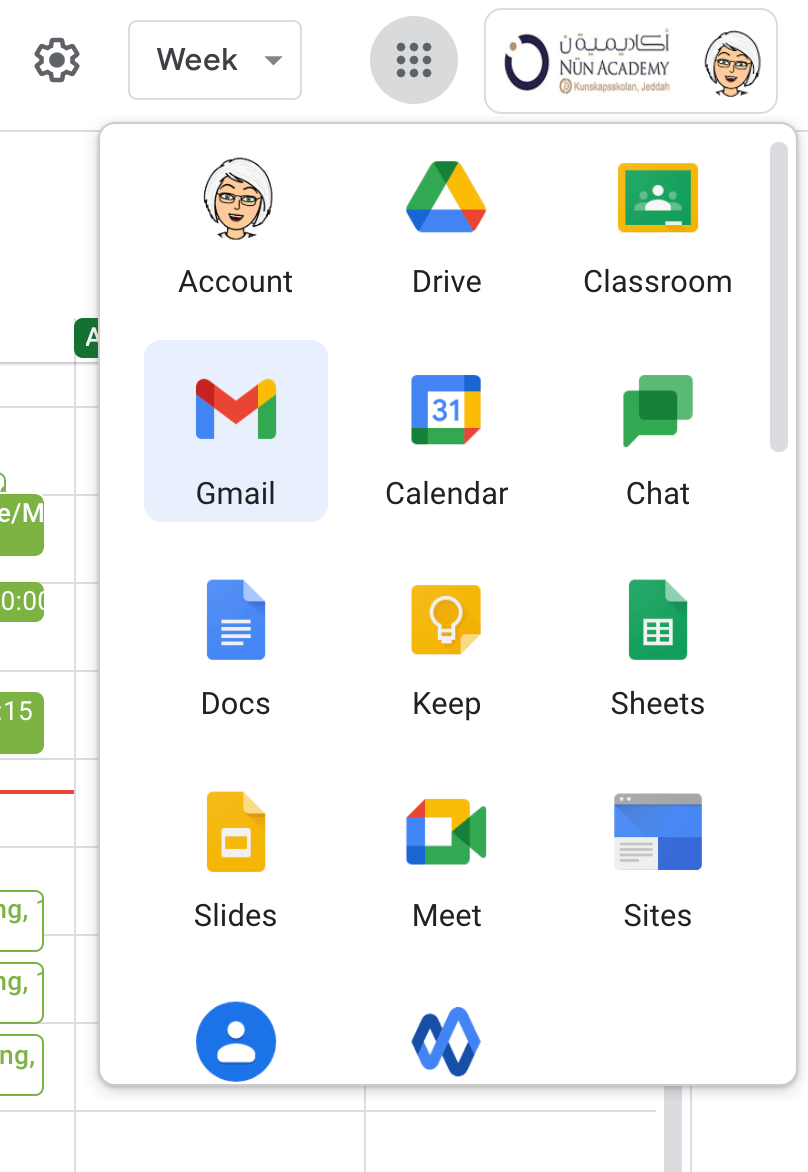
Calendar is part of Google Workspace
Find it in the Waffle, or add it to your bookmarks bar.
3
Multiple Select
4
Invite someone to an event
Click the 'Create +' button OR
Click anywhere on the Calendar and an event box will pop up
Add guests and choose an available time
Add title and location
Click Save

5
Multiple Choice
6
More Options
Find a Time
Give guests permissions to modify event

7
Find a Time
See guest calendars side by side
Drag the gray bar to preferred time

8
Multiple Select
9
Make a Recurring Event
Create an event and give it a title.
Next to 'Does not repeat', click the down arrow
Choose how you would like it to recur
Click Save

10
Multiple Choice
11
Add your Classes to Calendar
Next to 'Does not repeat', click the down arrow
Choose Custom
Select 'repeat every 1 week' and click on Sun-Thursday
Click Save

12
Open Ended

Why do we have to use the 'Custom' link to make an event occur on Weekdays?
13
Use Other Workspace Apps
Keep Notes
Tasks

14
Tasks
Create different Task Categories
Add due dates and times
Add sub tawsks

15
Keep Notes
Take Notes anywhere
Add checklists
Images
Share Notes with others

16
Poll
Google Calendar
Show answer
Auto Play
Slide 1 / 16
SLIDE

