Search Header Logo
scratch

scratch

Assessment

Presentation

Computers

4th Grade

Easy

CCSS
RI.4.7, RI.5.7, RL.3.7

+2

Standards-aligned

Created by

Abir Seth

Used 399+ times

FREE Resource

1 Slide • 14 Questions

1

scratch
Slide image

2

Multiple Choice

Question image

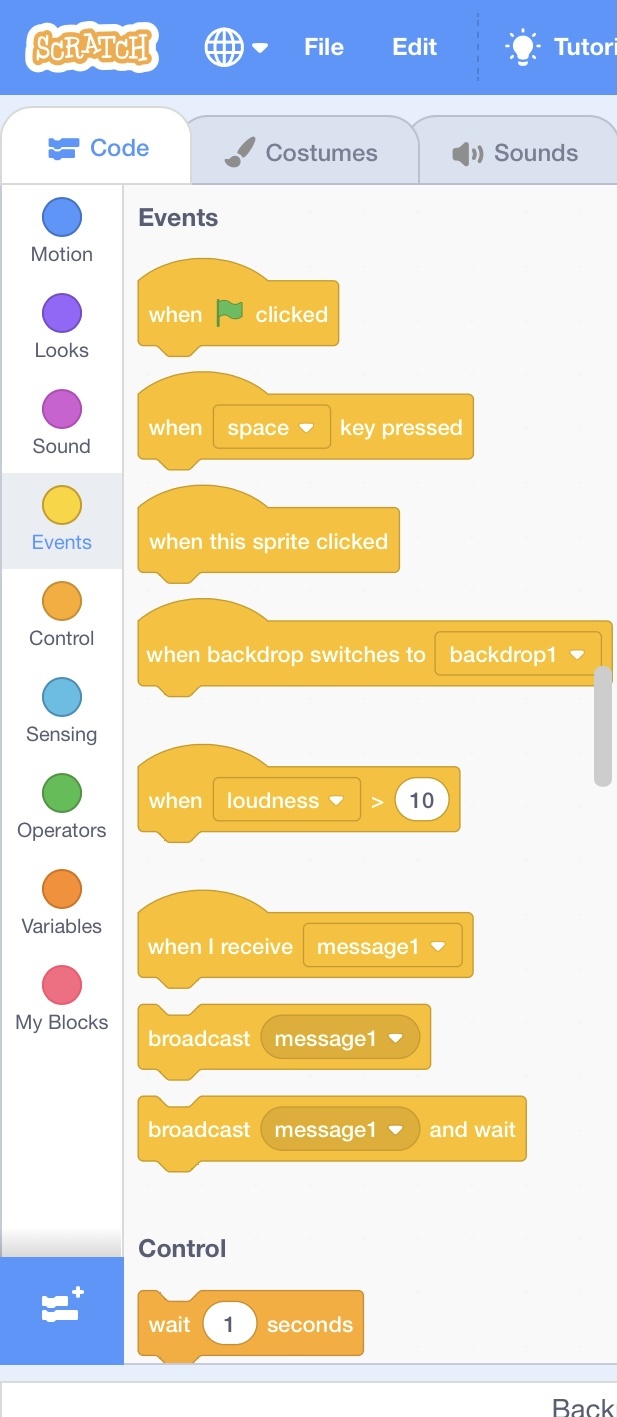
What does this section called?

1

Stage

2

Sprite

3

Script

3

Multiple Choice

Question image

What happen to sprite if you use this block?

1

Sprite will jump

2

Sprite will move 10 steps

3

Sprite will change colour

4

Sprite will say hello

4

Multiple Choice

Question image

What colour blocks allow the code to start move (event)?

1

Blue

2

Green

3

Yellow

4

Red

5

Open Ended

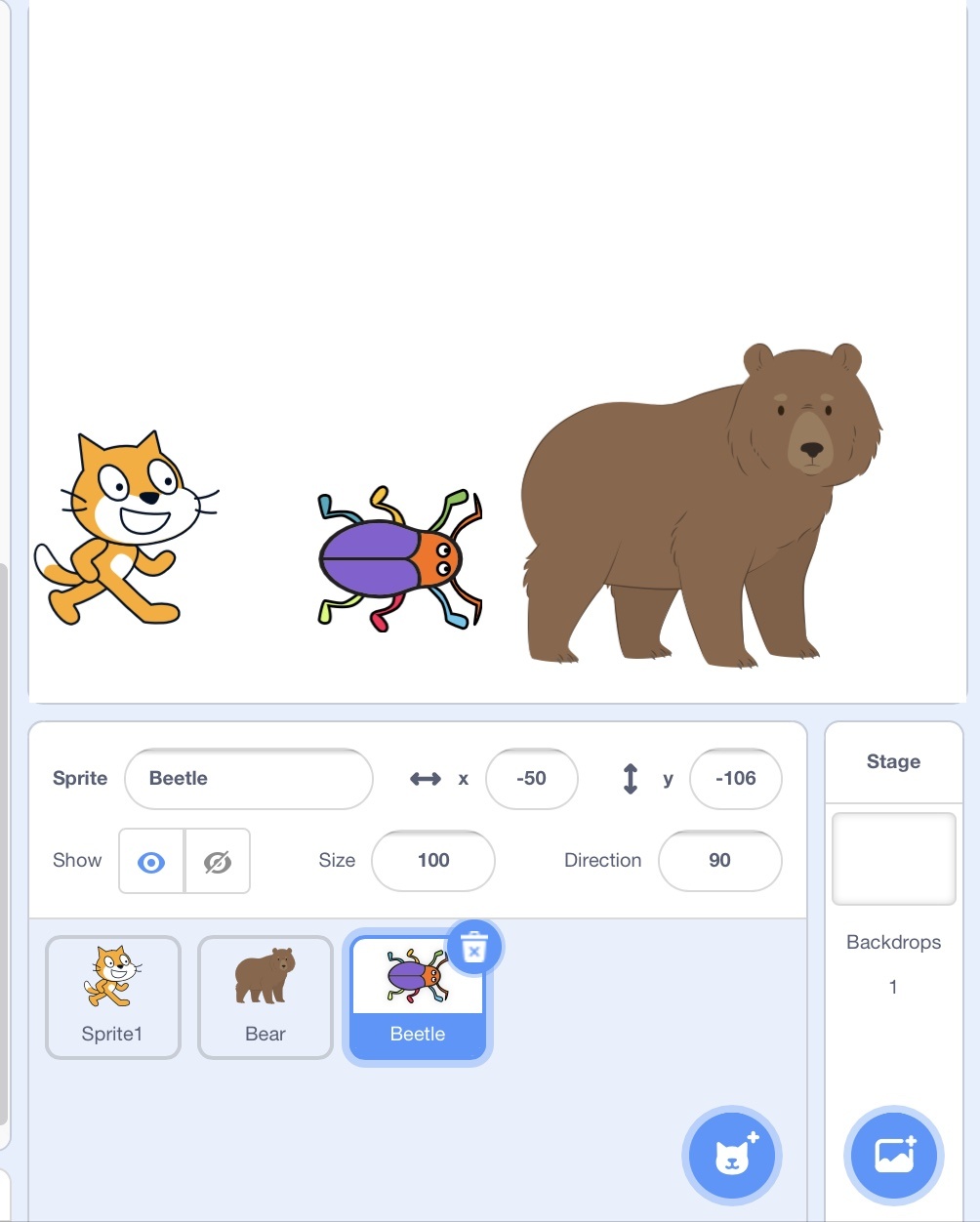
How many sprites can you have in scratch?

6

Multiple Choice

Question image

What is the name of this part of Sratch?

1

Sprites

2

Backdrop

3

Costume

4

Blocks

7

Multiple Choice

Question image

To add more sprite (character) which button should you click?

1
2
3

8

Multiple Choice

Question image

What happens when we click this?

1

Nothing happens

2

The program stops

3

We can change the sprite

4

The program starts

9

Multiple Choice

Question image

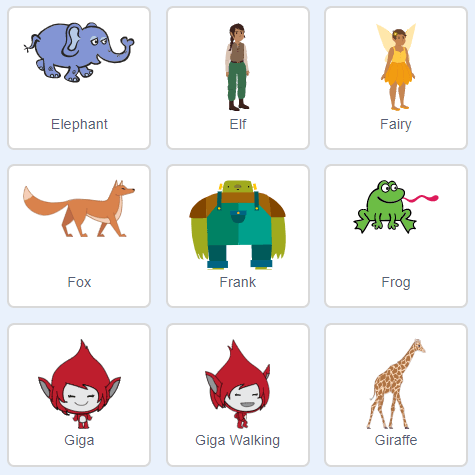
choose the sprite.

1
2
3
4

10

Open Ended

Question image

What does the green flag do?

11

Open Ended

Question image

What does the red button do?

12

Multiple Choice

Can we add sound to our scratch project ?

1

Yes

2

No

13

Multiple Choice

Programming languages give computers instructions
1
True
2
False

14

Multiple Choice

What do you call the list of commands in Scratch? 
1
Sprite
2
Script
3
Scratch
4
Help

15

Multiple Choice

What do you call the characters in Scratch? 
1
Sprite
2
Script
3
Scratch
4
Sprite Scripts 

scratch

Slide image

Show answer

Auto Play

Slide 1 / 15

SLIDE