

Introduction to Media Elements

Presentation
•
Computers
•
7th Grade
•
Practice Problem
•
Medium

Yun Chia
Used 6+ times
FREE Resource
18 Slides • 12 Questions
1
Introduction to Media Elements
IMC 1

2

We use MEDIA ELEMENTS to communicate information.
3

TYPES OF MEDIA ELEMENTS
4
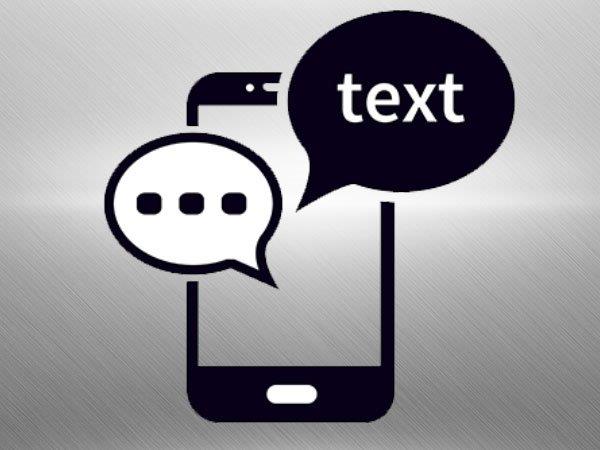
1. TEXT
creates words, sentences and paragraphs
5
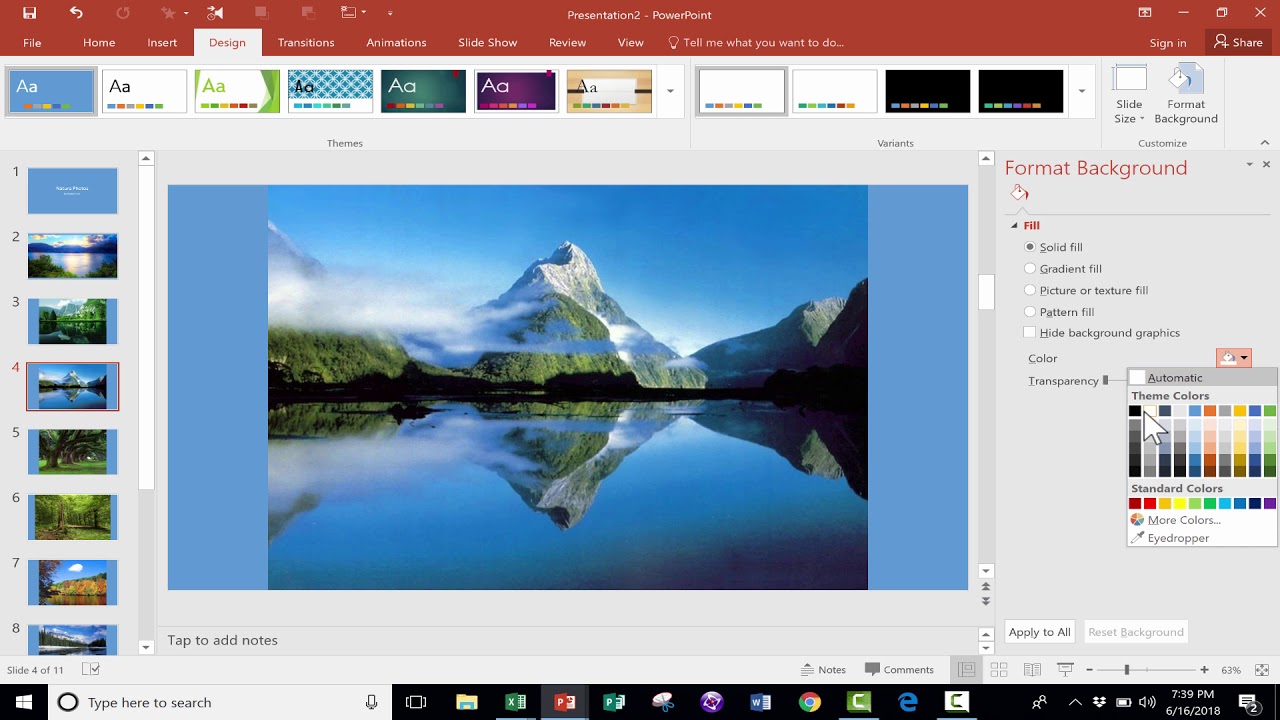
2. GRAPHICS
photographs
drawings
6
3. AUDIO
recorded sounds or music or sound effects
enrich user experience

7
4. VIDEO
a recording with audio and images

8
5. ANIMATION
moving images (GIFS)
animated cartoons/ movies

9
Multiple Choice
10
Multiple Select
11
Multiple Choice
12
Multiple Choice

Which media element is this?
13
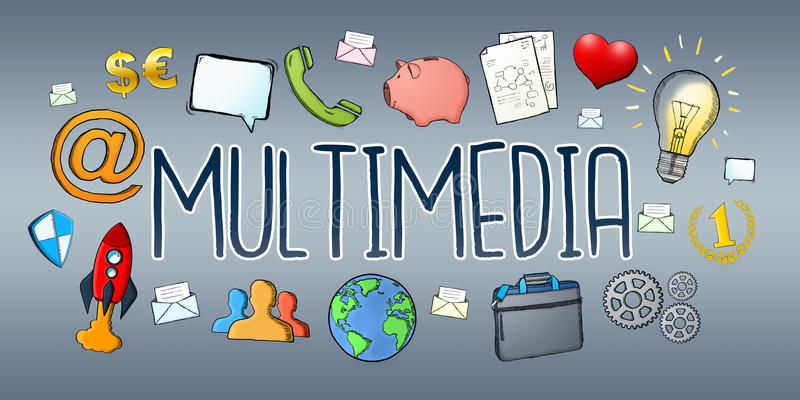
ANY DIGITAL CONTENT THAT USES 2 OR MORE MEDIA ELEMENTS ARE CALLED MULTIMEDIA.
14
ADVANTAGES
Enhance users' experience
more appealing compared to text-only
Helps users understand the content

15
Multiple Choice
16
Multiple Choice
17
Multiple Select
18
19
User Interactivity
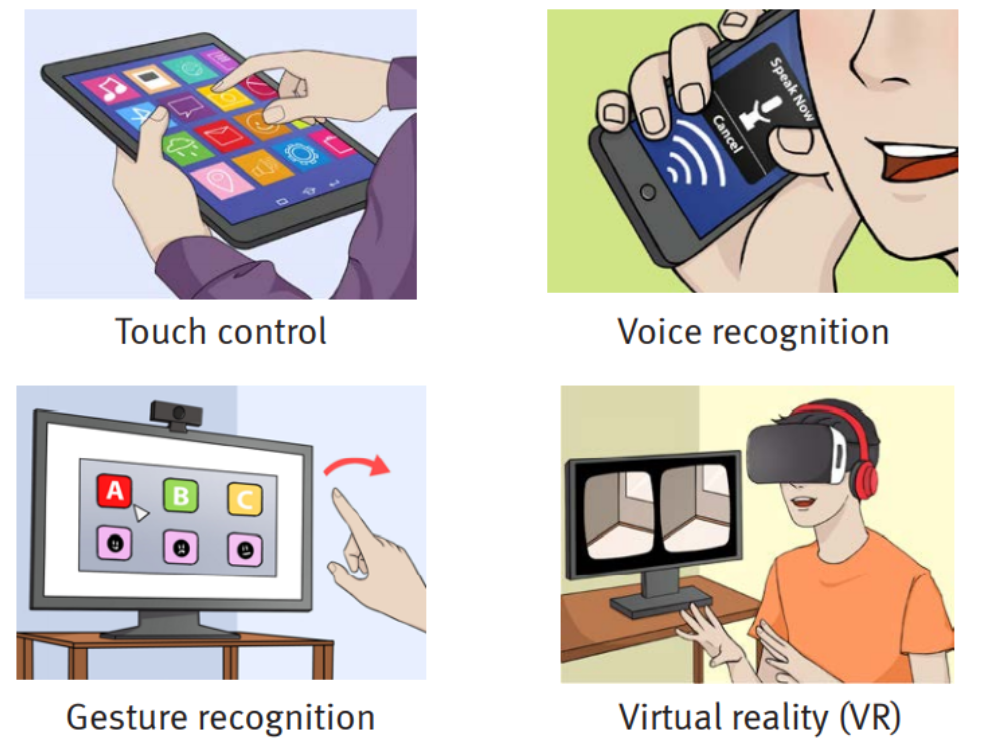
If a multimedia application is interactive, it means the users can provide INPUT to generate OUTPUT (information etc.)

20
Examples of User Interactivity
Touch Control
Voice Recognition
Gesture Recognition
Virtual Reality (VR)
21
Applications that uses Interactive Multimedia
Automated Teller Machine (ATM) - Users provides instruction to perform transactions

22
Applications that uses Interactive Multimedia
Self-checkout Kiosk
- Users buy and pay themselves

23
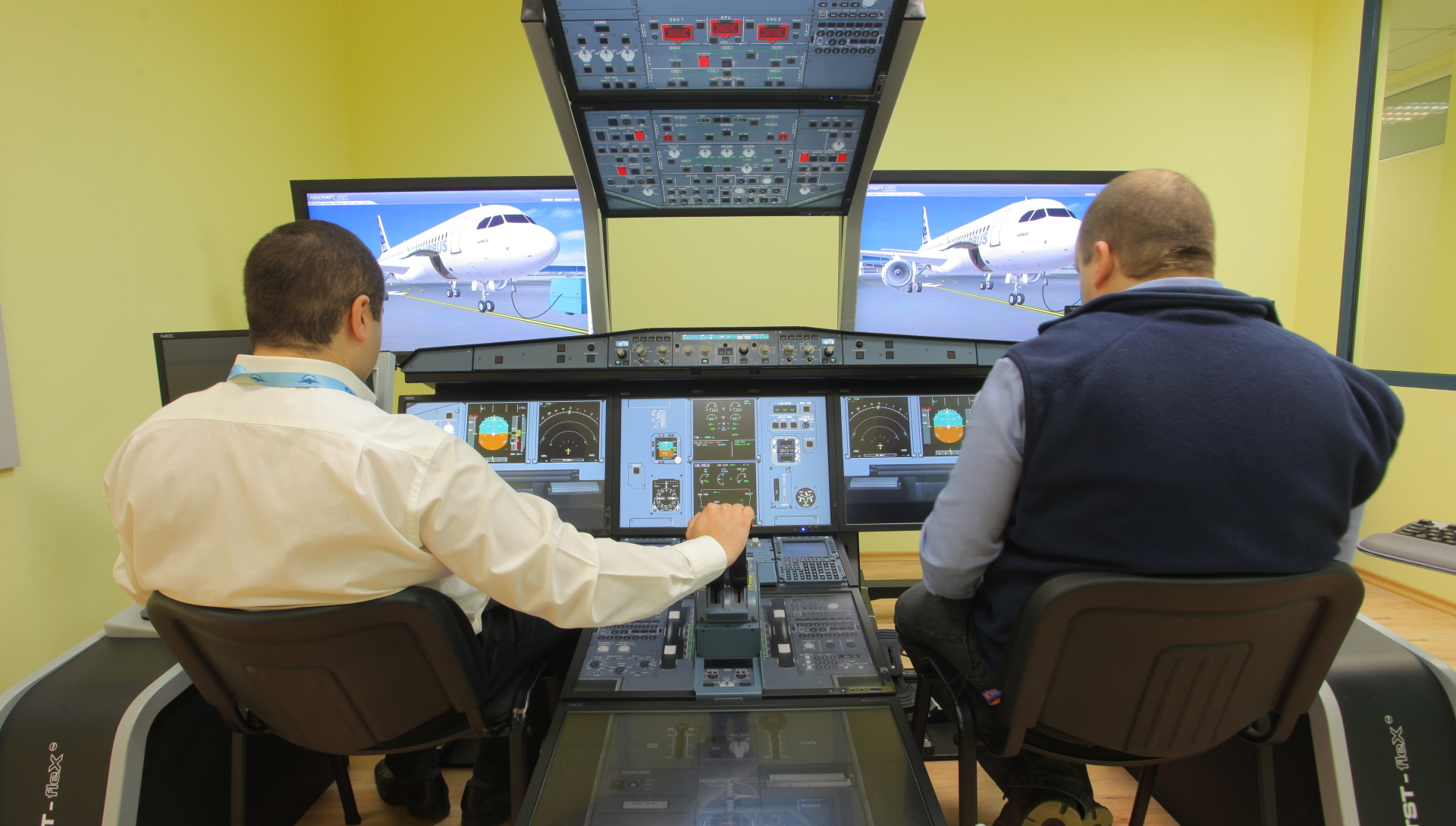
Applications that uses Interactive Multimedia
Simulation Training
- Users provide instructions to run the software/ machine
24
Applications that uses Interactive Multimedia
Computer/ Video Games

25
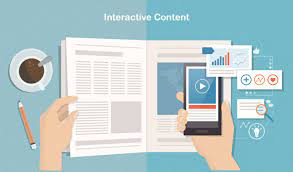
Interactive Presentations
Communicate information to others
Usually presentations may include interactivity such as navigation buttons
Slide presentations is an example of interactive multimedia content.
26
Multiple Choice
27
Multiple Choice
28
Multiple Select
29
Multiple Choice
30
Open Ended
Introduction to Media Elements
IMC 1
Show answer
Auto Play
Slide 1 / 30
SLIDE

