Search Header Logo
​Canva-Lesson1: Introduction of Graphic Design.

​Canva-Lesson1: Introduction of Graphic Design.

Assessment

Presentation

Computers

6th - 8th Grade

Easy

Created by

why you black me Mouawad

Used 4+ times

FREE Resource

5 Slides • 4 Questions

1

​Canva-Lesson1: Introduction of Graphic Design.

By Dania Mouawad

media

2

media

3

Open Ended

Question image

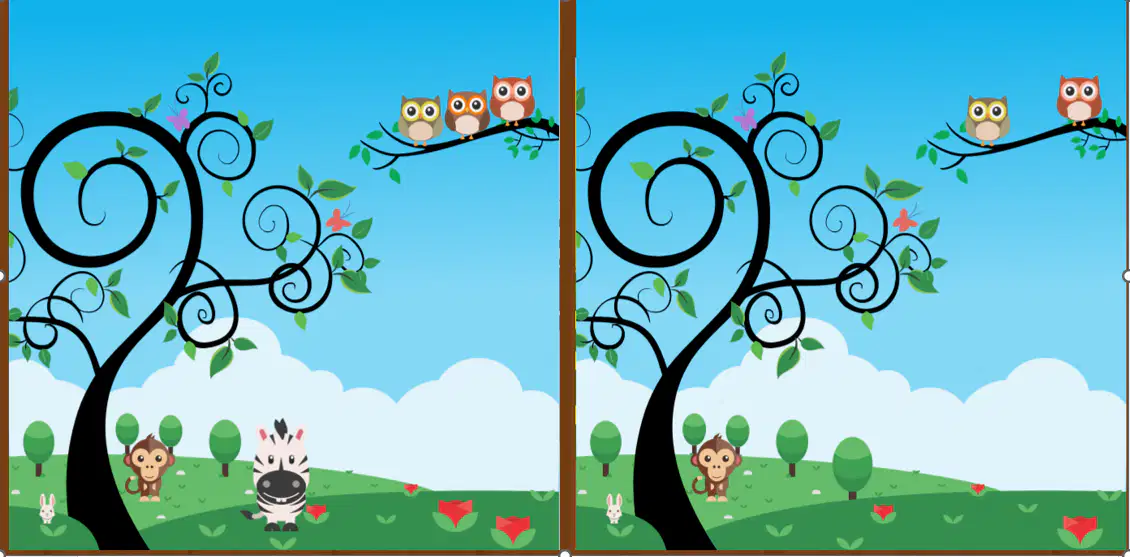
Find the differences between these two pictures

4

​https://wayground.com/admin/flashcard/68c45f833bb5b31e1eefecff

​https://wayground.com/admin/flashcard/68c45f833bb5b31e1eefecff

5

Objective:

Designing Documents Using Canva

  • Select a template

  • Edit text and images

  • Change colors and fonts

  • Insert shapes and icons

  • Save and download a final design

6

  • Reading is Fun

media
  • Read every day and grow your mind.

7

Multiple Choice

How to add and replace templates?

1

Click on the Elements tab.

2

Click on the Upload tab.

3

Click on the Templates tab.

4

Click on the Background tab.

8

Multiple Choice

Ensure all of your elements are aligned perfectly.

1

TRUE

2

FALSE

9

Multiple Choice

How should you place the spaces between your text and graphic elements?

1

use equal space

2

use the space effectively

3

allign the elements to the right

​Canva-Lesson1: Introduction of Graphic Design.

By Dania Mouawad

media

Show answer

Auto Play

Slide 1 / 9

SLIDE