

App Inventor

Presentation
•
Computers
•
University
•
Easy

Lester undefined
Used 1+ times
FREE Resource
23 Slides • 25 Questions
1

2

3
Multiple Choice
Which of the following is a limitation of App Inventor?
It requires advanced programming knowledge
It is only available for iOS devices
It has limited access to device hardware features
It cannot be used for educational purposes
4
Open Ended
What are some possible benefits of using App Inventor for beginners in app development?
5
6
Open Ended
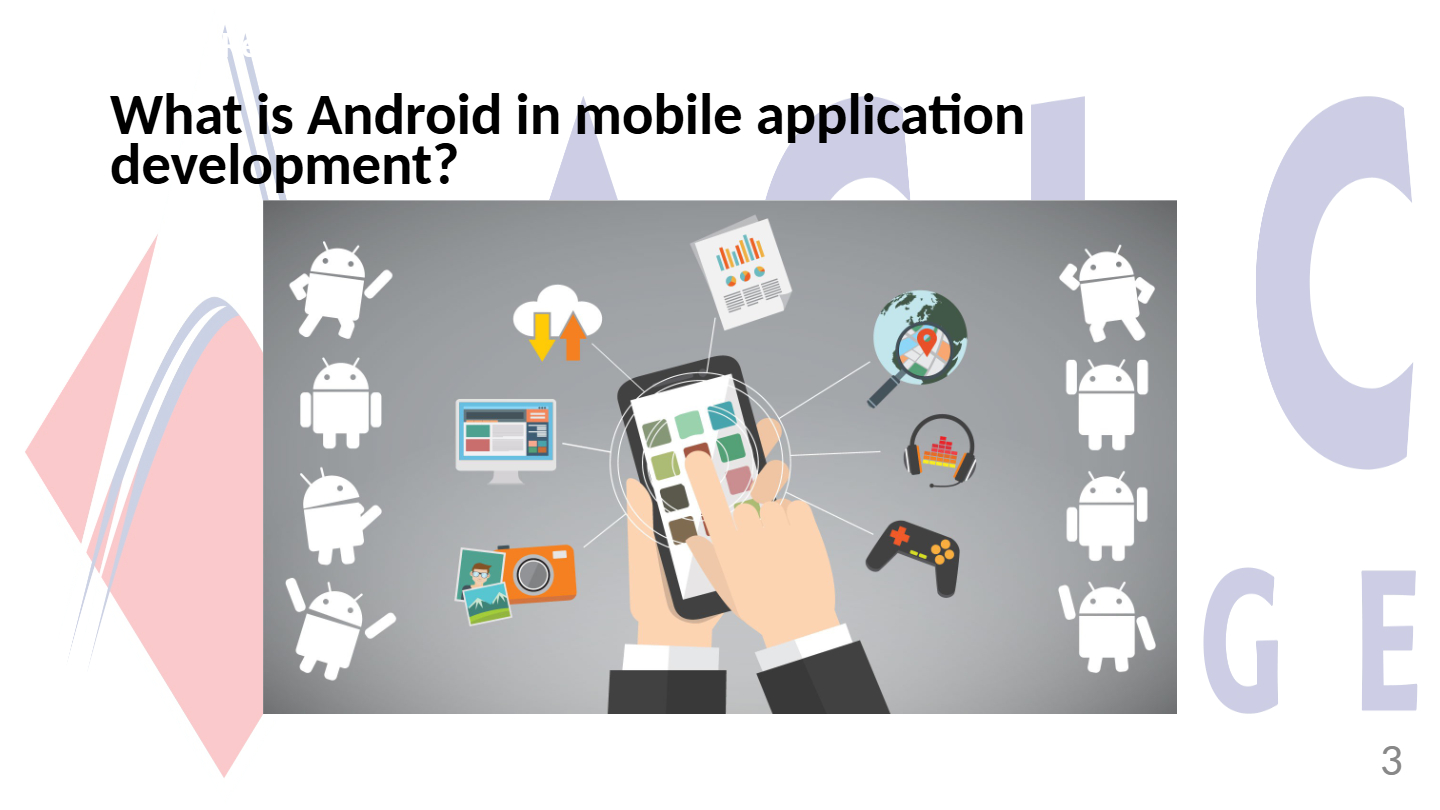
What is Android in mobile application development?
7
8
Multiple Choice
Which of the following is true about App Inventor?
It lets you develop applications for Android phones using a web browser and either a connected phone or emulator.
It is only for developing iOS applications.
It requires advanced programming knowledge to use.
It cannot be used with an emulator.
9
10
Multiple Choice
Which programming languages are associated with App Inventor?
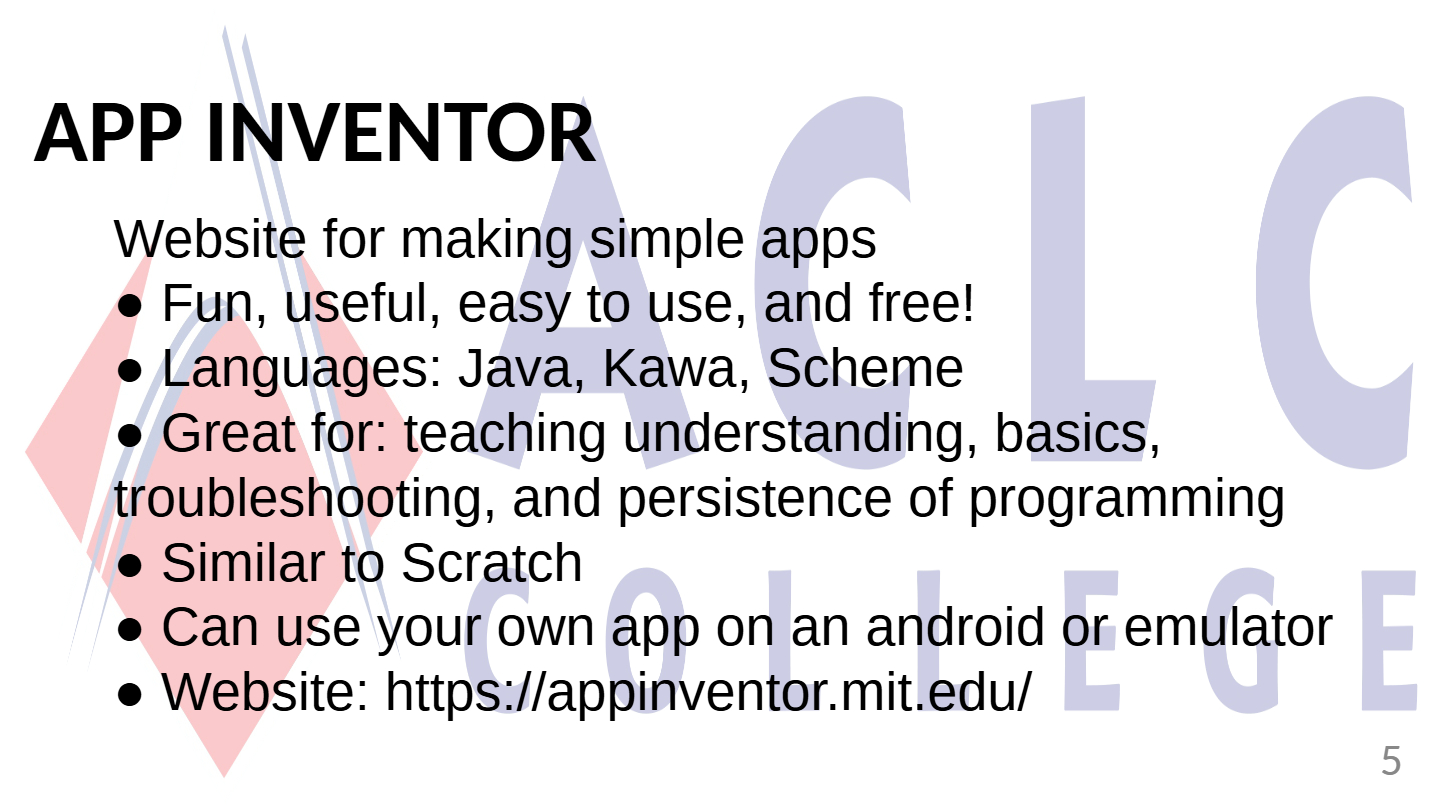
Java, Kawa, Scheme
Python, Ruby, Swift
C++, Kotlin, Dart
JavaScript, PHP, Perl
11

12
Fill in the Blanks
Type answer...
13
14
Open Ended
List two uses of App Inventor mentioned in the slides.
15
16
Multiple Select
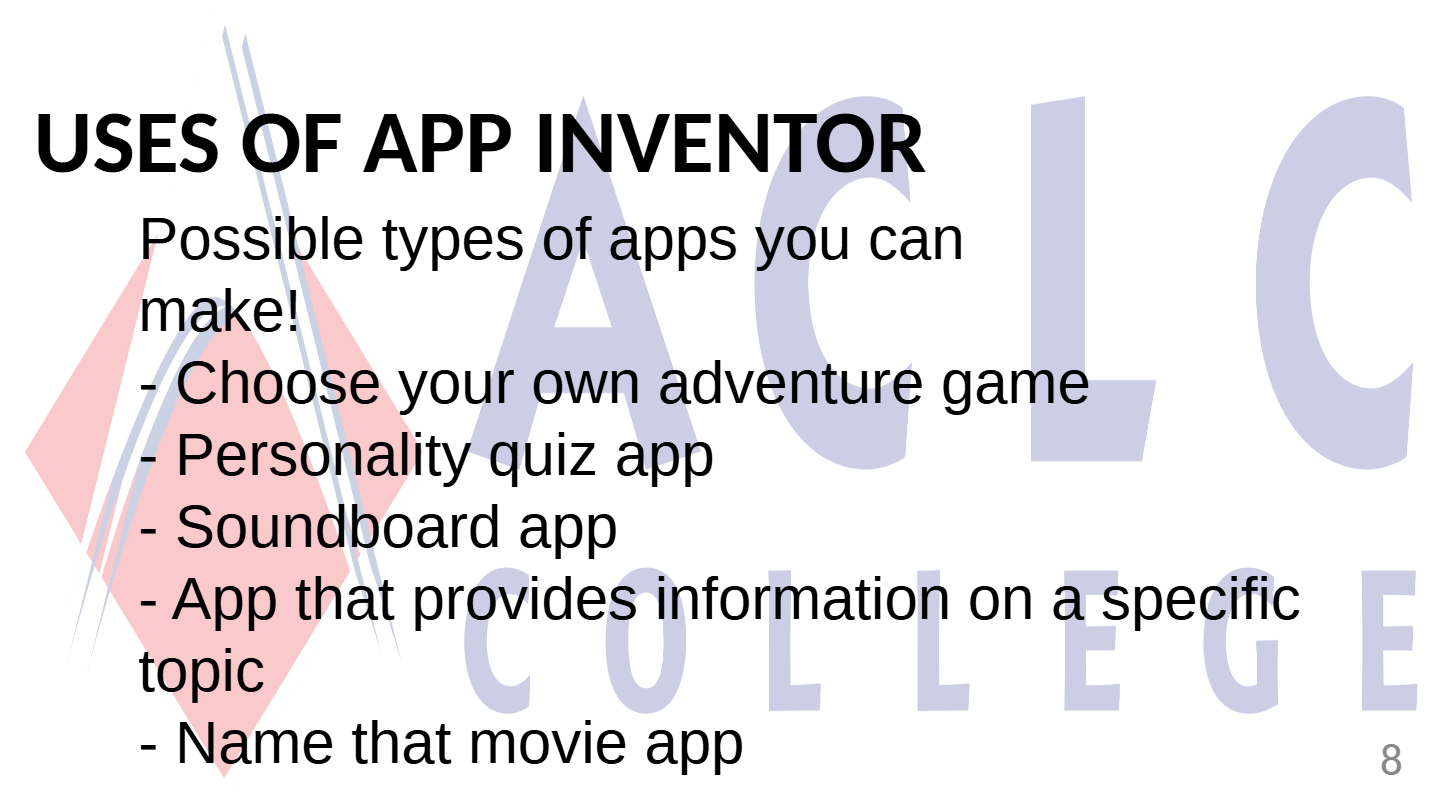
Which of the following are possible types of apps you can make with App Inventor?
Choose your own adventure game
Personality quiz app
Soundboard app
Weather forecasting app
17
18
Multiple Choice
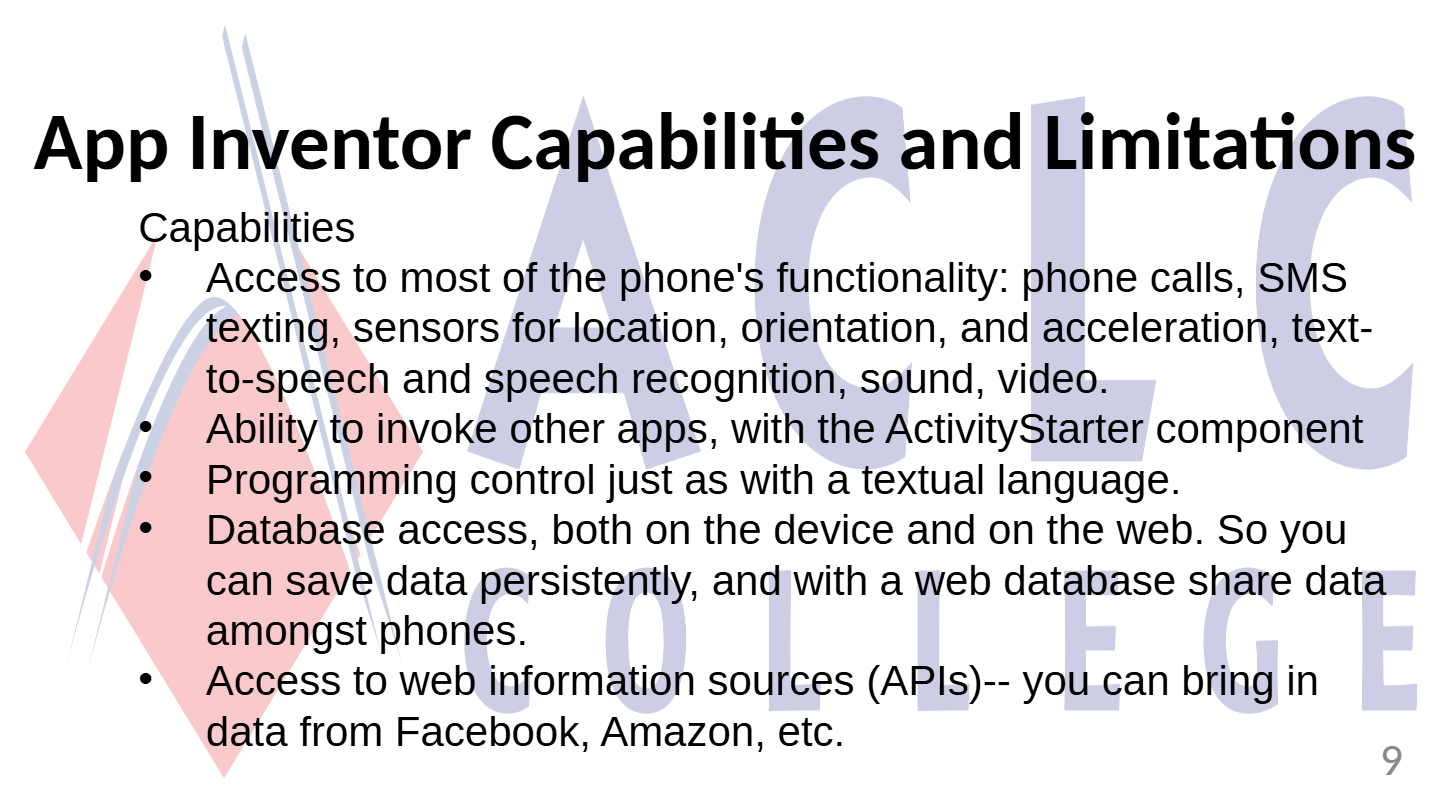
Which of the following is NOT a capability of App Inventor?
Access to most of the phone's functionality
Ability to invoke other apps
Programming control with textual language
Access to web information sources
19
20
Multiple Select
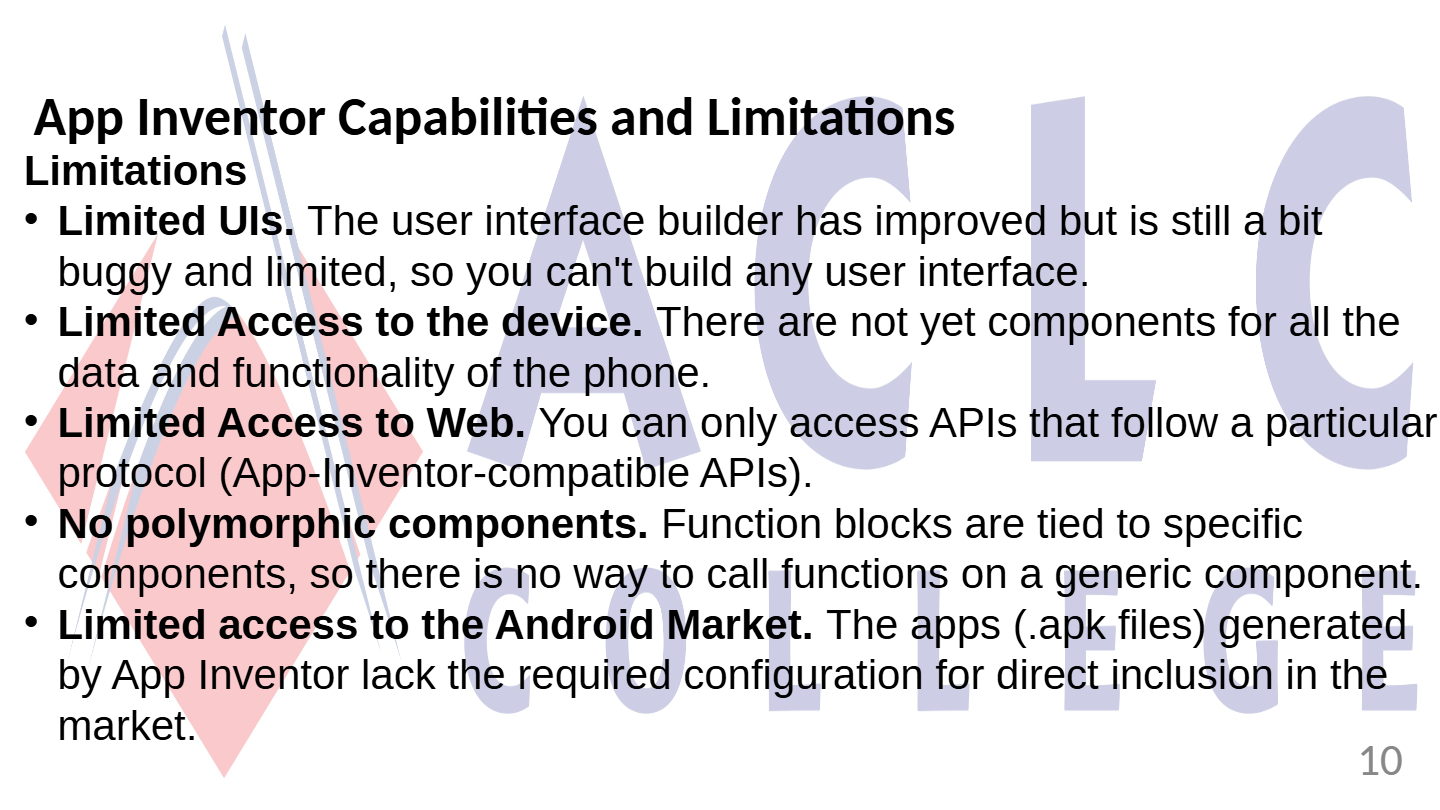
Identify two major limitations of App Inventor mentioned in the slides.
Limited UIs
Limited Access to the device
Unlimited access to Android Market
Polymorphic components
21
22
Open Ended
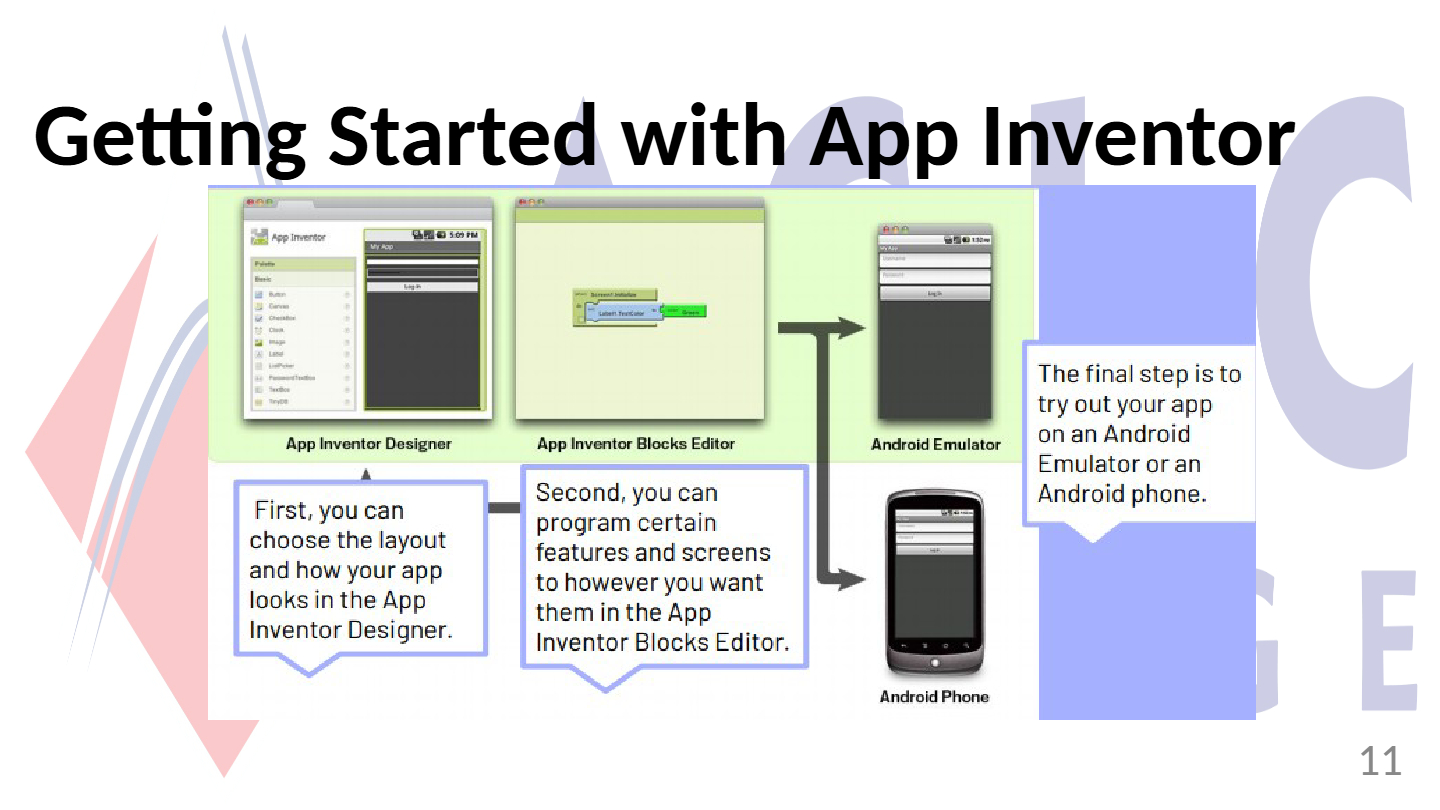
Explain how you would get started with building an app using App Inventor, based on the process shown in the slides.
23

24
Fill in the Blanks
Type answer...
25
26
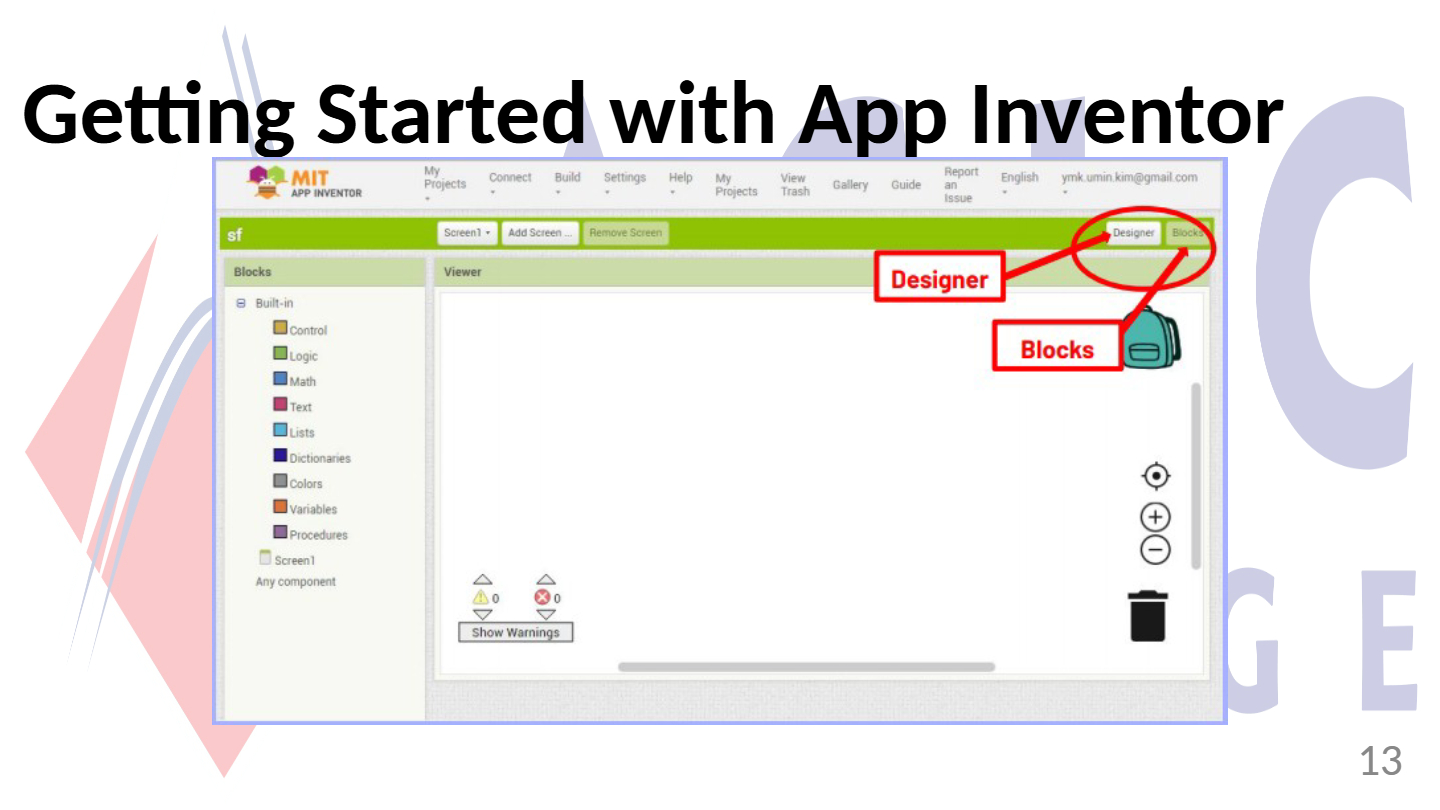
Open Ended
Compare the roles of 'Designer' and 'Blocks' in App Inventor. How do they contribute to app development?
27
Multiple Choice
Which of the following features can be added to your app using the Palette in App Inventor?
Button
Camera
Canvas
All of the above
28

29

30
Multiple Choice
Which column in App Inventor do you use to upload a media file before inserting it into your app?
Palette
Properties
Media
Viewer
31

32
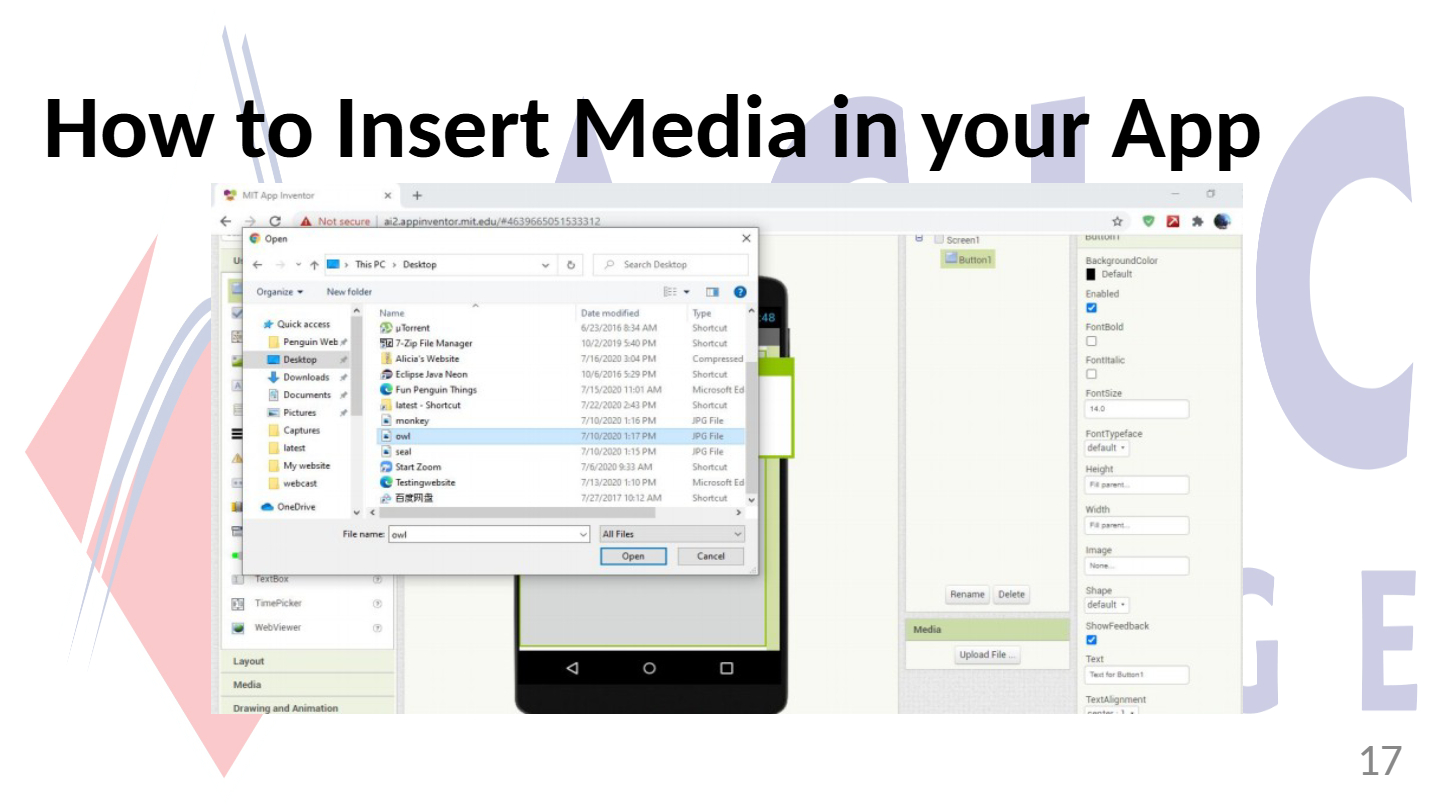
Open Ended
Describe the steps required to insert a media file into your app using App Inventor, starting from uploading the file to adjusting its size.
33
34
35
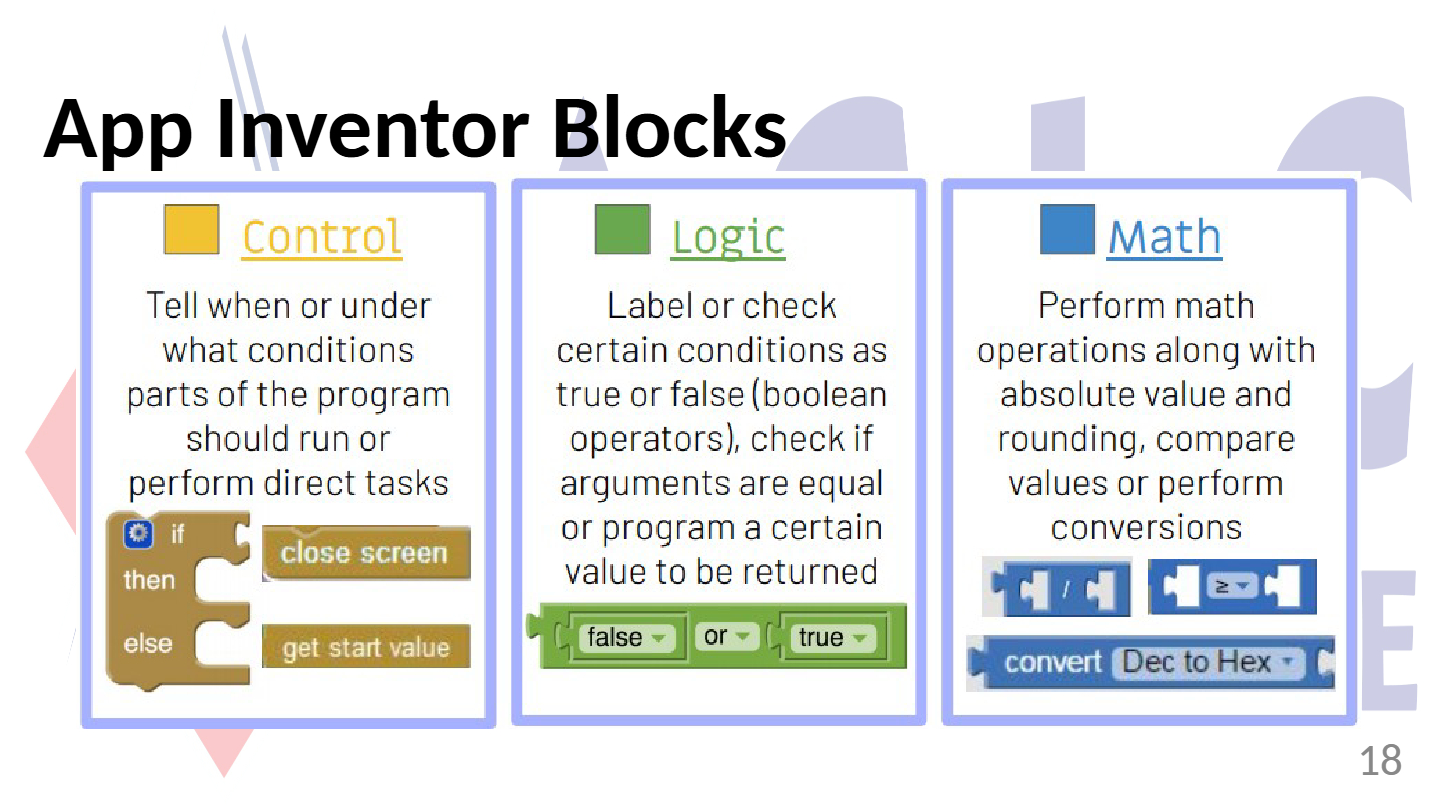
Multiple Choice
Which of the following blocks in App Inventor are used to perform mathematical operations?
Control
Math
Logic
Text
36
37
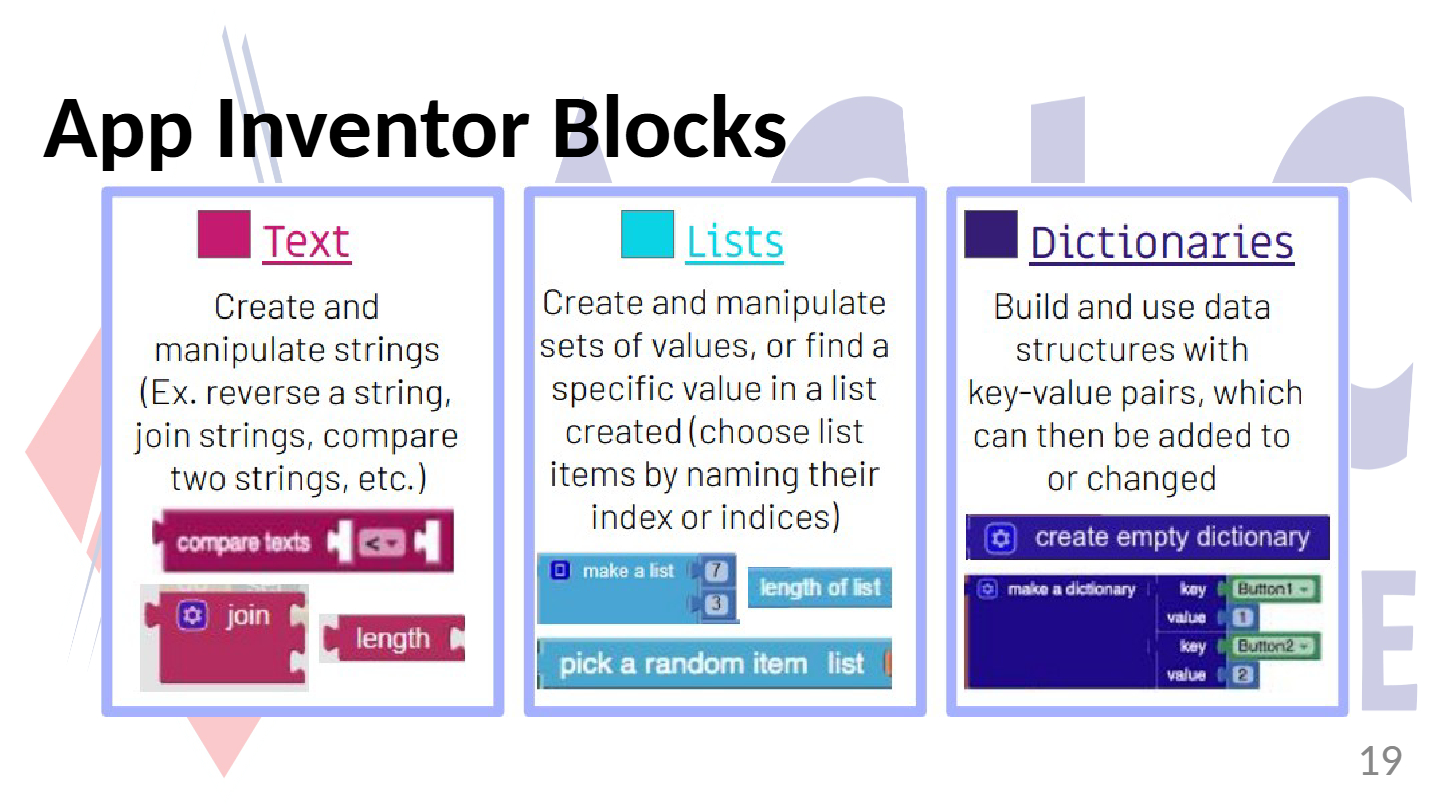
Multiple Choice
Which App Inventor block category allows you to build and use data structures with key-value pairs?
Lists
Text
Dictionaries
Variables
38
Fill in the Blanks
Type answer...
39
40
Open Ended
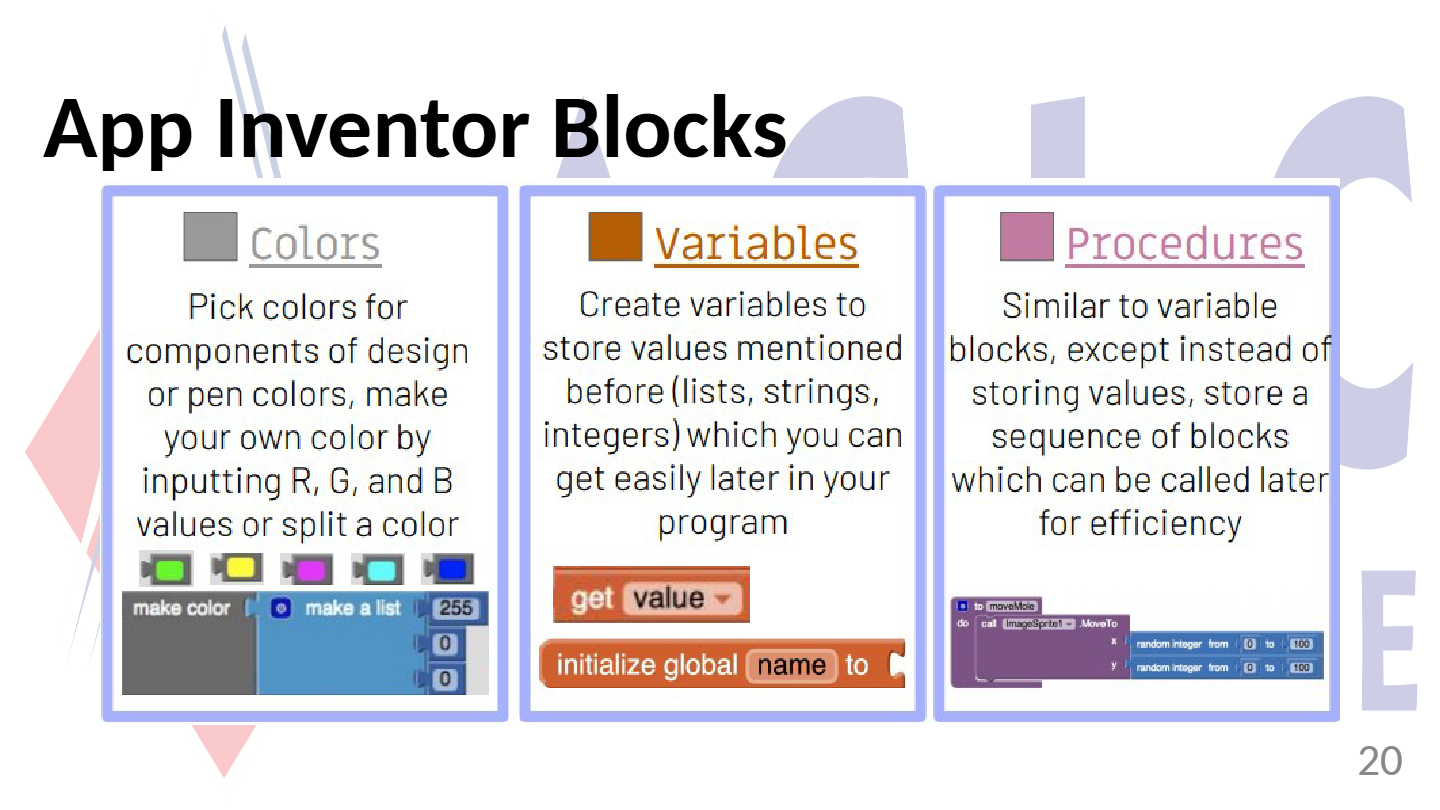
What is the main difference between the 'Variables' and 'Procedures' blocks in App Inventor?
41

42
Fill in the Blanks
Type answer...
43
Open Ended
Explain the difference between a variable block and a procedure block in App Inventor. Provide an example of when you might use each.
44
Multiple Choice
Which App Inventor block would you use to store a sequence of actions that can be called later for efficiency?
Colors
Variables
Procedures
Events
45
46

47
Multiple Choice
Which of the following is NOT a learning objective for the App Inventor session?
Describe App Inventor and its origin
Discuss capabilities and limitations of App Inventor
Appreciate App Inventor environment
Learn about Python programming
48
Open Ended
Reflecting on today's lesson, what aspect of App Inventor do you find most interesting or useful for creating applications?
Show answer
Auto Play
Slide 1 / 48
SLIDE
Similar Resources on Wayground

41 questions
L04 Equilibrium and Elasticity
Presentation
•
University
42 questions
Langley Tech Intro 2025
Presentation
•
Professional Development
44 questions
AVTC7_WRITING TASK 1_PIE CHARTS & MULTIPLE CHARTS
Presentation
•
University
40 questions
Chapter 6: SDLC
Presentation
•
University
42 questions
CYBER THINK QUEST
Presentation
•
University
40 questions
CHAPTER 4-BASIC HARDWARE III-OUTPUT DEVICES
Presentation
•
University
46 questions
DCS2101 - Week 9 (Queues)
Presentation
•
University
46 questions
Writing Essays - The development of a paragraph
Presentation
•
University
Popular Resources on Wayground
10 questions
HCS SCI 03 Summer School Review 4

Quiz
•
3rd Grade
11 questions
HSMS - Standard Response Protocol
Quiz
•
6th - 8th Grade
16 questions
1.1-1.2 Quiz Review
Quiz
•
9th - 12th Grade
12 questions
Exponent Expressions
Quiz
•
6th Grade
20 questions
Adding and Subtracting Integers
Quiz
•
6th - 7th Grade
11 questions
Northeast States
Quiz
•
3rd - 4th Grade
10 questions
Characterization
Quiz
•
3rd - 7th Grade
10 questions
Common Denominators
Quiz
•
5th Grade