
 Worksheets
File Management
Total questions: 15
Worksheet time: 8mins
If I cut and paste a file from the downloads to the desktop, the file will stay in both places.
True
False
If I delete a file from the desktop, is it permanently deleted?
Yes, it is gone forever
No, it goes to the recycle bin which empties it
No, it goes to the recycle bin and you have to empty the recycle bin
If you put a file in the recycle bin, can you retrieve it?
No, it is deleted forever
Yes, as long as the recycle bin hasn't been emptied
Yes, it stays in the recycle bin forever
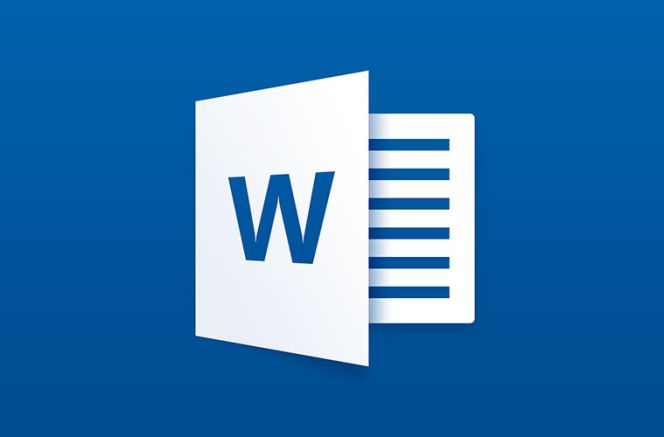
Which software has the following icon?
Microsoft Word
Microsoft PowerPoint
Google Docs
If I download a file from Google Drive, where does it go?
Desktop
Documents
Downloads
This PC
Would you use cut or copy to move a file or folder?
Cut
Copy
Would you use cut or copy to duplicate a file or folder somewhere else?
Cut
Copy
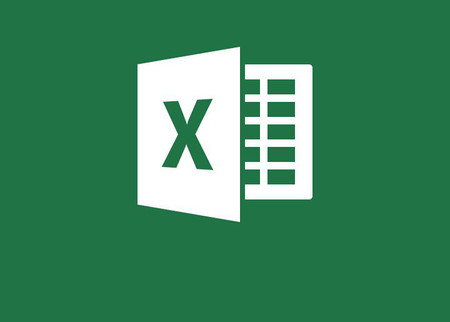
Which software has the following icon?
Microsoft Word
Microsoft Excel
Google Docs
What is Microsoft Excel used for?
Making documents
Presentations
Spreadsheets
Emails
If I work on a document in Microsoft Word, it saves automatically in Google Drive.
True
False
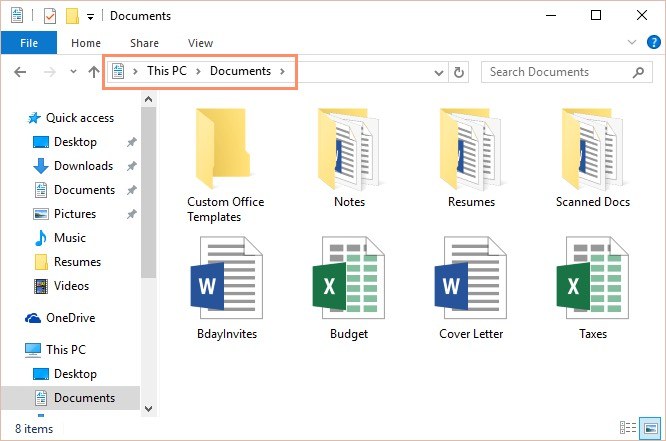
What is the difference between a file and a folder?
A folder is a document and a file where the documents are stored
A folder is where the documents are stored and a file is a document
Which is the biggest file size?
980 kb
300 gb
124 mb
Which is the smallest file size?
980 kb
300 gb
124 mb

What software does this icon belong to?
Chrome
Safari
Edge
If you "drag and drop", what does it mean?
To copy a file from the computer to Google Drive
To cut and paste a file from the computer to Google Drive
To delete a file from the computer
To delete a file from the Google Drive

