
 Worksheets
Direct Data Entry
Total questions: 55
Worksheet time: 26mins
... is a generally a surface that is flat and has a grid of buttons on it.
concept keyboard
virtual screen
hologram
AVR
On-screen keyboards are created by .... rather than being a .... device.
firmware,software
hardware,software
software,hardware
software, virtual
....keyboard is similar to a normal keyboard,but the keys are not keys that are physically pressed down.
automatic
on-screen
hi-tech
An input device that is used to control a pointer or a cursor on a screen.
Pointer
Mouse
Display
Cables
Show the other alternative pointing devices
sccreen,scanner
trackball, foot mouse
trackball, phone
sensors,trackball
Which type of scanners can be used to scan a physical document,like printed image or a text document, from a flat surface?
virtual
2D
3D
By what scanner works into the surface of a document?
electromagnetic signal
shining light
ultrasignals
camera lenses
A process where scanned marks on a page are automatically converted to inputs.
OCR
OMR
CAD
AVR
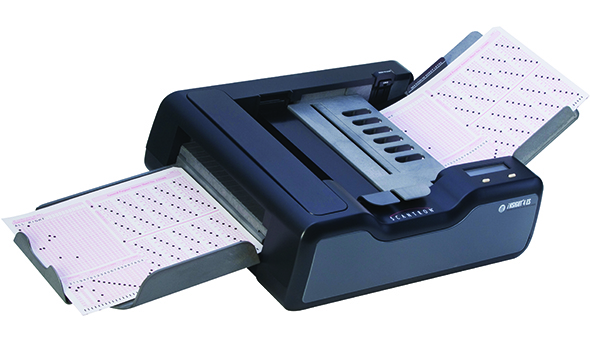
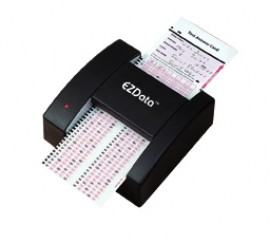
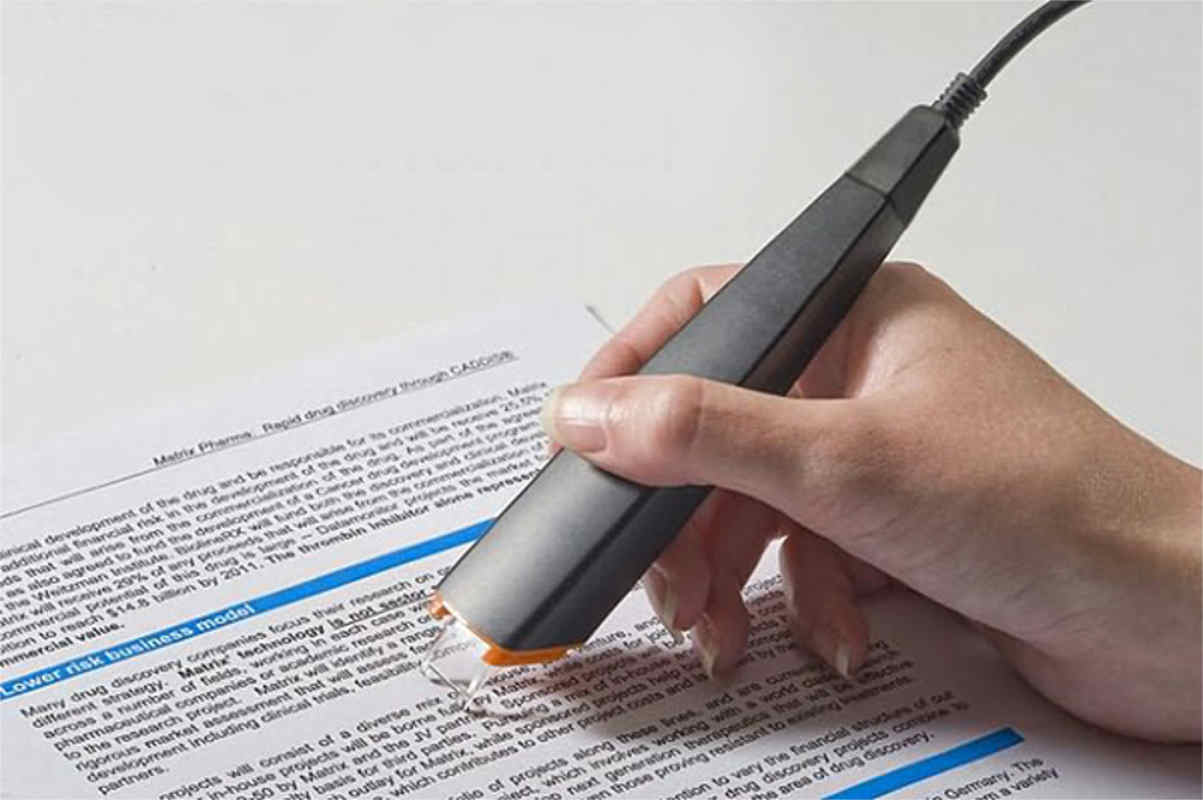


This can be used to record videos and photos. Also the data is stored in digital memory.
Webcams
Video camera
Digital camera
Film camera
A device used to select commands for people with restricted arm movements
Mouse
Tracker ball
Joystick
Driving wheel
An input device which the user can use to type in numbers into a computer.
QWERTY keyboard
Concept keyboard
Ergonomic keyboard
Numeric keypad
A device that inputs moving images into a computer which is mainly used for video conferencing.
Digital camera
Video camera
Web cam
Film camera
A mouse,touch-pad, and a trackball are all examples of:
Scanning Device
Voice-Input Devices
Pointing Device
Output Device
A pen shaped device which can sense light, and is used to point at spots on a screen.
Light pen
Tracker ball
Mouse
Joystick
Allows users to input commands into the computer by pressing on buttons.
Touch screen
ergonomic keyboard
Steering wheel
Remote control
Used to enter information on papers into a computer
Printer
Scanner
QWERTY keyboard
Touchpad
A form of input that does not require data to be keyed by someone sitting at a keyboard.
Direct Entry
Keyboard Entry
Both Direct and Keyboard Entry
None of the two


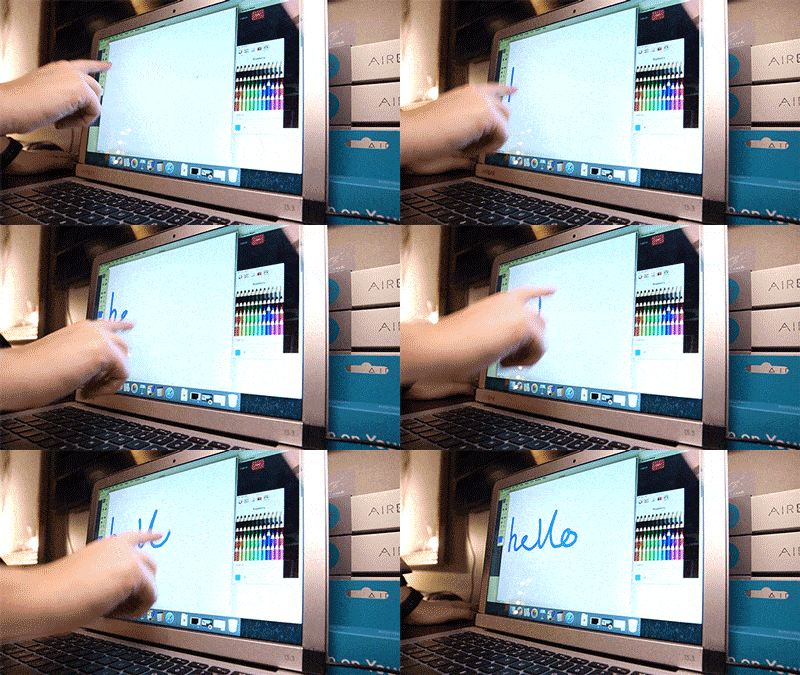
Is it an input or output device?
Input
Output
Input and Output
I don't know
Data that has been processed into useful form called information
Input
Output
ALU
CPU
Any hardware component that allows you to enter data, programs, commands, and user responses into a computer
Input device
Input operation
Output device
Output operation
An operation by which the data that have been processed is prompt out to user via output devices
Input device
Input operation
Output device
Output operation
Data represented as either yes/no or true/false is called...
Digital
Analog
Input
Output
Data that ranges on a continuous scale is called...
Analog
Sensor
Digital
Output

Drawbacks of a trackball
May take some getting used to
Can only be used on CAD software
Really heavy
Requires space to operate

Drawbacks of a mouse
Needs a wire
Requires a flat surface
Expensive
Requires space to operate
Drawbacks of a trackball
May take some getting used to
Can only be used on CAD software
Really heavy
Requires space to operate

Drawbacks of a keyboard
Expensive
A slow way to enter lots of data if not a trained typist
Mistakes can be made if not careful
Not as tasty as a KFC
Benefits of a keyboard
Looks good
Simple and easy to use
Potentially a fast way to enter data

Benefits of a concept keyboard
Reduces the training required as they are easy to use
Ideal when options/choices are few
May speed up data entry
Look great
Drawbacks of a concept keyboard
Not suitable for large amount of options/choices
Not suitable for all tasks
Take a long time to learn
Slow way to enter choices

Benefits of a microphone
Allows disabled users to give instructions to a computer
Enables the use speech recognition software
Allows voice calls and the audio in video calls
Makes your voice louder so more people can hear it
Drawbacks of a microphone
Speech recognition accuracy can sometimes be hit and miss
Needs a cable
Always expensive
Makes your voice louder so more people can hear it

Applications of a concept keyboard
Used in everyday computing to enter text and commands.
Used by disabled people with limited motor skills
Used in everyday computing to control the pointer in GUIs.
Cashier tills, e.g. fast food restaurant

Applications of a microphone
Mobile phones, laptops and tablets
VOIP and video calls
Used in everyday computing to control the pointer in GUIs.
Voice recognition systems
A mouse works by:
Rotating a stationary ball to adjust the pointer on a screen
Tracking the movement of a laser or LED light across a flat surface
Pressing keys down to generate different binary inputs
Turning analogue sound vibrations into electrical signals

