
 Worksheets
Scratch
Total questions: 10
Worksheet time: 5mins
Name
Class
Date
1.
choose the sprite.
a)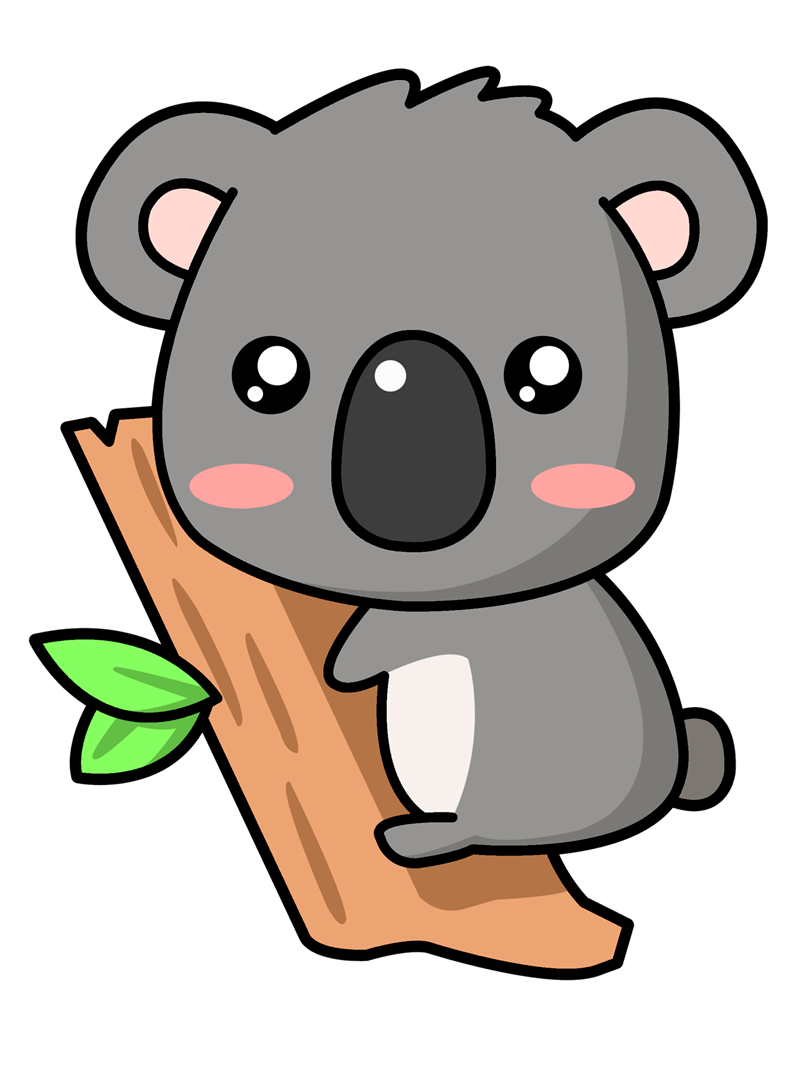
b)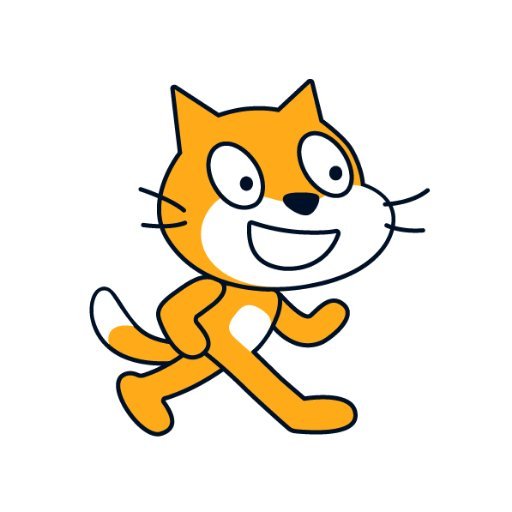
c)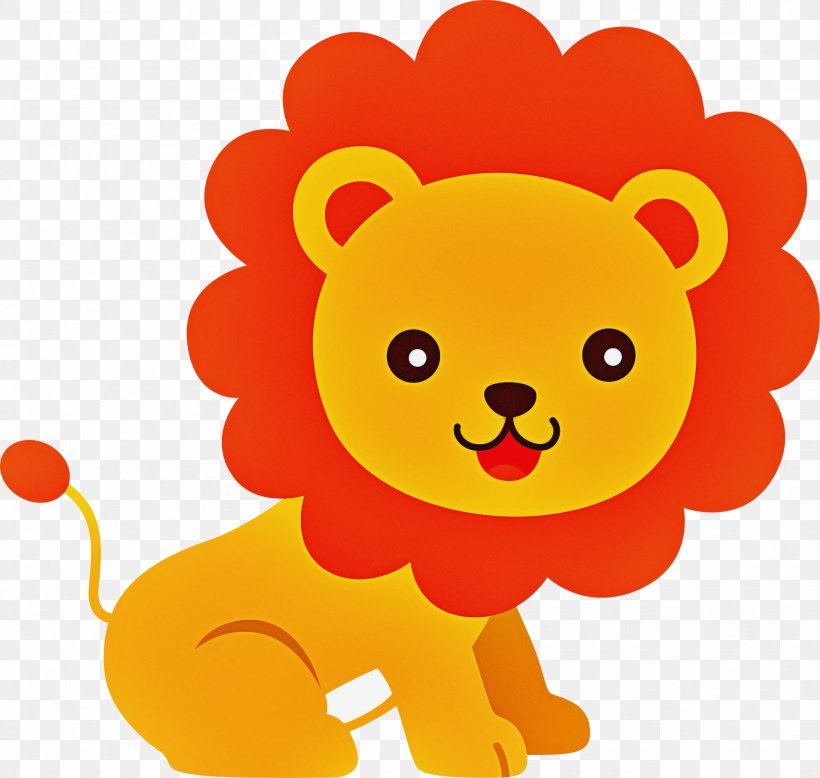
d)
2.

What happens when we click this?
a)
Nothing happens
b)
The scene stops
c)
We can change the sprite
d)
The scene starts
3.
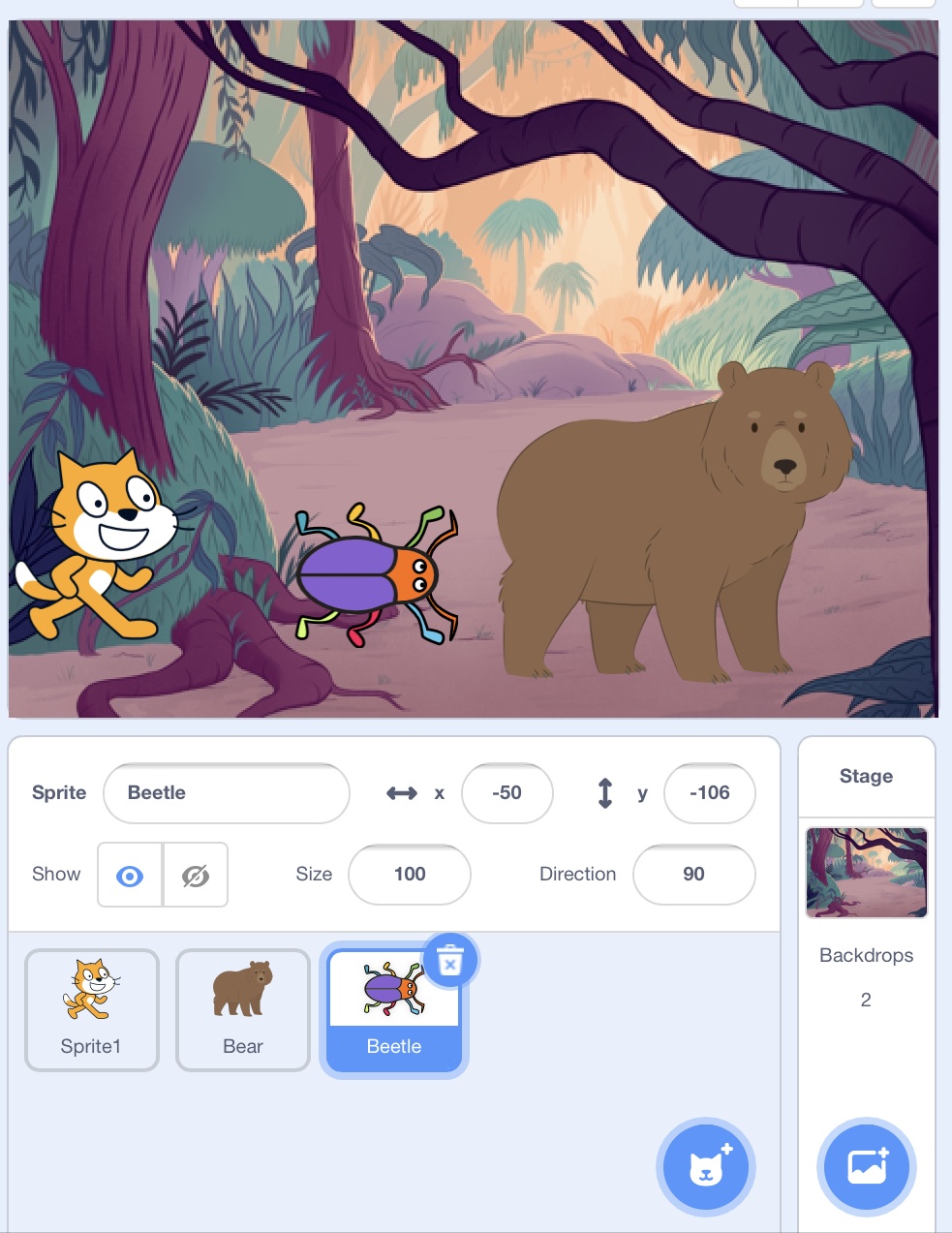
You can change the backdrop in Scratch.
a)
true
b)
false
4.
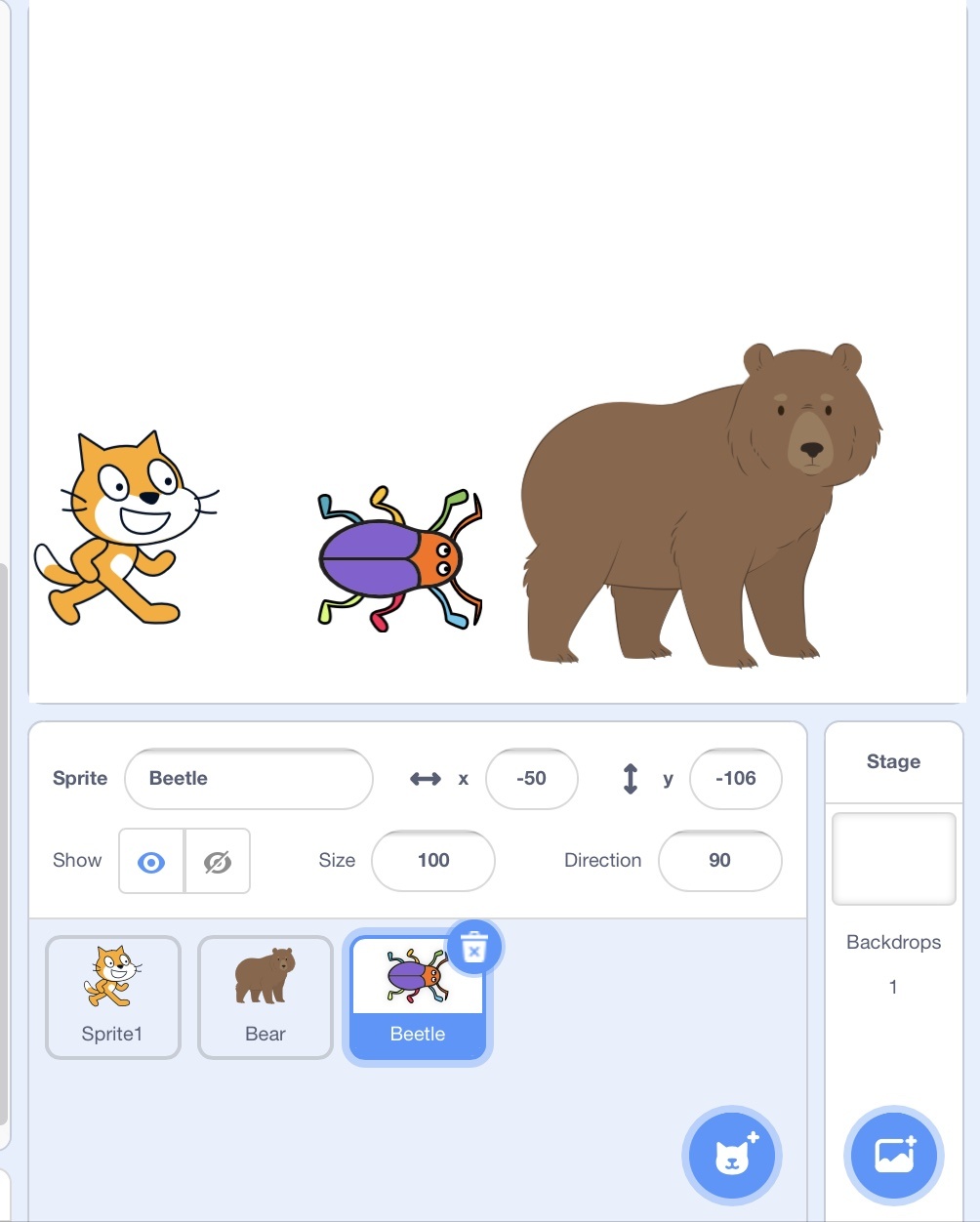
To add more sprite (character) which button should you click?
a)
b)
c)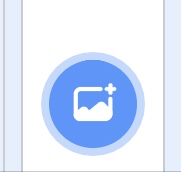
5.
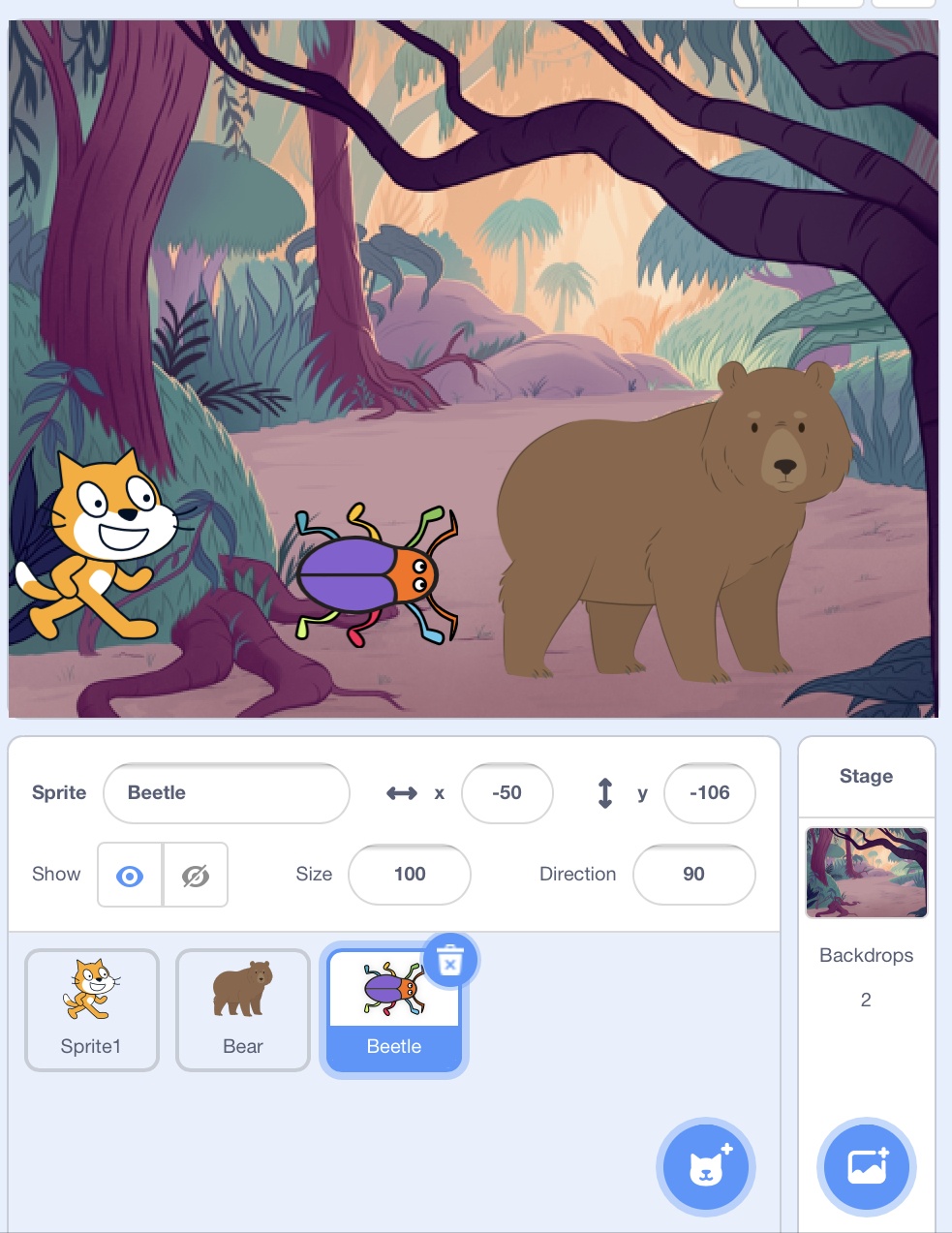
Which icon should you click to change Scratch backdrop
a)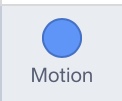
b)
c)
6.
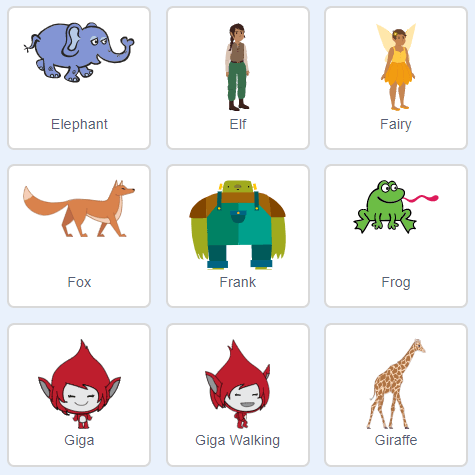
What is the name of this part of Sratch?
a)
Sprites
b)
Backdrop
c)
Costume
d)
Blocks
7.
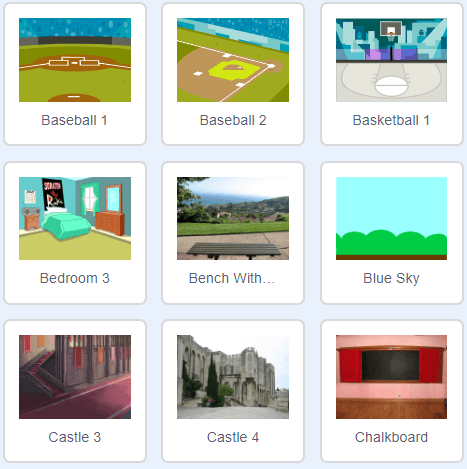
What is the name of this in Scratch?
a)
Costumes
b)
Code
c)
Script
d)
Backdrop
8.
What colour blocks is used to make Sprite move (motion)?
a)
Blue
b)
Green
c)
Yellow
d)
Red
9.
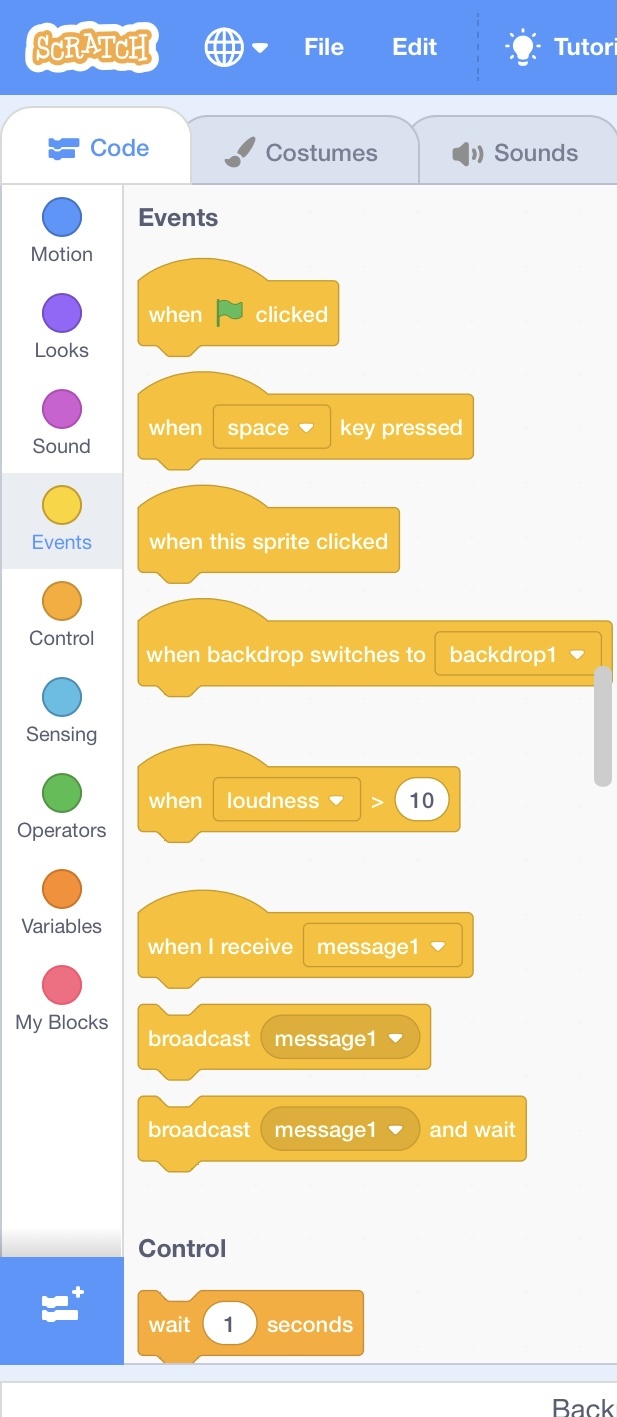
What colour blocks allow the code to start move (event)?
a)
Blue
b)
Green
c)
Yellow
d)
Red
10.
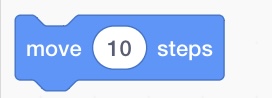
What happen to sprite if you use this block?
a)
Sprite will jump
b)
Sprite will move 10 steps
c)
Sprite will change colour
d)
Sprite will say hello
100 %

