
 Worksheets
Soundtrap review
Total questions: 15
Worksheet time: 8mins

What is Soundtrap?
A computer
An online music making website
A computer game
A radio

How do you add a loop?
Click the blue circle on the right
Click "Add Instrument"
Click the purple Ti-Ti on the right
Click delete

I add contrasting sections to make my music interesting
True
False

What is layering?
Putting loops on top of each other
Loops that are next to each other
A blue loop
Loops that are 5 seconds long

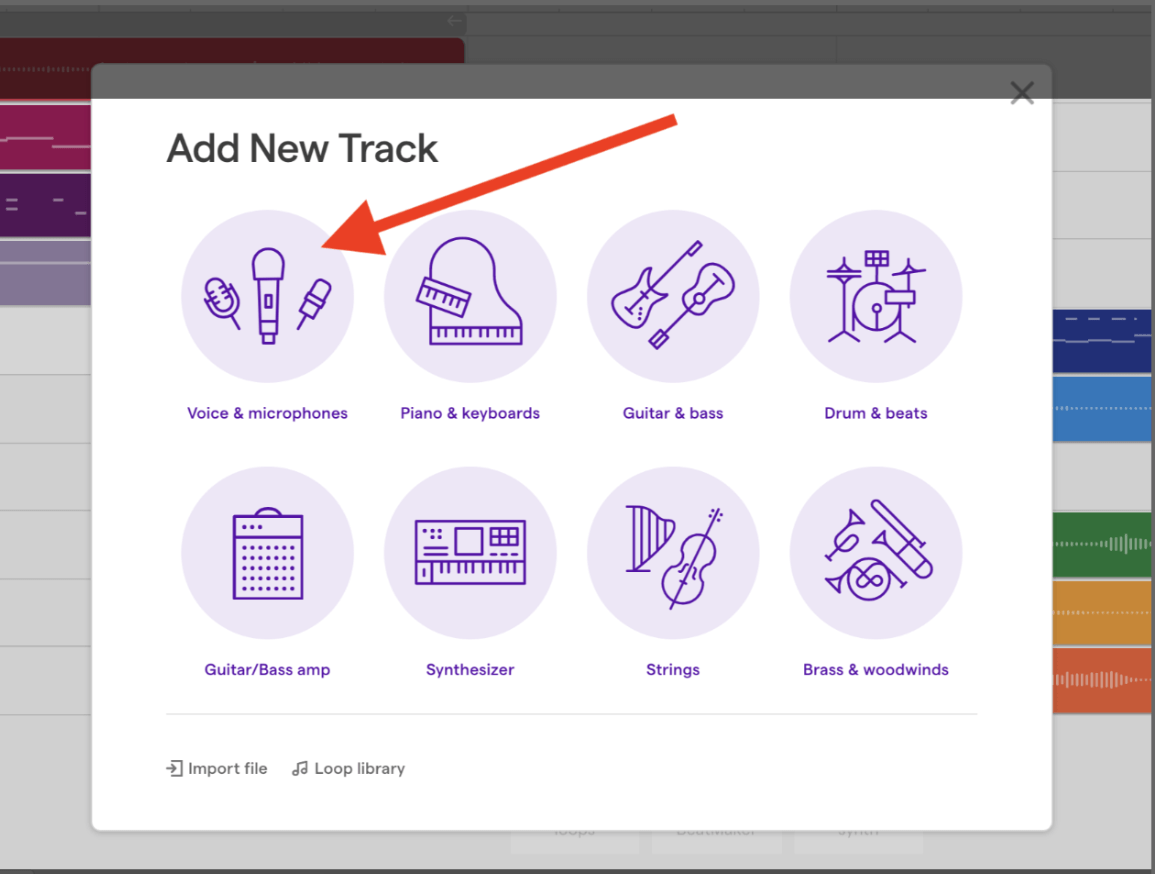
How do you add a vocal track?

Choose all of the string instruments.
Bass
Drums
Flute
Violin

What does SFX mean in Soundtrap?
Sound FluteX
Soundtrap
Nothing
Sound effects

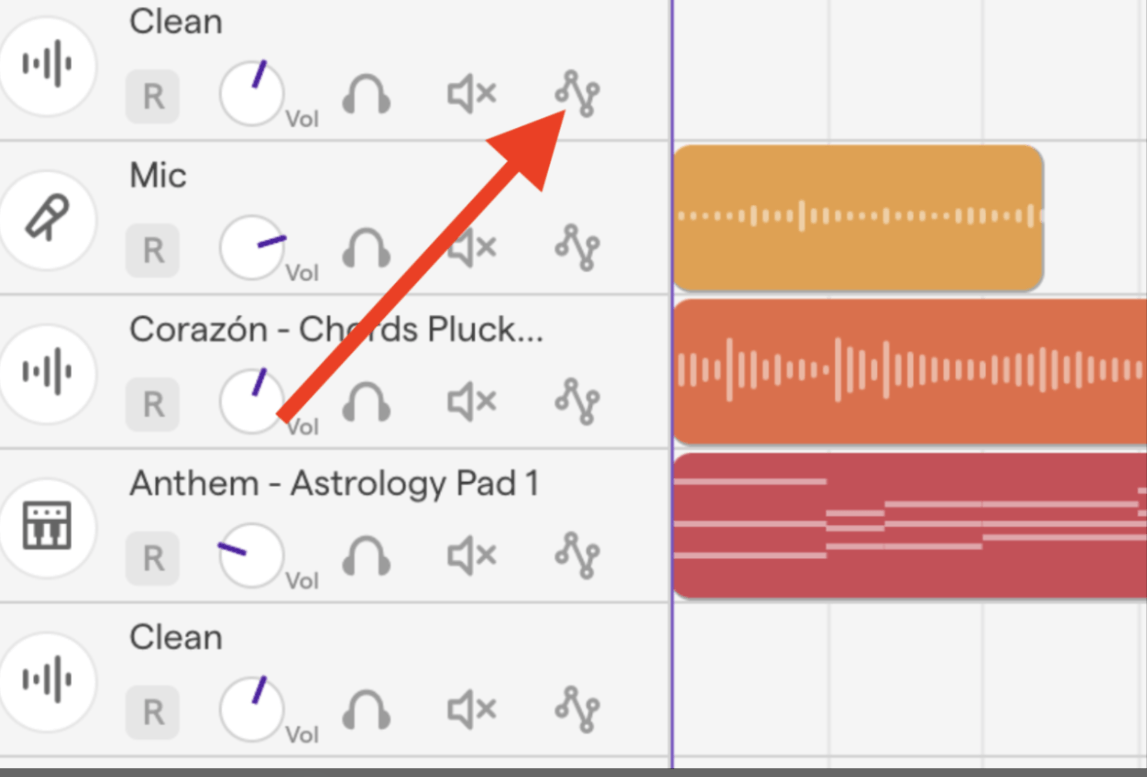
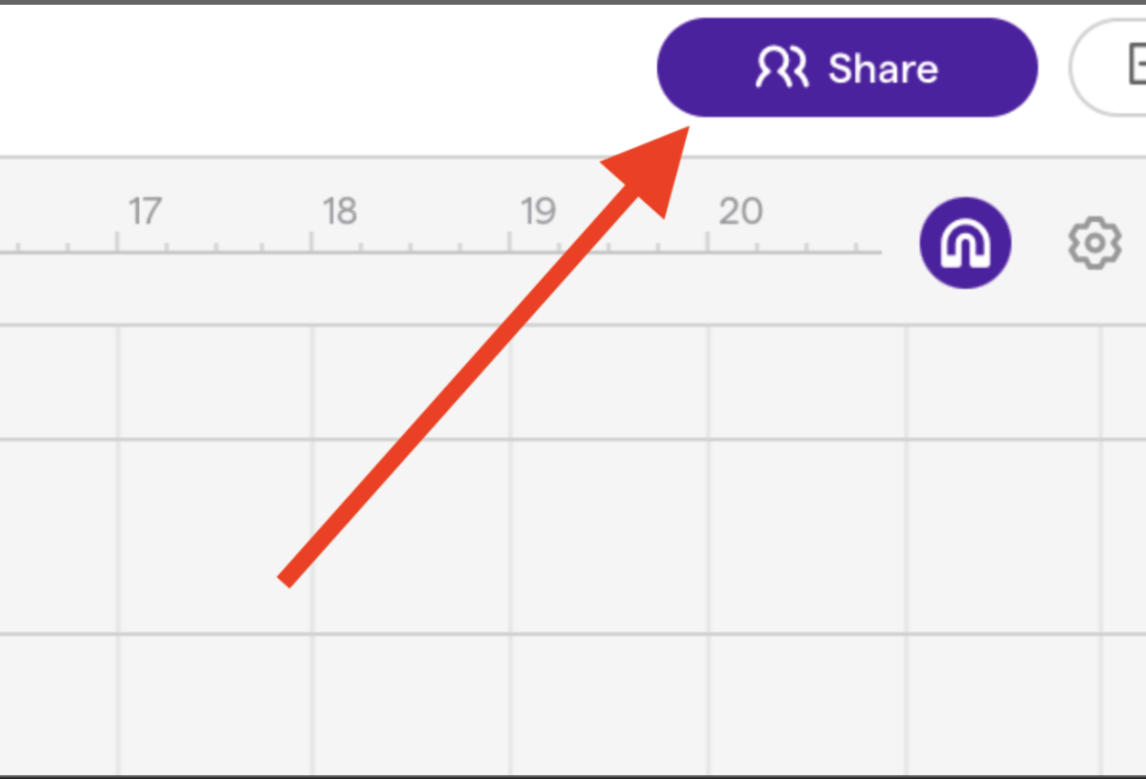
Click here to.....
Adjust the volume
Collaborate with a friend
Mutes (stops) the track sound
Share your work

Press this black button to Record
True
False

You can stretch loops to make them last longer.
True
False

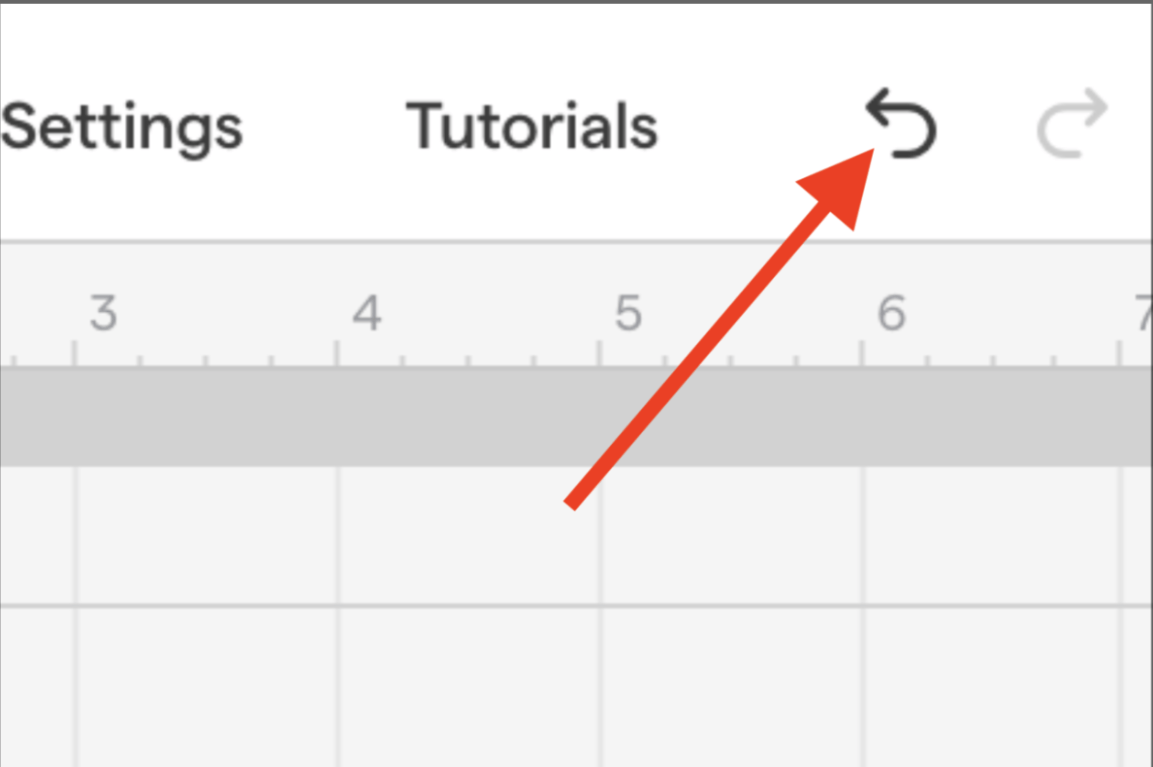
Press here to......
Record your voice
Find a loop
Change the tempo
Go to the monument

What do you press when you only want to hear one track of your music?


You can use your laptop keyboard to play digital instruments
True
False

You can share your Soundtrap with other people
True
False

How do you get rid of the purple loop bar lock?
You can't
Click on the purple hook next to the Ti-Ti
You click on the purple bar
Jump up and down

