
 Worksheets
Scratch week1 - 7/8
Total questions: 15
Worksheet time: 5mins

Scratch is
A programming language
An animation
A Computer system
a website

To program in the Scratch language you snap together
Code Blocks
Links
Memory
Sprites

What do we call the area where all the action happens when the project starts?
The sprites
The costumes
The coding
The stage

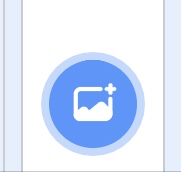
To change the way the stage looks, you can add a new
Sprite Costume
Backdrop
Blocks Pallette
List
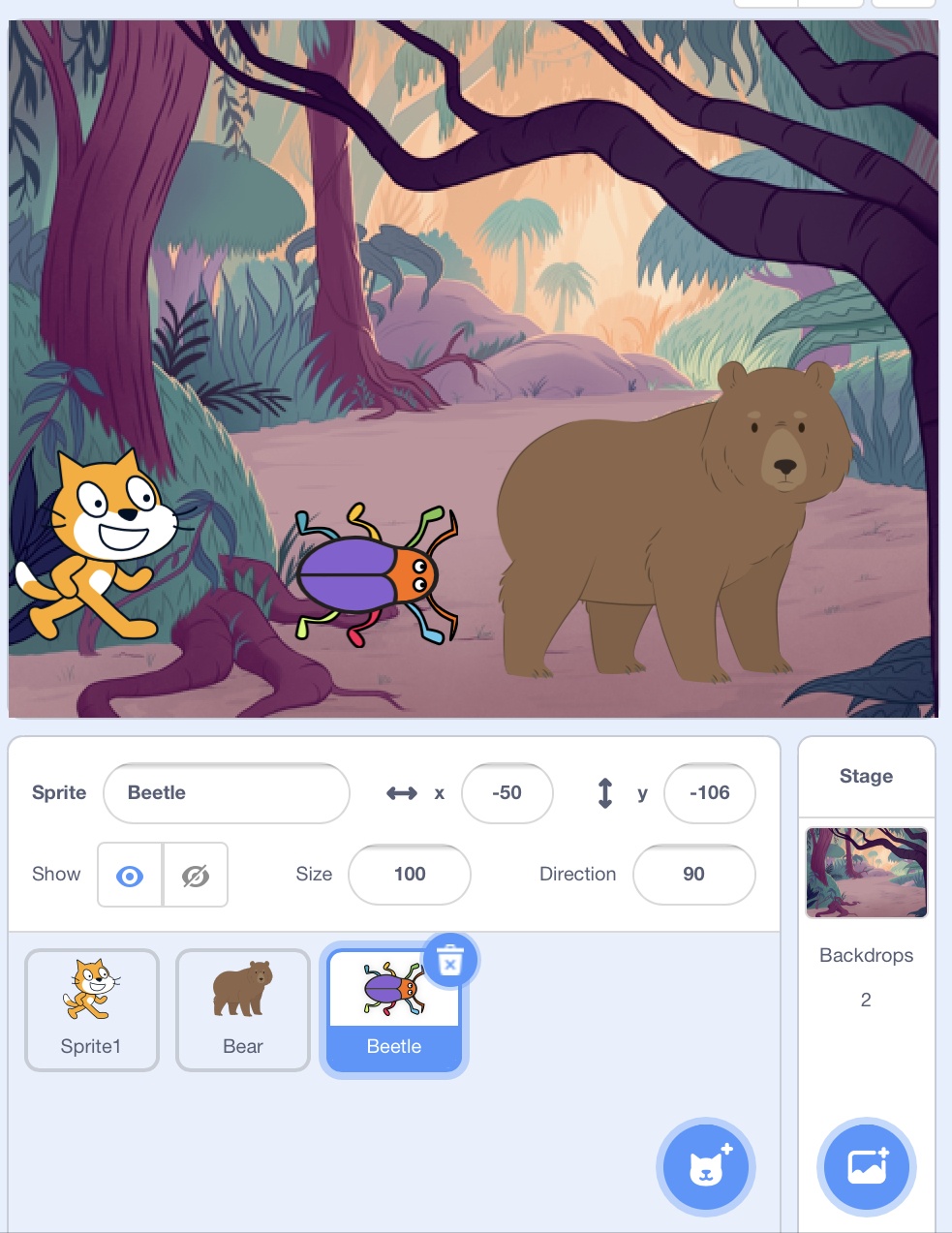
Which icon should you click to change the Scratch backdrop


What do you call the characters or objects that you can program in Scratch?
Sprites
Scripts
Scratch Cats
Codes
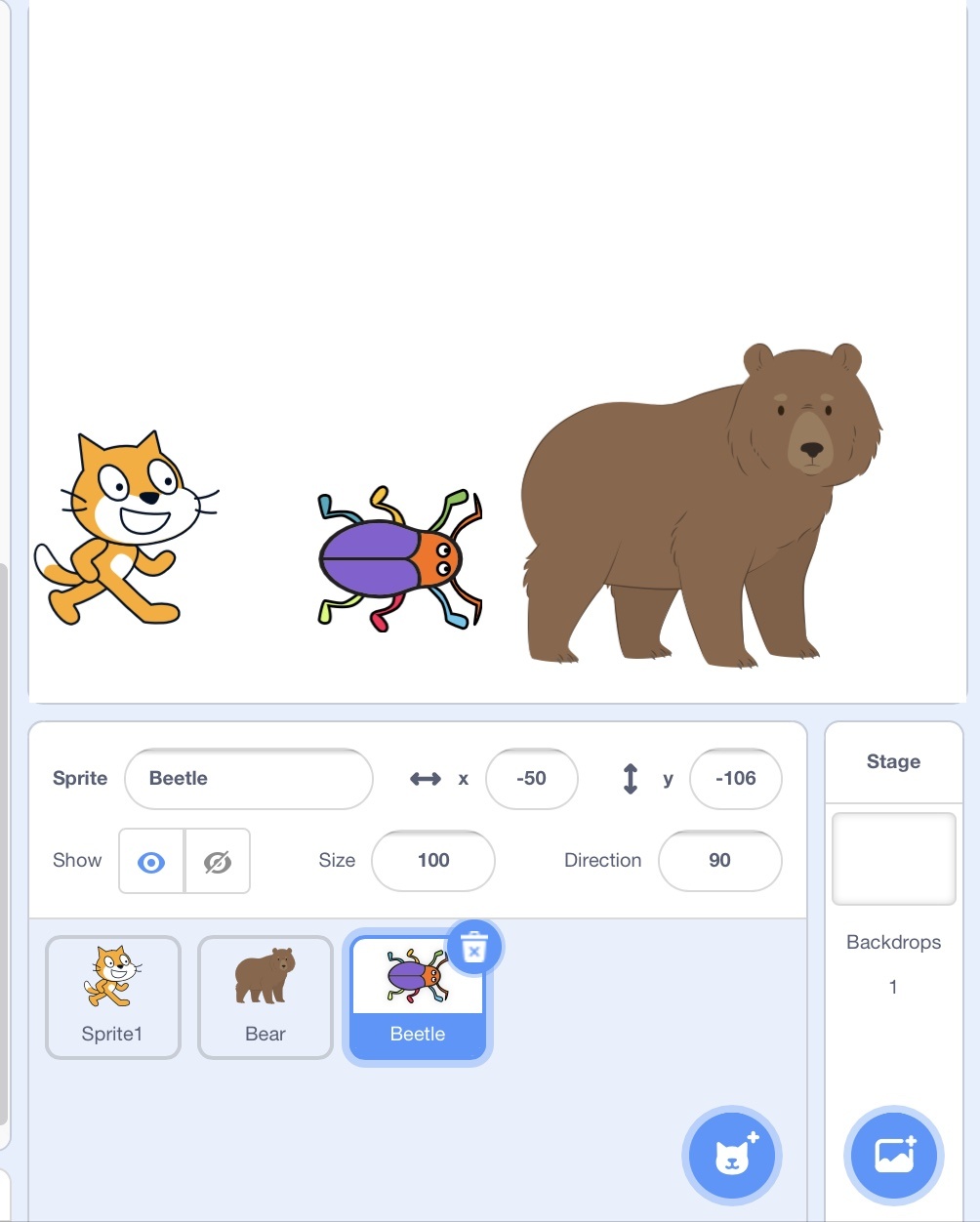
To add a new Sprite which button should you click?

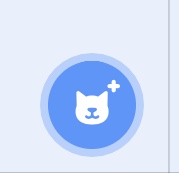


A costume is
A code block to move a sprite
a new sprite
A different way a sprite can look
A sound effect

A sequence of Scratch blocks, always beginning with an Event block, is referred to as a
Sprite
Script
Scratch
Block code

What block CATEGORY will you use to have the sprite say something in a speech bubble?
Looks
Sounds
Pen
Motion
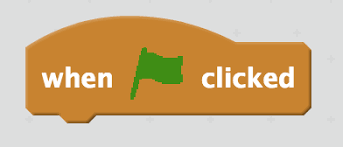
The when Green Flag clicked block is an example of
A Control
An Algorithm
An Event
A Variable

Which group of blocks include the "Change Color Effect" block?
Sound
Looks
Control
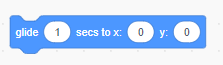
Which group of blocks include the "Glide" block?
Motion
Looks
Control
Events
In this Glide block, what do the X and Y numbers represent?
The size of the sprite
Time
The location of the sprite on the stage
Which direction the sprite is facing
Before you turn in the link to your Scratch project, what do you need to click?



