
 Worksheets
Computer Class ACS
Total questions: 30
Worksheet time: 27mins

Name the computer hardware shown.
CPU and Internal Hard Drive
Mouse
Monitor
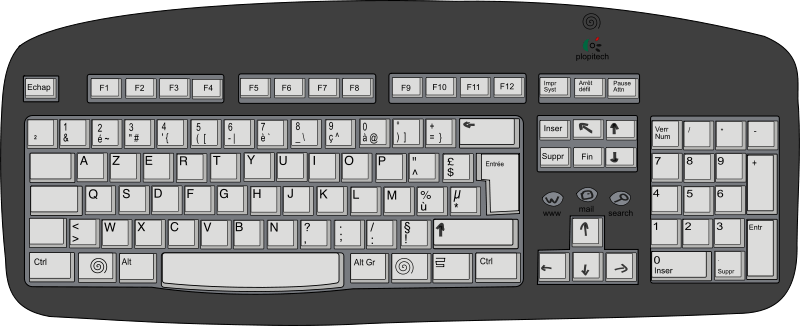
Which of the following spelling is correct
Keyboard
Keybord
Keysboard
A computer is an………..machine
electronic
mechanic

Which Computer System is shown above?
Laptop
Tablet

Name this type of computer system.
Desktop
Laptop

What am I?
Laptop
Desktop
Tablet
Computer is a
machine
device
hardware
software


What does this button do?
Restarts your computer
Gives you lots of candy
Turns the power completely off/on
Turns off/on just the screen
How should you sit at a computer?
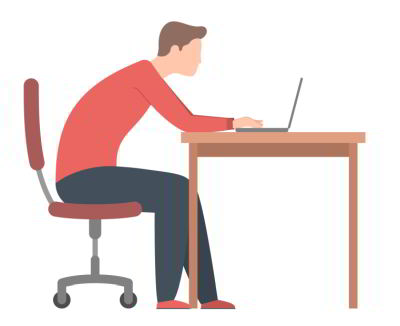
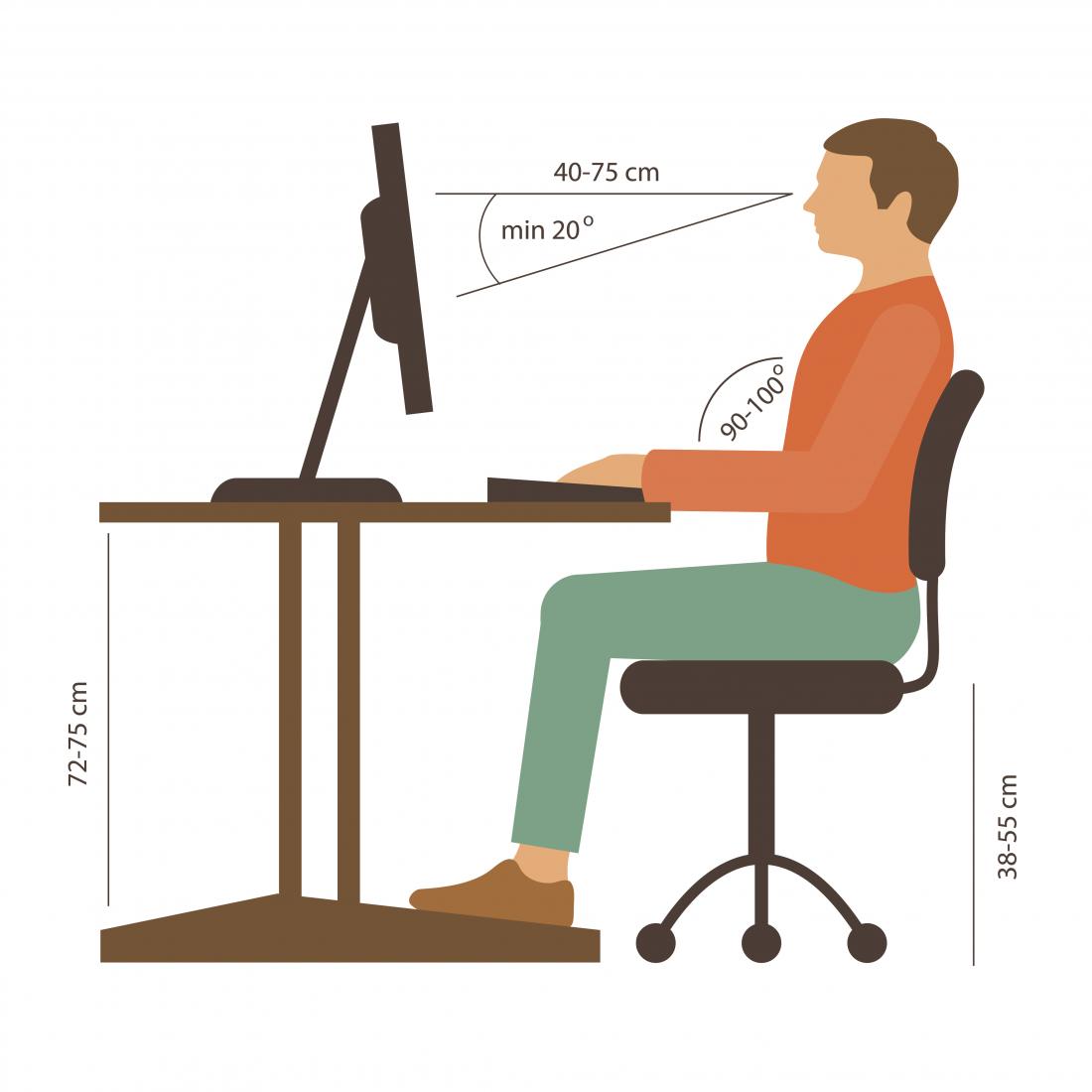

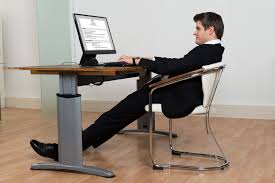
Which is called the brain of computer
Mouse
CPU
Small pictures on the window desktop are called
Icons
File
What is the full form of CPU?
Central Processing Unit
control Processing unit
choose processing unit
create processing unit
What is the shortcut of copy?
Ctrl+c
Ctrl+v
Ctrl+x
Ctrl+a
What is the shortcut of paste?
Ctrl+n
Ctrl+v
Ctrl+y
ctrl+p
I am the longest key on the keyboard. Which Key am I?
Shift
Caps Lock
Space bar
Num lock

Who am I?
Ball
Game
Start button
Earth
A _____ is a personal computer that can easily moved and used in a variety of locations.
Desktop Computer
Laptop

Name this Icon
MS Word
MS Excel
MS PowerPoint
MS Access


What is the meaning of this symbol?
WiFi
Power
Font
Upload
When I want to mute a device, which symbol should I choose?


If I want to open a Google Doc, I should click on which symbol?


What is the icon?
Internet Exlporer
Google Chrome
Mozilla Firefox
Safari

