
 Worksheets
KS3 EOU Hardware Test
Total questions: 79
Worksheet time: 40mins
A device that inputs moving images into a computer which is mainly used for video conferencing.
Digital camera
Video camera
Web cam
Film camera
Input device for sound data
Scanner
Voice control
Voice recognition
Microphone


What is an output device?
It is something you don't connect to a computer that has information sent to it.
It is something you connect to a computer that sends information into the computer.
It is something you connect to a computer that has information sent to it.
It is somebody you connect to a computer that sends information into the computer.

Choose the output devices.
monitor, printer, mouse
monitor, printer, keyboard
monitor, printer, speakers
mouse, keyboard, smartboard
Fires ink into the page
Laser Printer
Inkjet Printer
3D Printer
The most common types of outputs are soft copy and hard copy. Which of the following device DOES NOT produce soft copy?
Monitor
Printer
Projector
Speakers

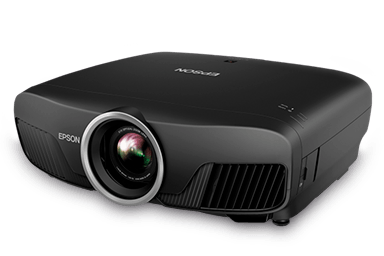
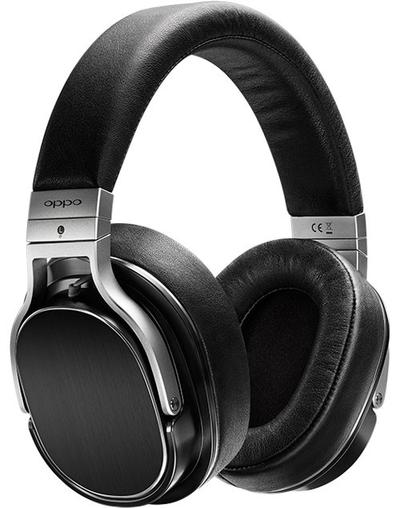

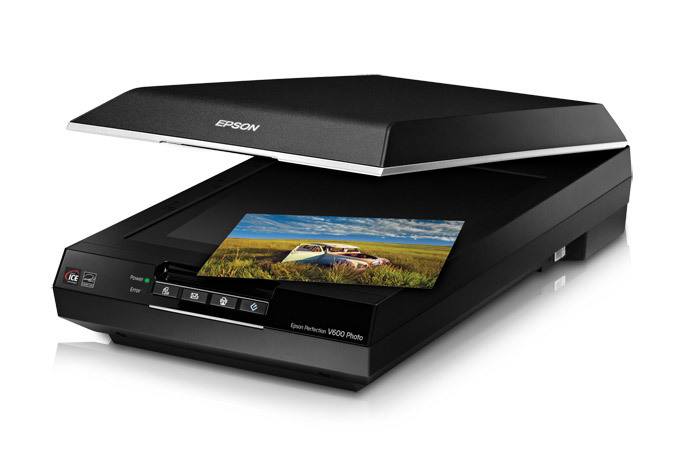


Which of these is a Hard Disk Drive (HDD)?


Which of these are magnetic storage devices?


Solid state storage has no moving parts?
True
False
Which type of storage uses a laser?
Magnetic
Optical
Solid State
Which of the following storage devices is most suitable for use in mobile devices?
Cloud
Magnetic
Solid State
Optical
Which of the following is most commonly found in PCs?
Solid State Storage
Magnetic Storage
Cloud Storage
Optical Storage

What is a storage device?
A device use for calculating data
A device used to store data temporarily
A device used to supply power to the computer
A device used to store data permanently
A CD has one long track on it full of ...
Grooves and pot holes
Pits and Lands
Bumps and Dots
Dots and Grooves
The CPU fetches instructions from.... and executes those instructions.
Memory
ALU
ROM
Input Device
The control unit in the CPU does what?
Sets the speed of the operations
controls the input and output of data so it goes to the right place
Controls and monitors the input and output devices
Controls the ALU
The ALU is found inside the CPU True or False?
True
False
What does volatile mean for a computers memory
Data and instructions remain stored even when the computer is switched off
Data and instructions may cause the computer to crash
Data and instructions are lost when the computer is switched off
What is 'cache'?
It stores program operations and data while a program is being executed
It executes programs using the fetch-decode-execute cycle
It is a small amount of memory which is a part of the CPU


A: 3 GHz Quad Core CPU
B: 3 GHz Duel Core CPU
RAM is Fast temporary memory


What are the functions of motherboard?
Connects all the devices and components attached.
Prints the graphics
Provides connectors for other peripherals.
Saves the data into permanent storage.
Where might a light sensor be used?
Car Lights
A Green House
Street Lights
Where might a proximity sensor be used?
A Car
A House
A Shop
A Green House
Where might a Humidity sensor be used?
A Shop
A Green House
A Car
A Mobile Phone
Which sensor measures weight?
Light Sensor
Pressure Sensor
Motion Sensor
Proximity Sensor
Which sensor measures the distance between itself and and object?
Motion Sensor
Pressure Sensor
Light Sensor
Proximity Sensor
Works with little to no human contact:
Sequence
Automatic
Sensor
Process
Automatic doors would use a:
Motion Sensor
Light Sensor
Temperature Sensor
Moisture Sensors
A Temperature Sensor Measures:
The Light (UV)
The Pressure (Weight)
The Temperature (Hot/Cold)
Motion (Movement)
These sensors are used in the greenhouse except ..
Temperature
Humidity
Sound
Light
A sensor is:
Something that detects a change
Something creates a change
Something that humans have
Something that monitors an input
Works with little to no human contact:
Sequence
Automatic
Sensor
Process
Automatic doors would use a:
Motion Sensor
Light Sensor
Temperature Sensor
Moisture Sensors
A Fridge would use a:
Motion Sensor
Pressure Sensor
Temperature Sensor
Light Sensor
True or False, Embedded Systems use Microprocessors to control specific functions relating to the device they are installed on?
True
False
How many of the following are examples of Embedded Systems?
Mobile Phone
Washing Machine
Microwave
Fridge
Laptop
How many of the following are not examples of Embedded Systems?
Mobile Phone
Washing Machine
Microwave
Fridge
Laptop
True or False, all embedded systems need an operating system to enable them to function correctly?
True
False
What will a thermostat sensor detect?
Heat
Light
Pressure
Movement
What sensor would an automatic door use?
Heat
Light
Pressure
Movement
What sensor would a keyboard use?
Heat
Light
Pressure
Movement
What sensor would a security system use?
Heat
Light
Pressure
Movement
Which of the following are examples of the advantages of using Embedded Systems?
They make devices easier to use
They speed the processes a device can perform
It creates a more reliable device
It enhances the usability of the device
What is the name given to the Embedded Systems that can connect to the Internet to help control their functionality such as a Hive Door Bell.
Clever Devices
Smart Devices
Intelligent devices
Brainy Devices

