wayground logo

Free Printable Worksheets

Font size

S
M
L
XL
Worksheets

Bedir Grade 5 ICT

Total questions: 68

Worksheet time: 43mins

Name
Class
Date
1.

What is ICT?

a)

Integrating communication technologhy

b)

Information Communication technology

c)

Information Connecting Technology

d)

Information communication technique

2.

What browser is this the icon of?

a)

Internet Explorer

b)

Mozilla Firefox

c)

Google Chrome

d)

Safari

3.

What part of the computer is this?

a)

Screen

b)

Desktop

c)

TV

d)

Monitor

4.

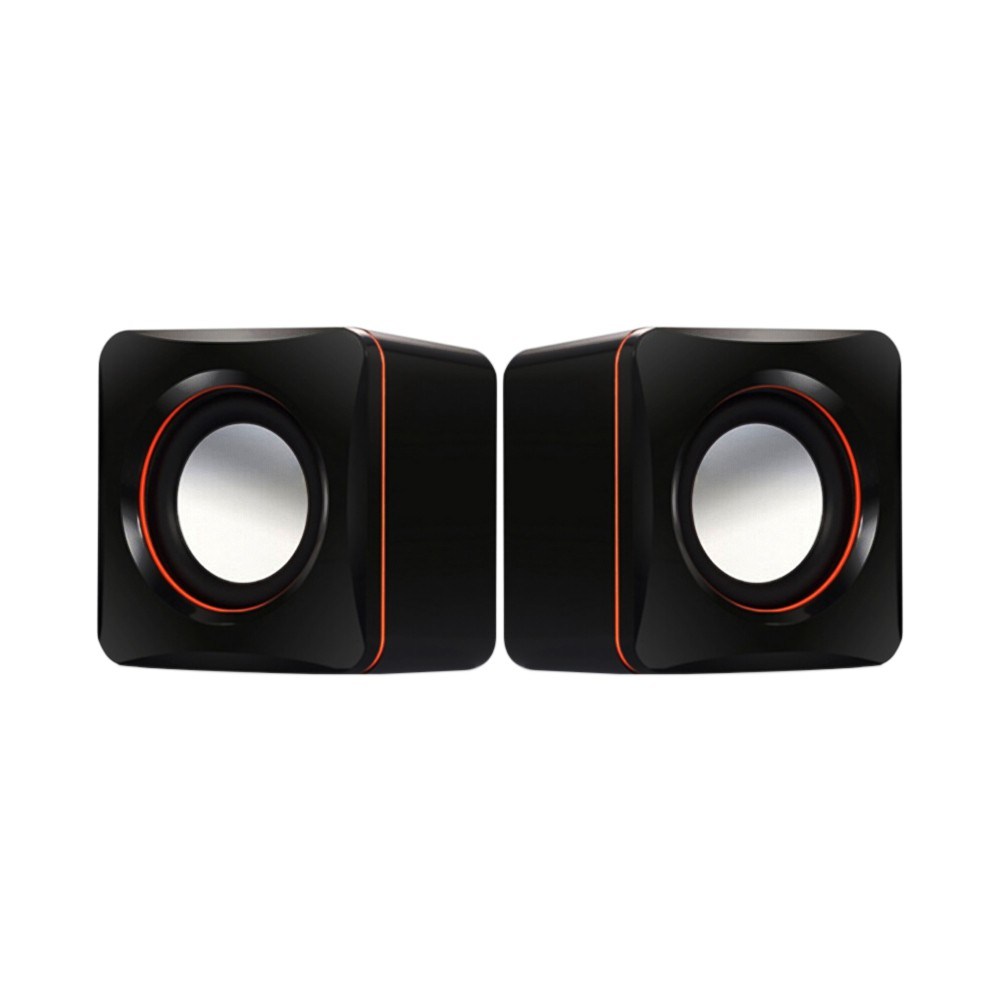
What is your favorite game ?

4 lines
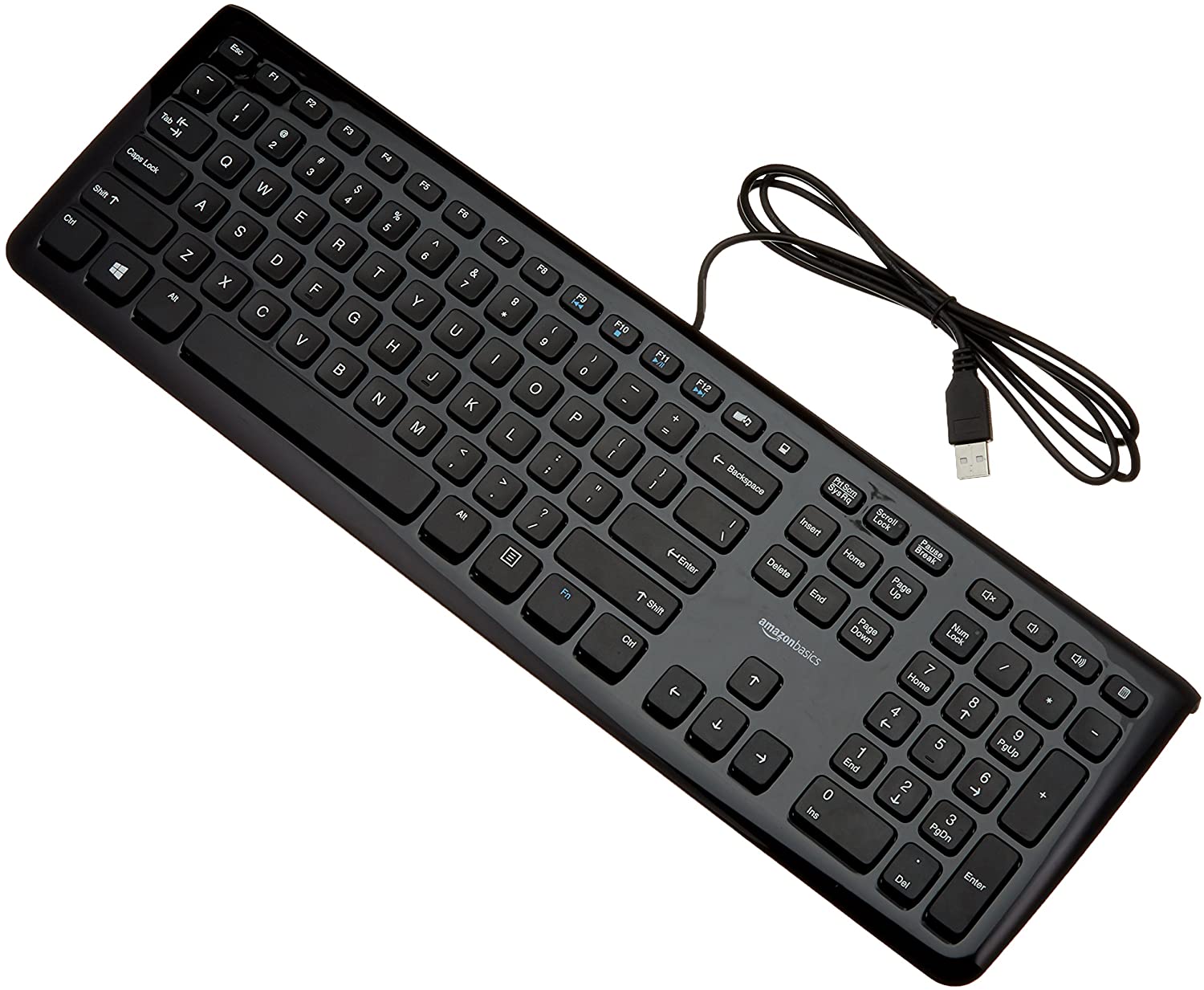
5.

What can you do with computer ?

a)

Playing games

b)

Cooking

c)

Send emails

d)

Writing

6.

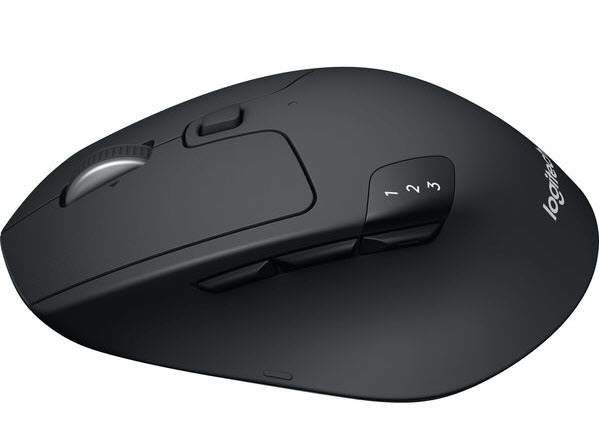
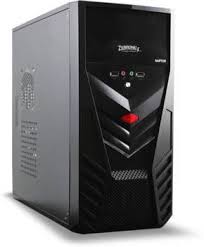
Which of the picture below is a mouse ?
a)
b)
c)
d)
7.

What icon is this?

a)

Basket

b)

Container

c)

Recycle Bin

d)

Trash Can

8.

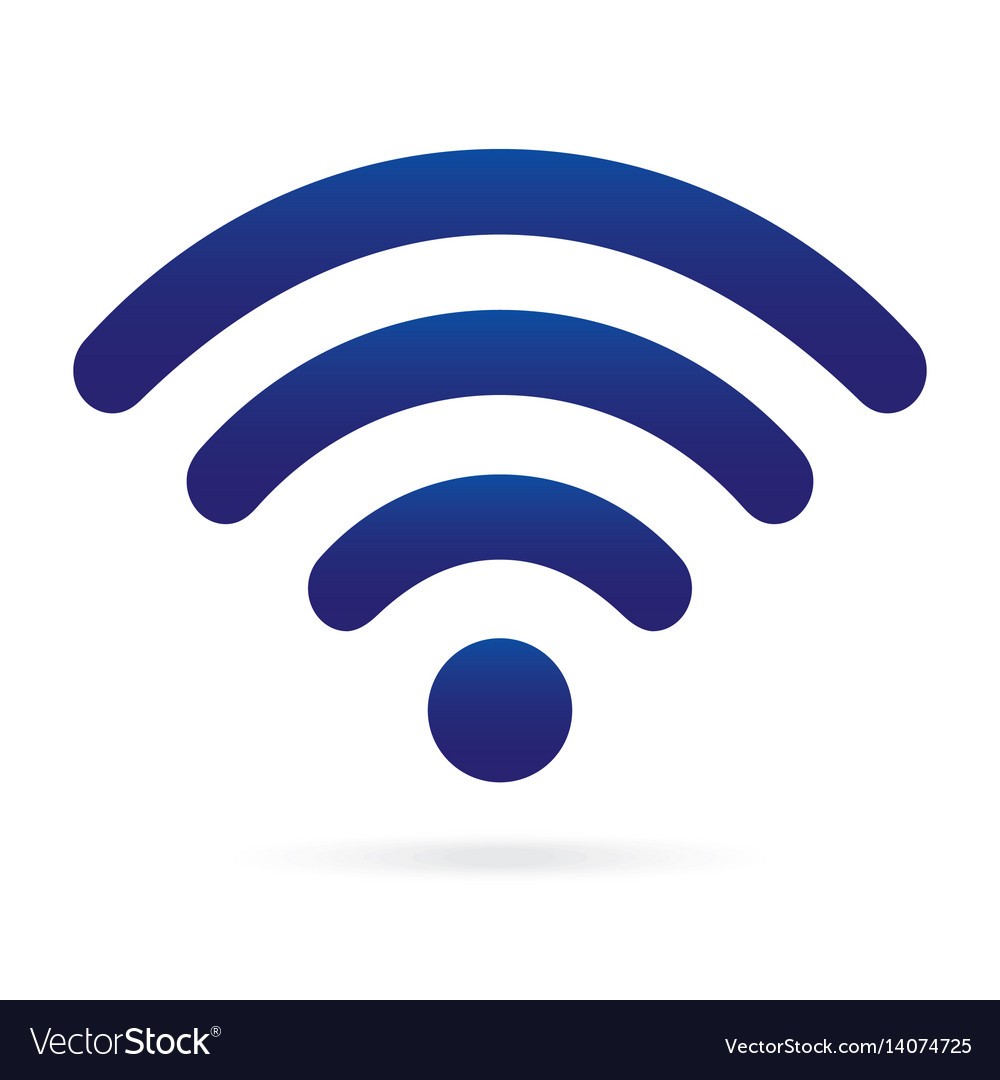
What icon is this

a)

Volume

b)

Bluetooth

c)

WiFi

d)

All of the above

9.

What icon is this?

a)

Basket

b)

Container

c)

Recycle Bin

d)

Trash Can

10.

What is TOTS stand for ?

4 lines
11.
What browser is this the icon of?
a)
Internet Explorer
b)
Google Chrome
c)
Mozilla Firefox
d)
Safari
12.

What are the component ?

a)

CPU

b)

Picture

c)

Keyboard

d)

Monitor

13.

What is the name of the picture ?

a)

Flash drive

b)

CD

c)

Mouse

d)

CPU

14.

What is a machine?

a)
b)
c)
15.

What is your favorite color ?

4 lines
16.
RAM & ROM are known as what kind of memory?
a)
Secondary storage
b)
Main memory
c)
Registers
d)
Flash memory
17.
RAM & ROM are known as what kind of memory?
a)
Secondary storage
b)
Main memory
c)
Registers
d)
Flash memory
18.
What does the acronym RAM stand for?
a)
Random Alignment Memory
b)
Read Access Memory
c)
Random Access Memory
d)
Read All Memory
19.
ROM stands for...
a)
Read Optical Memory
b)
Random Only Memory
c)
Read Only Memory
d)
Random Optical Memory
20.
A ______ is the main storage device in your computer.
a)
CPU
b)
Hard drive
c)
Motherboard
d)
CD-Rom
21.
Not intended to be a portable storage device.
a)
CD
b)
Flash memory
c)
DVD
d)
Internal hard disk
22.
Very portable as it is designed to be fitted into small electronic devices.
a)
Flash memory devices
b)
Internal hard disk
c)
Magnetic tape
d)
Server
23.

Which of these is a Hard Disk Drive (HDD)?

a)
b)
c)
d)
24.
What type of device is this? USB memory stick
a)
Input
b)
Output
c)
Storage
25.
A hard drive is a type of primary storage.
a)
False
b)
True
26.
All secondary storage devices are external to the computer
a)
False
b)
True
27.

What is a computer

a)

An electronic device that manipulates data or information

b)

A device that is data or information

c)

A computer is a device with images

d)

A physical device you use to write information and data

28.
The physical, tangible parts of a computer system is the...
a)
Tower Casing
b)
Monitor
c)
Keyboard
d)
Hardware
29.

What is hardware

a)

Hardware is an electronic device you can touch

b)

Hardware is an electronic device you can not touch

c)

Hardware is any device you can touch

d)

Hardware is any device you can NOT touch

30.
This is an image of what type of hardware?
a)
Computer 
b)
Monitor
c)
Tower Casing
d)
Hardware
31.
This is an image of what type of hardware?
a)
USB Port
b)
USB Cable
c)
Portable Storage
d)
CD/DVD Drive
32.
This is an image of what type of hardware?
a)
tower casing
b)
printer
c)
computer
d)
monitor
33.
This is an image of what type of hardware?
a)
USB Port
b)
Portable Storage
c)
Hardware
d)
USB Cable
34.

The instructions that tell the computer what to do:

a)

Hardware

b)

Input

c)

Software

d)

Ooutput

35.

Microsoft Windows

a)

System Software

b)

Application Software

36.

Mobile Device Apps

a)

System Software

b)

Application Software

37.
What benefits one can get from ICT in education?
a)
This leads to added abilities for self-regulated learning
b)
May not help more disorganized learners who needs more structure and routine available in a physical classroom setting. Better for those who are able to or at least keen to self-regulate their learning.
c)
Difficult to replicate settings such as lab activities that require hands-on, experiential learning
d)
Academic staff should spend more time in preparation of teaching materials.
38.
What is ICT?
a)
Information Communication technology
b)
Integrating communication technologhy
c)
Information Connecting Technology
d)
Information communication technique
39.
information is ............
a)
None of the below
b)
meanless
c)
numbers and characters 
d)
Data + Data 
40.
what is the disadvantage of ict?
a)
Encourage the individual study
b)
Provide educational activities in large geographical areasOption 2*
c)
It is more expensive than traditional education
d)
Provide instruction according to student needs
41.

ICT means

a)

Information and Command Technology

b)

Information and Connection Technology

c)

Information and Communication Technology

d)

Non of the above

42.

The full meaning of IT is

a)

Information Technology

b)

Information Teaching

c)

Information Terms

d)

Information Transferable

43.

The full meaning of IS is

a)

Information Secondary

b)

Information Standard

c)

Information Serial

d)

Information System

44.

This image is called

a)

TV System

b)

Radio System

c)

Computer System

d)

Non of the above

45.

This image is an example of

a)

input device

b)

output device

c)

computer system

d)

non of the above

46.

This image is an example of

a)

output device

b)

input device

c)

a compute system

d)

non of the above

47.

This image is an example of

a)

keyboard device

b)

communication device

c)

input device

d)

output device

48.

The collection of code installed on the hardware is known as

a)

Software

b)

Hardware

c)

Computer

d)

System

49.

The physical or touchable items on the computer system is known as

a)

Software

b)

Hardware

c)

TV

d)

Non of the above

50.

Microsoft Office is an example of

a)

a system software

b)

an application software

c)

an input

d)

an output

51.

Where do you think a computer is used ?

a)
b)
c)
d)
52.

Where do you think a computer is used ?

a)
b)
c)
d)
53.

Identify the machine that runs on fuel

a)
b)
c)
d)
54.

Choose 1 action that a computer can do?

a)
b)
c)
d)
55.

Select the place where computer is not used.

a)
b)
c)
d)
56.

Which of the following is a smart machine?

a)
b)
c)
d)
57.

Select the machine that is used in our house.

a)
b)
c)
d)
58.

Select the machine that runs on human power

a)
b)
c)
d)
59.

What is the given machine used for?

a)

Washing clothes

b)

Cooking

c)

Listening to music

d)

Toasting

60.

Select the feature of a computer.

a)

Never gets tired

b)

Makes mistakes

c)

Is very slow

d)

It runs on fuel

61.

At home we use computer for ...

a)

Doing Home work

b)

Cutting vegetables

c)

Cleaning the floor

d)

Writing

62.

Which of the following part of a computer looks like a television?

a)
b)
c)
d)
63.

___________ is the brain of the computer.

a)

Speaker

b)

Monitor

c)

C P U

d)

Printer

64.

We can type using which part of the computer?

a)
b)
c)
65.

Unscramble the given word and choose the correct option :

M S E O U

a)

MOUSE

b)

MAN

c)

MONITOR

66.

___________________ is used to point things at the monitor.

a)

Mouse

b)

Keyboard

c)

CPU

d)

Monitor

67.

DRAW A LAPTOP BELLOW:

68.

EXPLAIN WHY YOU NEED A LAPTOP MORE THAN A DESKTOP COMPUTER?

4 lines