
 Worksheets
Adobe Video: D4 L3
Total questions: 13
Worksheet time: 7mins
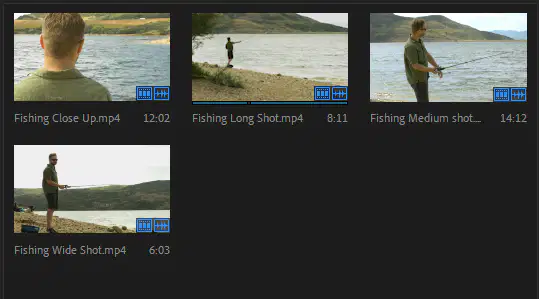
A 'Poster Frame' is:
A still image that lasts for one frame on the timeline.
A still image that is seen on clips in 'icon' view in the Project panel.
The 'image safe' frame that should be used on your Program monitor.
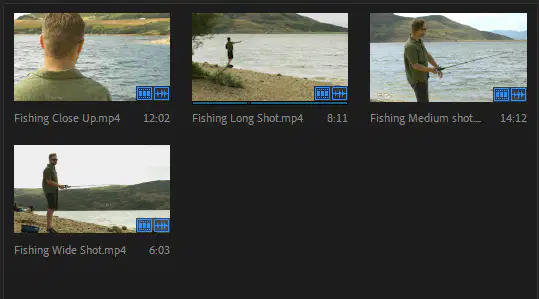
WHY should editors even bother to change the default 'Poster Frame'?
So everyone on your video editing team can easily know what the clip contains.
So the video clip can transform into a still image 'poster'.
So the image resolution of the clip will increase
What IS a 'Proxy' in Premiere Pro?
It's how editors can bypass an internet firewall.
It's a low-resolution version of a movie clip.
It is a 'student' version of the full program app.
WHY would it be a good idea to make 'Proxies' for your placed movie clips?
Proxies help speed-up rendering, and prevent 'choppy' playback in Premiere.
Proxies will create better audio when exporting your movie.
Proxies are mandatory when animating text.

What's a primary difference between the 'Rate-Stretch' tool and the others seen here?
Rate Stretch will raise or lower the pixel resolution.
Rate Stretch will raise or lower the clip speed.
Rate Stretch will close any 'gaps' an editor may have on a timeline.
During the editing process, when would you want to 'Render' your project on the timeline?
So the video looks sharper on the Program Monitor.
So playback in Premiere is smooth, and will look more accurate.
Rendering lets you draw graphics freely using the draw tool.
Understanding that your project's audio should have different volume levels at different times, is adjusting audio levels for ALL CLIPS AT ONCE to one level a good idea?
No, You'll likely to fix some clips while making others worse.
Yes, this is a convenient way to adjust audio levels.
Audio 'gain' refers to:
Placing an audio backtrack on your timeline
The level adjustment of an audio track
The volume adjustment when playing audio tracks.
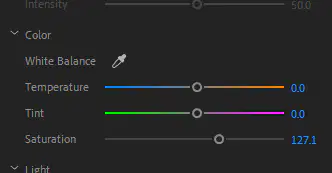
When increasing the 'saturation' of a clip using the 'Lumetri Color' panel, you are:
Making the colors brighter.
Making the colors look wet.
Making the colors darker.
Why does Premiere Pro have 'default' transitions in the Effects Panel?
The defaults are used a lot in video editing.
So an editor can use something in a hurry.
Just to make things even more complicated.

Premiere Pro gives you the option of assigning custom 'color labels' to project panel items including clips and folders. Why should you bother color coding your items?
It makes the Project Panel more fun to look at.
Colors can be used to organize or label items.
It can assist with editors that are visually impared.
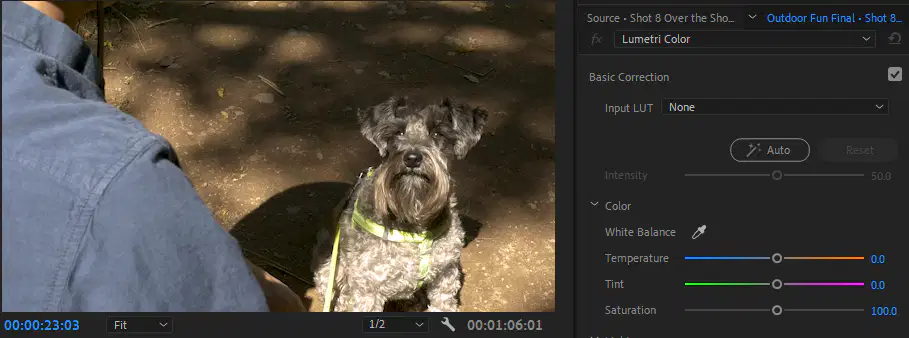
What does 'White Balancing' do for a video clip?
It will balance the amount of whites to blacks in the clip
It alters the tint of the clip so the 'whites' look neutral
It makes the video clip look 'vintage' or old.
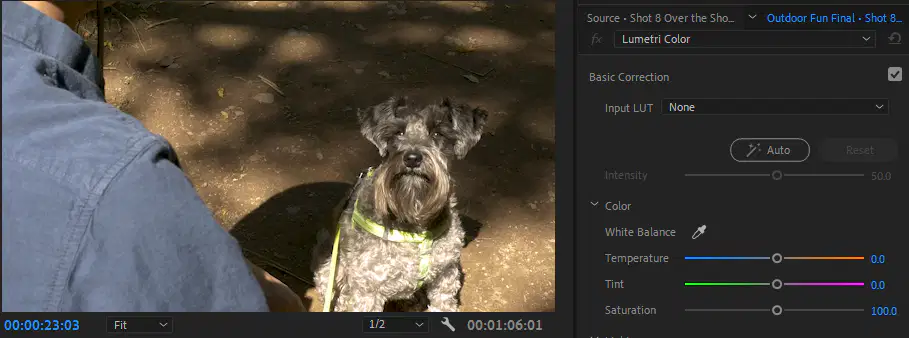
HOW can you 'white balance' a video clip?
Adjust the 'brightness'
Adjust the 'contrast'
Choose the 'eyedropper', then click on a white are of your clip.

