
NEW
Font size
 Worksheets
Cambium Practice*
Total questions: 27
Worksheet time: 27mins
Upon completion of the assessment, when should you raise your hand to alert your teacher that you are finished?
When you don't want ot answer anymore questions.
After you submit the test.
When you get to the screen that shows a summary of all of the questions.
After your teacher tells you to.
True of False: Your teacher should look at your computer screen BEFORE you submit the test.
True
False

When you sign into the Cambium platform, you will see the options shown in the image attached. What should you do with them?
Pick choices that will help you throughout the test and choose according to the way your teacher trained you.
Pick the biggest pointer because it's funny.
PIck your favorite color becuase it is cool.
Pick choices that your best friend likes.
Which icon can you use to obtain a ruler for measurement?


Which icon can you use to help track your reading?


Which icon can you use to write on math problems and use graph paper?


Which icon can you use to make the print and images bigger?


What should you click on if you want to get to the menu with "strike through" information?


The image shows what the pop-up menu looks like. Which of the following is NOT in the pop-up menu?


Which icon will give you the STAAR reference chart that has helpful formulas?


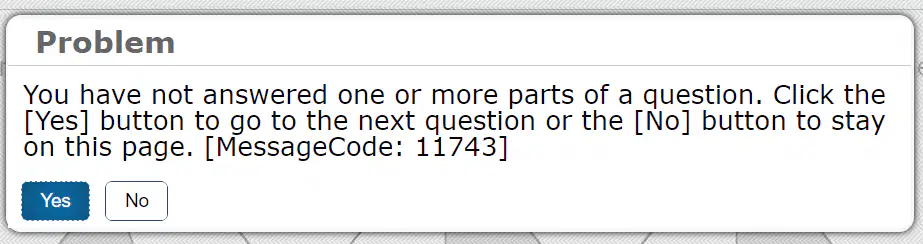
The image/message shown will pop up when a question isn't answered. What should you do?
Panic and go back to answer the question.
Click the "no" button because you have to answer the question immediately.
Do nothing
If you want to wait to answer, then click yes. If you want to answer click no.
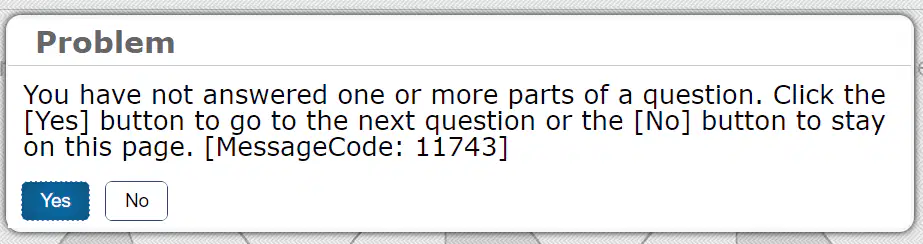
The image shown will pop up if you don't answer a question and try to move forward. The message is titled "Problem". Is it really a problem?
No, because you are allowed to move forward without answering and can always go back.
Yes, because it isn't answered and going forward will mess up the test.
No, because the message wasn't supposed to pop up?
Yes, because it will come up for every question not answered.
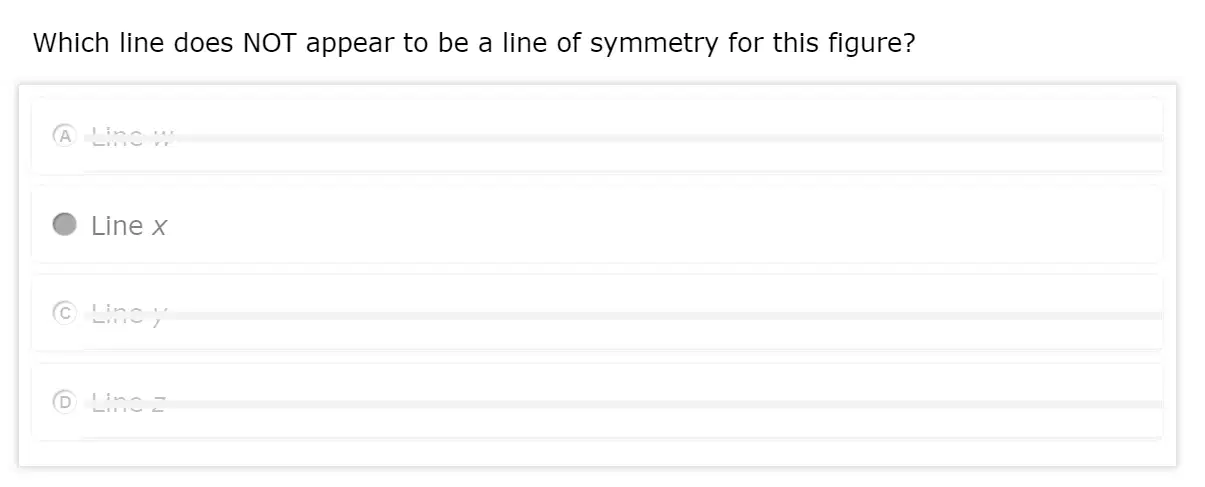
Look at the image. Which icon was used in this question?


When should you use the icon shown here?
When you are done with the test.
When your teacher tells you to.
When you want a good book to read.
When you want to know the definition or the part of speech for a word in a Reading STAAR test.
What's the difference between notepad and sticky notes?
Sticky notes you get from your teacher, and notepad is an icon.
Sticky notes tie only to the question and notepad shows information for any question you write about.
Sticky notes don't have to be saved, but notepad does.
Notepad doesn't have to be saved, but sticky notes do.
Sticky notes and notepad are two options you can use to write information as you move through the assessment. Sticky notes tie directly to the question you are working on, but notepad can take notes throughout the whole test (and you will see what you wrote for different questions). What is important to remember about BOTH of these features?
You must save before closing the text box or your information won't be there.
Notepad and sticky note don't work.
Notepad and sticky notes save automatically.
Notepad and sticky notes should be checked by the teacher.

How do you highlight text in Cambium?
Click the highlight option shown in the image.
You can't highlight.
Use the mouse or computer touchpad to mark the text you want to highlight and then click the highlight option in the pop-up menu.
Touch the highlight icon, then mark the text, and then hope for the best.
If you accidentally highlight the wrong information, what should you do?
Ask your teacher how to unhighlight.
Use the pop-up menu to choose "reset highlighting".
Hit the back button.
Hit the save button, so that the information is kept.
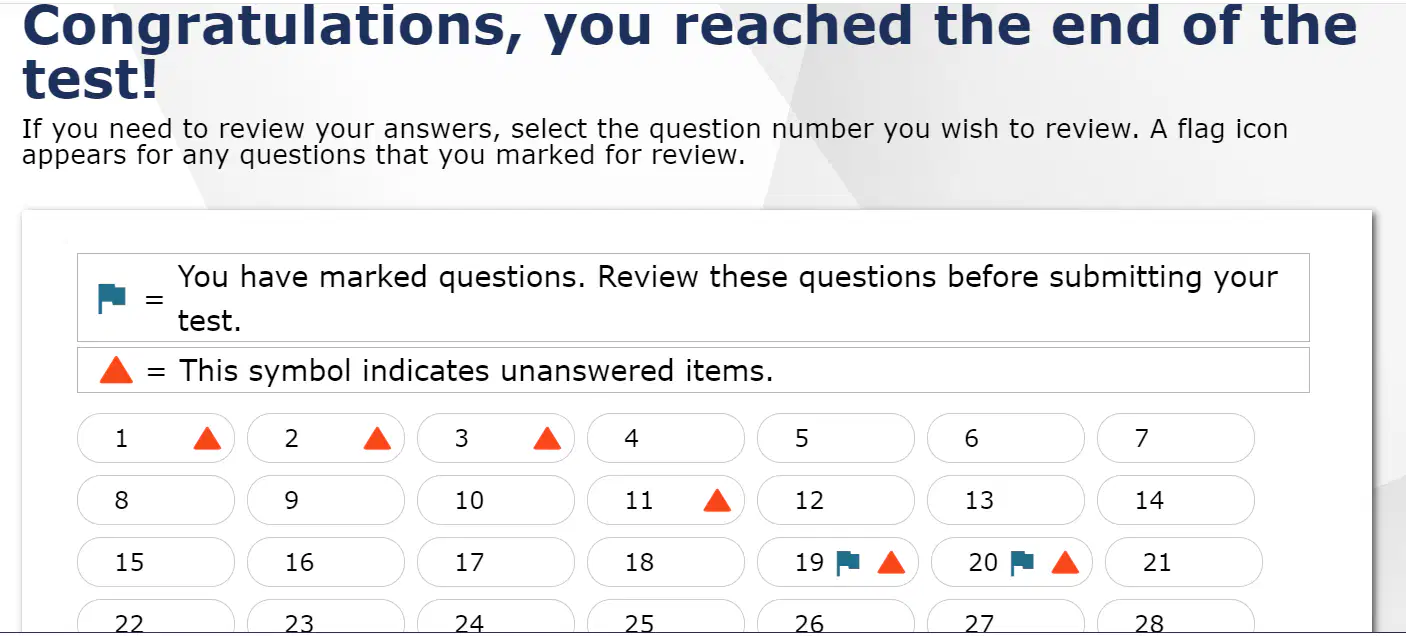
What should you do when you reach this screen?
Ask your teacher to look over your answers.
Check to see if there are any flags and go back to take care of them.
Submit the test right away.
Tell your teacher that you are done with the test and ask what you should do next.
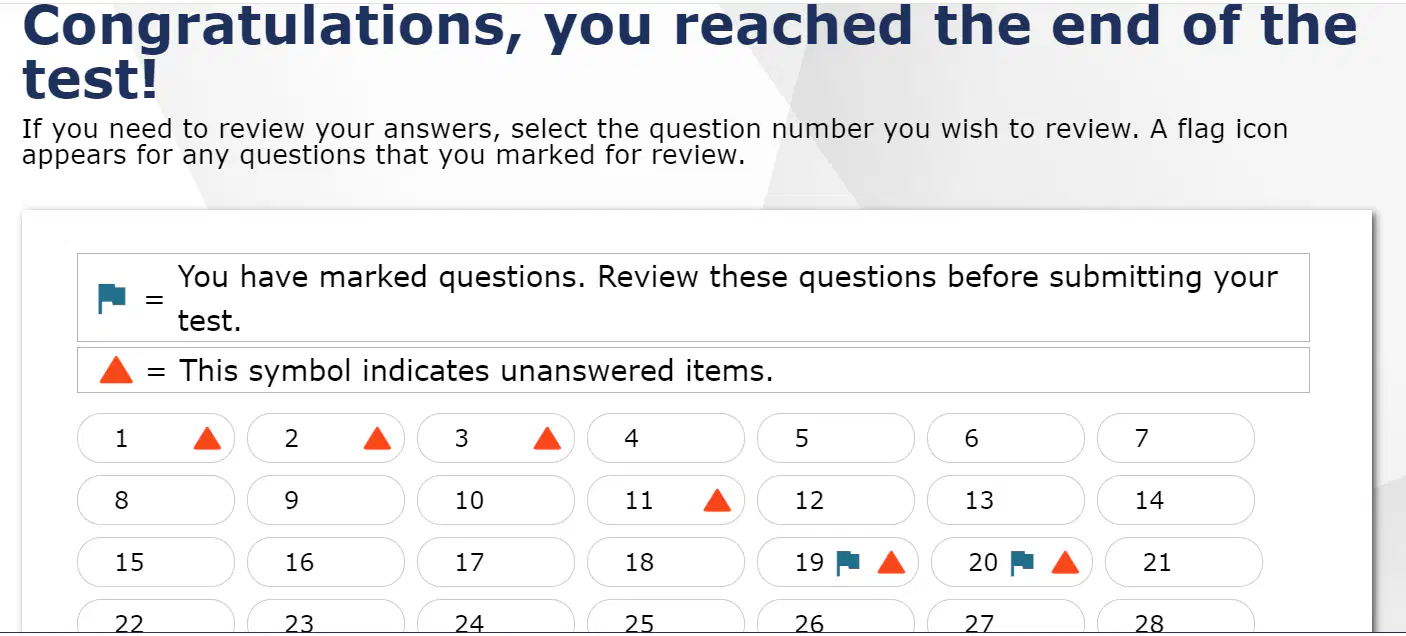
True or False: When you get to the screen shown in the image and you see flags, you can go back to the question by clicking on the flag.
True
False

What does the symbol mean in the image?
It means that you surrender.
It means that you marked a question to go back and look at it later.
It means that you don't care.
It means that you understood that question.

What does the icon in the image mean?
Caution, this question is hard.
Question under construction.
Don't forget to show your work.
You haven't answered a question.

When should you use the icon shown?
When you want the test to be over.
When you are finished answering the questions and are ready to check the submission page.
When you need to ask the teacher a question.
When you are ready to start the test.

Look at the image attached. The student has a blue flag for question 19. The student has gone back and answered it. How should the student get rid of the flag?
Go into the pop-up menu and choose "unmark review item"
The student doesn't have to do anything. The flag will go away when the question is answered.
Tap the blue flag, so it will go away.
Ask the teacher for help.

When would you use the dropdown shown in image?
When you need to find your icons.
When you want to see lunch choices.
When you want to see the questions you've already answered and move between them.
When you need instructions on how to answer.

This button allows you to pause the test. It is located in the top right of your screen. WHEN should you use this button?
When you are done with the test.
When you need to get a new pencil.
When you want to ask your teacher a question.
When you take short breaks where you leave the room (bathroom, lunch, nurse, or moving rooms)
If you click the "reset highlighting" option, it will erase everything in the current passage/question.
True
False

