
 Worksheets
g8 tr2 html
Total questions: 19
Worksheet time: 9mins
◎To create an interactive webpage we add ........................... used to input data
<form> … </form>
<HTML> … </HTML>
<BODY> … </BODY>
src attribute and then displays it.What is the correct HTML element for inserting a line break?
<lb>
<BREAK>
<br>
<break>
Which character is used to indicate an end tag?
!
#
/
\
What does a opening tag look like?
< >
</ >
<< >>
<
Text input field: which gives ability to the user to enter a string or text data keyboard. To add a text data field:............................
< input type = "text" >
< input type = "password" >
◎Password input field: as the same as text field but (*) symbol will be displayed instead of characters to secure a password key To add password:
< input type = "password" >
< input type = "TEXT" >
< input type = "RADIO" >

◎<input type = "................." >
radio
TEXT
CHECKBOX
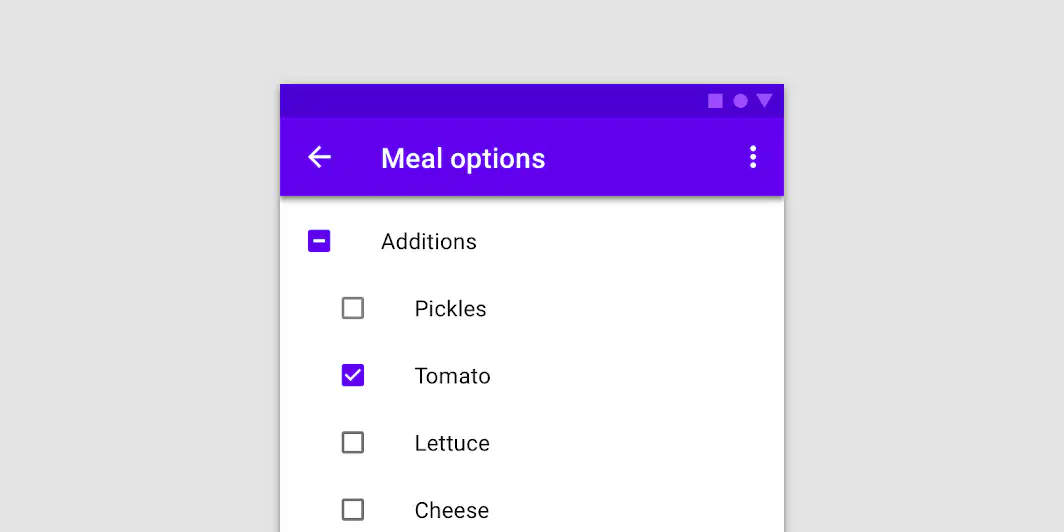
◎<input type = "................" >
radio
checkbox

◎<input type = ".................">
button
Submit button
Reset button
◎The user click this to submit the form data to another webpage assigned by action attribute value of the Form

◎The user click it to clear all data fields to its original state
Reset
Submit
Button
Name attribute used for display a text on the button ( )
yes
no
Submit button used to clear input fields from any previous data ( )
yes
no
Give ability to choose or select only one option from many options
Radio input field
check box input field
Give ability to choose or select many option from many options
Radio input field
check box input field
To select your proficiency language(s), you can add checkbox input field to a webpage ( )
yes
no

