
 Worksheets
3rd Quarter quiz bee g10 CSS
Total questions: 35
Worksheet time: 7mins
The most commonly used boot device or boot drive
hard drive
DVD drive
Floppy disc drive
USB drive
It is used to control how information is stored and retrieved
File System
Operating System
64 Bit
NTFS
is any piece of hardware containing the files required for a computer to start. For example, a hard drive, Solid State Drive (SSD),floppy disk drive, CD-ROM drive, DVD drive, and USB jump drive
boot device
Installer device
MEMORY
Storage device
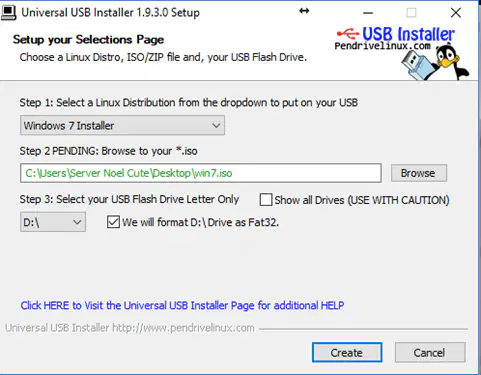
In creating bootable drive using Universal USB Installer “Select the usb letter , so go to my computer see what letter is your drive and return to the application , also mark the box where it says format drive”. is step..


It is a collection of software that manages computer hardware resources and provides common services for compute programs.
FAT 32
Operating System
File System
32 Bit system
In creating bootable drive using Universal USB Installer From the “Browse” button locate the .iso file of the Operating System or mark the check box near it to download the .iso file
In creating bootable drive using Universal USB Installer ,click create ;a message will appear , you need to click yes , and the program will start extracting and copying the contend of the iso. Is step.

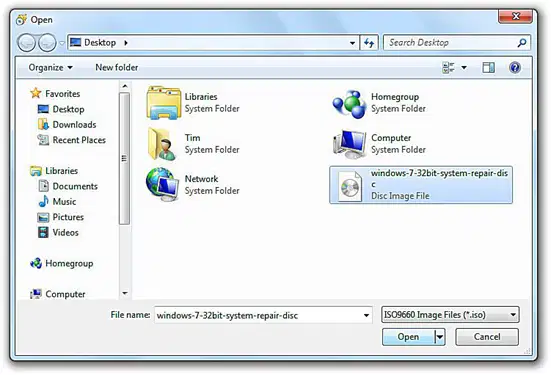
In Burning an ISO File to a Disc Using Free ISO Burner ,” Select and Confirm the Chosen ISO File” is step


Reorder the following MS office installation


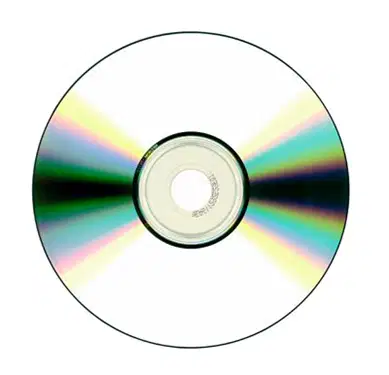
In Burning an ISO File to a Disc Using Free ISO Burner ,” . Insert a Blank Disc in the Optical Drive” Is step


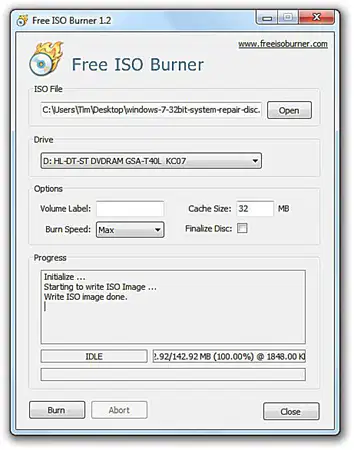
In Burning an ISO File to a Disc Using Free ISO Burner ,” Wait for the ISO Image to Finish Burning” Is step

In Burning an ISO File to a Disc Using Free ISO Burner ,”Start the Free ISO Burner Program” Is step

To Unmount the ISO File, simply right click the drive of ISO and click _______
is a unique bundle that allows users to burn ISO (International Organization for Standardization) files into other viewable formats such as those commonly found within DVDs and CDs
Universal USB Installer
Free ISO Burner
LINUX
USB installer
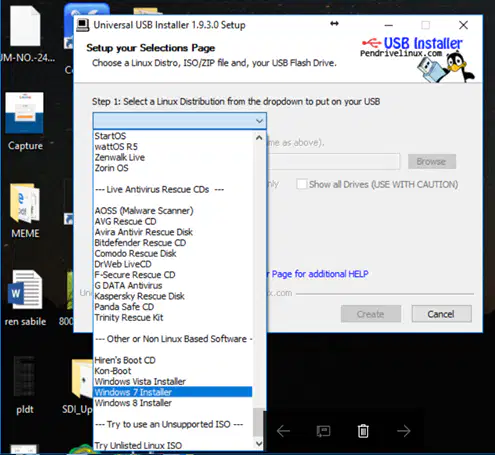
In creating bootable drive using Universal USB Installer, identify what step number is described "In the first drop down menu select the Operating System you would like to install"
In Burning an ISO File to a Disc Using Free ISO Burner ,”Locate the ISO File You Want to Burn” Is step
Is an archive file that contains an identical copy (or image) of data found on an optical disc, like a CD or DVD.
ISO 9100
DVD Image
ISO Image
Burn Disc Image
Burning an ISO to Physical disc Is particularly useful when you’re (a) (or creating a utility disc) and need to use that disc to boot a system.
It handles large amounts of random access memory (RAM) more effectively than a 32-bit system.
32 Bit
Operating System
64 Bit
NTFS
This File system provide security to data encryption.
32 Bit
Operating System
64 Bit
NTFS
In this File system Any user can read your files who has access to your machine
FAT 32
Operating System
64 Bit
NTFS
Reorder the following MS office installation

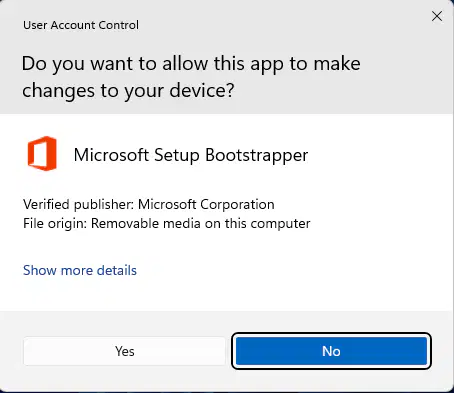


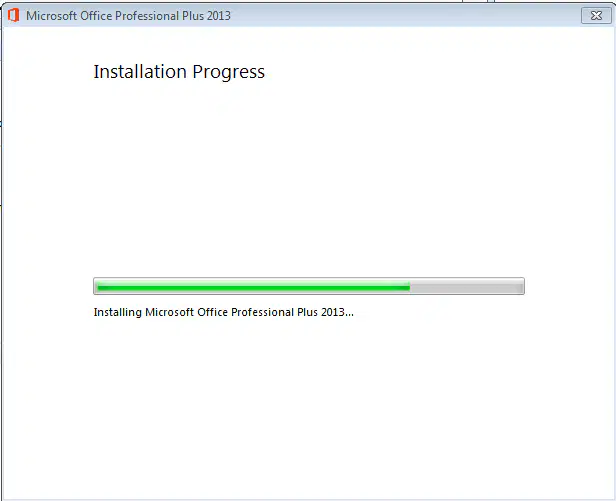
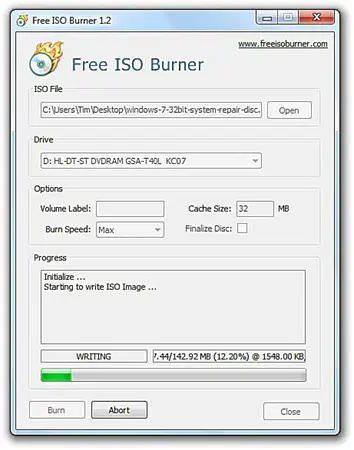
In Burning an ISO File to a Disc Using Free ISO Burner ,” Click Burn to Start the ISO Image Burning” Is step
Windows 7, 8, and 10 have a feature for burning an ISO image to disc built right in. All you have to is insert a writable optical disc, right-click the ISO image, and then select the “____________” command.
Burn Disk Image
Unmount disk image
Install Disk Image
Unmount disk image
is an open-source live Linux USB flash drive creation software. It allows users to create a bootable live USB flash drive using an ISO image from a supported Linux distribution, antivirus utility, system tool, and Microsoft Windows installer.
Universal USB Installer (flash Drive)
Free ISO Burner
LINUX
USB installer
What function you will use if you plan to change or choose your ISO image to create your own bootable device?
Choose one
It is the Minimum System Requirements for Windows 7 Hard drive free space
10 GB for(32-bit) or 16 GB (64-bit)
16 GB for(32-bit) or 16 GB (64-bit)
16 GB for(32-bit) or 20 GB (64-bit)
20 GB for(32-bit) or 16 GB (64-bit)
Label the Rufus software
Mounting an ISO image allows you to mount the ISO image in a virtual optical disc drive. All your apps will treat the image as though it were an (a) .
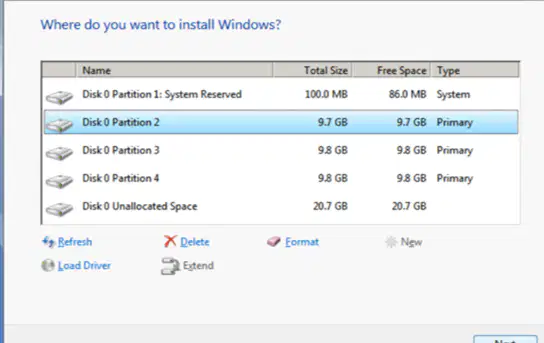
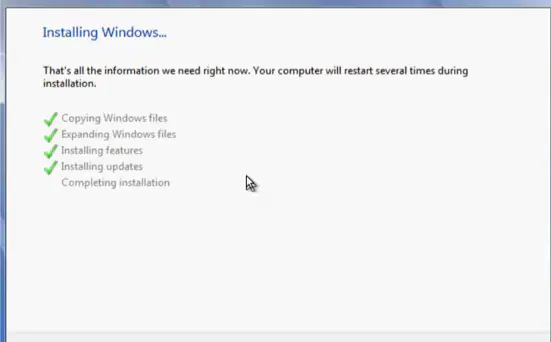
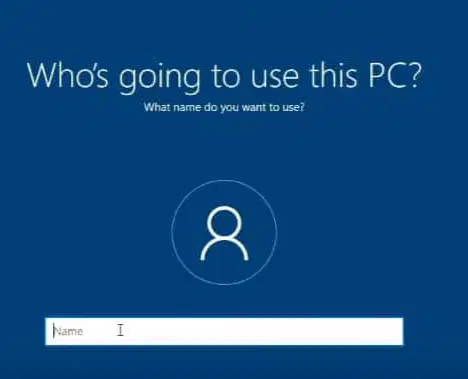
Reorder the following Windows 10 installation

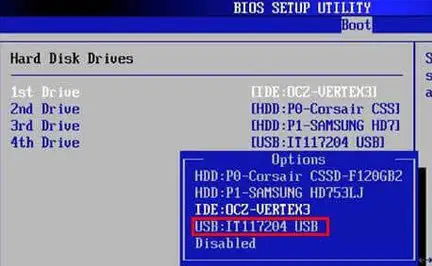
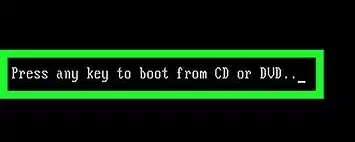

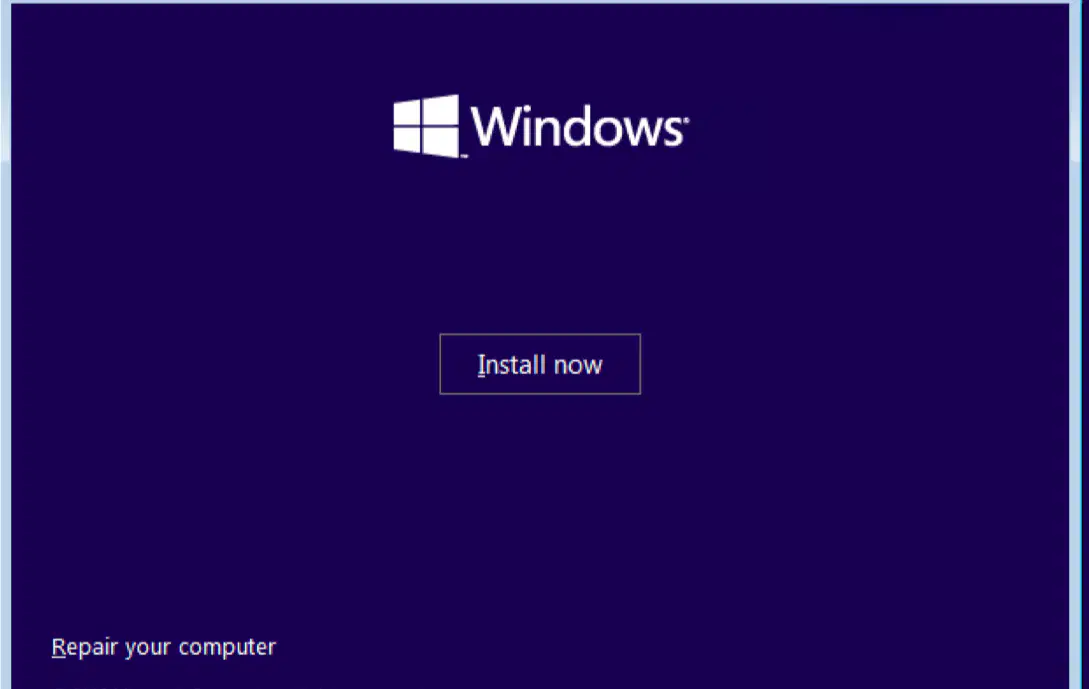
Reorder the following Windows installation
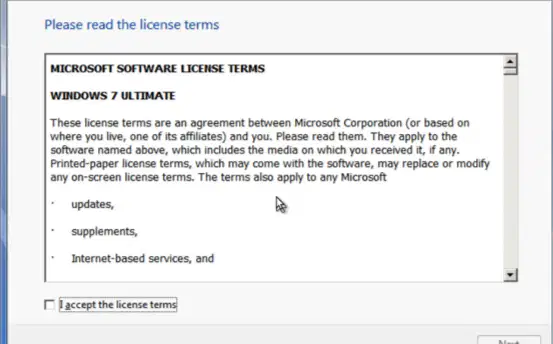
It is the Minimum System Requirements for Windows 7 Memory (RAM)
1 GB RAM (32-bit) or 2 GB RAM (64-bit)
3GB RAM (32-bit) or 6 GB RAM (64-bit)
2 GB RAM (32-bit) or 4GB RAM (64-bit)
4GB RAM (32-bit) or 8 GB RAM (64-bit)
It is the Minimum System Requirements for Windows 7 for Processor
2 Ghz
3 Ghz
4 Ghz
1 GHz
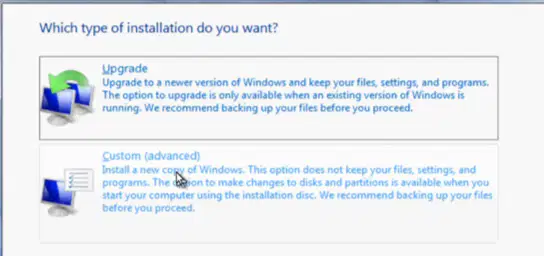
Which Type of Installation you want if you want a fresh copy of window?
Upgrade
custom
Back up
Reset windows
It is the Minimum System Requirements for Windows 7 Graphics
256 MB
128 MB
1 Gb
512 MB

