
 Worksheets
Quizizz School Educator Level 1
Total questions: 30
Worksheet time: 33mins

Quizizz Lesson, Quizizz Question Type, or Quizizz Quiz...Oh My!
Can you correctly match the items below?
Slides with embedded checks for understanding along the way that can be hosted live or asynchronously.
Quizizz Lesson
Match, Reorder, Draw, Hotspot are examples of...
Quizizz Question Types
This activity asks students questions in a variety of ways and can be assigned in different modes (live, team, etc.)
Quizizz Quiz

Quizizz has question types that are (a) , meaning the questions are graded by Quizizz and students get immediate feedback. Quizizz also has a variety of open response question types which require the (b) to view the responses and grade accordingly.

Do you know the auto-graded Quizizz Question Types?
Match the Quizizz Question Type to its description.
Multiple Choice
Supports questions with 2-5 answer choices (can also do multiple answers correct)
Reorder
Options are shuffled and need to be sorted in the correct order.
Match
Options are shuffled and need to be matched to the correct answer.
Fill-in-the-Blank
Answer must be manually entered into the space provided (auto-graded).
Drag and Drop
Question has blank spaces and answers are dragged and dropped into the correct space.
More Question Types...
Do you know these auto-graded Quizizz Question Types?
Match the Quizizz Question Type to its description.
Drop Down
Question has blank spaces with a drop down to choose the correct answer from a list.
Math Response
Respond using a math equation editor.
Labeling
Drag and drop text to label parts of an image.
Hotspot
Select specific areas or regions on an image based on the question asked.
Graphing
Respond by graphing on a coordinate grid.
All of the following Question Types listed below are "flex graded" except ONE. Which one is NOT a flex graded question type?
Flex graded means that the teacher must go into the report to grade the student's response.
Draw
Audio Response
Open-Ended
Video Response
Poll
What are the names of the two newest question types on Quizizz?
Categorize and Comprehension
Long Form & Short Form
Multiple Choice & Poll
Audio & Video

This purple create button allows you to create both a Quizizz Quiz and Quizizz Lesson using AI. Is this statement true of false? Type your answers in the boxes below.
(a)
Quizizz AI can help save time by allowing you to create a quiz using different options. Where do I click to create a quiz from a YouTube video my students watched in class<
You can teleport questions and slides from multiple activities in the Quizizz Library (or even your own library) and combine them to create another quiz or lesson.


t
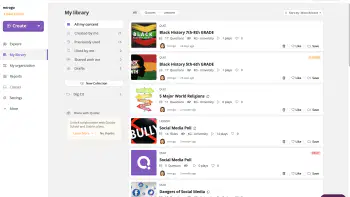
Match the following Quizizz vocabulary words to their definition.
Collection
A way to organize activities in My Library ("Folders" in Quizizz)
My Library
Activities I have created, liked, shared, used and imported.
Quizizz Library
Where I go to find all publicly shared activities by Quizizz users.
My District
Where I go to find shared activities by Quizizz Users in my school/district.
Match the following Quizizz Quiz Game Mode with its description.
Instructor-Paced Mode
Teacher controls the pace of the quiz questions and advances together (teacher clicked start).
Classic Mode
Students progress through the quiz at their own pace in real time (teacher clicked start).
Independent Practice
Asynchronous Learning - students have a link to access activity (teacher doesn't click start).
Which of the following buttons launches the "Tagging Tool" to tag your question with the aligned standards?



Standards can be tagged when (a) a question.

Which of the following can be embedded into a Quizizz Lesson slide (select all that apply) -- hint, hint...ALL that apply.
Images and GIFs
Audio
Video
Web pages
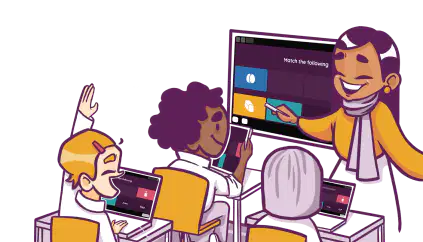
An (a) paced lesson is where you, the instructor, navigates the pace while students can see the lesson on their screens and can engage with any embedded questions you added to your slides. Lessons can also be assigned student-paced, or asynchronously!

Much like the popsicle stick method for randomly picking students, this embedded feature when presenting a Quizizz Lesson spins a name wheel of participants and randomly selects one. (a)
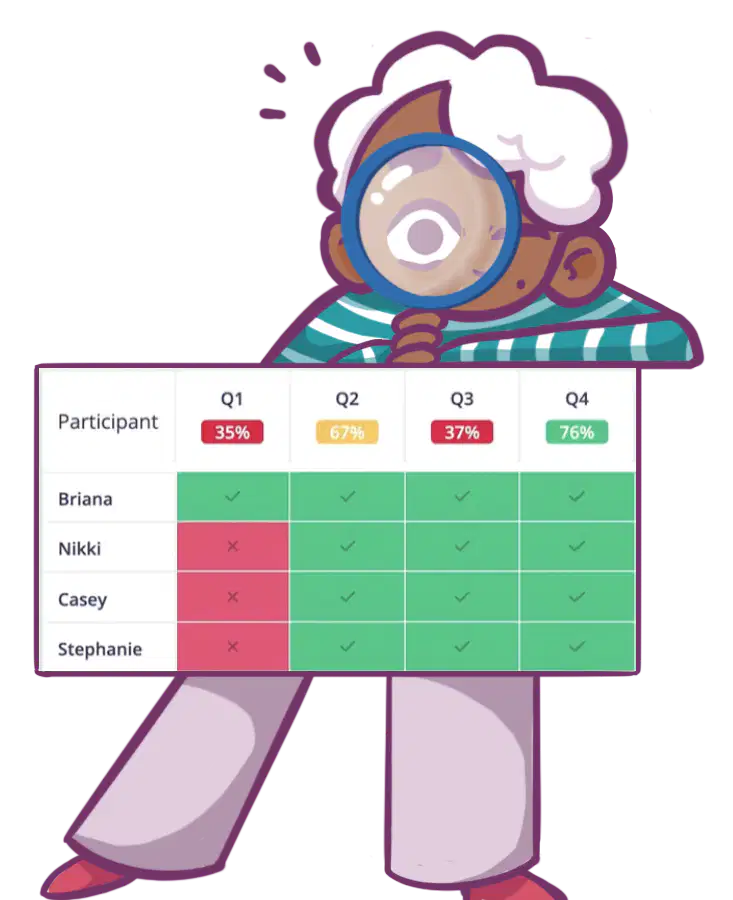
Match the following tab views in Quizizz Reports with their description.
Participants
This tab shows individual scores along with the overall percentage result.
Questions
This tab shows accuracy data by question.
Overview
This tab shows an overall summary by student and question.
Standards
This tab shows a report on accuracy by tagged standards.
Matches the image with the task outlined below.

Editing a Fill-in-the-Blank Question.

Adding an answer explanation to a quiz question.

Creating my own quiz question from scratch - time to choose the question type.

Checking the Quizizz Library for content I can teleport to my activity.

I want to create an activity from scratch!
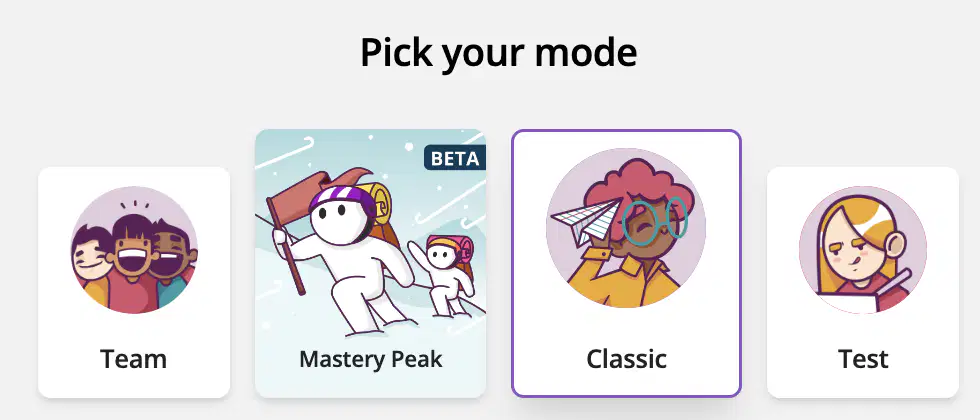
There are four "game modes" under the instructor led/classic choice, as seen in the image to the left. Which of the following game modes is designed for taking formal assessments and requires students to login? This mode also provides the teacher the option to turn on the FOCUS MODE setting.
(a)

Which two statements are true about Test Mode and Focus Mode?
When you assign a quiz in Test Mode, you have the ability to use Focus Mode.
Focus Mode will notify the teacher when a student tries to open another tab or switch tabs while quizzing.
Focus Mode will freeze the student screen.
With Test and Focus Mode, the teacher can see the student's screen on the teacher device.
As a School and District user, along with Focus Mode, I also have access to a setting in Test Mode called (a) that allows review & update their responses before final submission.
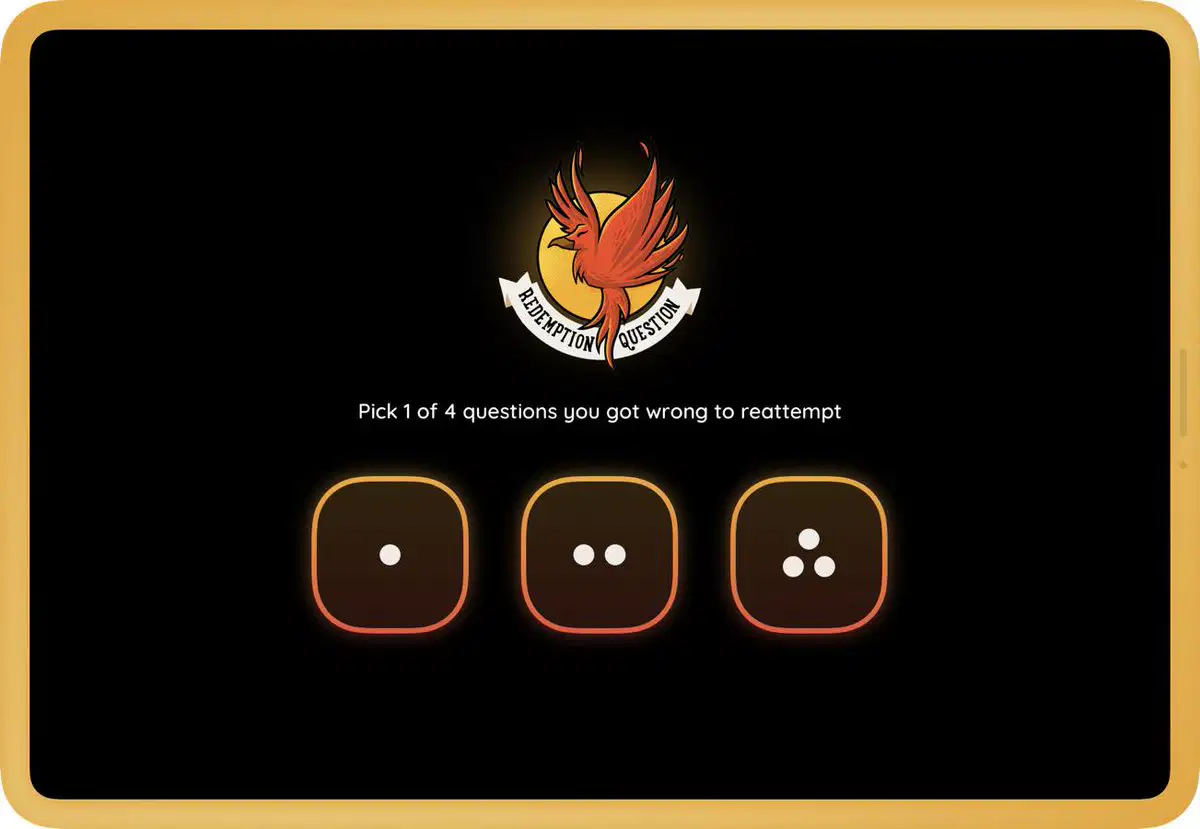
These two settings are designed to allow students to re-attempt questions which were previously marked as incorrect.
Meme
Name Factory
Power Ups
Redemption Quiz
(Asynchronous Mode)
Redemption Question (Classic or Team Mode)
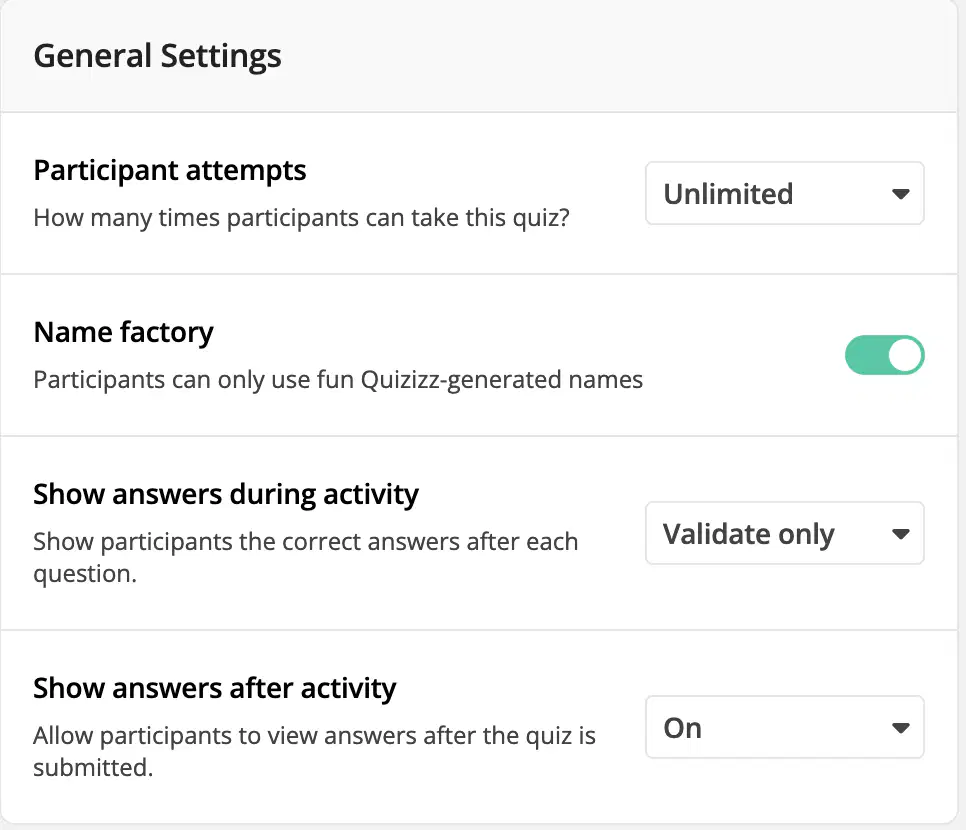
The (a) activity setting allows for the automatic assignment of random names to students, enhancing the efficiency of starting the game while ensuring that their real names are only known to the teacher.
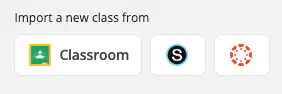
The image to the right shows the menu/buttons you need to import your classes from your LMS to Quizizz. You can find this image under (a) in the left menu bar on Quizizz.
Now that my classes are rostered via the LMS sync (or I created my own classes manually by inviting students using a Class Code), where will I go to assign an activity to a class? Doing this will ensure the activity shows up in the LMS course and will also populate longitudinal growth graphs for this class. (More on Longitudinal Growth Graphs in QSE Level 2)
Categorize the functionalities of into the right School & District exclusive feature.
Can assign quizzes and lessons to your shared classes, manage class rosters, and access reports
Allows you to add another teacher to your class.
A great option for l
Can access both activity-level reports and longitudinal growth graphs
Enables you to quickly share quizzes and lessons with your fellow teachers
provides a common repository for you and your collaborators to share, store, and access resource
You can create as many of these as you'd like and add as many teachers from your school/distric
Great for department content, PLCs, sharing common assessments,
What is one way you can use Quizizz TOMORROW?
(hint: you can select more than one answer...actually, select all of the answers because they are all true!)
Quick feedback quiz/poll on today (or yesterday's) lesson.
Interactive lesson with slides and checks for understanding.
Productive practice on a skill or concept set to a designated mastery score.
Exit or entrance ticket - quick and easy "Do Now" that is self-graded.

Which of the following ways can you contact Quizizz support? (more than one answer is correct)
Email school_support@quizizz.com
Quizizz doesn't have support.
On Quizizz by clicking the purple help button on the lower right corner.
Quizizz support can only be contacted through snail mail.

(a) is your comprehensive 24/7 hub for Quizizz professional learning and training resources plus live events.
Match the area of Quizizz University with what you will find inside.

