
 Worksheets
Quarter 4 - Computer Practice Test
Total questions: 28
Worksheet time: 21mins
Which of the following is a way to take care of your computer?
Eating while using the computer
Keeping the computer in a clean and dry place
Keeping the computer on even when not using it
Which of the following is a way to take care of your computer?
Avoid putting food and drinks near your computer
Banging on the keyboard
Keeping computer programs and applications on even when already done using the computer
Which of the following is a way to take care of your computer?
Keeping the computer in a dirty area
Being gentle when using the computer
Allowing food crumbs and drinks to spill on the computer
Which of the following is a way to take care of your computer?
Using the computer for long hours without break
Allowing the computer to accumulate dust and dirt
Saving your work and closing all programs before shutting down
Choose GOOD if the statement shows how to care for the computer and BAD if it does not.
Amaris eats chips while playing games in the computer.
Good
Bad
Choose GOOD if the statement shows how to care for the computer and BAD if it does not.
Alisa leaves her tablet on and keeps playing videos even when she is taking a break to do something else.
Good
Bad
Choose GOOD if the statement shows how to care for the computer and BAD if it does not.
Daddy installs anti-virus software to keep the computer safe and running smoothly.
Good
Bad
Choose GOOD if the statement shows how to care for the computer and BAD if it does not.
Mommy packs away her tablet after use and keeps it in a clean and secure area.
Good
Bad
Choose GOOD if the statement shows how to care for the computer and BAD if it does not.
Lucas throws the mouse on the floor when he gets upset while playing games in the computer.
Good
Bad
Choose GOOD if the statement shows how to care for the computer and BAD if it does not.
Lucia uses a soft cloth to clean the screen of her tablet everyday.
Good
Bad
Match the photos with the corresponding uses of the computer.

Recreation and Entertainment

Business

Education

Science
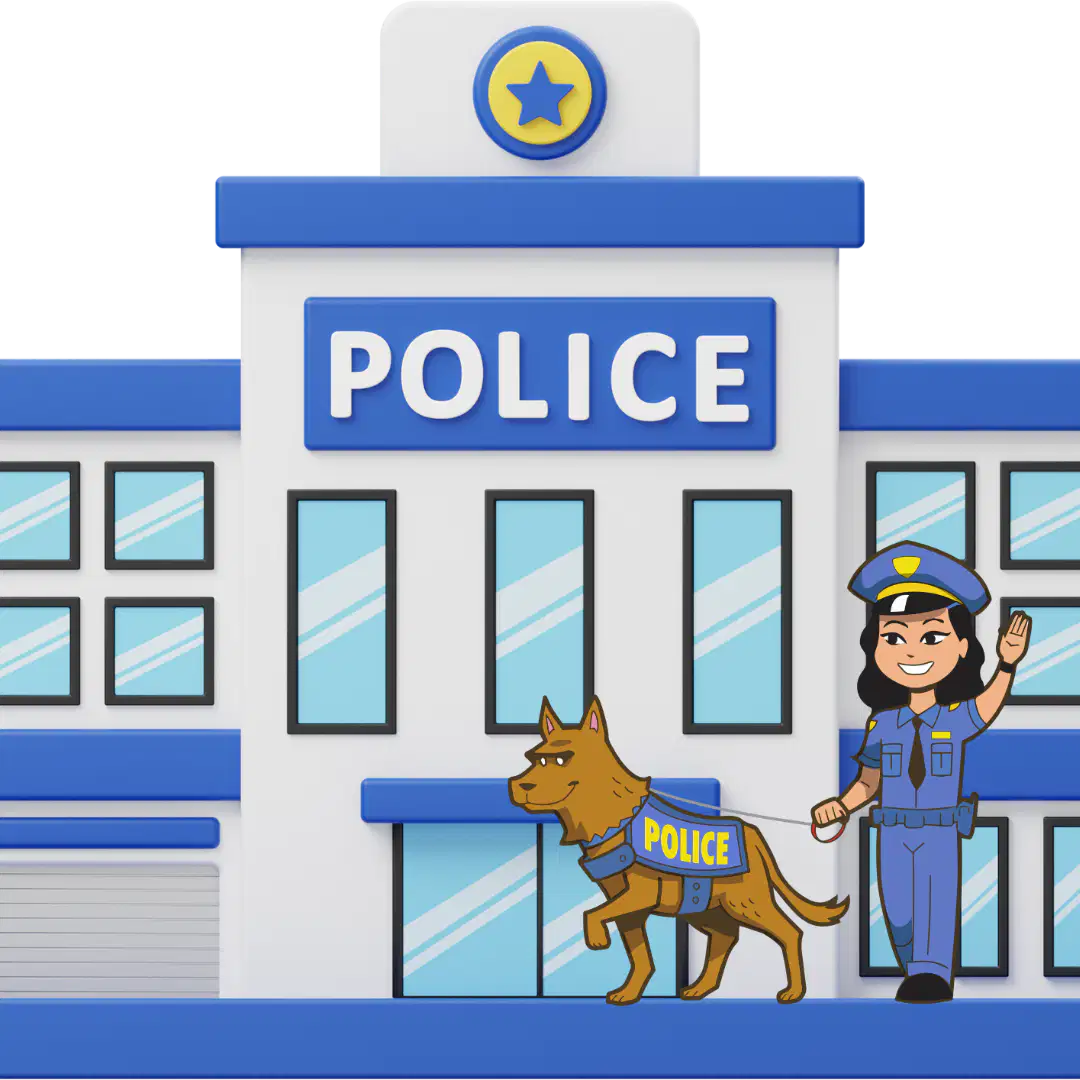
Safety and Security
Match the photos with the corresponding uses of the computer.

Health and Medicine

Recreation and Entertainment

Business

Education

Science
Which of the two is an example of the use of computer described below.
BUSINESS
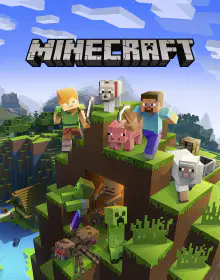

Which of the two is an example of the use of computer described below.
SCIENCE


Which of the two is an example of the use of computer described below.
SAFETY AND SECURITY
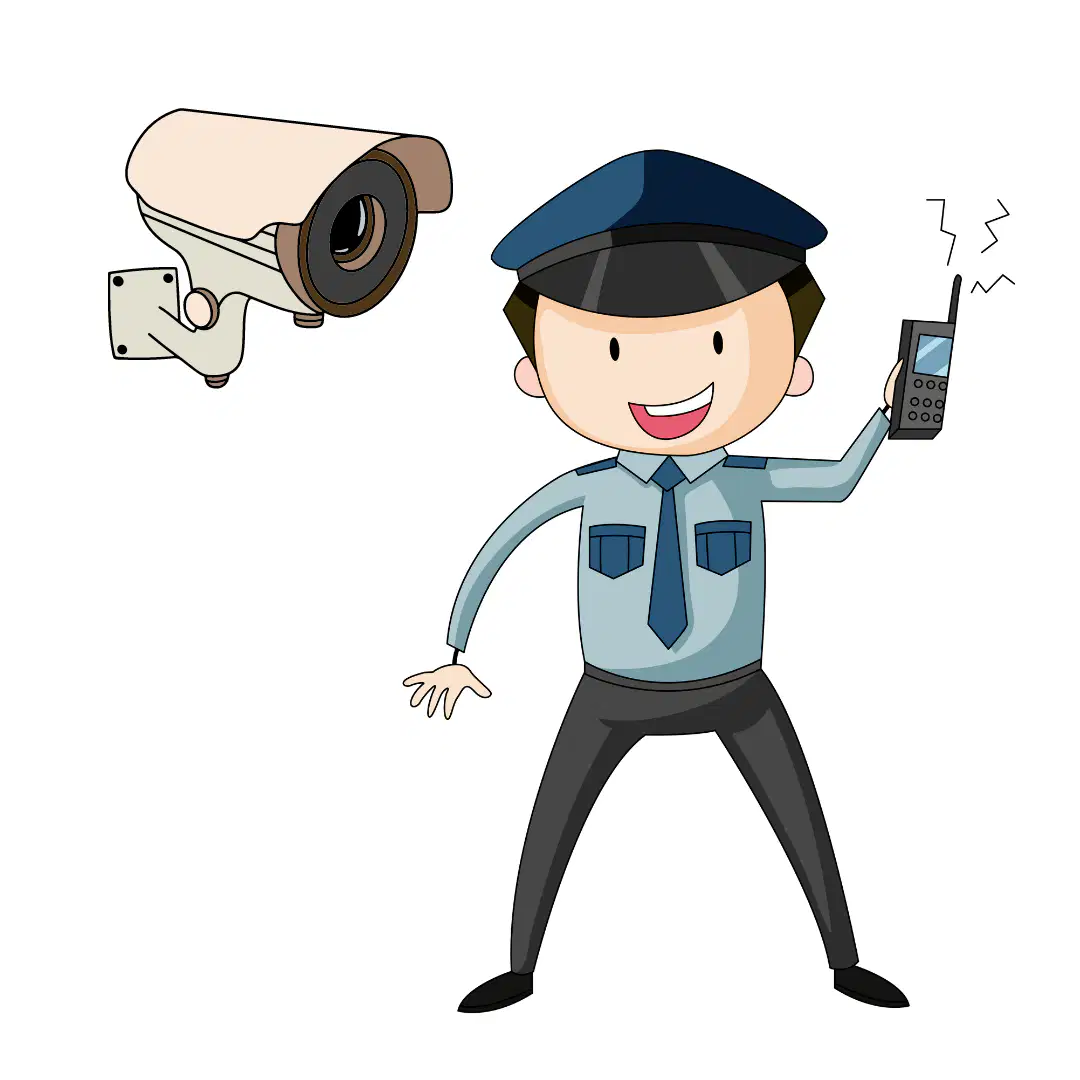

Which of the two is an example of the use of computer described below.
RECREATION AND ENTERTAINMENT

Which of the following is not an example of the use of a computer in the area of HEALTH AND MEDICINE?
Medical information
A person's medical record
Online games
Software on diseases
Which of the following is not an example of the use of a computer in the area of RECREATION AND ENTERTAINMENT?
Playing online games
Fighting crimes
Watching movies
Listening to music
Which of the following is not an example of the use of a computer in the area of BUSINESS?
Buying and selling online
Checking prices of products for sale
Developing online advertising
Accessing a patient's medical record
Which of the following is not an example of the use of a computer in the area of EDUCATION?
Creating Tiktok videos
Researching for an assignment
Preparing lessons for class
Enhance learning
Which of the following is not an example of the use of a computer in the area of SAFETY AND SECURITY?
Monitoring CCTV
Prevent crime
Treat patients who are hurt
Record proof or evidence
Which of the following is not an example of the use of a computer in the area of SCIENCE?
Collaborative laboratory
Watch Disney movies
Do research with other scientists
Record experiements
What are instructions for a computer, and are required in almost everything you do in the computer?
Applications
Programs
Software
Hardware
Which of the following is not a use of Computer Programs?
Write a letter
Cook food
Draw a picture
Explore the internet
Perform tasks on the computer
What is a rectangular area that creates a border for the data, programs, files, documents or information about the application that you chose?
A program
A software
A window
A hardware
Match the following symbols with the parts of the application window.
Application Icon

Title Bar

Minimize Button

Maximize Button
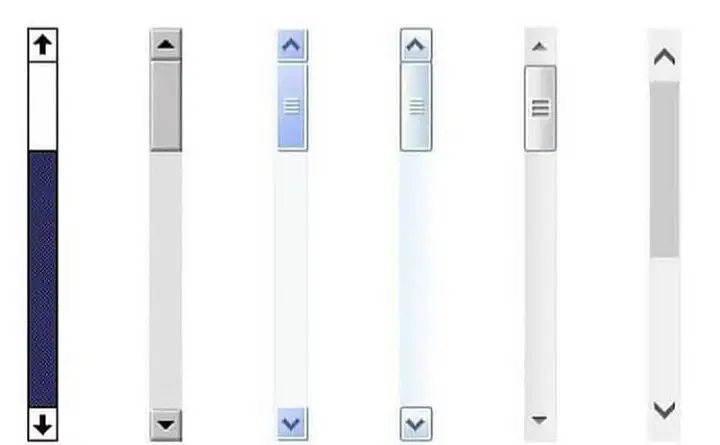
Scroll Bar

Identify this part of the Application Window.
Scroll bar
Application icon
Minimize button
Close button

Identify this part of the Application Window.
Scroll bar
Maximize Button
Minimize button
Close button

