
Font size
 Worksheets
General Printing
Total questions: 15
Worksheet time: 8mins
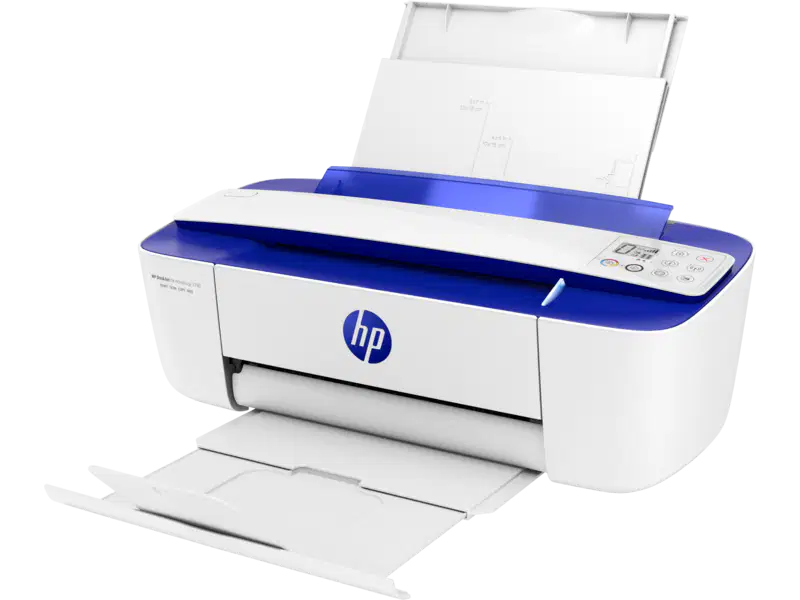
1. Which Wise Article deals with changing the print settings with black ink only, or to minimize the use of color ink?
ish_1930024-1807349-16
ish_1721989-1461843-16
ish_2817150-2408088-16
ish_2026148-1648338-16asd
GUESS WHAT:
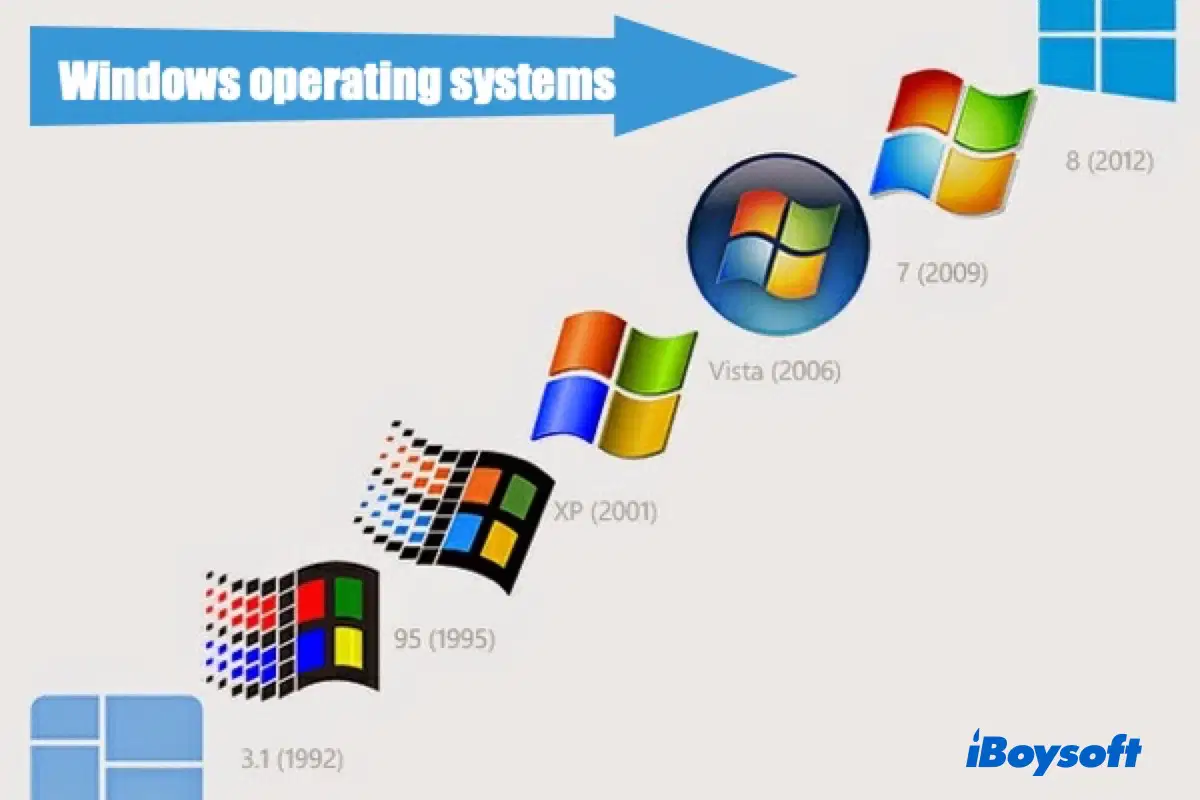
It is a Windows operating system that temporarily stores print jobs in the computer's memory until the printer is ready to print them.?
(a)

1. Which Wise Article to look for if the issue has something to do with Slow printing issue?
ish_1930024-1807349-16
ish_1721989-1461843-16
ish_2817150-2408088-16
ish_2026148-1648338-16

Windows XP operating system was not supported anymore in Windows LOB.
TRUE
FALSE
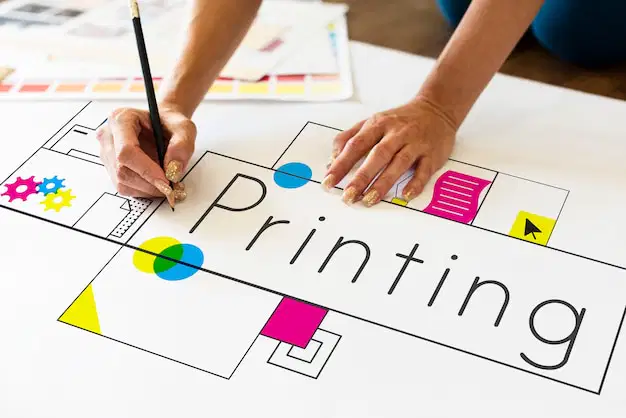
Which operating system was not supported anymore by Windows LOB?
Windows 10 Home
Windows 11 Home
Windows 7
Windows 10 pro

This Wise Article deals with printer offline troubleshooting guide for HP printers.
ish_2026537-1681507-16
ish_1721989-1461843-16
ish_2817150-2408088-16
ish_1721989-1461843-16

HP® Printers specializes in photos and colored documents. Most printers in this line can print, copy, fax and scan.
Deskjet
Envy/Envy Photo
Officejet Pro

Microsoft store is a new feature that can be found in Windows 7 operating system .
TRUE
FALSE
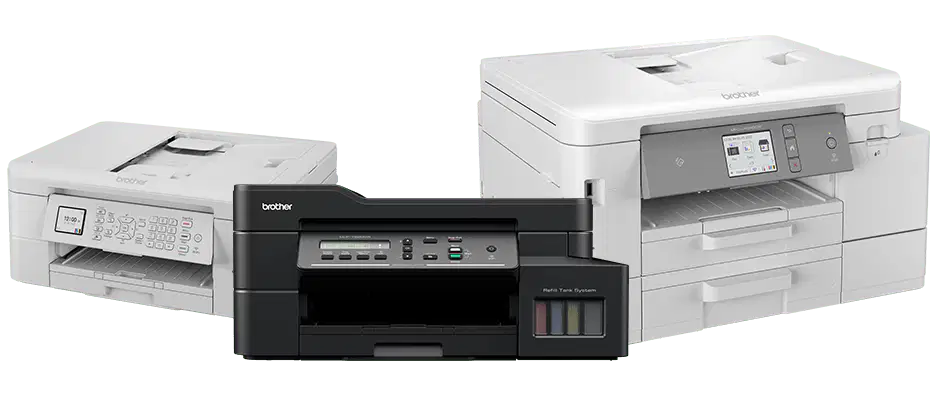
A type of printer that uses liquid ink that forms a digital image by spraying droplets of ink onto paper, plastic, or other substrates.
LaserJet Printer
InkJet Printer
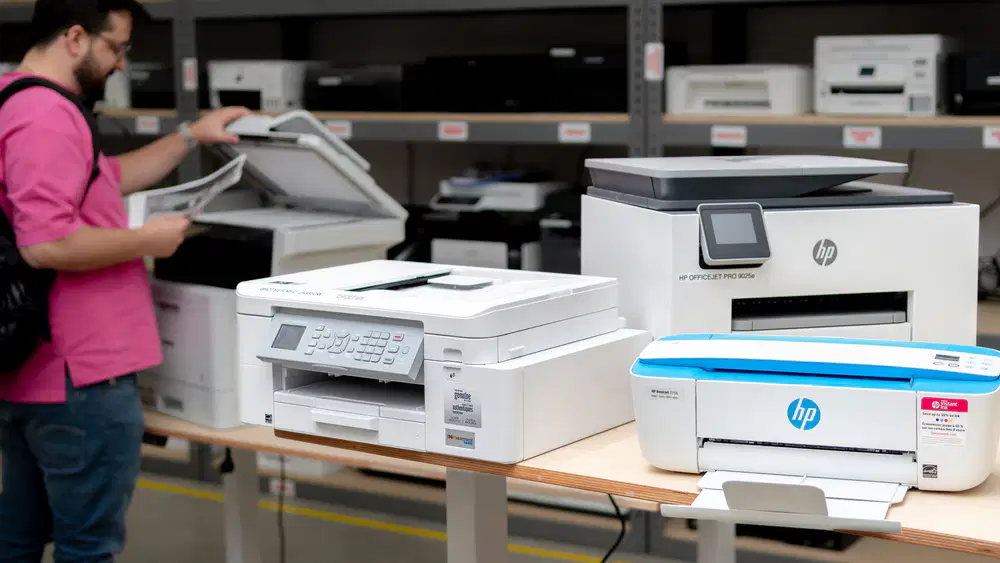
This HP Printer was designed to print high quality pictures or images.
Deskjet Series
Officejet Series
Laserjet Series
Envy Series
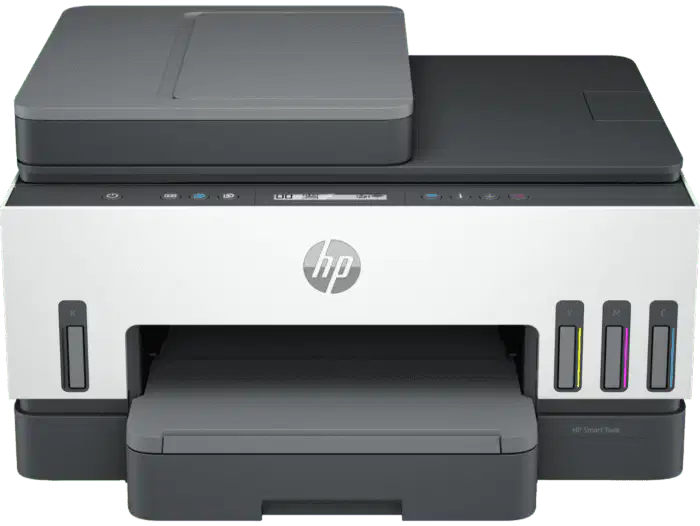
This is the application needed when connecting the printer wirelessly using USB S.O.W
HP Smart`
HP Utility
Printer Assistant
PSDR

Using a Windows 10 computer, how can the agent verify if the printer is already installed on the computer?
go to "control panel" > devices and printer > look for printer model
Using a Windows 10 computer, how can the agent verify if the printer is already installed on the computer?
Check Device Manager under Universal Serial Bus Controllers
Go to “Command Prompt” > type IPCONFIG
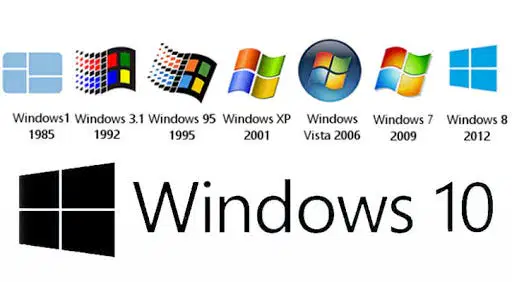
This is where you set your preferred setting before printing in Windows.
Presets Menu
Print Spooler
File Menu
Printer Properties

You need to install the full feature software if you want to use the "Scan to Computer"
TRUE
FALSE
Paul is trying to scan using the screen of the printer and is getting an error ‘No Computers Found”. All steps are correct except for:
Check if the printer is installed
Enable scan to computer in HP Printer Assistant
Make sure that the scanner glass is clean
Printer and computer is connected to the same network

