
 Worksheets
LESSON 2 COMPUTER 5
Total questions: 15
Worksheet time: 8mins

CUT
CTRL + C
CTRL + V
CTRL + X
CTRL + T

COPY
CTRL + C
CTRL + V
CTRL + X
CTRL + T
PASTE
CTRL + C
CTRL + V
CTRL + X
CTRL + T
ALIGN LEFT (PARAGRAPH)
CTRL + E
CTRL + J
CTRL + L
CTRL + R
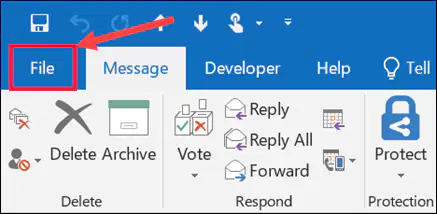
Save (Save a file)
CTRL + A
CTRL + S
CTRL + Y
CTRL + Z
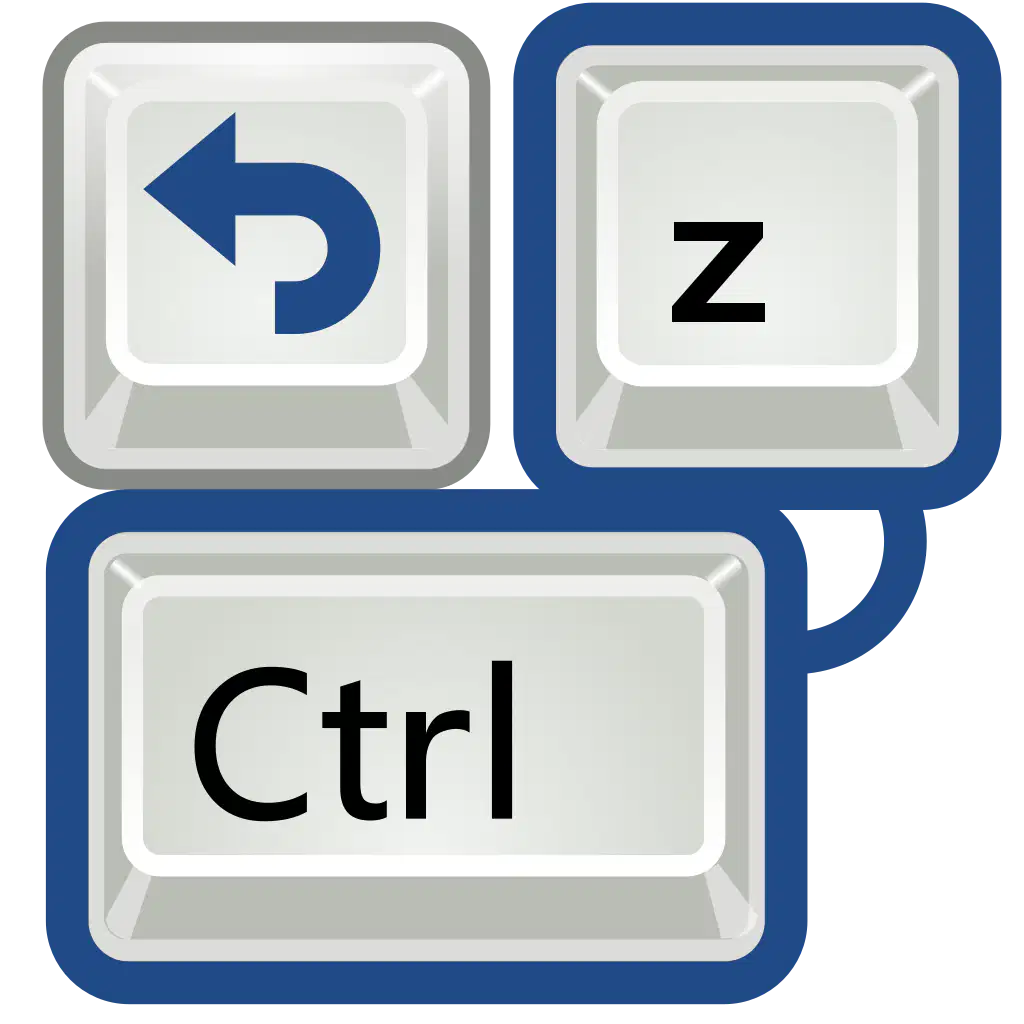
CTRL + Z
REDO
SAVE
SAVE AS
UNDO
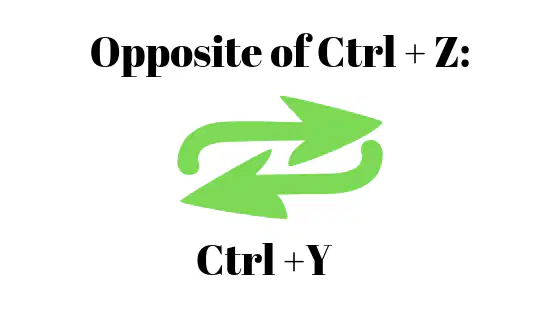
CTRL + Y
REDO
SAVE
SAVE AS
UNDO
JUSTIFY your text (PARAGRAPH)
CTRL + E
CTRL + J
CTRL + L
CTRL + R

ALIGN CENTER (PARAGRAPH)
CTRL + E
CTRL + J
CTRL + L
CTRL + R

ALIGN RIGHT (PARAGRAPH)
CTRL + E
CTRL + J
CTRL + L
CTRL + R

Displays a set of commands or buttons that you use frequently.
By default, it contains the SAVE, UNDO Typing, and REDO Typing buttons.
Ribbon
Quick Access Toolbar
Status Bar
Title Bar
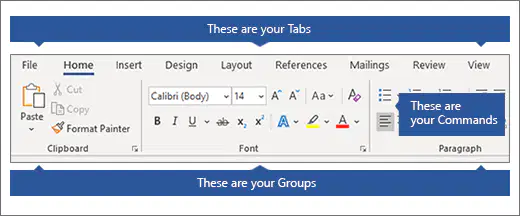
Display the tools and buttons you need for all your work.
Quick Access Toolbar
Title Bar
Working / Typing Area
Ribbon

What tab is where Word's heart is?
Insert
Layout
Home
View

You type your document in the _______.
Typing Area
Ribbon
Title Bar
Status Bar

Located at the bottom of your screen and includes basic information, such as the page number of the open document, the language used in the document, and its overall word count
TITLE BAR
STATUS BAR
RULER
RIBBON

