
 Worksheets
Midterm Review
Total questions: 41
Worksheet time: 27mins
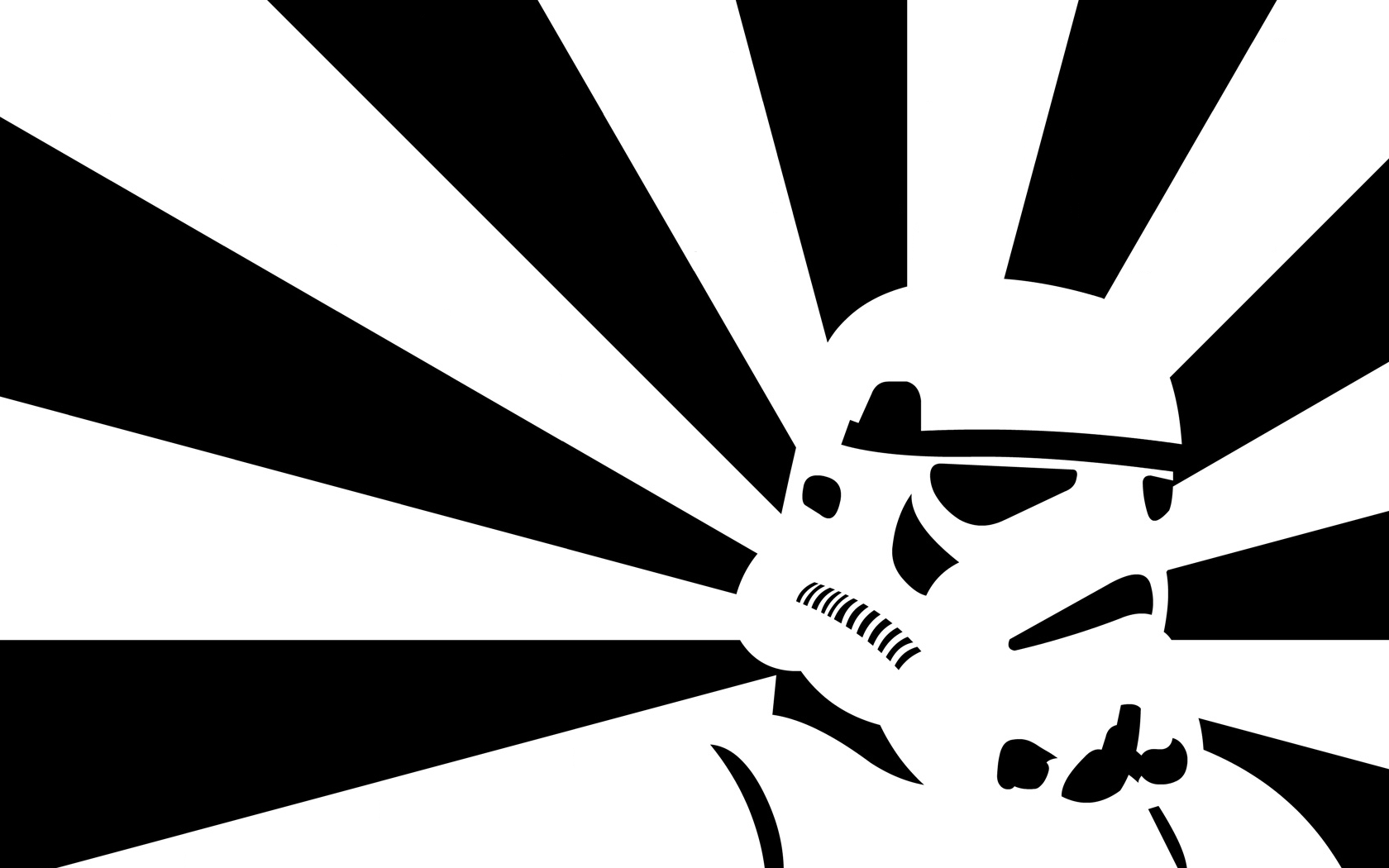
*hint- two dimensional

Used to make parts of an artwork stand out. It creates a focal point or the center of interest.
emphasis
contrast
pattern
unity
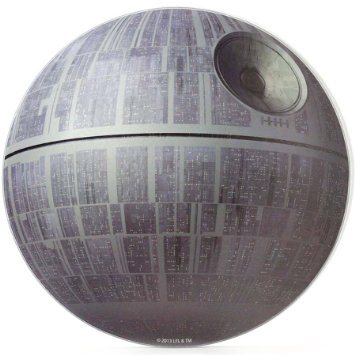
*hint- three dimensional
A tip or information that helps a person get a new job
job lead
job market
internship
occupation
A formal program for beginners to gain experience in an occupation or profession.
networking
job market
internship
occupation
Photographer can look through this to compose and check the focus of a picture. Can also use the LCD monitor instead.
Viewfinder
Lens
Main dial
this allows you to make objects farther away appear closer
focus ring
zoom ring
mode dial
shutter button

Does this follow the rule of thirds?
Yes
No

Does this follow the rule of thirds?
Yes
No
Which selection tool in Photoshop allows you to create a rectangular or square selection?
Lasso tool
Elliptical marquee tool
Magic wand tool
Rectangular marquee tool

What tool is this?
Editing tool
Quick selection tool
Magic wand tool
Brush tool
What does the Magic Wand tool do in Photoshop?
It selects areas based on color similarity
What is the purpose of the Magnetic Lasso tool in Photoshop?
To select areas based on color similarity
To create a selection that snaps to the edges of defined areas in your image
Which selection tool in Photoshop allows you to create a freehand selection?
Match the following

Move tool

Lasso tool

Brush tool

Elliptical marquee tool

What part of the interface is the Options Bar?
A (red)
B (yellow)
C (orange)
D (green)
What part of the interface is the Panels?
A (red)
B (yellow)
C (orange)
D (green)
E (blue)
What part of the interface is the Menu?
A (red)
B (yellow)
C (orange)
D (green)
E (blue)
What is the shortcut to undo your previous action?
Ctrl+Z
Ctrl+U
Ctrl+X
Spacebar
How do you deselect a selection in Photoshop?
Press Ctrl+D
Press Shift+D
Press Alt+D
Press Ctrl+Shift+D
Primary colors are the basic colors and include...
green, orange, and violet
black and white
red, white, and blue
red, yellow, and blue
____ is a color in its purest form, with no added black, gray, or white.
Tone
Shade
Hue
Tint


This image is the best representation of
Contrast
Movement
Pattern
Emphasis

This image is the best representation of
Shape
Line
Value
Contrast

This is asymmetrical balance
True
False
Below is an example of an organic shape


Name the image.
Quick selection tool
Magic Wizard
Selection tool
Magic tool

These are your...
Photoshop stuff
Drawings
Layers
Pictures

The little triangles that appear to the right of some of the tools indicates what?
The tool is currently inactive and cannot be used.
The tool is currently selected.
There is a sub-menu of additional tools hidden beneath.
It has no meaning-all the tools have the triangle.
When you want to edit a layer, what do you do?
Click the layer in the layers panel and edit
Just start clicking
Take off the background layer and then edit

What does this tool do and what is its name?
Polygonal Lasso: Draws a shape with a straight edge and selects the area within the shape.
Quick Select: Paints a selection area – under Magic Wand
Lasso: Draws a free-form shape and selects the area with in the shape
Magic Wand: selects all pixels of the same color with a single click

What is this tool called?
Square tool
Arrow tool
Move tool
Art tool

What is the purpose of this tool? (select 2)
To move layers, selections and guides within a Photoshop document.
To highlight text and manipulate the size and settings of text to personalize it.
It is a selection tool, that is it.
Enable "Auto-Select" to automatically select the layer or group you click on.

