
 Worksheets
Review - Midterm 1 - Grade 6 - OI
Total questions: 24
Worksheet time: 12mins
What is a digital footprint?
Everything on the Internet that makes you you! This could mean photos, audio, videos, texts, blog posts, and messages you write on friendsʼ pages.
The area in any digital product, app, website, etc., where you can define or adjust what you share and how your account is handled
The ideas, opinions, impressions or beliefs that other people have about you: something that you can't be totally sure about but that you usually want to be positive or good
Information about a specific person. Your personal information can be varying degrees of public or private, depending on how sensitive it is.
Which can be considered as the LEAST sensitive personal information?
Full Name
Date of Birth
Your School
Your favourite colors
What is phishing?
When someone tries to trick you into sharing personal information online.
A dishonest attempt to make money or gain something else of value by tricking people
trick people into giving away their money, personal information, or valuables.
Which is the strongest password?
testing123
themoreyouknow
1234567
p@$$w0rd
Which is the strongest password?
password1
C@ntSt0pTheFee1ing!
lexi1107
EThompson2
If you do not want strangers to be able to see your Instagram posts, what should you do?
Use private mode
Use public mode
Should you change your passwords every 6 months for extra security?
True
False
What happens in a phishing attack?
firewall
phishing
cyber
authentic
What does phishing involve?
protect
give
find
steal
What should you look for to determine if a website is secure?
https:// with lock symbol
http://
.org or .com sites
a weird URL
What should you do if you receive a suspicious link?
click it! it's legit
ignore it! it's spam
Which image shows that a website is secure?

a lock

a key

Phishing is when someone tries to ______ information like your login or account details by pretending to be someone you trust in an email, text, or other online communication.
give
steal
find
protect

What should you do if you receive a friend request with a blurry profile picture and no bio?
Let them follow you
Ignore the request
Message them and ask who they are
Accept their friend request
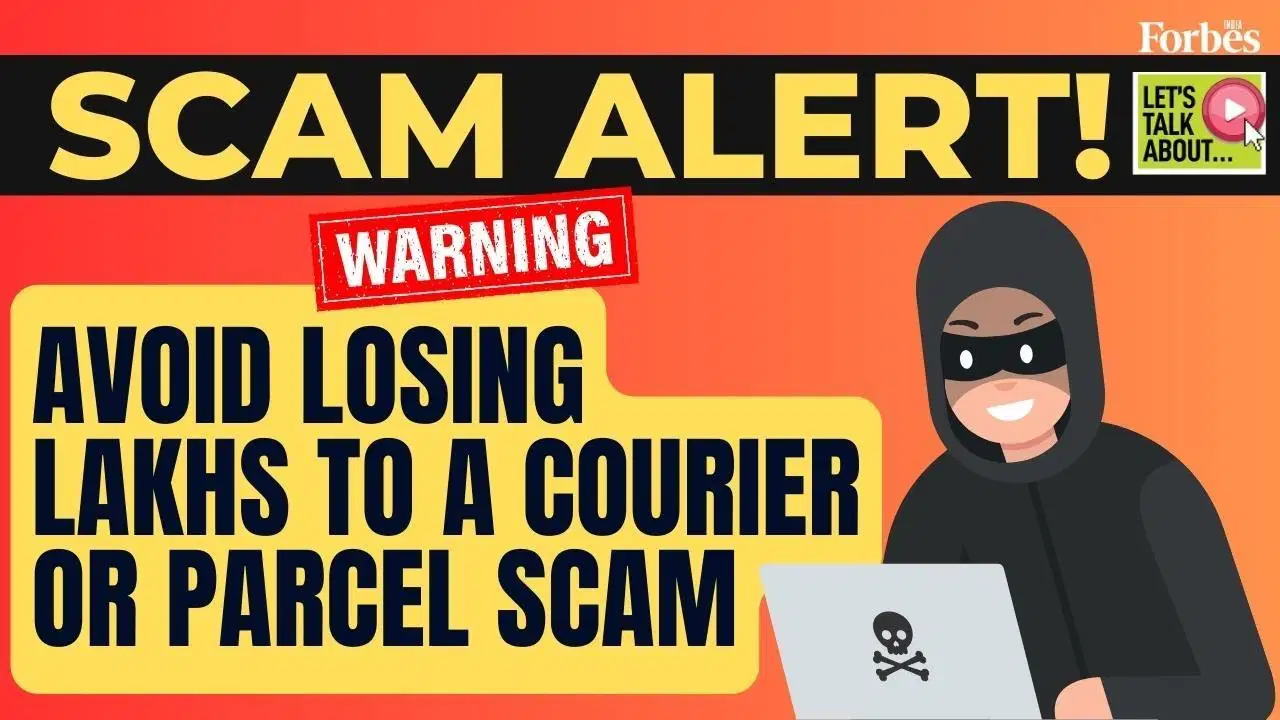
What should you do if you receive a comment on your YouTube video saying you have won $5,000?
Send it to all your friends
Ignore the link- it's probably a scam
Click the link and collect that cash money
Comment back
What should you do if you receive a text from a random number asking for your address?
Respond & ask who they are
Respond with your address- that's super nice and helpful of them!
Ignore & block the number- you don't know them
How can you create strong passwords that are harder for people to guess? (choose more than 1)
Use letters, numbers, and symbols
Use a minimum of 8 characters
Use a combination of upper and lower case letters
Use lower-case letters and a number
A _________ attack happens when someone tries to trick you into sharing personal information online.
phishing
cyber
firewall
authentic
What should you write in the subject if you want to tell your friend how your classmates helped you?
My school
My classmates
My class teacher
My family
What should you write in the subject if you want to tell your friend about your life at school?
My family life
My school life
My new life
My happy life
What does 'email' stand for?
Electronic Mail
Easy Mail
Express Mail
Event Mail
Which button is typically used to send an email?
The 'Reply' button
The 'Forward' button
The 'Delete' button
The 'Send' or 'Submit' button
What should you do if you receive an email with a suspicious attachment from an unknown sender?
Download and open the attachment immediately
Forward the email to all your friends
Delete the email and avoid opening any suspicious attachments
Respond to the email asking for more information
What's the correct way to write an email to a teacher or someone you respect?
Use informal language and emojis
Write in all capital letters
Use formal language and proper grammar
Write as if you were texting a friend

