Worksheets
AMIS-Digital Literacy Program with Mr Noel
Total questions: 50
Worksheet time: 36mins
When I want to mute a device, which symbol should I choose?


What is this?
This is the keyboard.
This is a Pen drive
This is the monitor
This is a computer

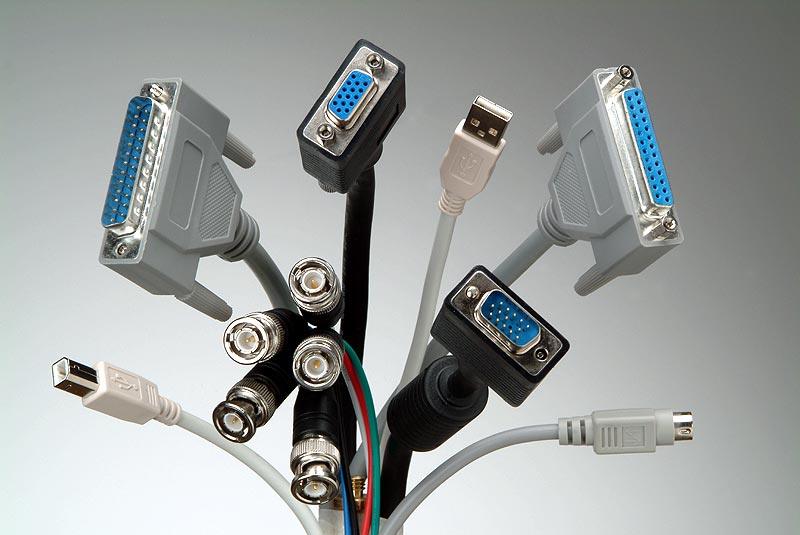
What is this a picture of?
Cable
Switch
Wireless router
Phone Mast

Name this storage device
Flash drive
Hard disk
Memory cards
Compact disc
Machines which use IPO cycle
Fridge
Eating
Microwave
None of these
Is bing web browser
Search Engine
ISP
True
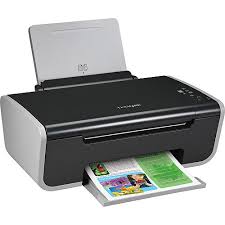
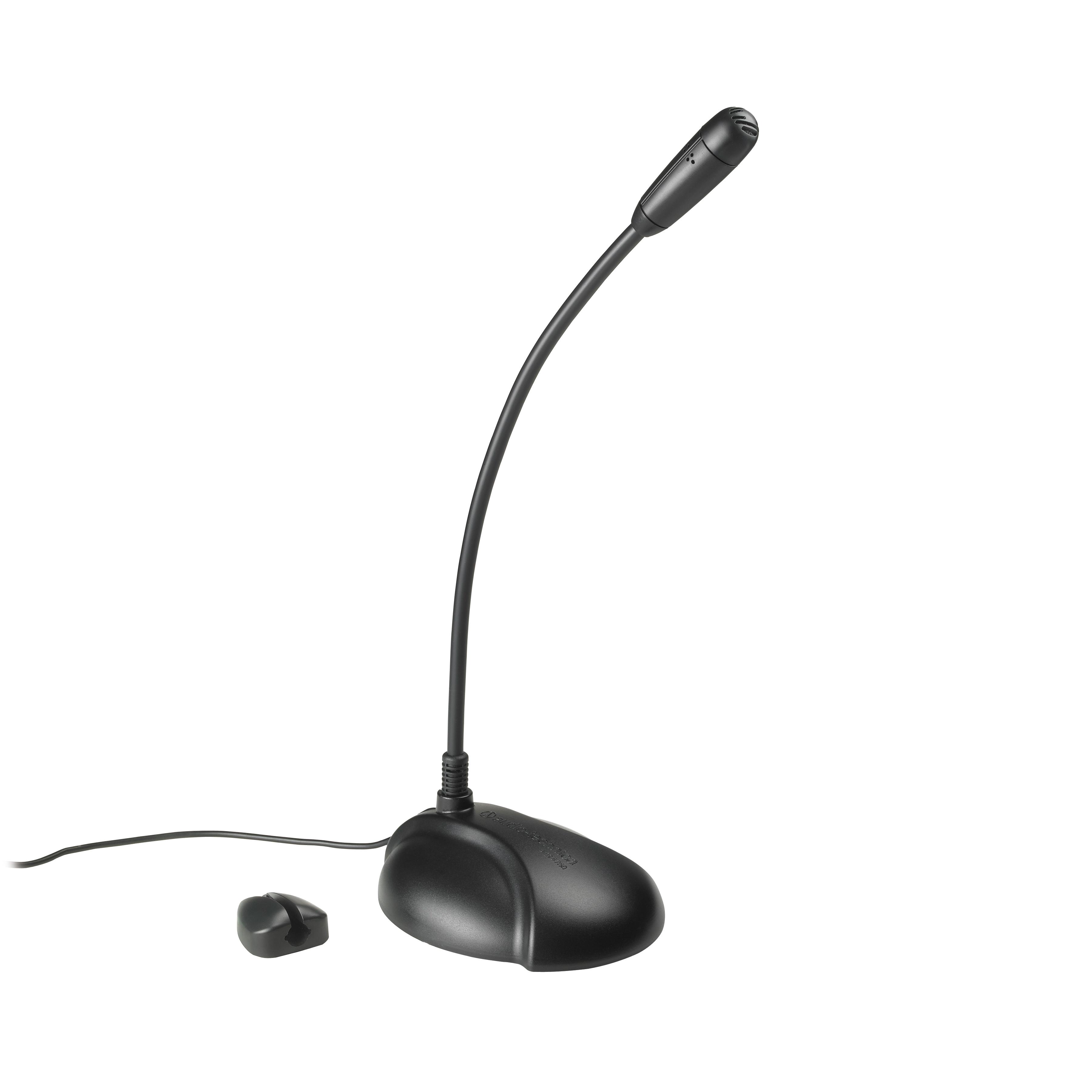
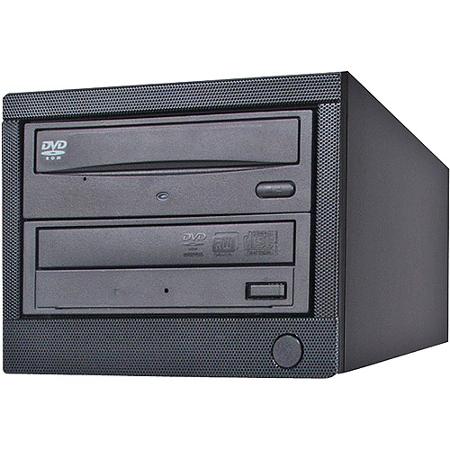
Is this device Input or Output?
Printer
Input
Output
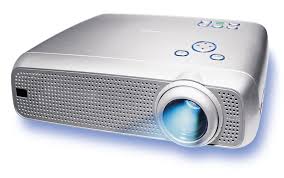
Projector
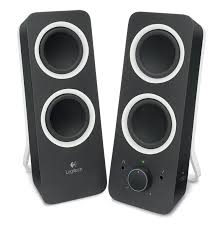
Speaker
The first screen you see when you start your computer is called the . . .
Word Screen
Monitor
screen saver
Windows 7 Screen

If you make a mistake you can do what?
press control U
delete your work and start over
click the undo button at the top of the page

A _______ is an electronic device that manipulates information, or data.
Software
Hardware
Keyboard
Computer

A _____ is used to print documents, photos, and anything else that appears on your screen.
Camera
Smartphone
Printer
e - Reader

The ________ is the computer's main circuit board. It's a thin plate that holds the CPU, memory, connectors for the hard drive and optical drives, expansion cards to control the video and audio, and connections to your computer's ports.
RAM
CPU
Optical Disc Drive
Motherboard

The _____, also called a processor, is located inside the computer case on the motherboard. It is sometimes called the brain of the computer, and its job is to carry out commands.
CPU (Central Processing Unit)
PUC (Processing Unit Central)
CUP (Central Unit Processing)
Center Process Unification

____ is your system's short-term memory. Whenever your computer performs calculations, it temporarily stores the data in the RAM until it is needed.
REM
RIM
RAM
ROM

The ______ is where your software, documents, and other files are stored. It long-term storage, which means the data is still saved even if you turn the computer off or unplug it.
RAM
USB
Hard Drive
Storage Drive

An _____________ is the most important software that runs on a computer. It manages the computer's memory and processes, as well as all of its software and hardware.
Banana
Hardware
Software
Operating System
The most popular operating system for personal computers is ________.
Mac OS X
Microsoft Windows
Ubuntu Linux
Instead of a mouse, many laptops use a(n) ________.
optical drive
scanner
touchpad
laser pointer
The main circuit board in a computer is called the ________.
RAM
motherboard
dongle
power supply unit
To guard against malware, you will need to have ________.
antivirus software
a word processor
a can of compressed air
spyware
What is software?
Anything connected to the computer that is soft.
Any set of instructions that you can work with
Anything connected to the computer that you can touch
Any set of instructions that tells the hardware what to do
What is an example of software?
mouse & computer case
Word & monitor
Word & Minecraft
keyboard & Chrome

What is the meaning of this symbol?
WiFi
Font
Power
Upload

Which of these is an example of a computer?
Personal desktop computer
Ipad
Smartwatch
All of these are examples of computers

A computer uses a combination of :
hardware and software
line paper and white paper
monitor and digital pixels
keyboard and mouse

Which of these is an example of Computer Hardware?
Google Chrome
Microsoft Windows
MacOS
Keyboard
Which of these is NOT an example of Computer Software?


Which of these is NOT an example of Computer Hardware?


There are different types of storage to save your files. Which of these is NOT a type of storage?
USB pen drive
file cabinet
memory card
DVD

What is the meaning of this symbol?
volume
power
WiFi
settings