
 Worksheets
Discovering my computer
Total questions: 55
Worksheet time: 34mins

Identify the given picture as input or output devices. Choose the correct answer.
Input
Output
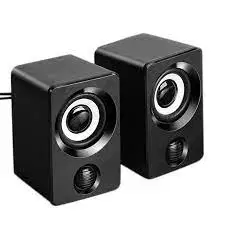
Identify the given picture as input or output devices. Choose the correct answer.
Input
Output
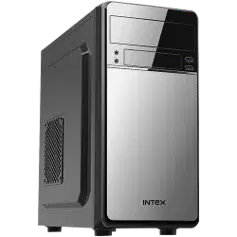
Identify the given picture as input or output devices. Choose the correct answer.
Input
Output
both
neither, because it is the processor
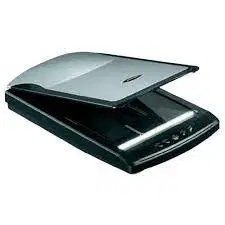
Identify the given picture as input or output devices. Choose the correct answer.
Input
Output
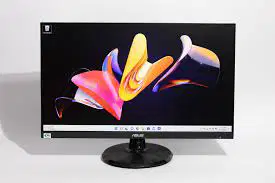
Identify the given picture as input or output devices. Choose the correct answer.
Input
Output
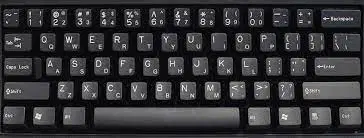
Identify the given picture as input or output devices. Choose the correct answer.
Input
Output

Identify the given picture as input or output devices. Choose the correct answer.
Input
Output
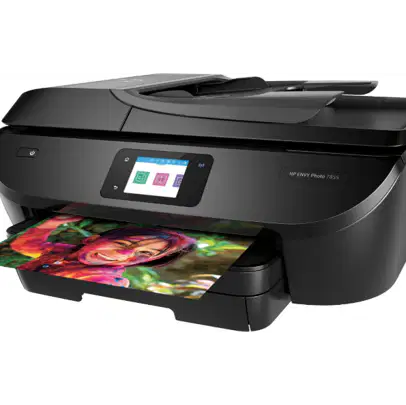
Identify the given picture as input or output devices. Choose the correct answer.
Input
Output
A microphone is used to type a text.
True
False
Headset can both record and play sound.
True
False
A scanner is used to print a document.
True
False
The information is processed in the system unit.
True
False
A mouse is used to print a document.
True
False
A monitor is used to watch videos.
True
False
The motherboard exists in the system unit.
True
False
A microphone is used to record your sound.
True
False
The information enters the computer through input devices.
True
False
The information exits the computer through output devices.
True
False
When the computer is turned off, the Hard Disk will save the content.
True
False
The information is processed in the system unit.
True
False
A sound can pass from the speakers to the microphone.
True
False
When the computer is turned off, the hard disk will save the content.
True
False
The RAM and the Hard Disk are the two types of memory.
True
False
Before you save a document, it exists on the RAM.
True
False
What is the use of microphone?
speak
scan
play games
What is the use of keyboard?
type text
scan
play games
What is the use of printer?
type text
scan
play games
What is the use of scanner?
type text
scan
play games
What is the use of speaker?
type text
listen privately
listen publicly
play games
What is the use of headphones?
type text
listen privately
listen publicly
play games
What is the use of monitor?
watch or display
listen privately
listen publicly
play games
What is the use of mouse?
click
click & select
select
play games
Which part of the computer is known as the brain of the computer?
CPU
Monitor
Printer
Mouse
What is known as the system unit?
CPU
Monitor
Printer
Mouse
Which input device can capture images?
Web Camera
Monitor
Printer
Mouse
Which device lets you point and click on icons?
Speakers
Monitor
Printer
Mouse
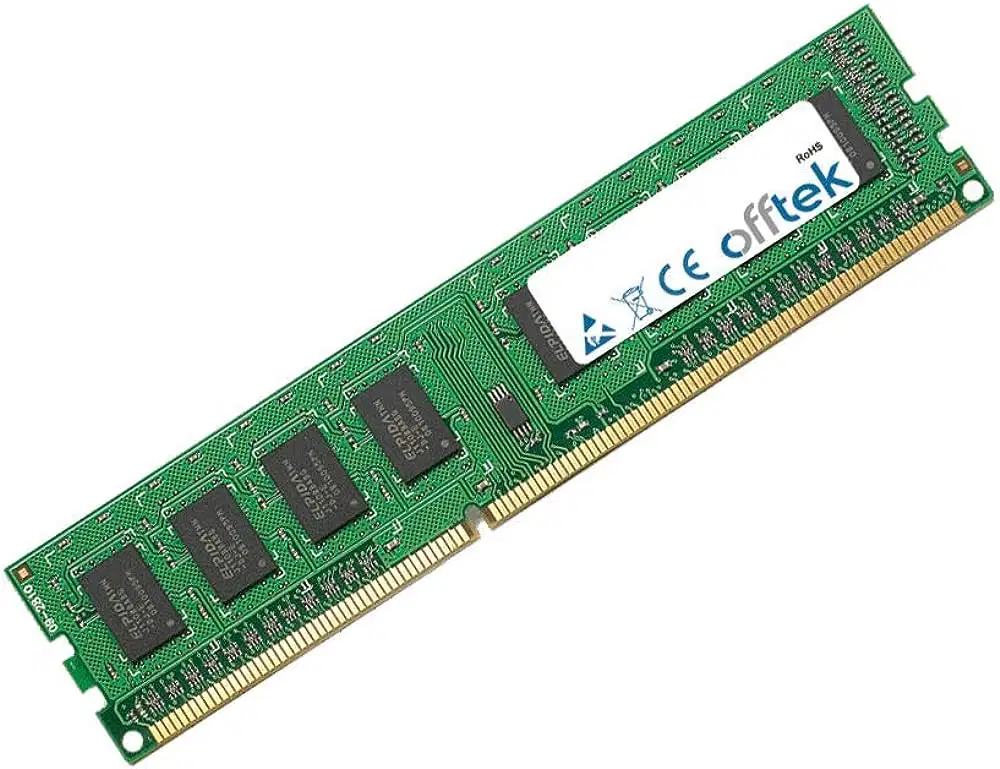
Identify the picture.
motherboard
RAM
Hard disk
The CPU

Identify the picture.
motherboard
RAM
Hard disk
The CPU

Identify the picture.
motherboard
RAM
Hard disk
The CPU

Identify the picture.
motherboard
RAM
Hard disk
The CPU
What are the two memories in the computer?
motherboard & CPU
RAM & Hard disk
Hard disk & monitor
The CPU & Keyboard
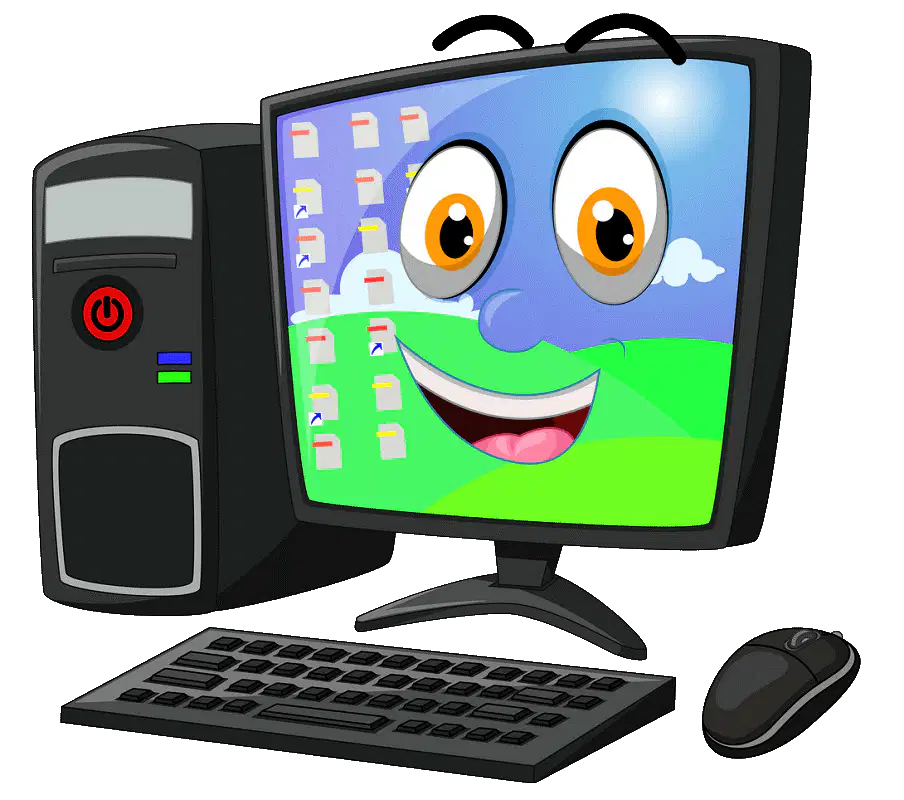
Identify the type of computer
Laptop
Desktop
Smartphone
Tablet
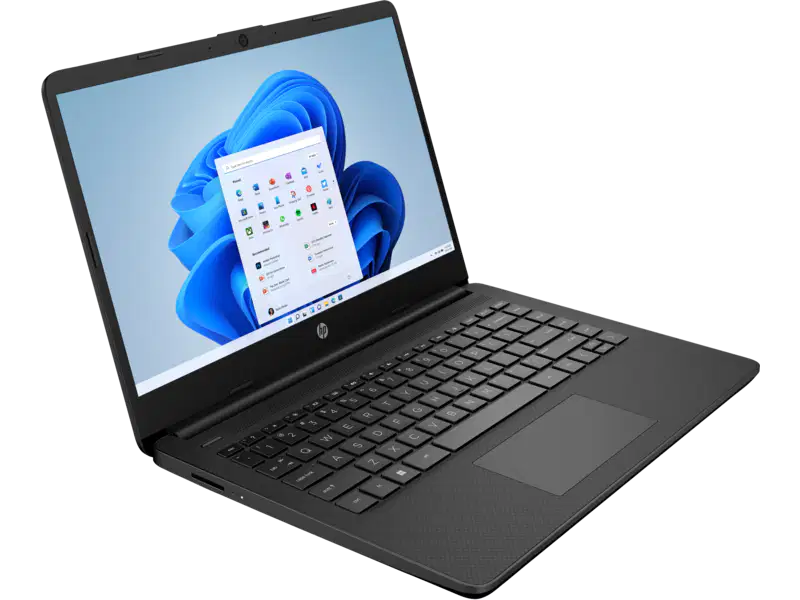
Identify the type of computer
Laptop
Desktop
Smartphone
Tablet

Name the picture.
(a)
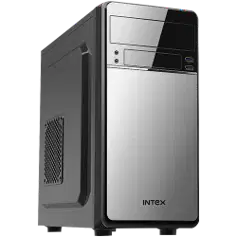
Name the picture.
(a)
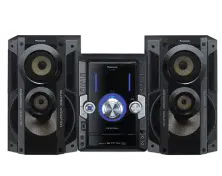
Name the picture.
(a)

Name the picture.
(a)

Name the picture.
(a)

Name the picture.
(a)
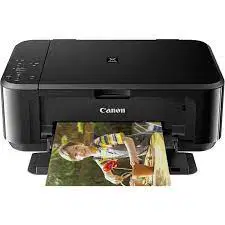
Name the picture.
(a)
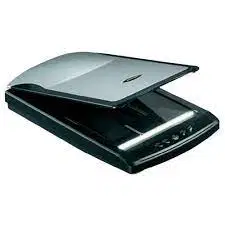
Name the picture.
(a)
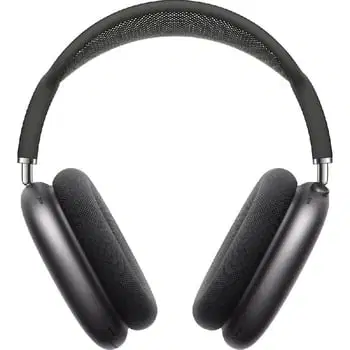
Name the picture.
(a)
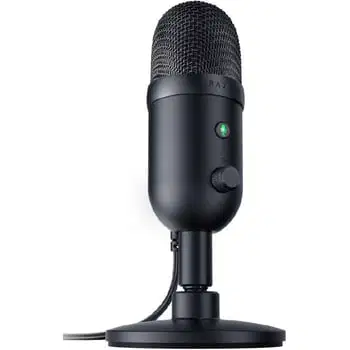
Name the picture.
(a)

Name the picture.
(a)
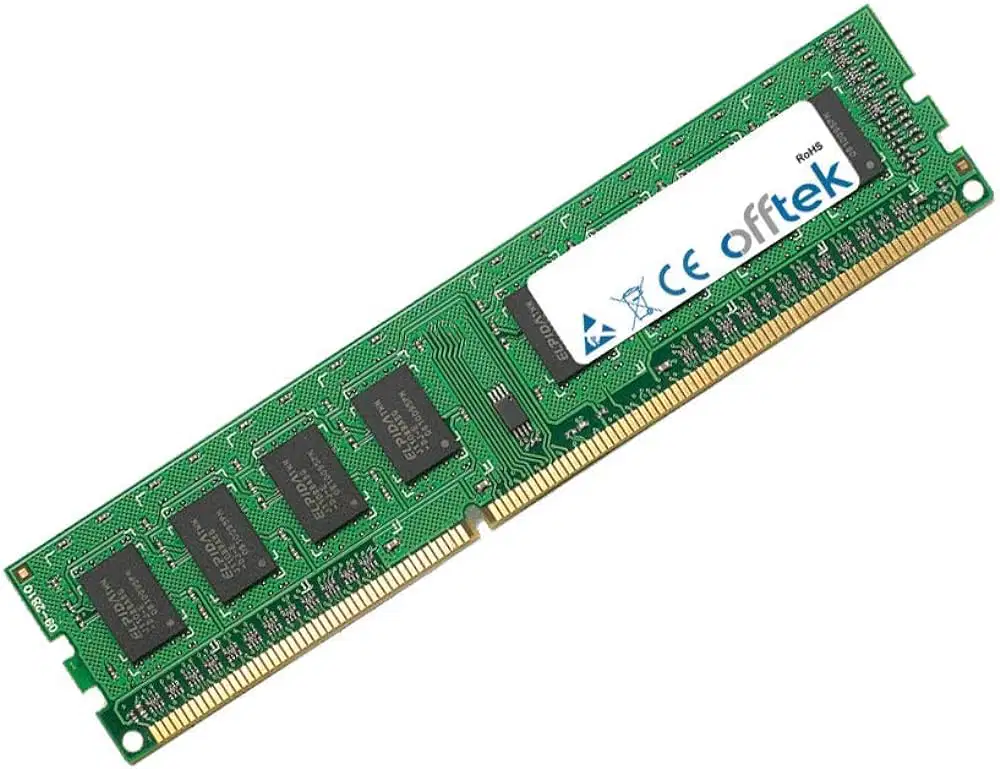
Name the picture.
(a)

