
NEW
Font size
 Worksheets
Spam emails and online safety
Total questions: 16
Worksheet time: 8mins

What was the aim of the lesson today?
To create spam emails
To identify spam emails and what to do with them
To learn how to send emails
To understand the history of email communication

According to what we have learned, what can you do to spot a spam email?
Look at the email's attachments
Look at the sender and subject
Check if the email is in your inbox
Count the number of emails received in a day

What do spam emails all have in common?
They are always sent from people you know.
They are sent to people who have asked for the information.
They are sent to any email address that the sender has, and are never just for the person that receives it.
They contain personal messages that are just for the receiver.
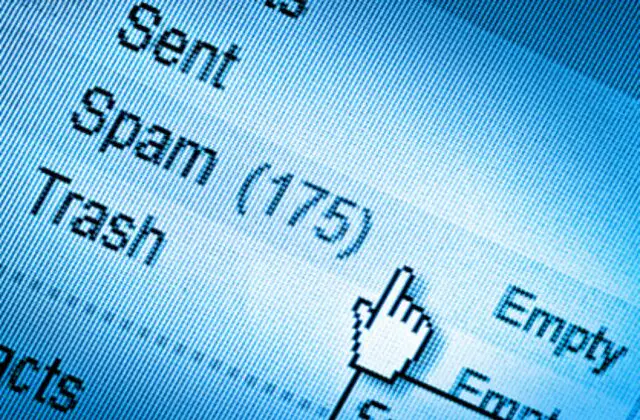
Which of the following subjects is likely to be considered spam?
Meeting Agenda for Next Week
FREE Money!!! £££
Family Trip Updates
Approved Holiday Request
Which is another example of a spam email subject?
Reply now for FREE Stuff
Meeting at 10 AM
Homework Assignment Due
Lunch Menu for Today
Which sender's email address looks like it could be from a spam email?
jill776556@interspam.ds
teacher@school.edu
friendname@socialmedia.com
info@localbusiness.com

Which of the following might show that an email is unsafe?
Offering a discount on a product
Mentioning a specific date
Including links prompting to 'click here'
Addressing the recipient as "Dear customer"

What is online phishing?
A type of computer virus
A fishing technique
Pretending to be a real company to get your details
A game played online

If you fill in your details on an online form, this could lead to...
Winning a prize
Getting a discount on products
Receiving more spam
Enhancing online security

What might a spam email often look like?
An email from a well-known company with a clear subject line
An email that looks like it is from a company you trust
An email with a personalised message from a friend
An official government email from .gov.uk

Where do spam emails often come from?
A verified email address with a good reputation
A familiar contact in your address book
A strange-looking or unknown email address
A public forum or message board

What should you do if you spot an email that you suspect is spam?
Open the email to confirm if it's spam.
Delete the email immediately without marking it as junk.
Do not open the email and find out how to mark it as junk.
Forward the email to all your contacts to warn them.
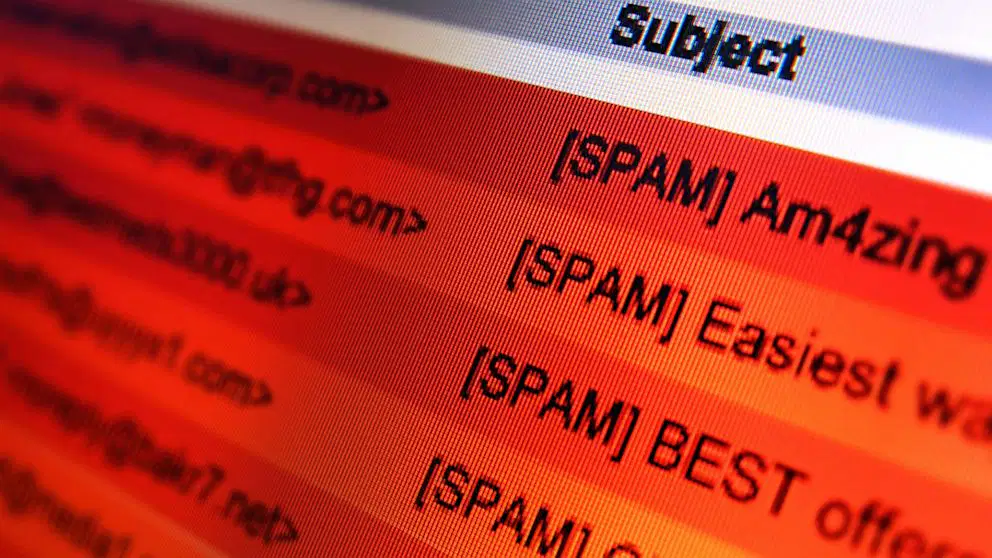
What is the recommended action if you think an email might be dangerous?
Try to reply to the sender and ask for more details.
Click on all the links to see where they lead.
Ignore the email and do nothing.
Ask a trusted adult to help you report it.
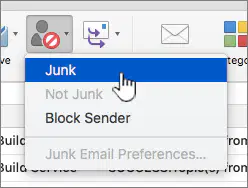
Why is it important to mark an email as junk in your email provider?
It helps the email provider to identify and filter future junk mail.
It automatically replies to the sender with a warning message.
It will charge the sender a fine for sending junk mail.
It will delete all emails from your inbox.

What should you NOT do after opening a spam email?
Tell a trusted adult about the incident.
Click any links or attachments in the email.
Move the email to your junk folder.
Report the email as spam.

What should you do to prevent more spam emails in the future?
Share your email address on social media platforms.
Avoid putting your email address into websites or online forms unless necessary.
Use the same password for all your email accounts.
Respond to spam emails to ask to be removed from the mailing list.

