
 Worksheets
Y3-Unit 02: Digital Artistry and Document Design- Exam Practice
Total questions: 26
Worksheet time: 52mins
Microsoft Word is a powerful tool used to create professional-quality _______.
documents
folders
To select a word in a paragraph, we left click the mouse ____________
once
twice
three times

Using the undo command, you can reverse a mistake, such as deleting the wrong word.
True
False
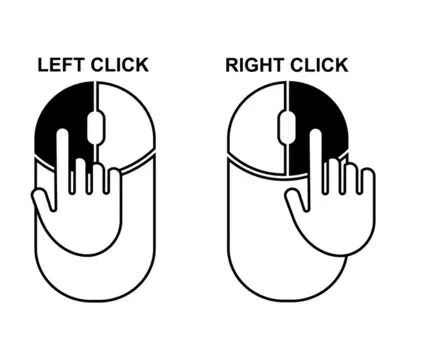
Which mouse button do you have to use to select a word or an object?
Left mouse click
Right mouse click
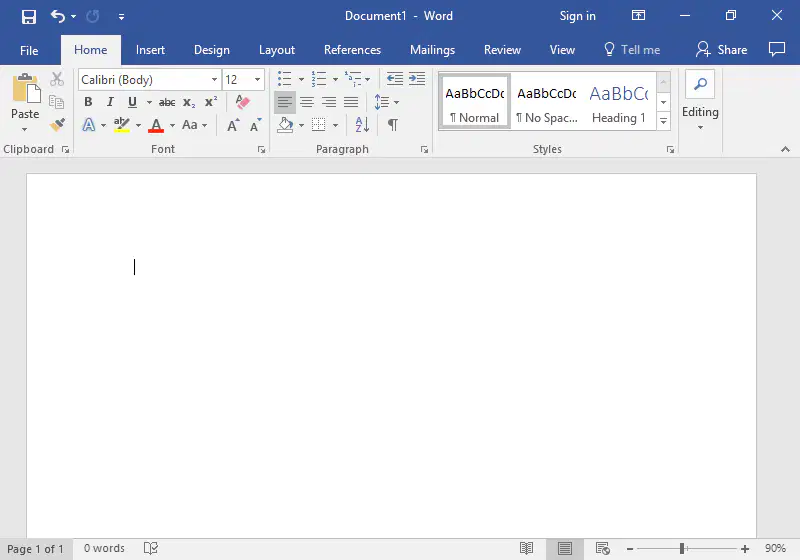
The working area in a Word document refers to _____________________
the space where the user type and edits text.
toolbar where tools and options are displayed.
Which of the following program allows us to make documents?
Microsoft Paint
Microsoft Excel
Microsoft Word

Look at the picture.
The ______________ has tabs. Each holds commands that do a similar job.
ribbon
group
Tab
To close an open window, which Windows control should be used?


Which picture shows a folder?


To type a capital letter, you need to hold down the ________ while typing the letter key.
Enter key
Shift key
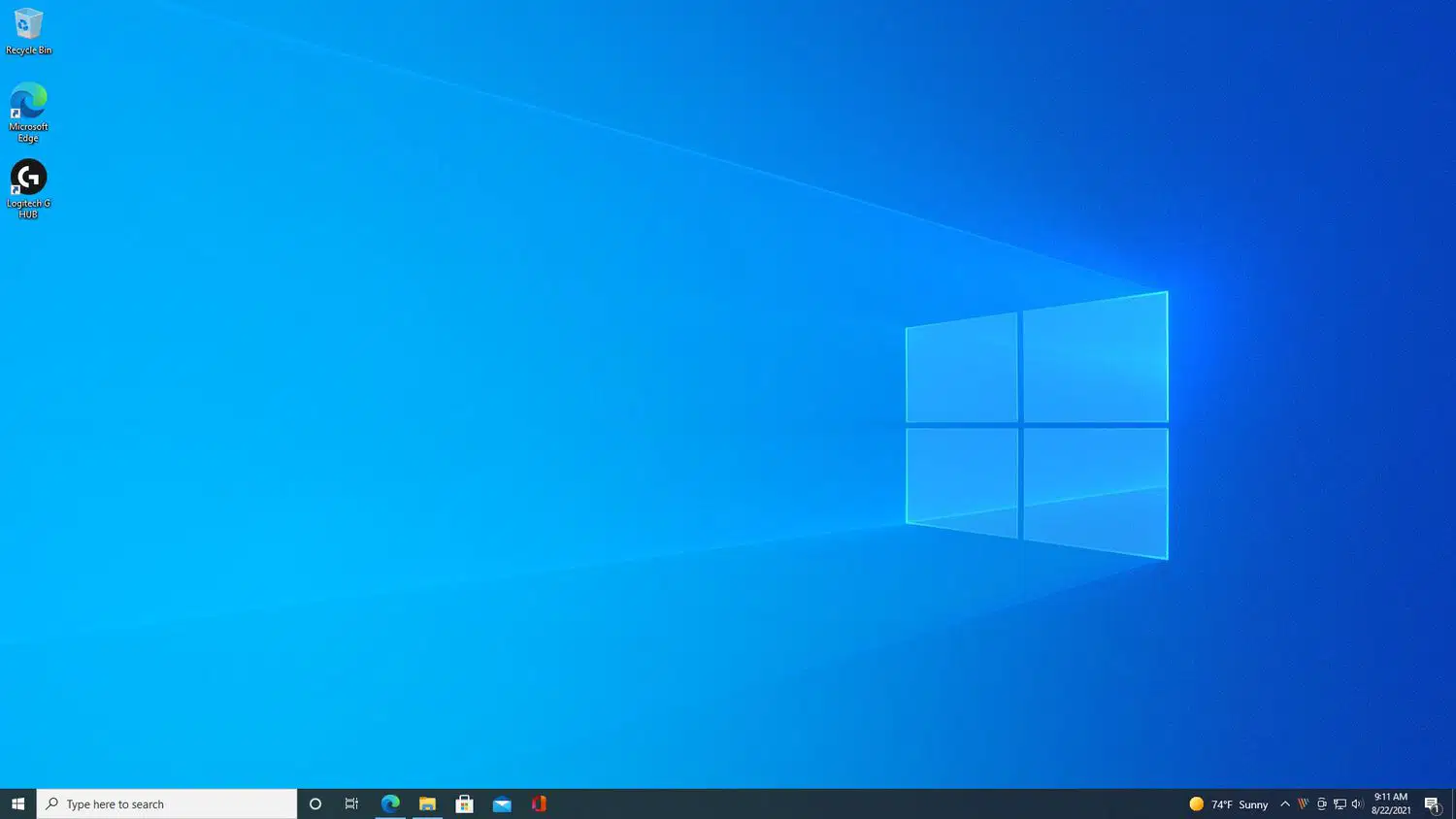
What is a Computer Desktop?
It is the part of a computer used for typing letters.
It is the screen area that shows pictures of folders, documents, and other items, like those found on a real desk.
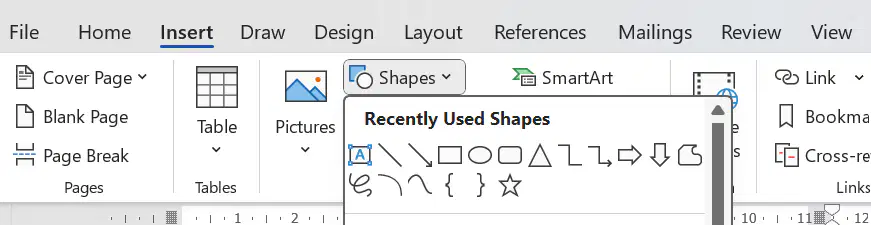
If you want to insert a Shape into your document, which tab would you go to?
Home
Insert
File

Which command helps you to reverse the last action in Microsoft Word?
Delete
Repeat
Undo
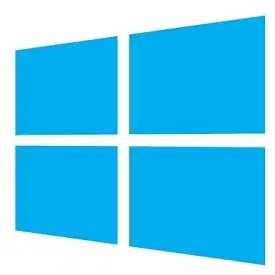
Which of these is the Microsoft Word icon?



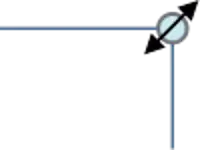
True/ False: to resize a shape:
1.Click on the shape to select it
2.Move the mouse pointer over one of the corner handles.
3.When the mouse pointer changes to a two-way directional arrow,
click and drag to resize the shape.
1.Move the mouse pointer over top of the oval.
2.When the mouse pointer changes to a four-way directional arrow,
click and drag to move the shape.
1.Click on the oval to select the shape.
2.Move the mouse pointer over the green handle.
3.When the mouse pointer changes to a rounded arrow,
click and drag the mouse in a circular direction to rotate the shape.
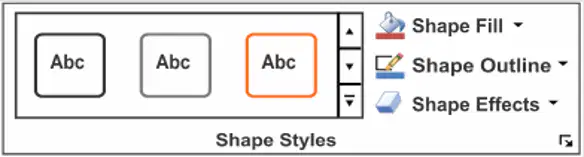
To change the Shape colour we go to Shape Format tab and Select
Shape fill
Shape Outline
Shape Effects
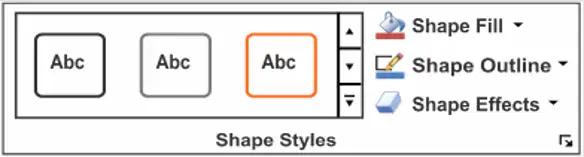
To add Shadow Effect to the Shape we Go to Shape Format Tab and select
Shape Fill
Shape Outline
Shape Effects
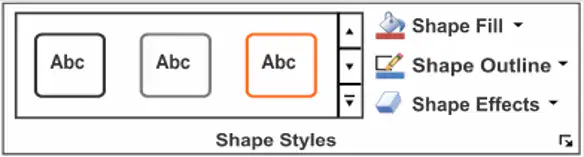
To change the thickness of the Shape outline , We go to Shape Format Tab and Select:
Shape Effects
Shape Outline

Look at the Shape, then order the steps to resize the Shape.
Use the mouse left click.
Click to select the Square Shape
Move the mouse pointer over one of the corner sizing handles.
When the mouse changes to a two-way arrow, click and drag OUT to make the Shape bigger or IN to make it smaller.

Which software is an example of word processing application?
Microsoft PowerPoint
Microsoft Word
Microsoft Excel
True or False
Microsoft Word allows you to format and edit your documents in the best possible way.
False
True
What do you use to copy a Shape?
Cut
Copy
Copy and Paste
What did I change "here"?
The colour
The size
The font
The style
write your name and grade
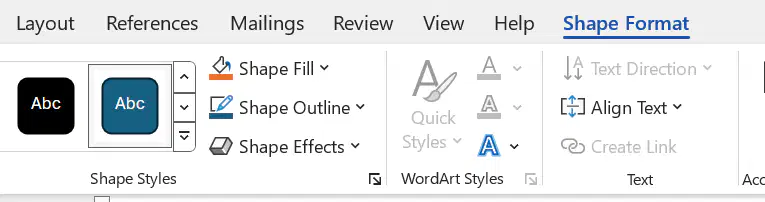
The Shape Format tab opens automatically When you select the Shape.
True
False
When you select the Shape, the __________ tab opens automatically.
Shape Format
Home
Insert

