
 Worksheets
Personal And Private
Total questions: 76
Worksheet time: 1hrs 27mins
Personal information is...
Okay to share online
Not okay to share online

The name of your pet is...
Personal (safe to share)
Private (not safe to share)

Your favourite food is...
Personal (safe to share)
Private (not safe to share)
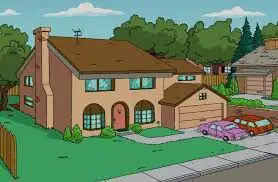
Home address
Private (not safe to share)
Personal (safe to share)
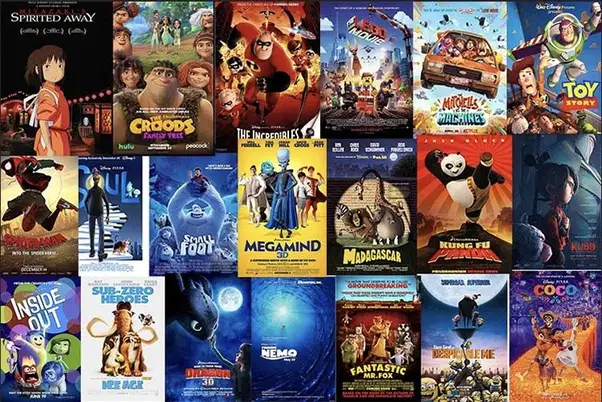
Your favorite movie
Personal (safe to share)
Private (not safe to share)

Your favorite game
Personal (safe to share)
Private (not safe to share)

Your favorite book
Personal (safe to share)
Private (not safe to share)

Your school address
Personal (safe to share)
Private (not safe to share)
What type of information is ok to share online?
your address
your phone number
about your pets
Should you tell people your address online?
Sure!
Maybe
Why not?
No
Private information is...
Okay to share online
Not okay to share online
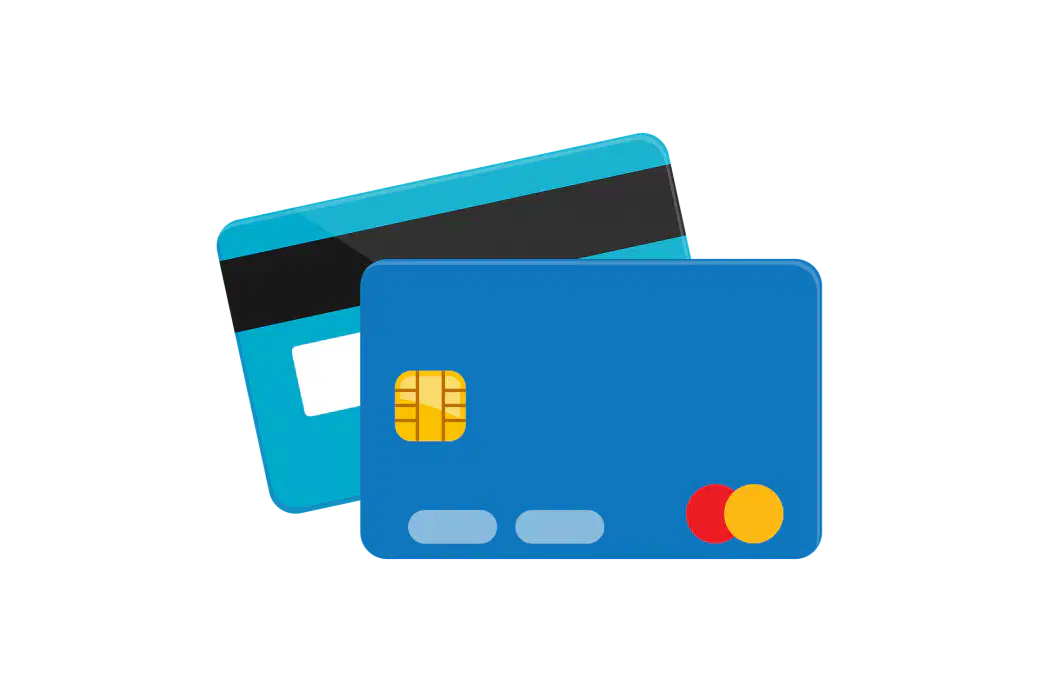
Your parent's credit card information is...
Personal (safe to share)
Private (not safe to share)
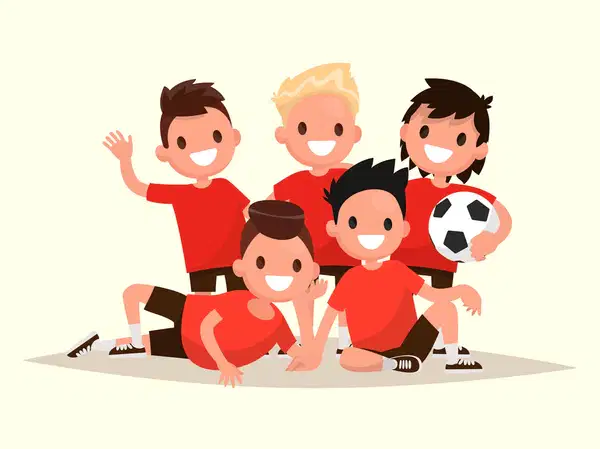
Your favorite sports team
Personal (safe to share)
Private (not safe to share)

Your bank account details...
Personal (safe to share)
Private (not safe to share)

Your father's job title...
Personal (safe to share)
Private (not safe to share)
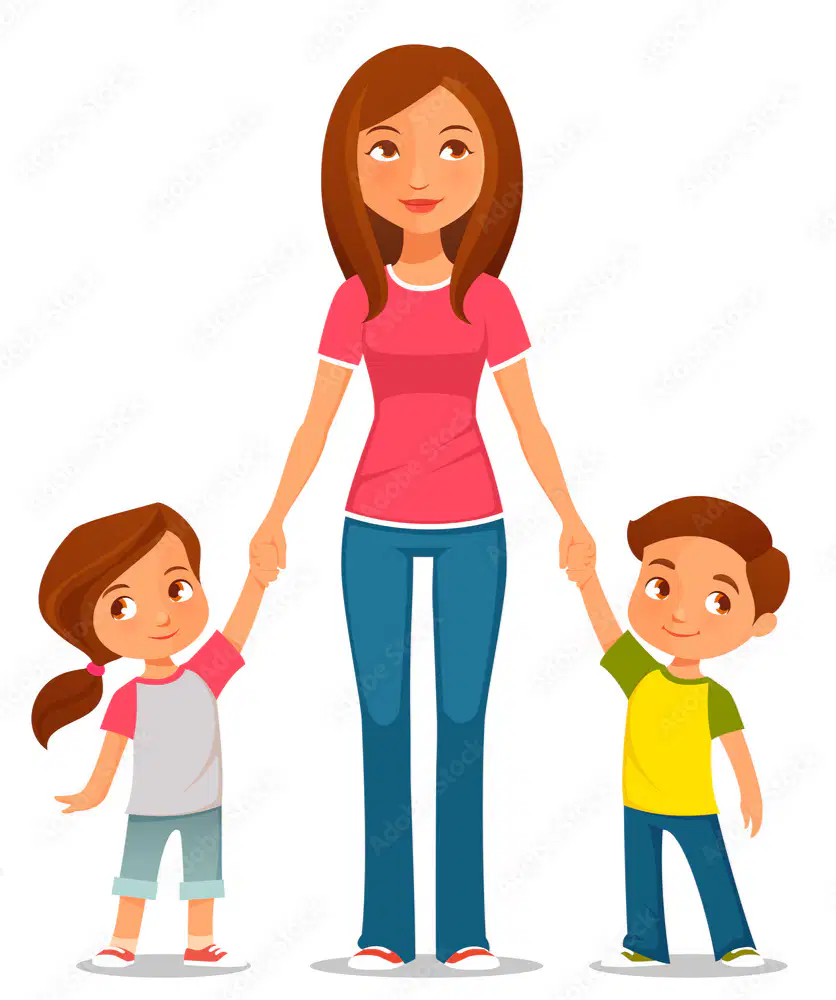
Your mother's name
Personal (safe to share)
Private (not safe to share)
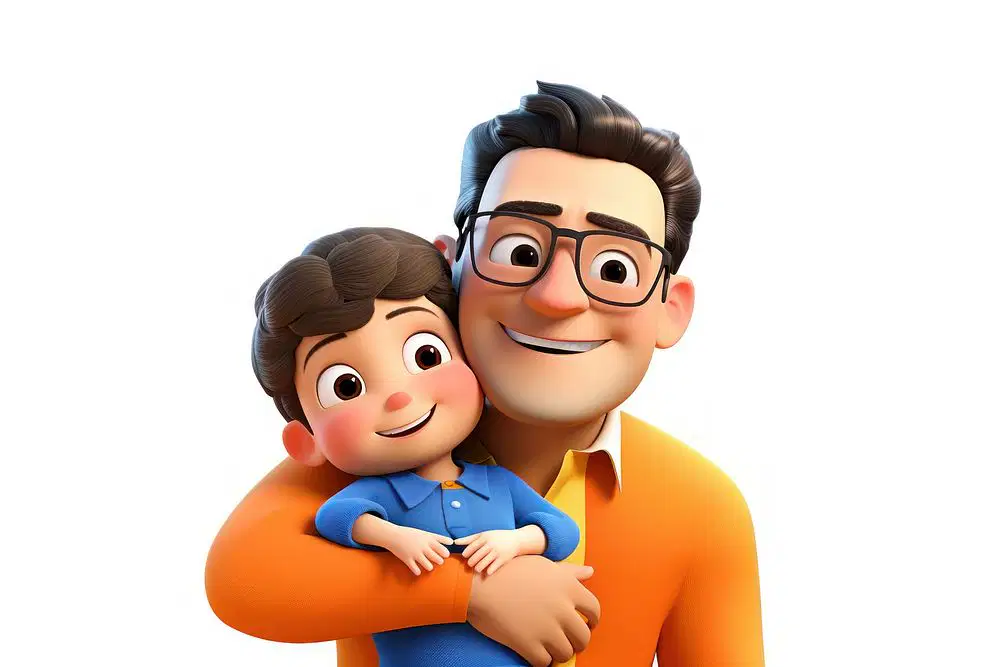
Your father's name
Personal (safe to share)
Private (not safe to share)
You should keep your passwords private (safe).
True
False
Which one is a strong password?
BraveChicken@15
BraveChicken
A longer password is generally stronger than a shorter one?
True
False
True or False: This a strong password:
Ss!tRBd!@18PP
True
False
True or False: This is a strong password:
Luv2Sw!mLongL@pz
True
False
Include letters, numbers, and symbols in your password.
Do
Don't
Give your password to your parent or guardian.
Do
Don't
Create a password you can remember.
Do
Don't
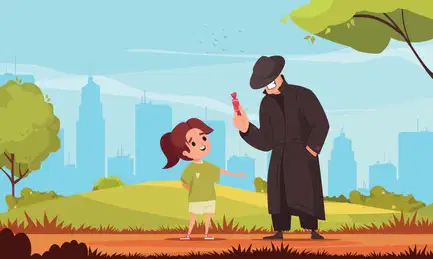
Is it safe to talk to strangers online?
Yes, it is safe
No, it isn't safe

What should you do before you use the computer?
Ask permission from your parents or teacher
Don't ask permission from your parents or teacher

What should you do if you get a message from someone you don’t know?
Open it and reply
Tell your parents or teacher
If you see something online that makes you uncomfortable, you should tell a parent or teacher..
True
False

WHAT does ************ mean in the picture?
PASSWORD
NAME
ADDRESS
AGE

KEEP PRIVATE YOUR:
(YOU CAN CHOOSE MORE THAN ONE ANSWER)
FAVOURITE FOOD
FAVOURITE COLOUR
PHONE NUMBER

On the Internet there are people with false names and photos.
NO
YES

I should give out my name and phone number to people I don't know on the internet.
True
False

If someone says something really mean to me on the internet I should...
be mean back
Tell a parent or teacher
Tell them to leave

I should only visit websites approved by my parents or teacher.
True
False

Should I follow these safety rules at my friend's house?
Yes
No

Which password is best?
password
cat
dog
Sunsh1ne95*

I should always be kind and respectful while using the internet.
True
False

I should help my family and friends be safe on the internet too!
True
False

Who should you talk to if you feel uncomfortable about something on the internet?
My dog
My parents
A friend I love most

Share pictures to strangers on internet
Yes, like to share my pictures
No, I will not share
Sometimes if I wish

Is it safe to download without permission?
Yes, because I know to download
No, it may contain VIRUS

I should always keep my passwords private.
True
False

Tell a responsible adult if you feel worried or uncormfotable.
YES
NO

Your mom's phone number
Personal (safe to share)
Private (not safe to share)
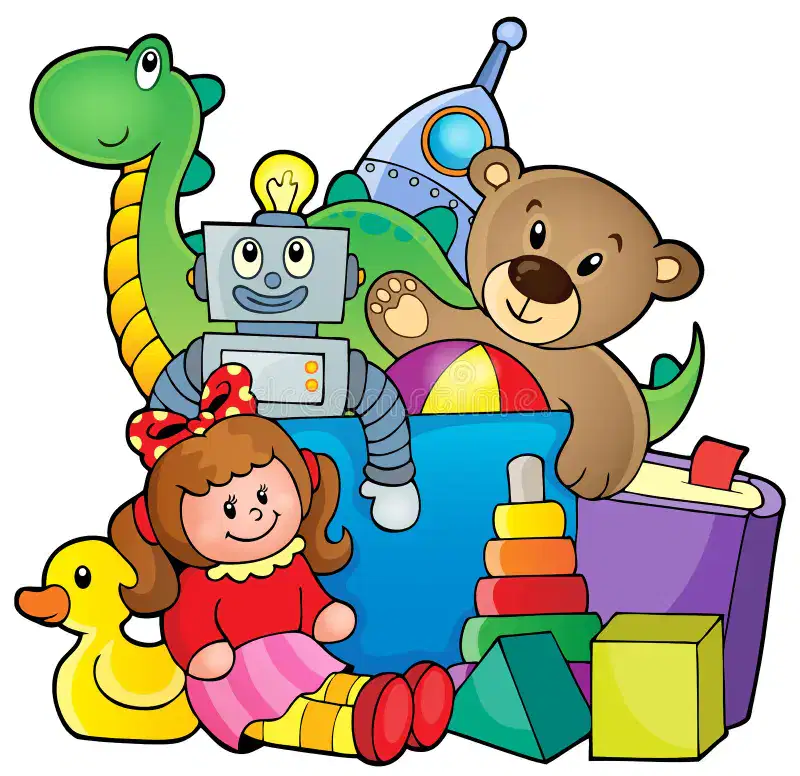
Your favorite toy
Personal (safe to share)
Private (not safe to share)

Your favorite sport
Personal (safe to share)
Private (not safe to share)
I should give out my name and phone number to people I don't know on the internet.
True
False

Your computer password
Private (Not safe to share)
Personal (safe to share)

Your favorite ice-cream
Private (Not safe to share)
Personal (safe to share)

What is the output of the program?


What is the output of program?

What is the output of the program?

WHAT IS THE OUTPUT OF THE PROGRAM?


TO DRAW IN SCRATCH WE USE:


You often see this plugged into a computer.
Monitor
Printer
Mouse
CPU

This computer part lets everyone listen to sounds.
Speakers
CPU
Microphone
Mouse

This allows you to record your voice.
monitor
microphone
Webcam
Headset

This computer is smaller than a desktop computer but larger than a ipad.
ipad
Laptop
Smartphone
Desktop

This computer is smaller than a laptop and great for playing games or watching movies. It has a touch screen.
Ipad
Laptop
Desktop
Smartphone

This computer is smaller than an ipad, it also has a touch screen. We can use this type of computer to message or call our friends and family.
Ipad
Laptop
Desktop
Smartphone
What part of the computer lets you click?


Which part of the computer is this
Mouse
Keyboard
CPU
Moniter

What is this app
Disney+hotstar
Google Chrome

What app is this?
Netflix
HBO max
YouTube
Musi
TO DRAW IN SCRATCH WE USE:

Where to find these codes?


Where to find these codes?


Where to find these codes?


WHAT IS THE OUTPUT OF THE PROGRAM?

What will happen when the green flag is clicked?
Make the character spin
Add a sprite
Make the ball bounce



