
 Worksheets
Microsoft Word Basics (AGE 5-7)
Total questions: 10
Worksheet time: 5mins

What happens when you press the "Enter" key in Word?
It makes the text bold
It moves the cursor to a new line
It deletes the text
It changes the text color
How do you make the letters bigger in Word?
By clicking "Font Size"
By clicking "Bold"
By clicking "Italic"
By clicking "Underline"
How can you change the color of the text?
By clicking "Save"
By clicking "Font Color"
By clicking "New"
By clicking "Print"
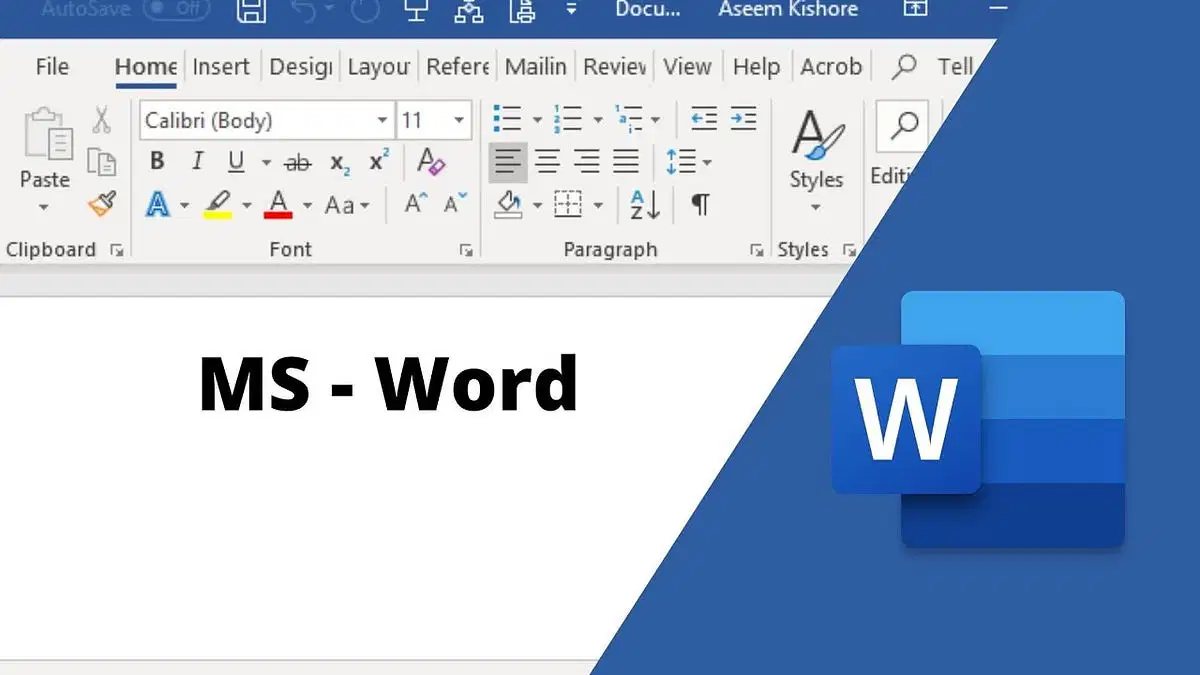
Which button makes the text bold in Word?
B
I
U
A

How do you move the text to the left side of the page?
Click "Align Left"
Click "Align Right"
Click "Align Center"
Click "Bold"
How do you add a picture to your document?
Click "Insert" and then "Picture"
Click "File" and then "Open"
Click "Save" and then "Close"
Click "Home" and then "Bold"
How do you add a label to a picture in Word?
By clicking "Insert" and then "Caption"
By clicking "File" and then "Save"
By clicking "Home" and then "Paste"
By clicking "View" and then "Zoom"
Why would you add a caption to a picture?
To make it disappear
To explain what the picture is about
To color the picture
To save the picture
How do you draw a circle in Microsoft Word?
Click "Insert" and then "Shape"
Click "File" and then "New"
Click "Save" and then "Close"
Click "Home" and then "Paste"
How can you change the color of a shape in Word?
By clicking "Shape Fill"
By clicking "Bold"
By clicking "Italic"
By clicking "Underline"

