
 Worksheets
Mastering Colors and Gradients in Photoshop
Total questions: 10
Worksheet time: 6mins
What is the default foreground color in Adobe Photoshop?
White
Black
Red
Blue

Which tool in Adobe Photoshop is used to fill an area with a gradient?
Brush Tool
Gradient Tool
Paint Bucket Tool
Eraser Tool

Describe the process of creating a new swatch in Adobe Photoshop.
Select a color, click on the Swatches panel, and choose "New Swatch."
Select a color, click on the Swatches panel, and choose "Add to Swatches."
Select a color, click on the Swatches panel, and choose "Create Swatch."
Select a color, click on the Swatches panel, and choose "Save Swatch."

Explain how you can customize a gradient in Adobe Photoshop.
By selecting the Gradient Tool and adjusting the gradient bar in the options panel.
By selecting the Paint Bucket Tool and choosing a new gradient.
By selecting the Brush Tool and changing the gradient settings.
By selecting the Eraser Tool and modifying the gradient options.
What is the significance of organizing swatches in Photoshop, and how can it be done?
It helps in quick access to frequently used colors; it can be done by dragging swatches into folders.
It helps in reducing file size; it can be done by deleting unused swatches.
It helps in improving image quality; it can be done by renaming swatches.
It helps in applying filters; it can be done by sorting swatches alphabetically.
Plan a strategy to create a complex gradient that transitions smoothly between three colors in Photoshop.
Use the Gradient Tool, add color stops on the gradient bar, and adjust the position of each stop to achieve the desired transition.
Use the Paint Bucket Tool, select three colors, and fill the area sequentially.
Use the Brush Tool, paint each color manually, and blend them using the Smudge Tool.
Use the Eraser Tool, erase parts of each color to blend them together.
How would you approach organizing a large number of swatches for a project to ensure efficiency and ease of use?
Group swatches by color family and label each group clearly for easy identification.
Delete all swatches and create new ones as needed.
Randomly arrange swatches and rely on memory to find them.
Use only the default swatches provided by Photoshop.
Evaluate the impact of using poorly organized swatches on a design workflow and propose a solution.
It can lead to wasted time searching for colors; the solution is to regularly organize and label swatches.
It can improve creativity by forcing designers to explore new colors; the solution is to keep swatches unorganized.
It has no impact on workflow; the solution is to ignore swatch organization.
It can reduce the quality of the design; the solution is to use only default swatches.
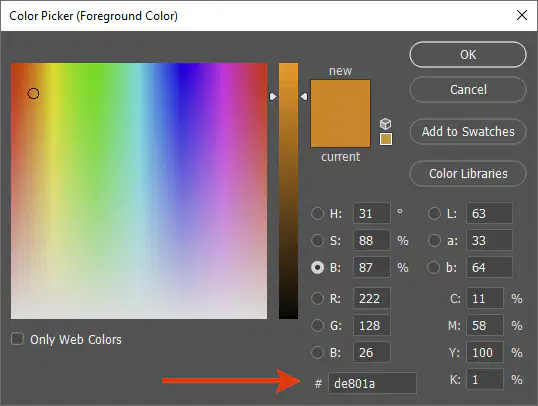
Designers use (a) to find the exact shade or tint of a color.
color wheel
primary color
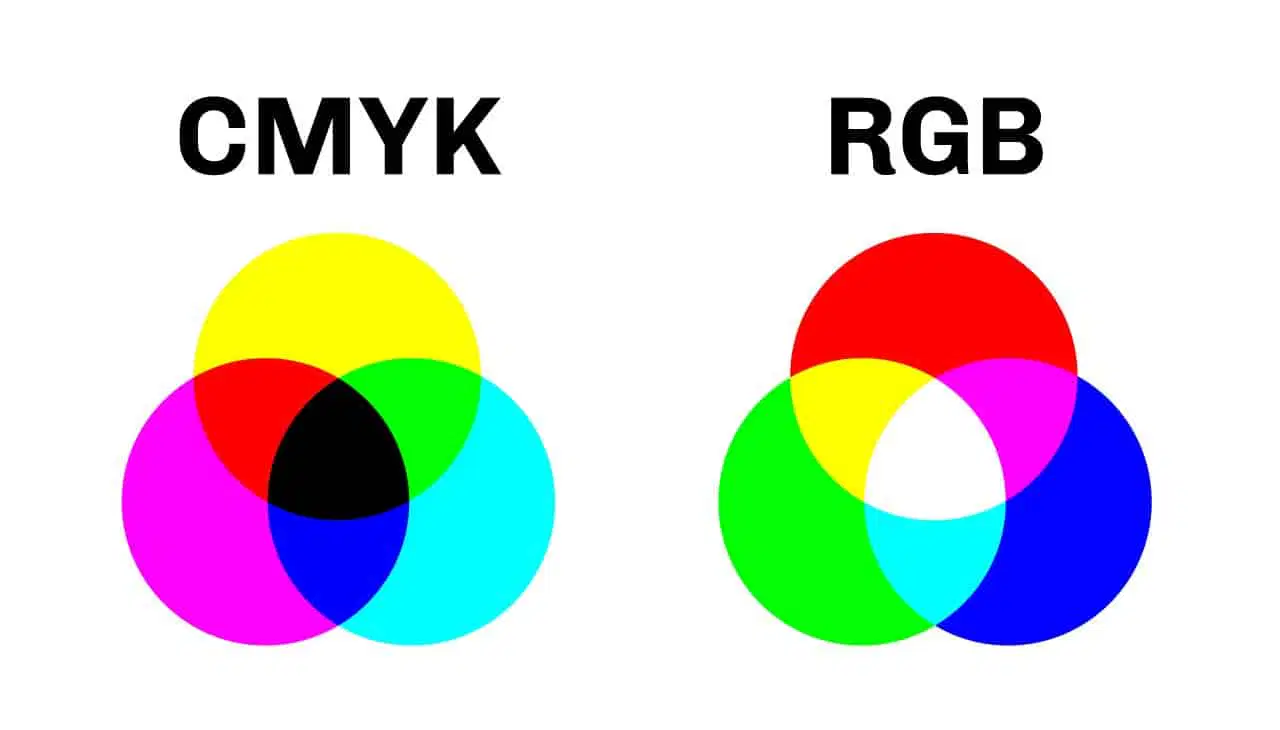
CMYK stands for?
Cyan Magenta Yellow Black
Cyan Magenta Yellow Blue
Cyan Magenta Yellow Brown
Cream Magenta Yellow Kole

