
 Worksheets
Entourage Yearbooks Quiz Review
Total questions: 25
Worksheet time: 13mins
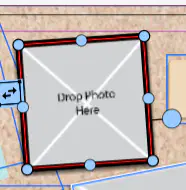
The outline around a photo or page is called a __________.
border
frame
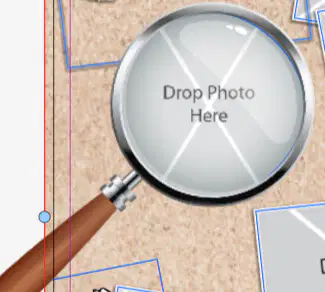
The shape you place a photo in is called a ____________.
border
frame
__________ is how thick or thin a border is.
Color
Thickness
Wrapping
Weight
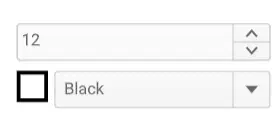
In the designer you can customize a border's _______ and _______.
(choose two)
frame
color
shape
weight
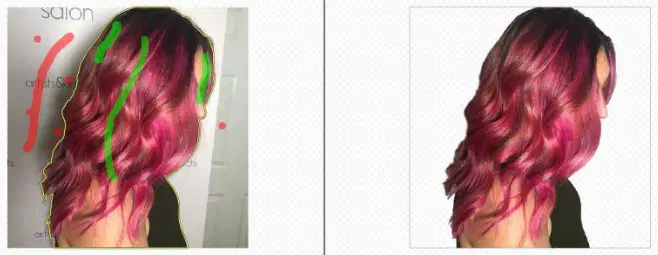
To take a background out of a picture is called _________.
cropping
clipping
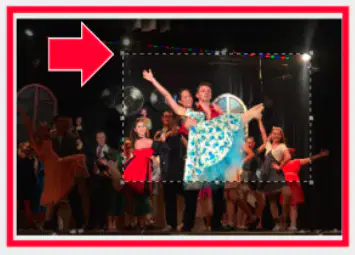
To crop a photo, you grab the sides or corners and make it smaller to cut part of the picture out.
True
False
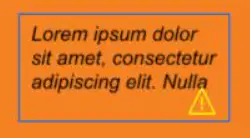
The place you put the words on the page is called a _________.
text box
frame
border
quick menu
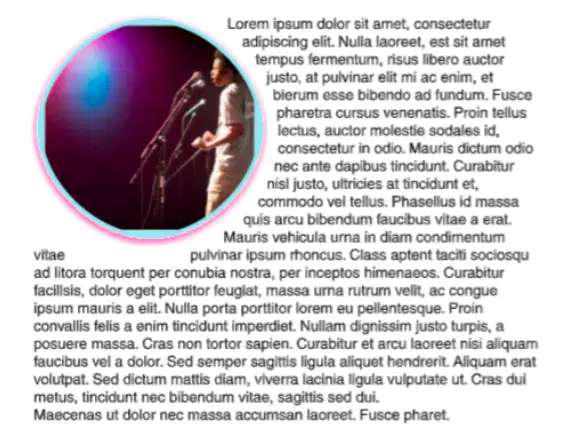
To make the words fit snugly around a photo is called _______________.
text box
alignment
text wrapping
justification
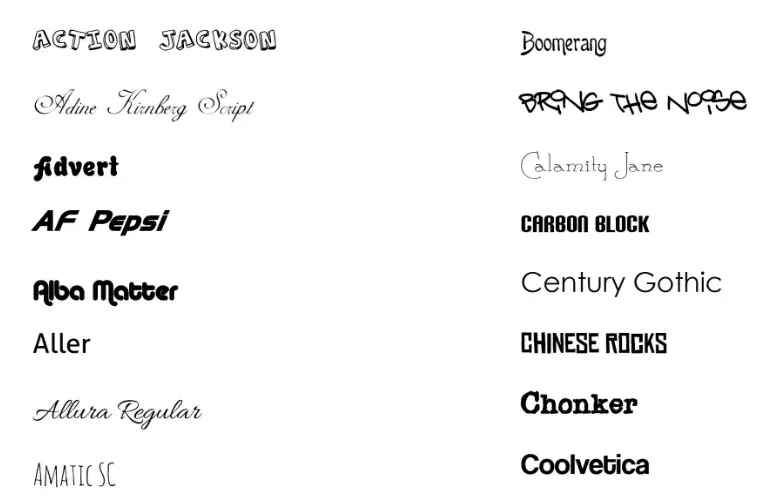
The style and design of the text is called the _______.
font
weight
alignment
size

Text ________ means fitting the text to the left, right, center, or stretched.
wrapping
alignment/justification
When you _______ photos, you select each one of them & line them up perfectly.
clip
frame
weigh
align
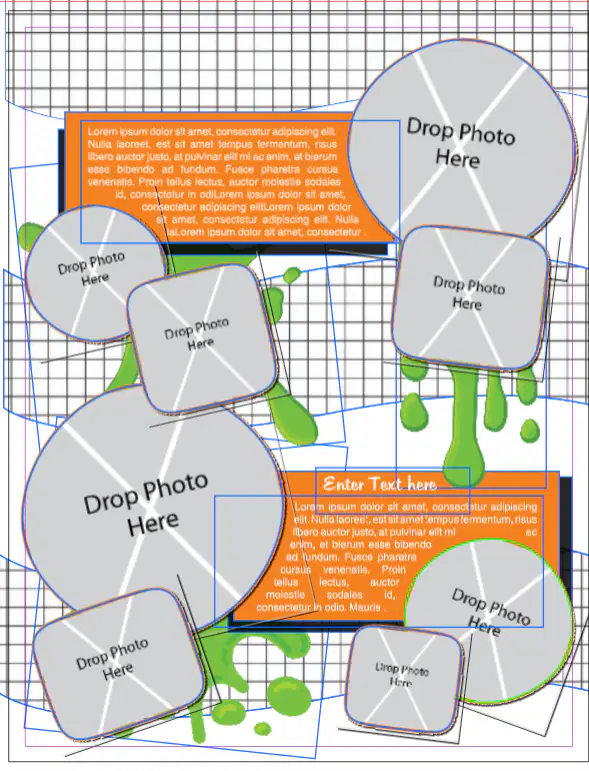
A ______ is a layout that is already created and can be loaded in & edited to fit your vision of the page.
template
designer
background
element
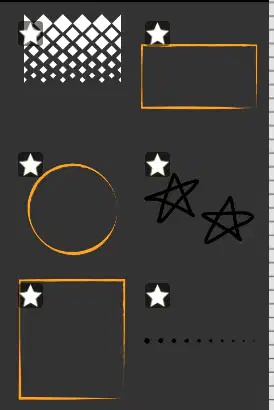
An ________ is a small photo, sticker, or clipart that can be added to the page to embellish it.
text box
element
design
template
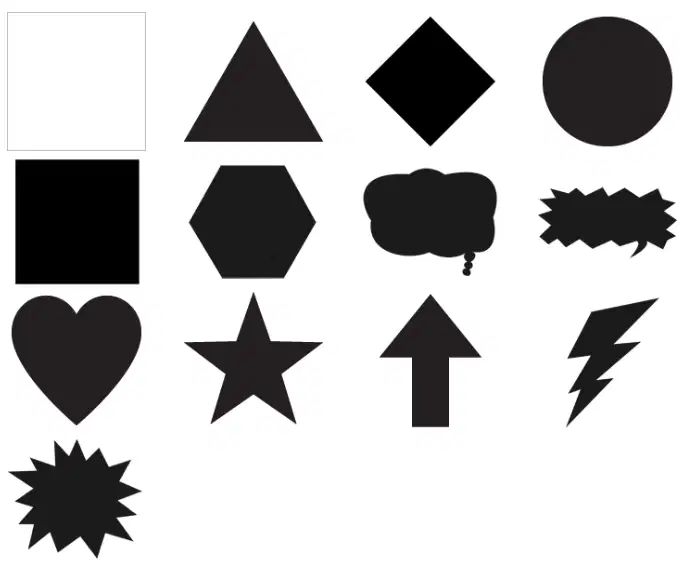
A _______ is a form filled with color, for example, a star, circle, square, etc... and can be added to the page on the page, behind text or photos to make them look better.
frame
shape
template
photo

The ________ is the base layer of the page, and can be filled with a color, photo, template or design.
frame
background
edge
element
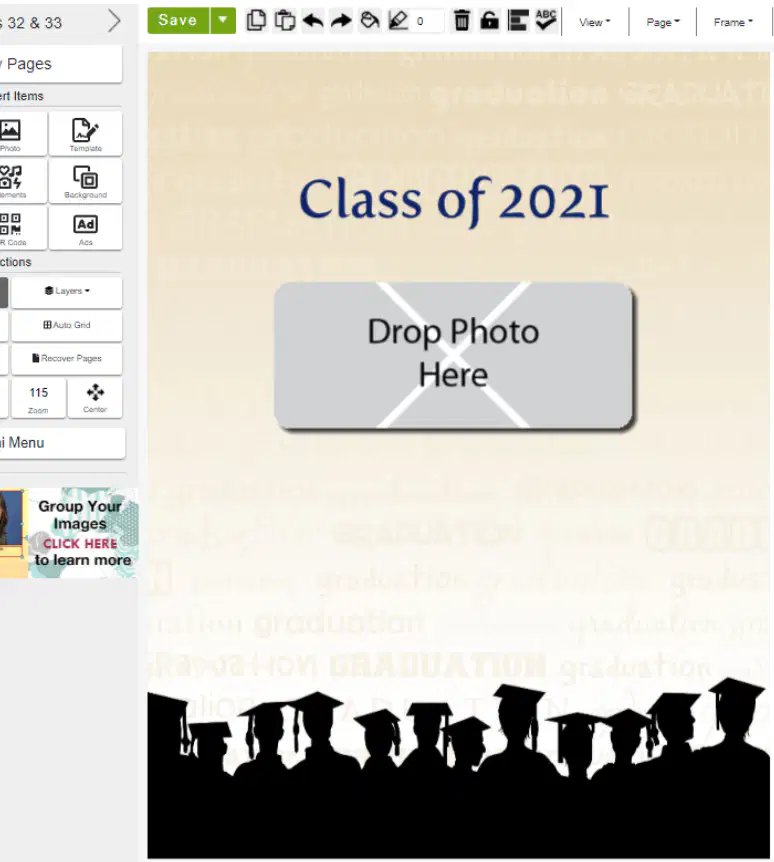
Clicking the ____________ button takes away the blue lines and allows you to see the page as it would look in the book.
"preview mode"
"text wrapping"
"limit move region"
"layers"

The ________ holds the base design or color.
background layer
content layer
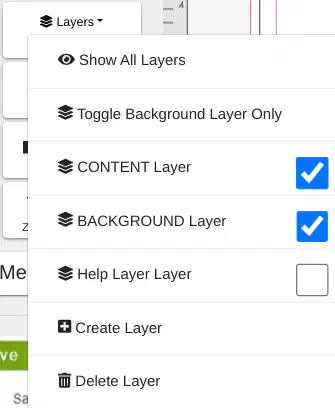
The ____________ hold the photos, text, and any embellishments or elements.
content layer
background layer
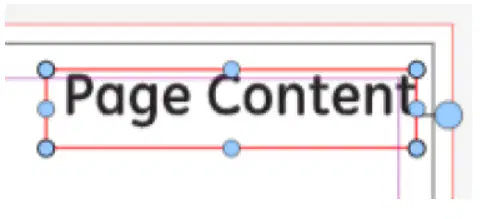
The "limit move region" box allows photos, text boxes, shapes, etc to be moved beyond the black cut line at the edge of the page.
true
False, it allows photos to be moved on top of each other
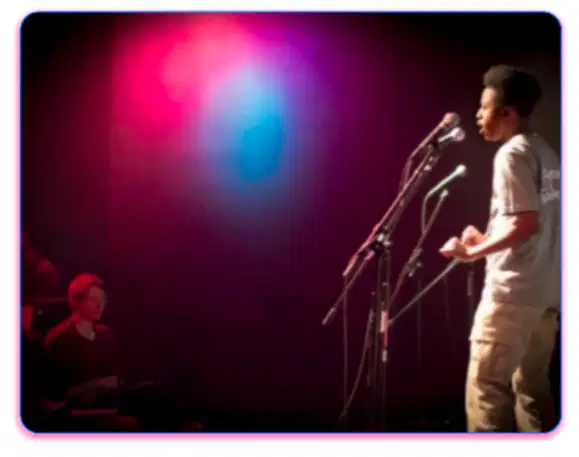
Clicking the "rounded corners" box curves the text around the photo frame.
True
False, it curves the corners of the photo frame
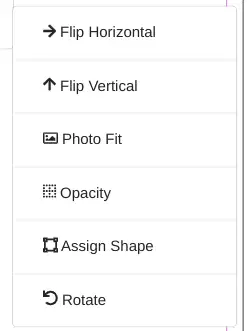
The __________ feature allows you to edit the current photo frame, by flipping, rotating, making it see-through (opacity) or changing it into a different one.
frame settings
transform
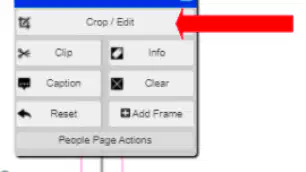
The ____________ is where you will find "crop/edit", "clip", "info" and other features.
quick menu
background layer
content layer
photo settings menu
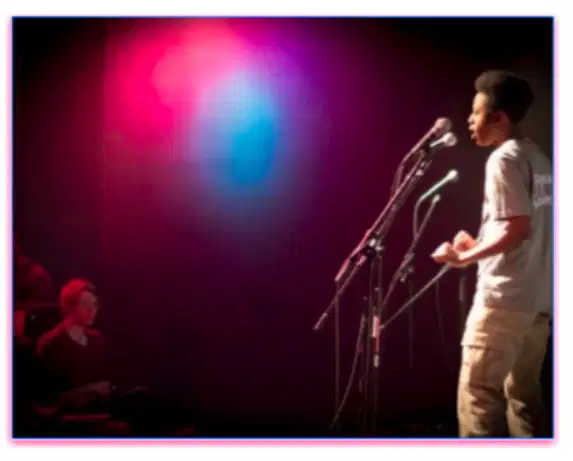
__________ is when there is a colored, faded line underneath a photo.
Wrap text
Rounded corners
Drop shadow
Font

Which one is not one of the sideways tabs on the right side of the designer?
frame settings
quick menu
photo settings
text settings
The _______ is the software where the photos, words, embellishments and templates are placed and customized.
frame
background
designer
border

