
 Worksheets
Exploring Input and Output Devices
Total questions: 45
Worksheet time: 24mins
What is an example of an input device?
Monitor
Keyboard
Printer
Speaker
Which device is used to display output from a computer?
Printer
Keyboard
Scanner
Monitor
What function does a keyboard serve?
A keyboard serves as a power source for the computer.
A keyboard is an input device used to enter data and commands into a computer.
A keyboard is used to display images on the screen.
A keyboard is primarily used for storing data.
What type of device is a printer?
Output medium
Input device
Peripheral device
Storage device
What is the primary function of a mouse?
To facilitate user interaction with a computer.
To enhance the graphics performance of a computer.
To provide internet connectivity to devices.
To store data permanently on a computer.
Which device converts digital data into printed form?
Printer
Scanner
Monitor
Keyboard
Identify a device that allows users to interact with a computer visually.
Printer
Mouse
Monitor
Keyboard
What is the function of a scanner?
To store physical documents in a filing system.
The function of a scanner is to digitize physical documents and images.
To print physical documents and images.
To create physical copies of digital files.
Which type of computer is typically used in schools?
Tablets and smartphones
Gaming consoles
Mainframe computers
Personal computers and laptops
What is an example of an output device that produces sound?
Speaker
Printer
Monitor
Projector
What function does a touchscreen serve?
A touchscreen allows direct interaction with a device through touch.
A touchscreen is primarily for displaying images.
A touchscreen serves as a cooling system for devices.
A touchscreen is used for audio output.
Name a type of computer that is powerful and used for complex tasks.
Supercomputer
Laptop
Smartphone
Tablet
What is the role of a microphone in a computer system?
To enhance the graphics performance of the computer.
To store audio files on the system.
To display video output from the computer.
The role of a microphone in a computer system is to capture audio input.
Which device is used to project images onto a screen?
Camera
Smartphone
Television
Projector
What type of input device is a joystick?
A device used for typing text on a computer.
A device that captures audio input for recording.
A tool for drawing and painting on a screen.
An input device used for controlling movement in games and simulations.
What is the main purpose of a monitor?
The main purpose of a monitor is to display visual output from a computer.
To provide audio output from a computer.
To connect peripherals like keyboards and mice.
To store data and files permanently.
Identify a type of computer that is used for personal use.
Laptop computer
Supercomputer
Desktop computer
Mainframe computer
What function does a webcam serve in a computer system?
A webcam serves as an input device for capturing video and images in a computer system.
A webcam acts as a speaker for audio output.
A webcam is used to store files on a computer.
A webcam functions as a printer for documents.
A scanner is an _______________ device.
Input
Output
Storage

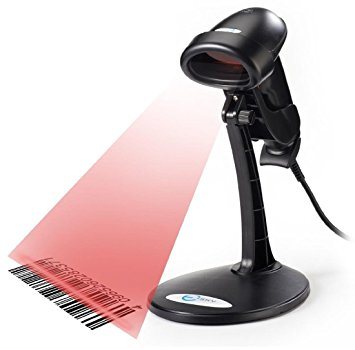

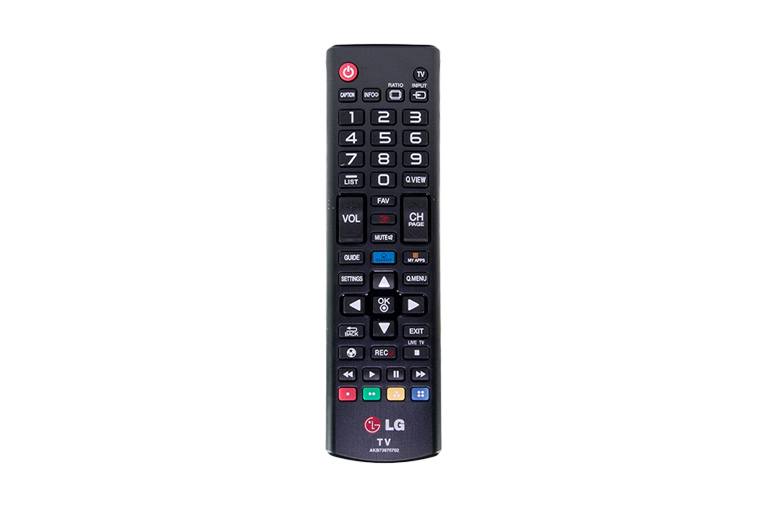


Scanner
Output
Input

Microphone
Input
Output

Keyboard
Input
Output

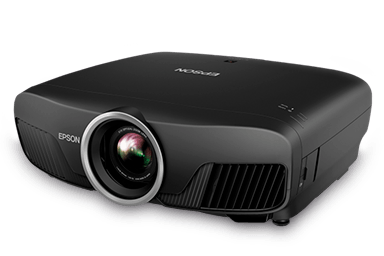
Projector
Ouput
Input

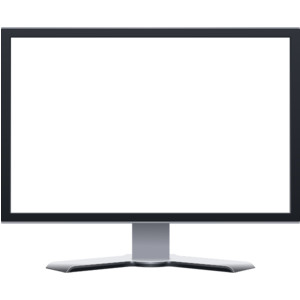
Monitor
Output
Input

Printer
Ouput
Input

Digital Camera
Output
Input

Mouse
Output
Input

Speaker
Output
Input

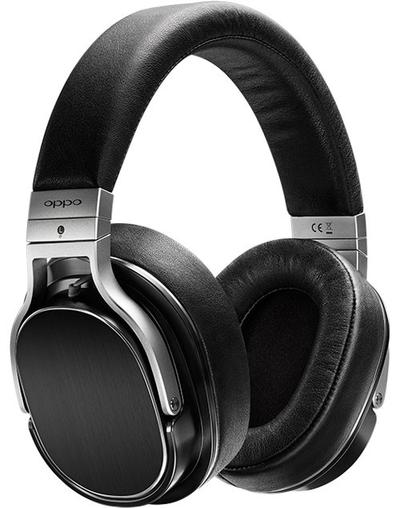
Headphone
Output
Input

Touch Screen
Output
Input
Both

Choose the output devices.
monitor, printer, mouse
monitor, printer, keyboard
monitor, printer, speakers
mouse, keyboard, smartboard

What is an output device?
It is something you don't connect to a computer that has information sent to it.
It is something you connect to a computer that sends information into the computer.
It is something you connect to a computer that has information sent to it.
It is somebody you connect to a computer that sends information into the computer.

