
 Worksheets
Tech+ 2.3.4 Password Management
Total questions: 10
Worksheet time: 5mins
What is the main purpose of a password manager?
To store passwords securely
To create passwords for websites
To share passwords with friends
To delete old passwords.
Which of the following is an example of a free password manager?
Keeper
Dashlane
Google Chrome's Password Manager
LastPass
What should you remember when using a password manager?
All your passwords
The master password
The password manager's name
The first password you created.
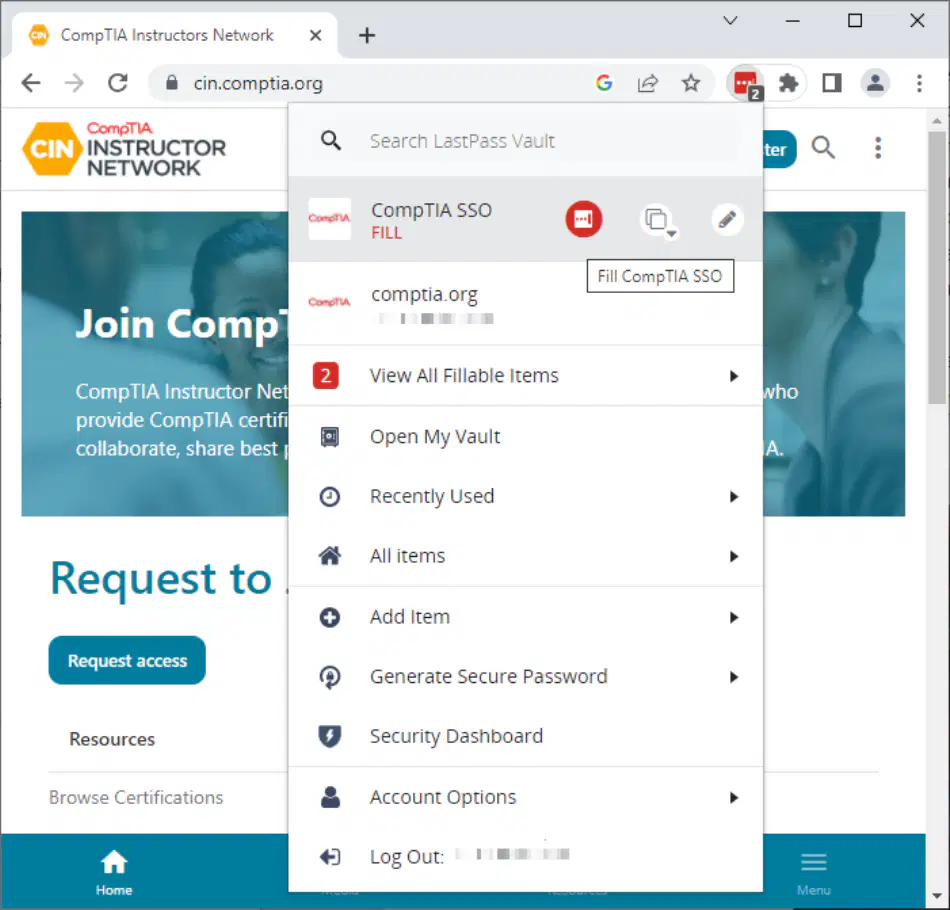
What is a potential risk of using password manager services?
They can make your passwords visible to everyone.
They can be hacked, exposing your accounts.
They require you to remember multiple passwords.
They are only compatible with certain websites.
What is a disadvantage of writing down passwords in a physical notebook?
They can be easily shared online.
They can be lost or stolen.
They are always accessible.
They require internet access.
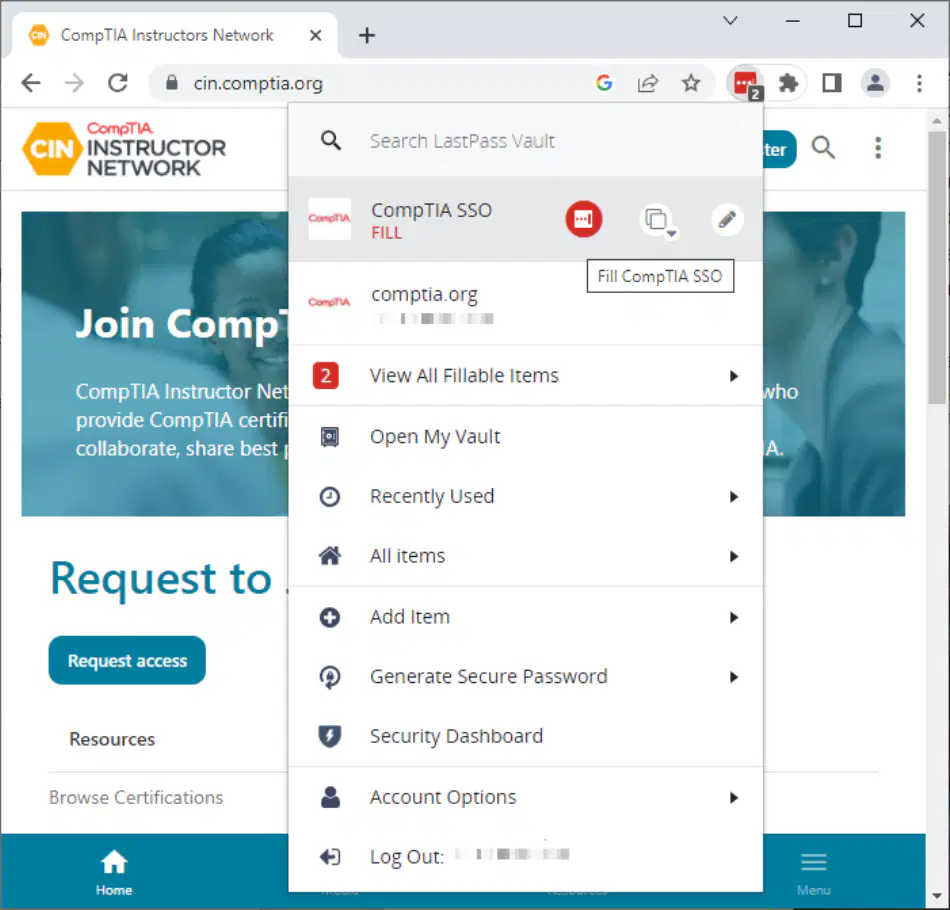
How can password managers increase digital privacy?
By using the same password for all accounts.
By securing all passwords under one manager.
By eliminating the need for passwords.
By making passwords visible to everyone.
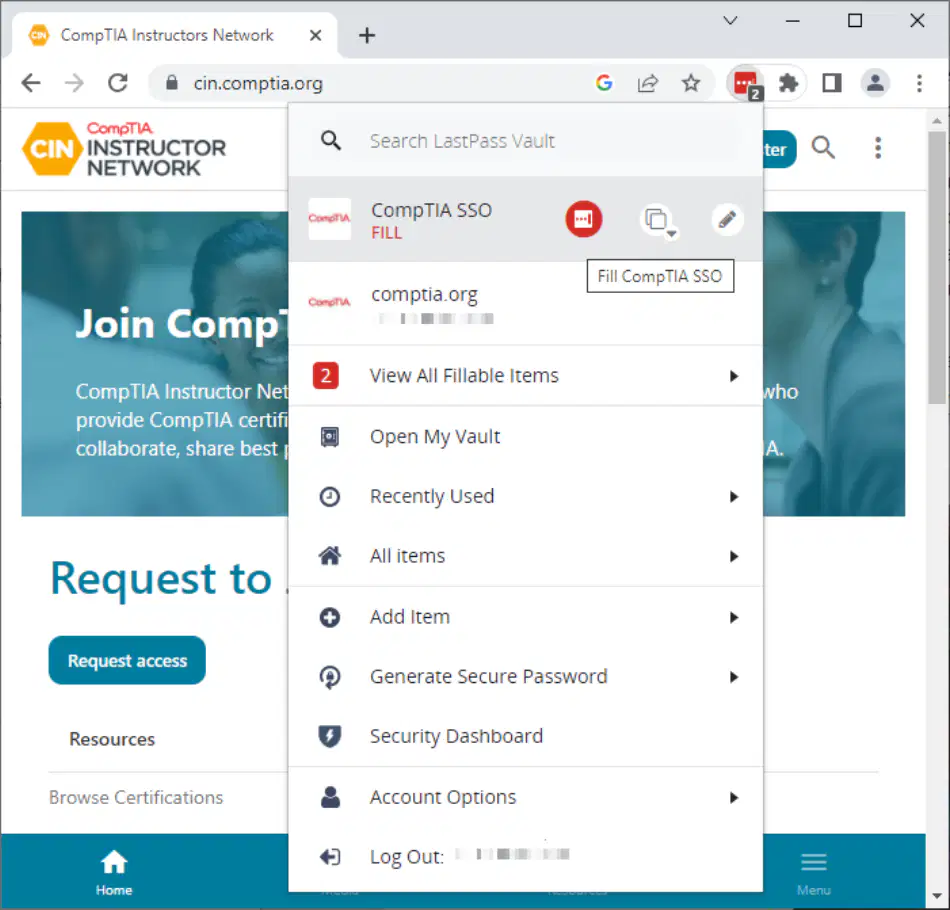
What is a feature of the LastPass password manager shown in the image?
It can generate secure passwords.
It can delete all passwords.
It can only store one password.
It requires manual password entry.
What should you do if you choose to keep passwords in a document?
Share it with friends
Take precautions
Use simple passwords
Ignore security settings
What do scripts used by hackers look for?
Random words
Keywords
Numbers
Images
Why is it important to set password control settings on a document?
To make it public
To enhance security
To delete it easily
To share with friends.

