
NEW
Font size
 Worksheets
Year 2 MidTerm Exam Sem 2 2024 reviewer
Total questions: 30
Worksheet time: 15mins
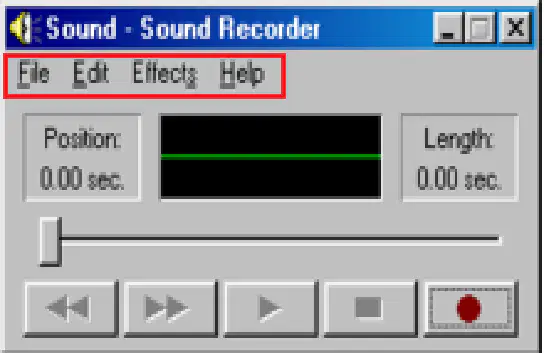
____________________ allows you to open, save, edit sound and create effects on sound file.
Menu
Position
Length
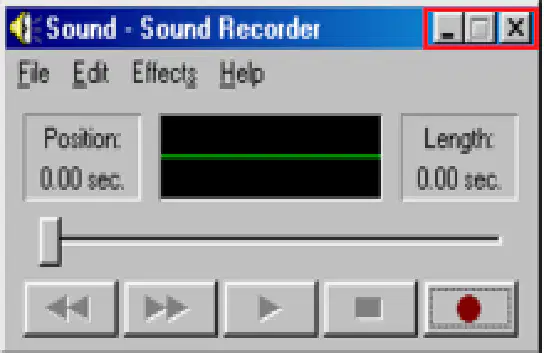
Click these to minimize, maximize or close the window.
Position
Window Icons
Record button
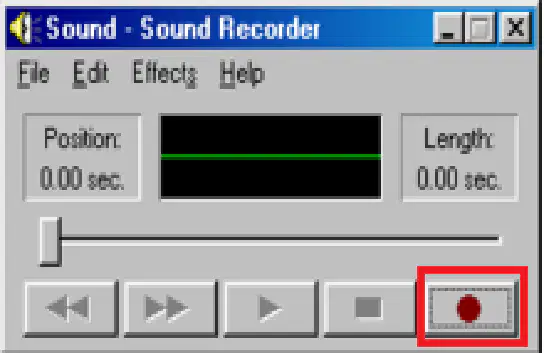
What button is this?
Play/Pause
Stop button
Record button
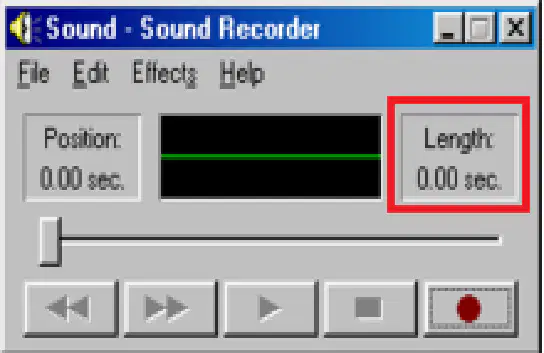
_________________ displays the length of the current sound file in seconds.
Length
Postion
Forward button
Which of these is a Play/Pause button?


When you have finished recording your sound, click on the 'File' menu and choose _____________________.
Close
Save
Open
To play a sound that is saved on the computer hard disk, click on the 'File' menu and click on '___________'.
File
Close
Open
To record sounds, you need to use a _______________.
microphone
web cam
speaker
To start Sound Recorder, click on the Windows '_____________' button.
Start
Close
Shut down
Which folder is Sound Recorder located?
Control Panel
Program files
Accessories
Which of these is the Sound Recorder icon?

The '___________________' menu contains tools that can be used to edit sound files.
Effects
Position
Window Icons
Where does the sound recorder save?
Device and Printers - Shut down
Start up - Games
All programs - acccessories
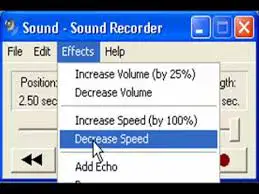
What does this effect do?
increase volume (by 25%)
decrease volume
decrease speed

What does this effect do?
Decrease Volume
Add Echo
Reverse
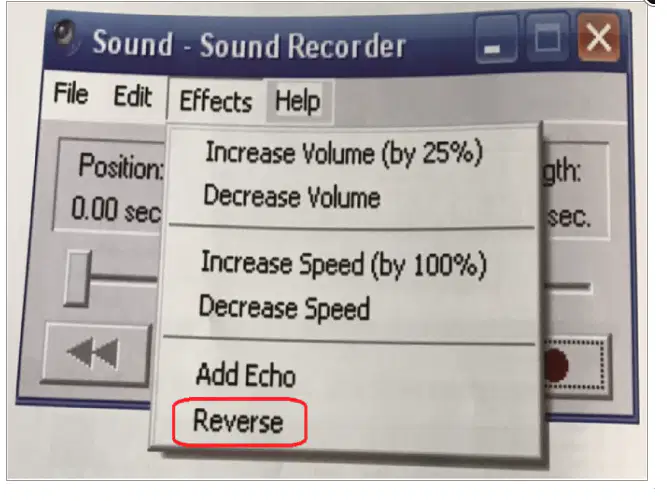
What does this effect do?
forward
backward
Reverse
What extension file does sound recorder save?
.doc
.jpeg
.wav
Where do you put the microphone to record sound?
mouth
eyes
nose
Which button will you choose if you need to find something/questions about Sound Recorder?
Edit
Help
File
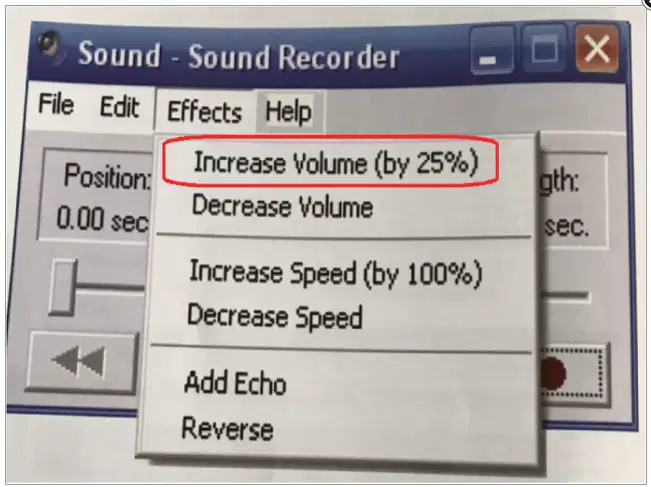
What does this effect do?
Increase Volume (by 25%)
Decrease Volume
Add Echo
A computer can be used to record sounds.
To record sound, open Sound Recorder and then click on the red 'Play' button.
If you want to save your recording your sound, click on the 'File' menu and choose 'Open'.
When you have finished talking into the microphone, click on 'Record' button
To play a sound that is saved on the computer hard disk, click on the 'File' menu then click on 'Open'.
To play a sound, click on the 'Stop' button.
To increase the volume of the sound by 25%, click on 'Decrease Volume'.
The 'Help' menu contains tools that can be used to edit sound files.
'Back button' moves the play head to the start of the sound.
The recording is shown in seconds.

