
 Worksheets
Online Safety & Phishing
Total questions: 44
Worksheet time: 28mins



From: no_reply@emailinternet.chase.com
Subject: Account Status
Attention US Bank Customer,
Due to a recent security check on your account, we require you to confirm your details. Failure to do so within 24 hours will lead to account suspension. Sorry for the inconveenince.
Click here to confirm your account
Regards,
US Bank Online Customer Service
This email has been sent by US Bank.
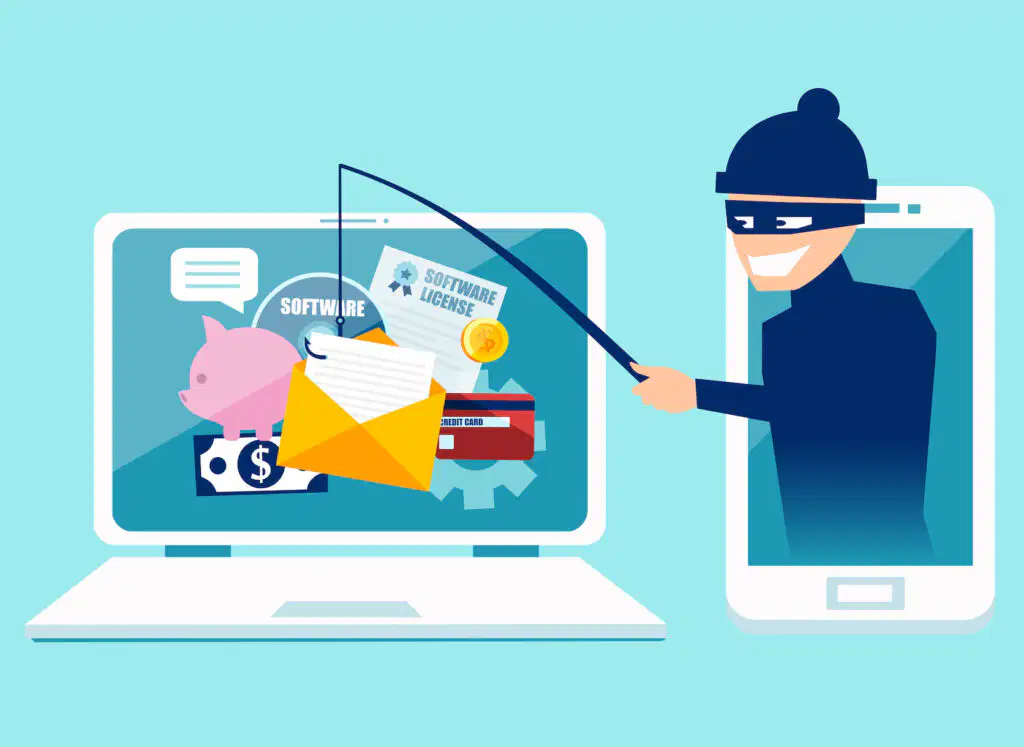
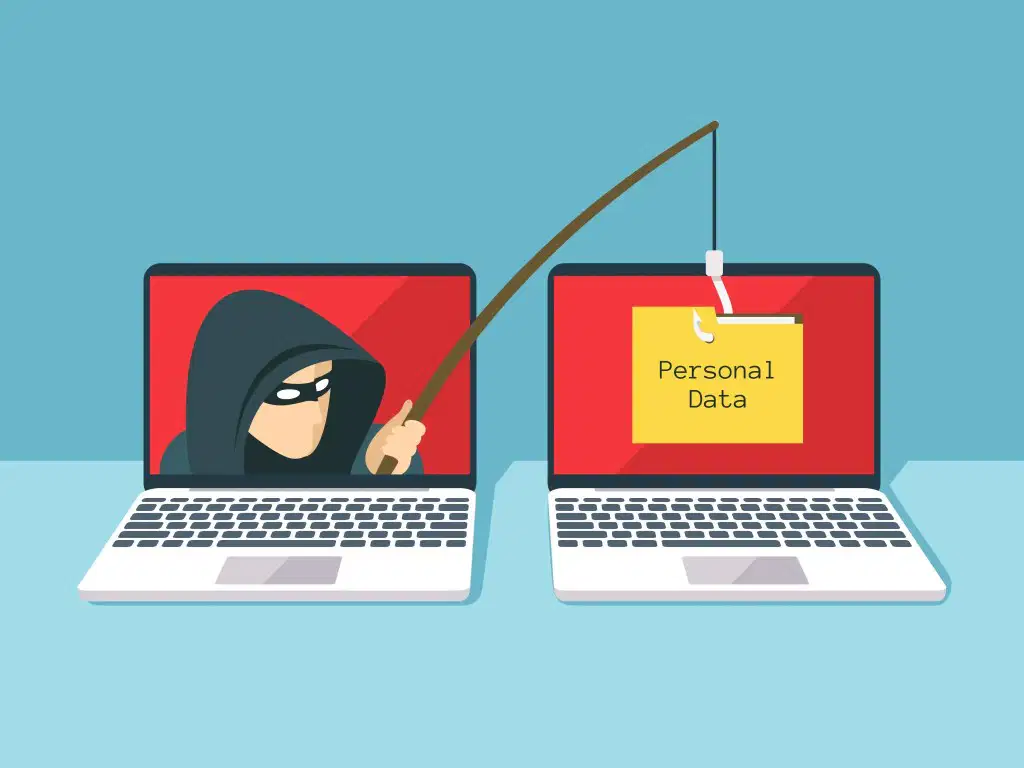
Pretending to be banks, the HMRC or some other organization and sending you an email or a letter (or even make a phone call) asking for personal information is called

Private Information


Which information is personal?
telephone number
address
password
all three of them

What kind of information can you share with your internet friends?
photos
my birthday
my address
none of this
What should you do if you encounter inappropriate content while chatting online?
Share it with others
Ignore it
Keep chatting with the person
Report it to the website
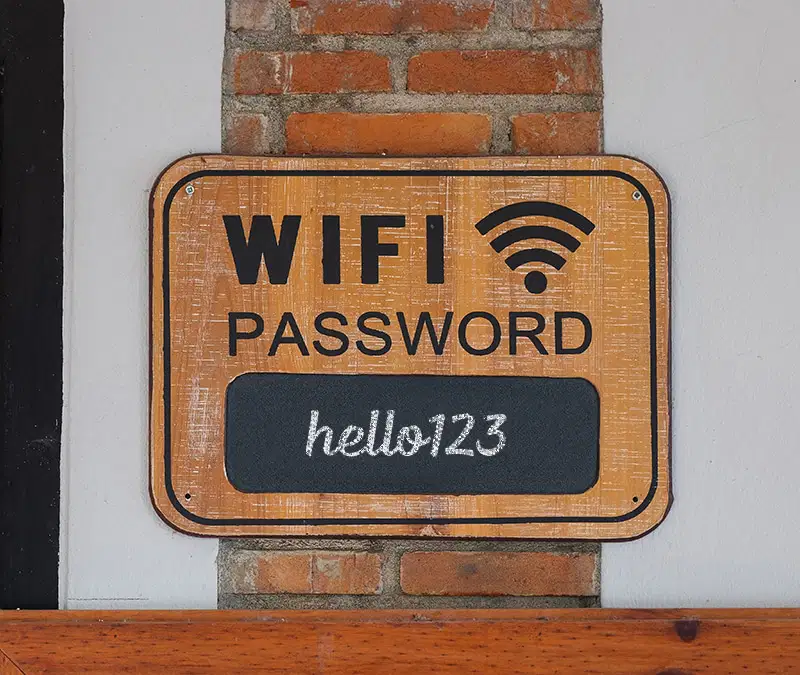
Which one of these acts could lead to your photos, social media accounts and other important data being stolen and leaked?
Downloading trusted security software
Commenting on somebody's social media post
Telling people your password
Switching Phones
In 2020, how many social media accounts were hacked or breached each day on average?
6,850,000
685,000
68,500
685
In America, what is the total amount of money combined that people lose yearly due to data hacking and identity stealing?
$50 billion
$15 billion
$5 billion
$500,000
Which of these is the most common form of online cyber attack?
Drive by downloads - taking advantage of a web browser that has not been protected.
Man in the middle - posing as somebody you know or trust to receive information.
Denial of service attack - flooding a web server with requests to stop the regular user from accessing the server.
Phishing - sending an email posing as a trustworthy company/person to get details.
What could you do to make your password secure? (Choose 3)
Keep it to yourself
Include a capital letter, number and symbol
Don't make it something easy (such as 'password' or your name)
Keep it recorded in your notes in your phone
You receive an email stating that your netflix subscription has finished and to re-subscribe, you must reply with your bank account number and sort code. Is this trustworthy?
No
Yes
In 2018, Facebook announced that hackers had managed to access 50 million accounts. True or False?
True
False
Which social media has been voted the most insecure to hackers according to multiple websites?
Snapchat
According to surveys, what percentage of employers look at a job candidate's social media history?
74%
72%
70%
68%
In 2017, what percentage of failed job applications/interviews were due to a failed social media check in the UK?
36%
30%
25%
22%
Which of these are important in staying safe online? (Choose 3)
Complex password that only you know
Not posting anything online or on social media
Only use secure websites
Use a trusted antivirus and security software
If you receive an email saying that there had been a failed attempt to login to your email, what should you do?
Just ignore it
Make a social media post about it
Don't trust the email
Reset your password anyway

Which of the following should I NOT do in this situation?
(Click on the image to see a larger version)
Click on the provided link
Visit the bank's local branch and speak with a member of staff
Call the phone number on the back of my card
Access my bank website using a search engine or a bookmark
How can you determine if a website is secured?
Switching to a new Ethernet cable
Flipping the security switch on your Ethernet or wireless card
Opening the site in a fresh tab
The address will start https://

Is this a phishing scam?
Yes
No

Is this a phishing scam?
Yes
No

Is this a phishing scam?
Yes
No
What was the name of the malware that was first to damage infrastructure (property). It damaged 1000 uranium centrifuges in Iran. It was suspected that a country who was an enemy of Iran created it.
The first big ransomware malware hit the news in 2013. It was called the CryptoLocker Trojan. What did it do?

On May 12th 2017 the WannaCry ransomware infects more than 200,000 computers in a single day including systems of large organisations like our NHS. Approximately how many countries did this ransomware affect?
Now (2024), how many pieces new pieces of malware are detected every day?
500 new pieces of malware are detected every day.
10,000 new pieces of malware are detected every day.
100,000 new pieces of malware are detected every day.
Over 500,000 new pieces of malware are detected every day.

