Worksheets
PPT 2.0
Total questions: 15
Worksheet time: 8mins
What do we not have in placeholder?
Content
Picture
Media
Comment
How to change the background colour in slide master?


What is this most likely?
Solid Fill
Gradient Fill
Picture or Texture Fill
Pattern Fill
Which is a correct statement of Slide Master and New Slide
You can insert Slide Master by Home-> New Slide
New Slide is the function for making PPT Templates
If you insert any shapes from the New Slide, it will be shown in Slide Master
If you insert any shapes from the layout, it will be shown in new slide if you pick the layout you changed
Which is not from Design
Format Background
Designer
Shapes
Which one is not from Insert Tab?
New Slide
Pictures
SmartArt
Art Artistic
Which one is not the shape or can change to a shape.
When you create it, only shape format pops out.
When you create it, only picture format pops out.
When you create it, only graphic format pops out.
When you create it, both shape format and picture format pops out.

Which function is most likely used?
Union
Fragment
Combine
Subtract
Which is not a type of merge shapes?
Intersect
Subtract
Combine
Group

Which is not the correct answer.
Click the square and choose Bring Forward
Click the square and choose backward
Use Reorder Objects

How can I make this? (Hint: The finished one is a Picture)
Use text box or Word Art or just double click the blank space to create fonts, Find an image, put the image behind the Fonts and select both by command. Using Shape Format-> Merge shapes-> Intersect.
Use text box or Word Art or just double click the blank space to create fonts, Find an image, Using Shape Format-> Shape Fill-> Picture
Use text box or Word Art or just double click the blank space to create fonts, Using Shape Format-> Merge shapes-> Intersect.

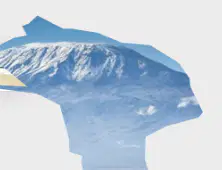
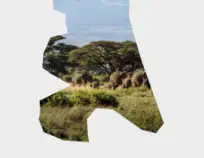
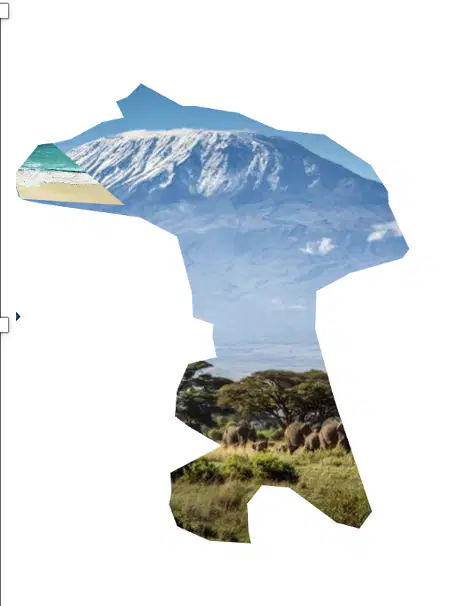
Which function is not from the process of taking the two pictures from the left side to the one from the right side?
Insert Shape: Freeform
Insert Shape: Intersect
Insert Shape: Shape Outline

How can we combine the right one to the left?
Shape format: Merge shapes
Shape format: Combine
Picture format: Group
Picture Format: Combine

By which function can we change the right one to the left?