Worksheets
Canva Quiz
Total questions: 20
Worksheet time: 15mins

What kinds of projects can we create in Canva?
Choose all that apply!
Presentations
Flyers & Posters
Logos
Social Media Content
Informational Graphics
Where can you find your saved designs?
Choose all that apply!
Under "Recent Designs" on the homepage
Under "Uploads"
Under "Brand Kit"
Under "Projects"

Templates are fully customizable.
True
False

Which button will put the blue square on top of the yellow square but NOT on top of the pink square


Which statement is true?
You can't change the colors of ANY element
You can change the colors of SOME elements
You can change the colors of ALL elements

What happens when you drag an image over a frame?
The image disappears
The image automatically fits inside the frame
The frame changes color
You can't drag an image over a frame
What button would I click on to change the transparency of an element?


What does this button let you do?
Add new colors to your project
Turn any element into a random color
Add a rainbow into your project
Change the color of your font
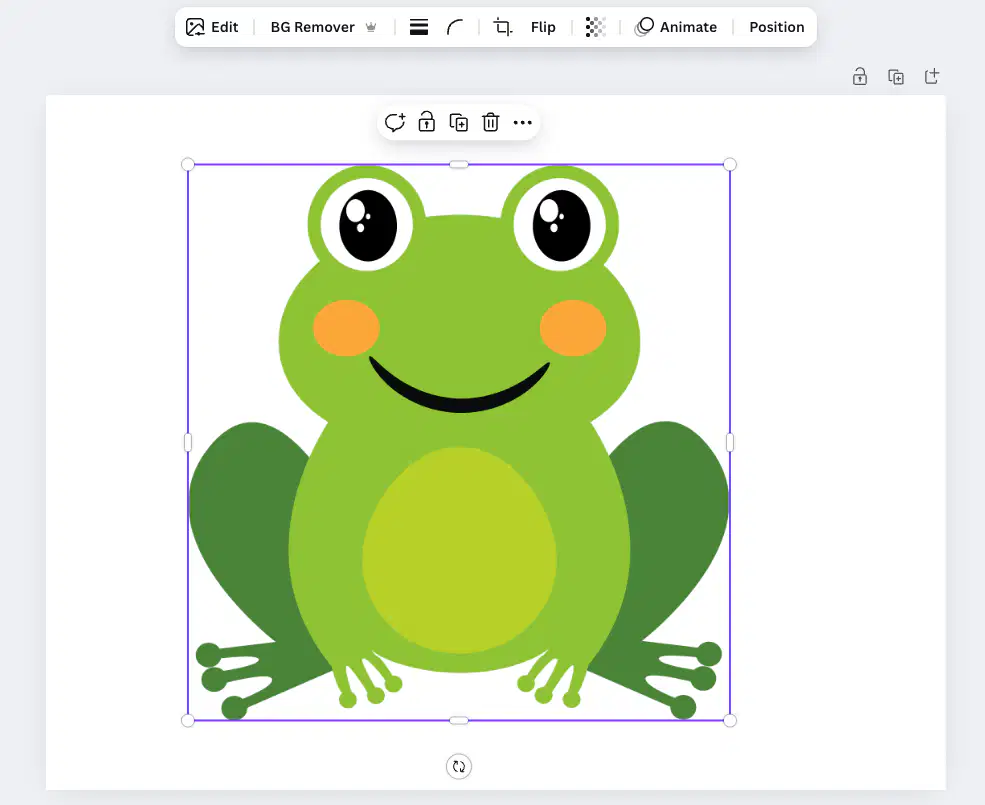
How do I resize an element to make it smaller?
Click on it, then press the minus (-) key on your keyboard

Click & drag on the elongated handles on the sides of the element

Click and drag on the round handles on the corners of the element

Click and drag on the arrow button under the element
How do I crop an element?
Click on it, then press the minus (-) key on your keyboard
Click & drag on the elongated handles on the sides of the element
Click and drag on the round handles on the corners of the element
Click and drag on the arrow button under the element
How do I rotate an element?
Click on it, then press the minus (-) key on your keyboard
Click & drag on the elongated handles on the sides of the element
Click and drag on the round handles on the corners of the element
Click and drag on the arrow button under the element

What will clicking on that button do to my text?
Nothing
Duplicate it
Move it to the center of the rectangle
Make it bigger

How did I most likely create this?
It was a pre-existing element in Canva
Painstakingly aligning two different text elements
With a text effect
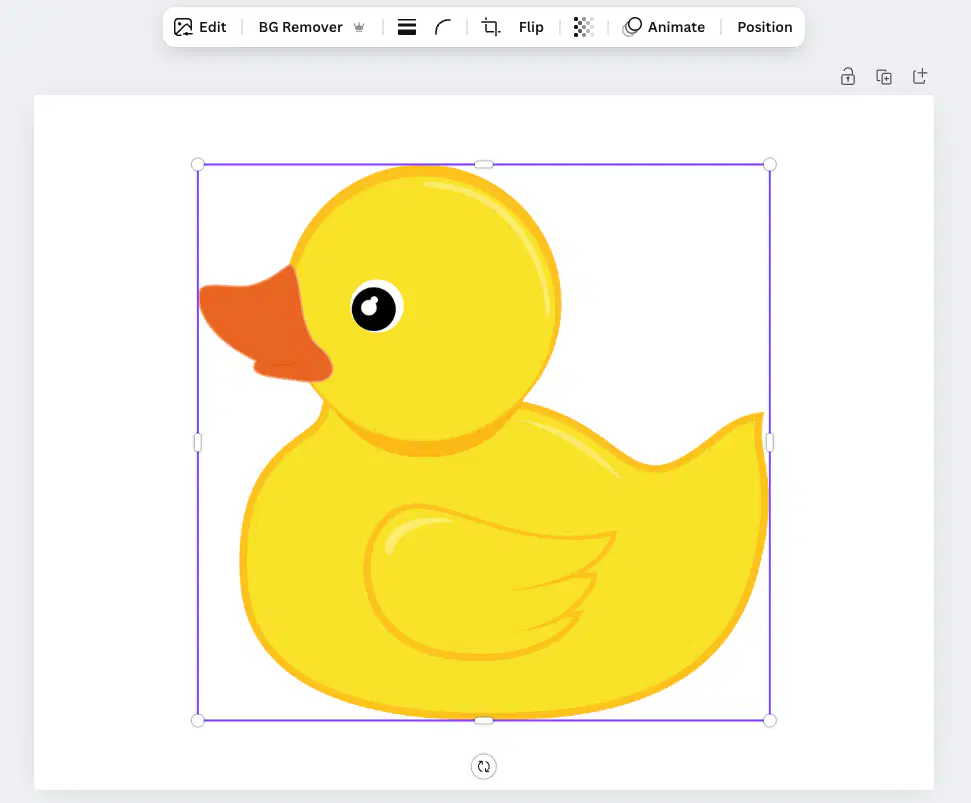
How could I make the duck face the other direction?
Click the Flip button in the menu bar

Click and drag on the arrow button under the element
Click the Position button in the menu bar
You can't

I can change the colors of this whale.
True
False

I can change the colors of this turtle.
True
False

What is this pink line telling me?
My element is centered between left/right
My element is centered between top/bottom
My element is directly in the center of my project
My element is perfectly symmetrical

How was this element most likely animated?
With a rise animation
With a drift animation
With a fade in animation
It's a pre-animated element
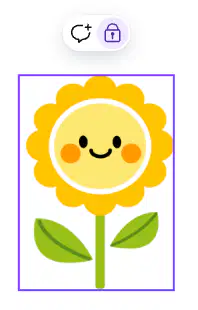
What does it mean if an element is locked?
Choose all that apply!
It can't be moved
The colors can't be changed
It can't be deleted
It can't be resized
Where do you go to download your project file?
Choose all that apply!