
NEW
Font size
 Worksheets
Tryout TIK level 6.1
Total questions: 20
Worksheet time: 10mins
What command do you use to merge several cells into one?
Split Cells
Merge Cells
Center Align
Insert Table
The Wrap Text function is for…
Deleting cell content
Merging two cells
Making text fully visible by wrapping it within the cell
Copying cell content

Look at the image below: What happens if you click this button?
Text disappears
Two cells are copied
Cells are merged into one
Cell is deleted
To add a new row above row 4, right-click and select…
Delete Row
Insert Row
Cut
Format Cell
If the text is aligned to the left side of the cell and looks messy, what should you do?
Click Delete
Select Merge & Center
Use Center Align
Use Format Painter
If you want to insert a column between column B and C, where should you right-click?
A
B
C
D
Which formula sums the numbers in cells A1 to A5?
=ADD(A1:A5)
=TOTAL(A1:A5)
=SUM(A1:A5)
=PLUS(A1:A5)
What does the AVERAGE function do in Excel?
Multiplies numbers
Finds the largest number
Adds all numbers
Calculates the average value
If the values in cells C1 to C3 are 70, 80, and 90, what is the result of =AVERAGE(C1:C3)?
240
80
90
70
Why does a teacher use the MIN and MAX functions on student scores?
To create colors
To know the total number of pages
To find out who got the highest and lowest scores
To delete incorrect data
In the list of numbers: 78, 90, 88, and 65, which number is the result of =MAX(...)?
78
65
90
88
What is this icon used for?
Creating diagrams
Adding tables
Inserting images
Setting margins
What is the main function of SmartArt?
Change font size
Add cartoon images
Present information visually
Adjust line spacing
Why is using SmartArt better than just plain text?
Looks bigger
Faster to type
Easier to understand visually
Prints in color
What is the function of the Columns feature in Microsoft Word?
Create tables
Insert images
Split text into columns
Delete text
To display text in two columns, you need to click:
Layout > Columns > Two
Insert > Table > Two
Home > Columns > Double
File > Options > Columns
What is the function of =COUNT(A1:A5)?
Add numbers
Count cells with numbers
Combine text
Display time
The function =LEN("Excel") will return…
4
5
6
0

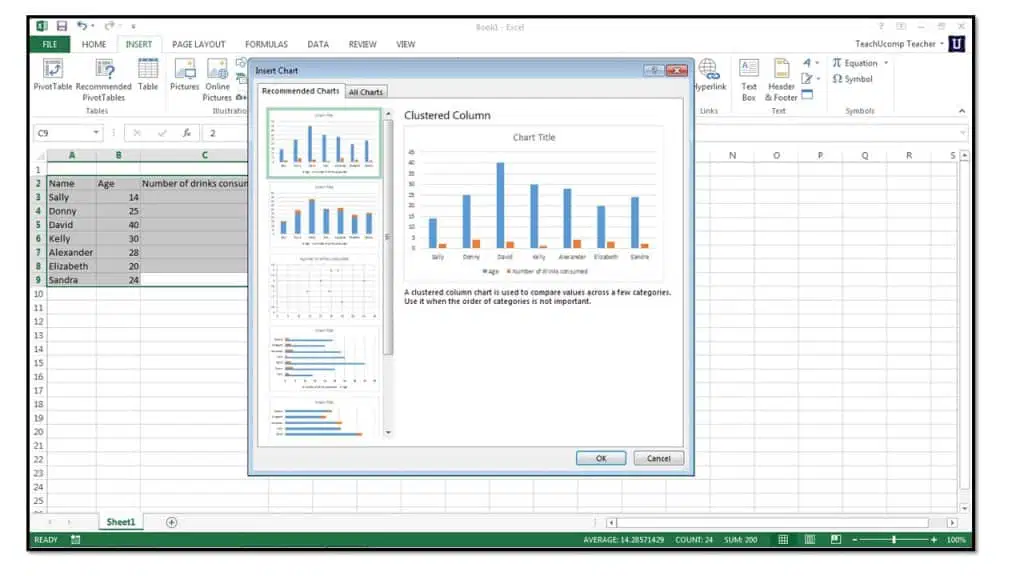
This graph is a type of…
Line graph
Pie chart
Bar graph
Scatter plot
The function =NOW() is used to show…
Count
Maximum value
Current date and time
Number of characters

