
Font size
 Worksheets
REVISION FORM ONE
Total questions: 55
Worksheet time: 31mins
When we can see something on a screen, this is an example of ____________.
hard copy output
soft copy output
input of data
When our teacher gives us a work on a page that was printed in the office, this is an example of ___________.
hard copy output
soft copy output
input of data
Whe we say that a computer can perform its operations with amazing speed and reliability, we mean that __________.
they are fast and we can trust them.
they are fast and always incorrect.
they are slow but we can trust them.
A computer can perform its operations with amazing speed, reliability and accuracy. The word accuracy means _____________.
wrong
incorrect
correct
A computer is an automatic, electronic device. The word automatic means ______________.
fast
works by itself
slow
If you are shopping at the grocery and you need to know the price of an item, you could use a _____________.
Barcode Scanner
Scanner
Web Cam
An output device that allows the computer to send hard copy output is a _______________.
light pen
plotter
scanner
I can use this device as both an input and output device.
keyboard
inkjet printer
ear buds
If you want to draw house plans, you could use this device
headset
graphic Tablet
microphone
If you want to play music and get a soft copy output from a computer you can use ____________________.
digital camera
monitor
MIDI Instruments
A device that you can use to scroll up and down a page on your computer screen is a __________________.
mouse
microphone
scanner
What type of computer will you call one located in Google's server room?
A Mini / server computer
Mainframe Computer
A Desktop Computer
A Micro computer
What is a computer?
an automatic, electronic device which accepts, stores and processes data, then inputs the results
an automatic, electronic device which accepts, stores and processes data, then outputs the results
Only a handheld device that we use frequently to make calls.
Which type of device is a Touchscreen?
Input Device
Output Device
Both Input and Output Device
What is the definition for?
Allows the user to see/hear data coming out of the computer
Input Device
Output Device
What is the definition for?
Allows the user to put data into the computer
Input Device
Output Device

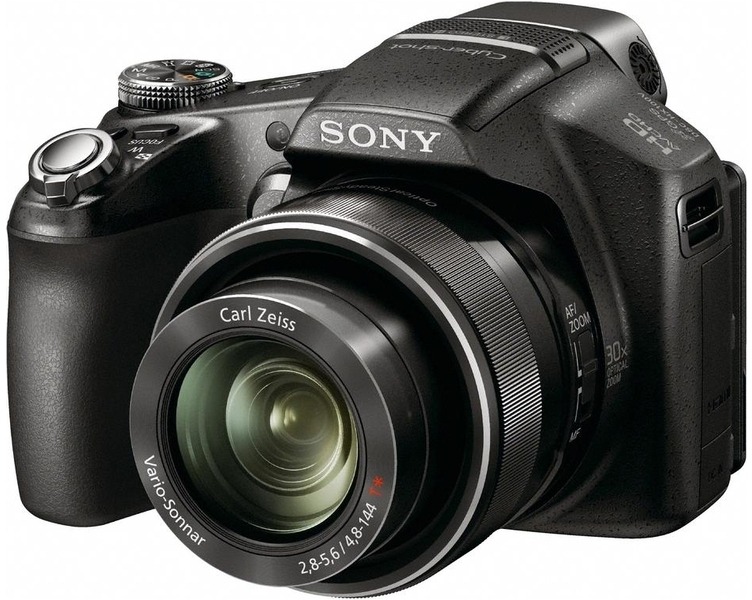
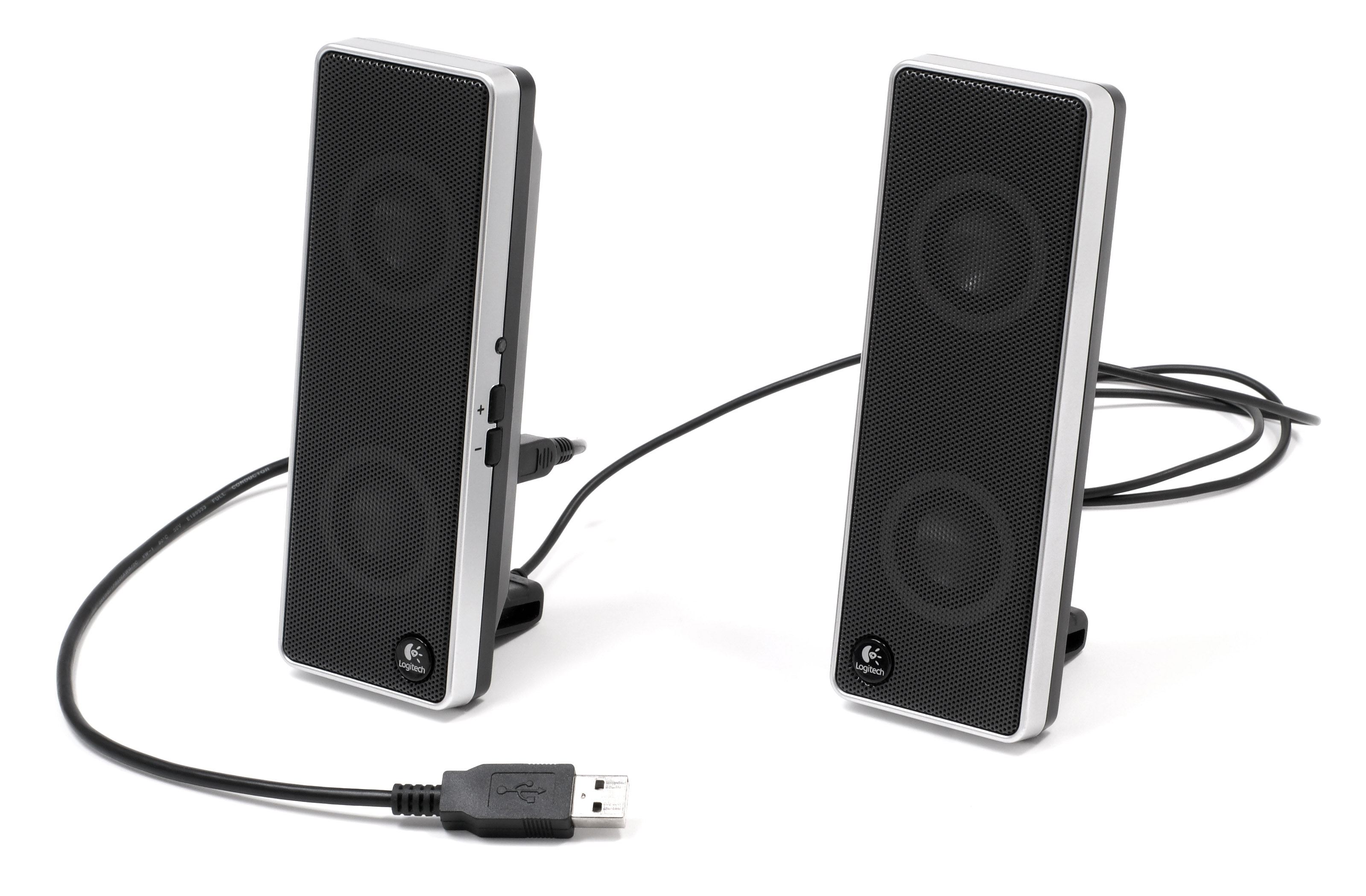

This is a Monitor. It is an ____________ device
Input
Output

The Microphone is an _____________ device.
Input
Output
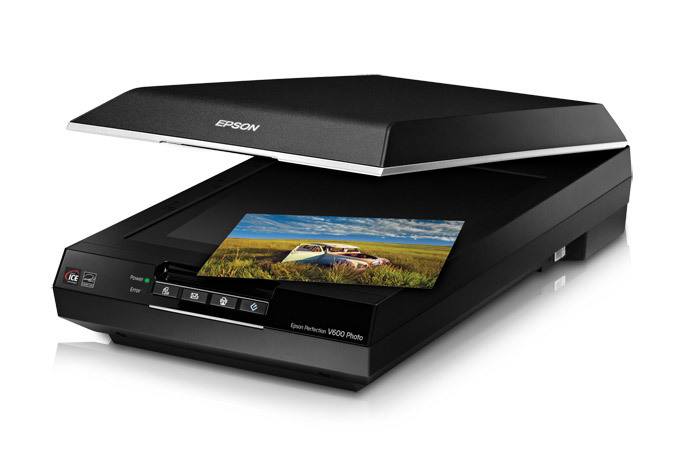
The Scanner is an ________ device.
Input
Output
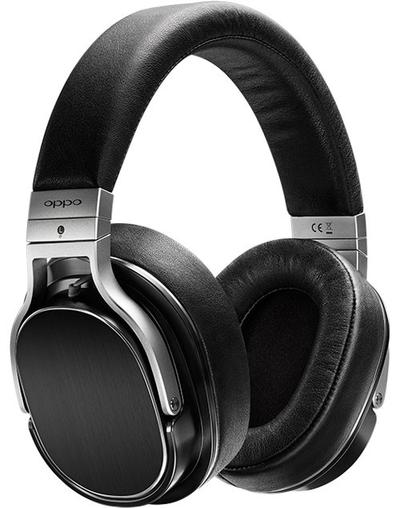
Headphones allow us to hear sounds from the computer. It is an _____________ device.
Input
Output
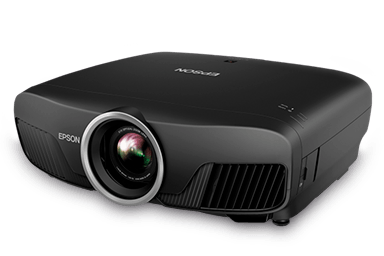
Mr John's Projector is an _____________ device.
Input
Output

A Printer is an ____________ device.
Input
Output
When our teacher gives us a work on a page that was printed in the office, this is an example of ___________.
hard copy output
soft copy output
input of data
When we can see something on a screen, this is an example of ____________.
hard copy output
soft copy output
input of data
Biometric refers to the automatic identification of a person based on individual body scans e.g. face, fingerprints etc.
TRUE
FALSE

Click on the image to enlargen it. This is a picture of a Smart Board. A Smart Board is an interactive board which also works as a projector, television and touchscreen device. Is the Smart Board an INPUT or OUTPUT device?
Input
Output
Both
Which of the following devices can fall under Input and output devices?
Earbuds
Touch Screen
MIDI Instruments
All of the Above
Which of the following devices is used to mark multiple choice answers, to check questionnaires and survey?
Light Pen
Flatbed Scanner
Optical Mark Reader
Joystick
Which of the following is NOT an Output Device?


I can use this device as both an input and output device.
keyboard
inkjet printer
ear buds
(a) devices are pieces of equipment, such as printers, monitors or screens, projectors, speakers and headphones, which we use to get information or other responses from computers.
A (a) is a hand-held pointing device that moves a pointed arrow, or cursor, on a computer screen.
All the input, output and storage devices connected to, and dependent on, a computer for operation are called (a) .
(a) devices are pieces of equipment that are used to put
data into a computer.
If you sit behind a computer for long periods, using the wrong kind of chair, which problem can occur?
back pains
burning eyes
drowsiness
headaches from bad lights
What do the letters RSI stand for?
Repeat and Save Instead
Repetitive Stress Insecurity
Repetitive Strain Injury
Restore Service Instantly
What does CVS stand for?
Carpal Visual Stress
Computer Vacancy Stress
Computer Vision Syndrome
Carpal Volume Stress

The person in the picture is likely suffering from:
DVT
CTS
CVS
ICT

After playing his favorite computer game for many hours, Marc began experiencing pain in his legs. He is most likely suffering from:
ICT
DVT
CVS
CTS
One safety rule in a computer lab is to avoid eating and drinking close to the computers. What risk can be prevented if this rule is followed?
Bad printing
Food poisoning
Electrical damage
Computer overheating

Ben in the picture is in ICT class. Is he in a good posture for class?
Yes
No

When there is a glare on the computer screen what should the employee do?
Adjust the position of the monitor
Take a break
Change the brightness of the computer.
Adjust the chair position

Incorrect computer ergonomics can result in:
Back ache and muscle spasms
Carpal tunnel syndrome
RSI
All of these

What is Carpal Tunnel Syndrome?
an injury to the spine
Inflammation of Tendons in the wrist causing pressure on the median nerve
a headache/migraine
a computer virus

Optical discs refer to CD-ROM, CD-R, CD-RW and DVDs; they provide direct access to stored data.
What type of storage is a DVD ROM that is shown in the picture?
Optical
Magnetic
Solid State
It is not a storage device
Which storage has the largest amount of memory?
CD ROM
Flash disc drive
Hard disc drive
Secondary memory and storage devices are the same.
True
False
RAM and ROM are types of secondary memory.
True
False
Who uses a Braille Keyboard?
Cricketer
A musician
A blind person
John learnt about ergonomics in IT class. What is the best definition for the term ergonomics?
How to use a computer to view safety software
All these answers are correct
Manipulating the environment and equipment involved when using a computer to suit the user.
The correct way to position your feet
What is considered the brain of the computer?
A laptop
central processing unit
Software
Select all peripheral devices
keyboard
speaker
Monitor

