
 Worksheets
Virendra
Total questions: 101
Worksheet time: 2hrs 44mins

CPU controls all the connected input and output devices.
सीपीयू सभी जुड़े इनपुट और आउटपुट डिवाइस को नियंत्रित करता है।
Yes
No

Keyboard is input devices.
कीबोर्ड इनपुट डिवाइस हैं?
Yes
No
Monitor, speakers and printer are output devices
मॉनिटर, स्पीकर और प्रिंटर आउटपुट डिवाइस हैं.
Yes
No
The CPU is neither an input nor an output device.
सीपीयू न तो इनपुट है और न ही आउटपुट डिवाइस।
Yes
No
May be

Your eyes are input devices of your body.
आपकी आंखें आपके शरीर के इनपुट डिवाइस हैं।
Yes
No

The computer uses an output device to show us something.
कंप्यूटर हमें कुछ दिखाने के लिए एक आउटपुट डिवाइस का उपयोग करता है।
True
False
We use input devices to tell the computer what to do.
कंप्यूटर को क्या करना है यह बताने के लिए हम इनपुट डिवाइस का उपयोग करते हैं।
True
False

Is the ATM machine input?
एटीएम मशीन इनपुट है ?
Yes
No

Is webcam input
वेब कैमरा इनपुट है ?
True
False

Is the watch output?
क्या घडी ऑउटपुट है?
Yes
No
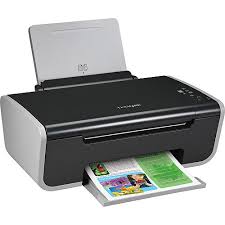
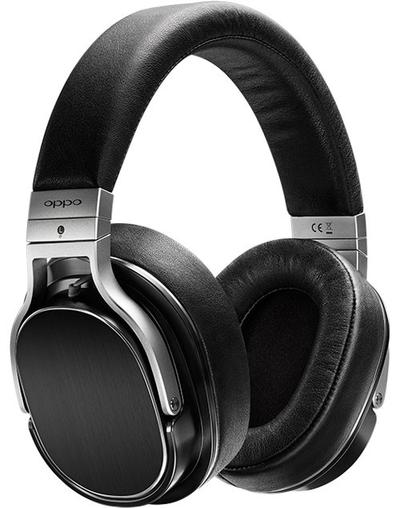
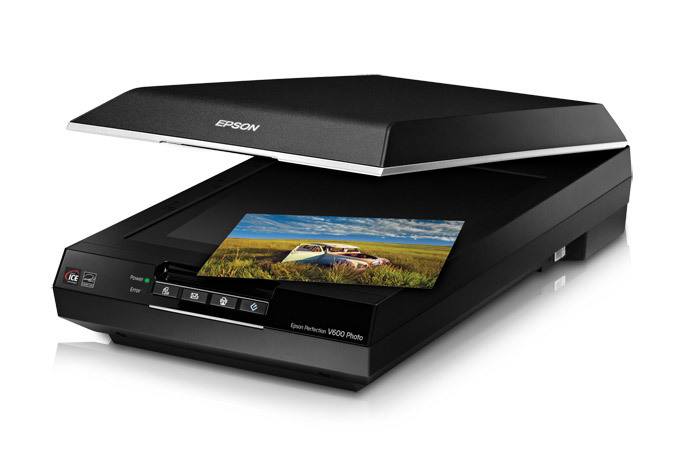
Is this device Input or Output?
Printer
Input
Output

Keyboard

Monitor

Mouse
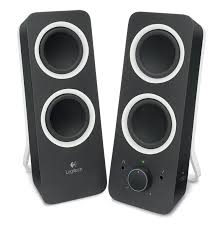
Speaker
Allows the user to put data into the computer

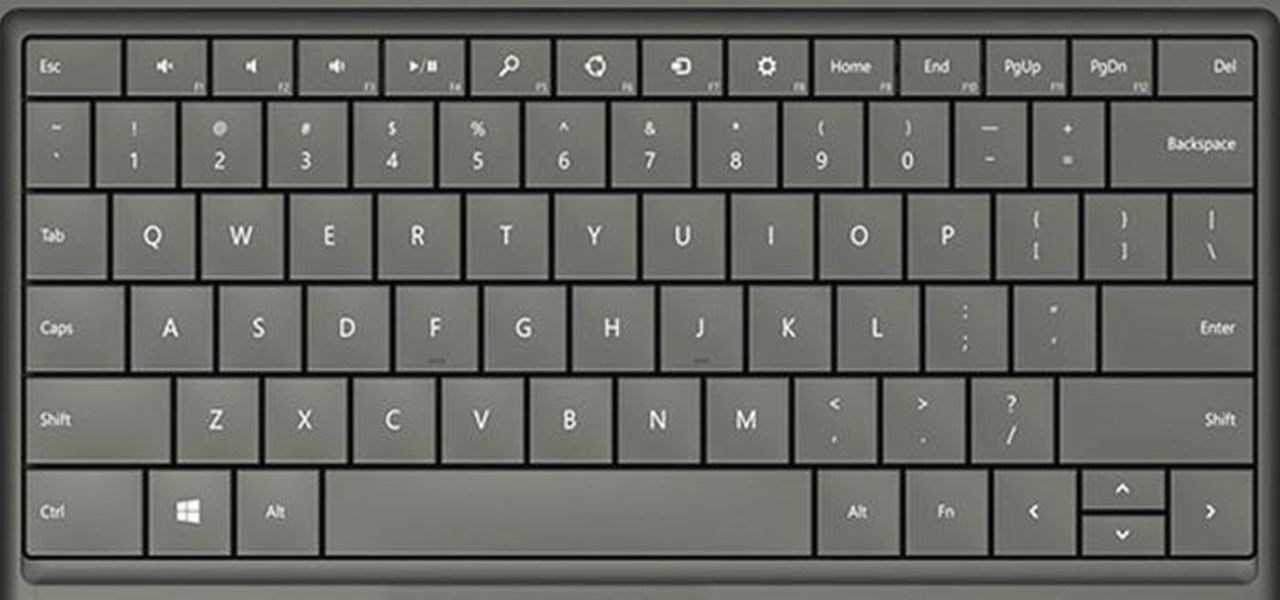
A _____ allows you to enter data into a computer in the form of text.
Mouse
Keyboard
Speaker
Peripheral
If Sheila wants to listen music on her computer, she would need a _____.
Keyboard
Mouse
Speaker
Microphone
What type of device is a mouse?
Input
Output
Storage
CPU

Identify the type of device.
Input
Output
Storage
mouse
Which of the following is pointing device?
Keyboard
Mouse
Scanner
Printer
Which of the following is not an input device?
Keyboard
Scanner
Monitor
Mouse
Which device is used to record sound into the computer?
Speaker
Joystick
Microphone
Monitor

Identify the input device.
Mouse
Microphone
Light Pen
Joystick

Identify the type of computer
Laptop
Desktop
Palmtop
Smartphone
What is the full form of CPU?
Cost Price Unit
Central Purchasing Unit
Central Processing Unit
Call Processing Unit
Who is known as the inventor of Mouse?
Douglas Engelbart
Charles Babbage
Albert Einstein
Marconi
What is the brain of a computer?
ALU
CPU
Monitor
Mouse

Identify the output device.
Television
CRT Monitor
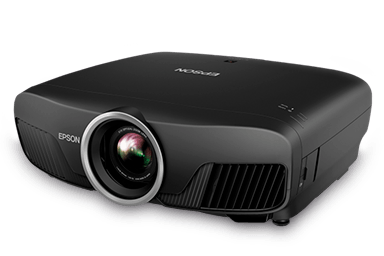
Projector
Speaker
Which of the following is not an output device?
Monitor
Scanner
Projector
Printer
How many bits equal 1 Byte?
4 Bits
6 Bits
8 Bits
10 Bits
What is the full form ROM?
Read Only Memory
Read Others Memory
Random Only Memory
Read Only Mind
Which of the following is Volatile Memory?
ROM
Floppy Disk
RAM
Memory Chip
Which of the following is not an external memory storage?
CD
VCD
RAM
DVD

Identify the Memory storage device.
CD
Floppy Disk
Blu-ray Disk
DVD
How many kilobytes equal 1 Megabyte?
1024 Bytes
1024 Gigabytes
1024 Kilobytes
1000 Kilobytes
Which is not a type of System software?
Device drivers
Utility programs
Applications
Operating systems
The 2 types of Software are:
Operating System
System
Business
Application
Allows the user to compress the size of large files for easier storage sending data.
Compression Software
Antivirus Software
Computer games
presentation apllications

Which one of these is best describes application software?
Software used to carry out
tasks e.g. web browser.
Software to help keep your
computer healthy e.g. anti-virus.
Software that allows you to use your computer and install other software.

Which one of these best describes utility software?
Software used to carry out
tasks e.g. web browser.
Software to help keep your
computer healthy e.g. anti-virus.
Software that allows you to use your computer and install other software.
Which of the following is NOT an Operating System
Android
Word
iOS
Windows
Which is NOT a utility program?
word processor
Compression software
Back-up
Disk organisation
The following is not a type of Systems Software?
Device Drivers
Utility Programs
Applications
Operating Systems


What company uses this logo?
4Chan
Crunchyroll
Windows
Software that controls all of the computers hardware is...
Program Software
Application Software
Instructional Software
System Software
An Operating System is...
Used for creating graphs and docutments
The most common type of system software
Only found in desktop computers
All of these
The type of software that the users run to do various tasks on a computer is...
System Software
Application Software
Utility Software
Operative Software
The following are examples of computer games except


What software would be used to create an information sheet e.g. a revision mat
Image editing software
Word processor
Presentation software
Web authoring software
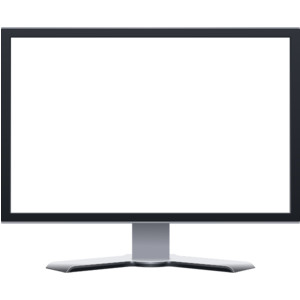
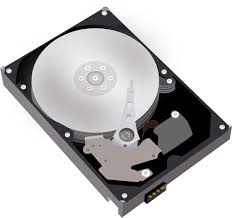

The parts of the computer that you can touch are called
Software
Applications
Hardware
the Operating System
The Paint program is used for drawing pictures.
TRUE
FALSE
A device commonly seen in video parlors for playing games.
Hard stick
Joystick
Walking Stick
The 2 types of Software are:
Operating System
System
Business
Application
You can touch software
True
False
Microsoft Word is an example of an operating system
False
True
Which of the following is NOT a type of application software?
Word processor
Operating System
Web browser
Games

What type of software is it?
Operating system
Application software

Program that protects a computer against viruses by identifying and removing any computer virus
Antivirus
Diagnostic Utility
File Manager
Screen Saver

Which software allows you to view web pages?
Web Authoring
Presentation
Browser
Video Editing
The (a) language consists of patterns of ones (1) and zeroes (0).
Kajal wants to send a large file to her friend. She cannot send the file in its actual form. How will she make the file size smaller? Give the steps to do the same.
A set of instructions and data that makes hardware functions to complete the desired task.
Output
Input
Softwares
Hardwares
Types of System Software:
Language Processors
Utilities
General Purpose Software
Operating System
Customized Software
Which of the following is NOT an operating system?
YouTube
Windows
MAC OS
Example of utility software is
Compiler
Windows
Antivirus
Android
The icon for Microsoft Word


Software that helps run the computer's hardware devices and coordinates instructions between application is called ________ .
a web server
application software
system software
beta software
A computer has two main parts: _______________ and _______________.
hardware, lightware
software, brightware
hardware, software
lightware, brightware
Set of ____________________ given to the computer is called software.
instructions
stories
hardware
numbers
__________________ controls and commands all parts of computer system.
Monitor
Keyboard
Mouse
CPU
_____________________ software co-ordinates different parts of computer.
System
Application
Input
None of these
____________________ and _______________ are two types of software.
System, application
Internal, external
System, external
Internal, application

Headphones, speakers, monitor and printer are examples of which type of devices?
Input
Output
Software
Hardware
Which of these is computer software?


Which of these is computer hardware?


Why do we need a computer monitor?
To keep the computer from overheating.
It is like the brain of the computer
To see what the computer is doing
It gives us a printout.
What is Software?
A monitor
Programs or Apps that can be run on a computer
A mouse
Physicals parts of a Computer
What is an Operating System?
Physical parts of a computer
A keyboard
A videogame
Software that let a user work with a computer
Sheela wants to draw a greeting card using specific software. Which type of software will she use?
MS-Paint
MS-Word
MS-Excel
MS-DOS
A device is commonly seen in video parlors for playing games.
Joystick
Scanner
Speaker
Mouse
Ram wants to record a song on the computer. Which input device can he use?
Microphone
MS-Paint
Mouse
Speaker

