
 Worksheets
PAS 1 XI-F2 2025-2026
Total questions: 35
Worksheet time: 1hrs 10mins
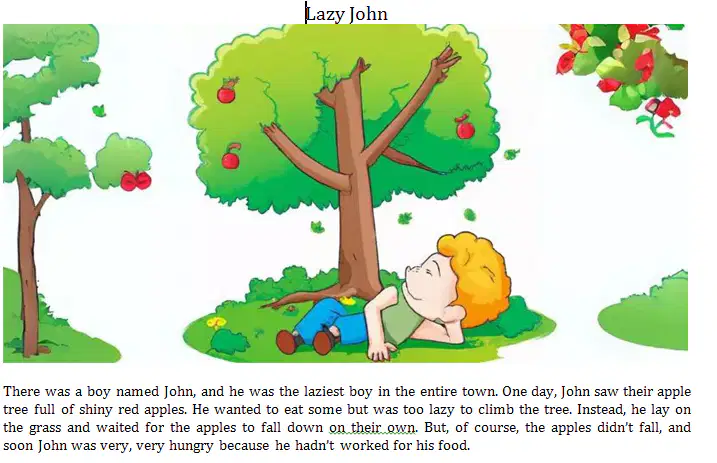
Why did John stay hungry in the end?
Because he didn't like apples
Because he gave all the apples to others
Because he waited for the apples to fall without doing any work
Because the apples were too high to reach even he tried
Because he was sick and couldn't move
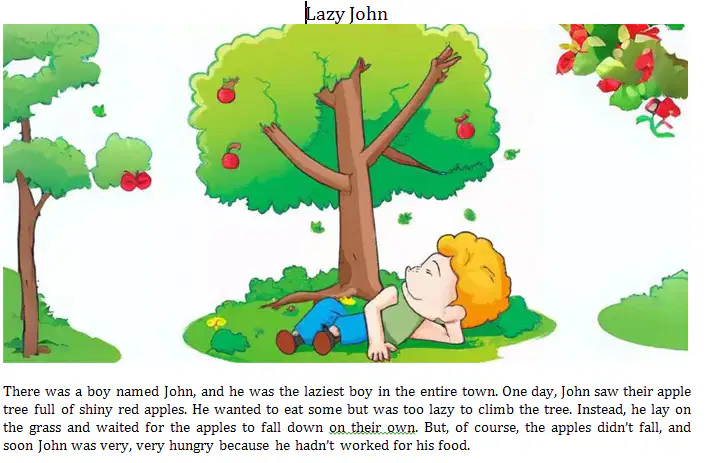
What did John do instead of climbing the tree?
Cried loudly
Went back home
Lay on the grass and waited
Shook the tree
Asked someone else to help
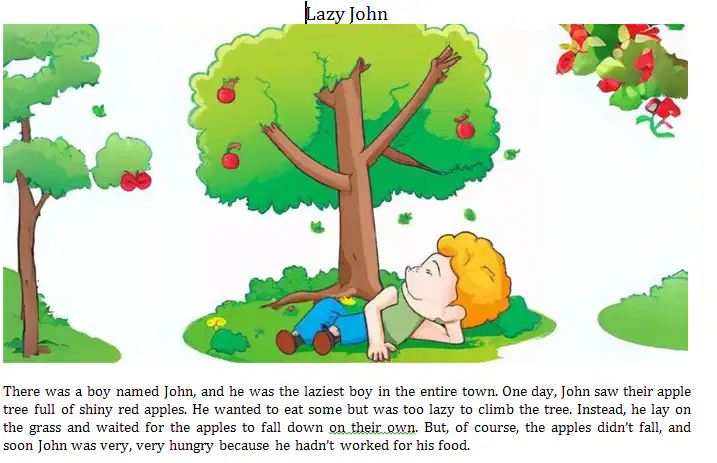
Did the apples fall down on their own?
Yes, they did
Only one apple fell
The wind made them fall
They all felt at once
No, they didn't
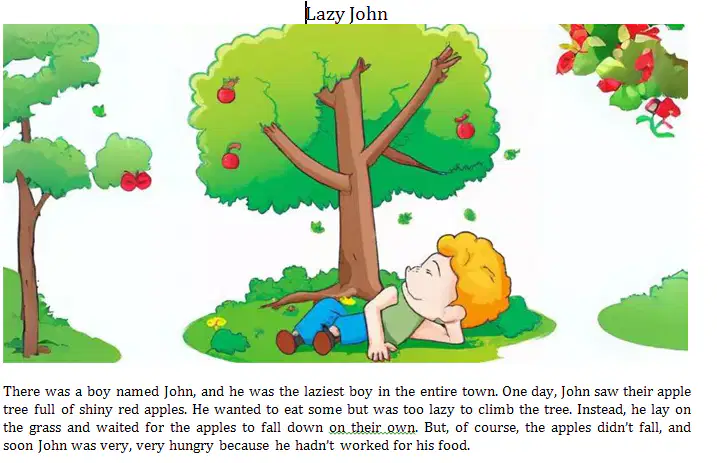
What is the moral value of the story?
Always eat fruits
Work hard to get what you want
Sleep early and wake up early
Trees are important
Never go near apple trees
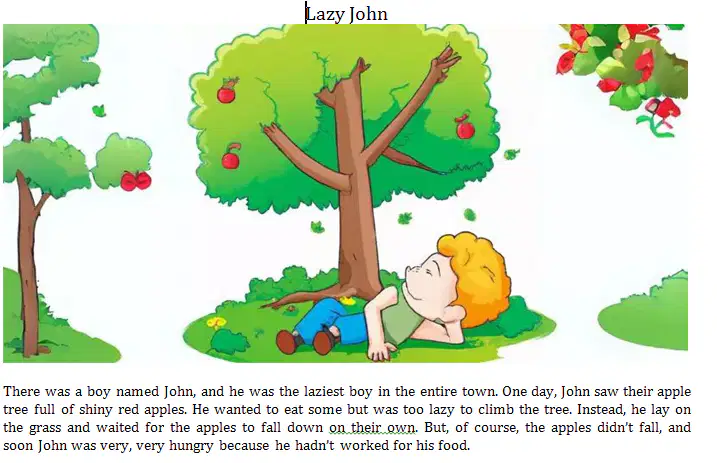
What does the word "lazy" mean?
Happy to help
Working hard
Not wanting to work
Being fast
Always ready
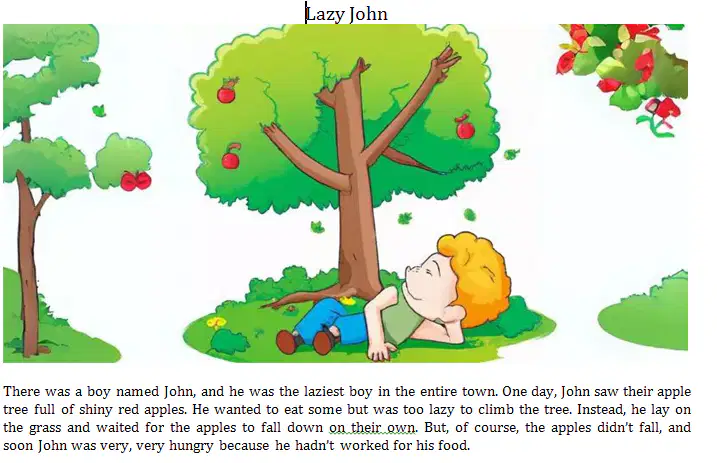
What can we say about John's attitude?
He is very helpful
He is creative
He is responsible
He is lazy an waits things to happen
He is honest
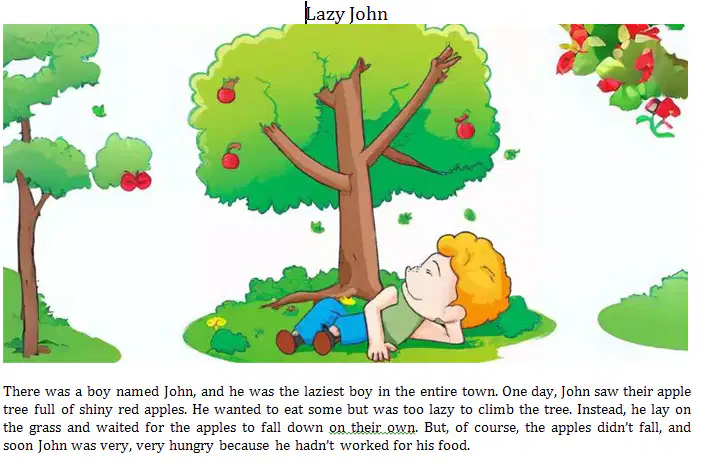
What kind of text is it?
Descriptive Text
Narrative Text
Report Text
Recount Text
Exposition Text
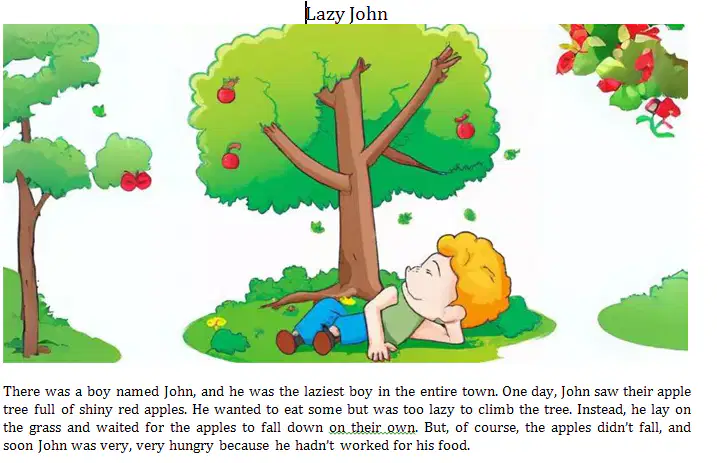
What is the purpose of the text?
To describe about lazy John
To tell about lazy John
To entertain the reader
To discuss about lazy John
To share a story
What was the boy's job?
To hunt wolves
To help villagers
To play with the sheep
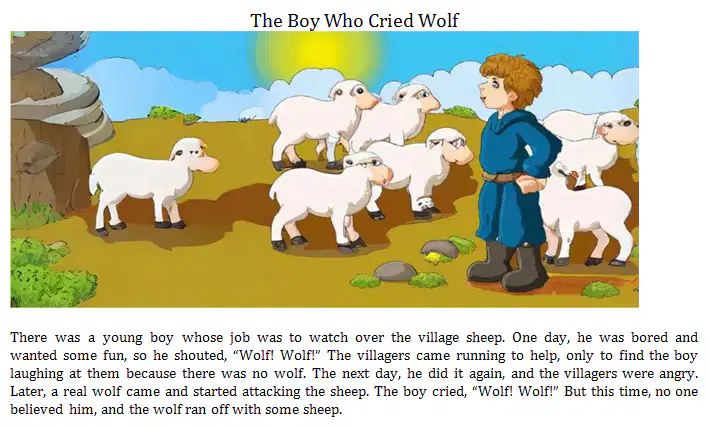
To watch over the sheep
To feed the animals
Why did the boy shout "Wolf! Wolf!" for the first time?
Because there was a real wolf
He wanted to warn the villagers
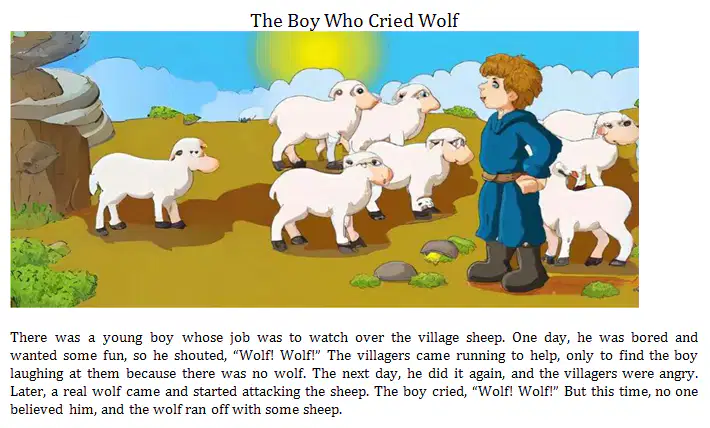
He was bored and wanted some fun
He saw a wolf in the forest
He was scared
How did the villagers react when they heard the boy cry "Wolf!"?
They ignored him
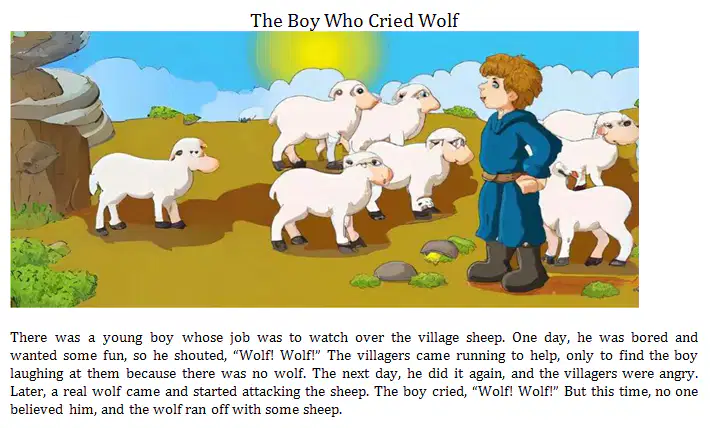
They went to help
They punished the boy
They ran away
They hid in their homes
What did the boy do when the villagers came for the first time?
He apologized
He ran away
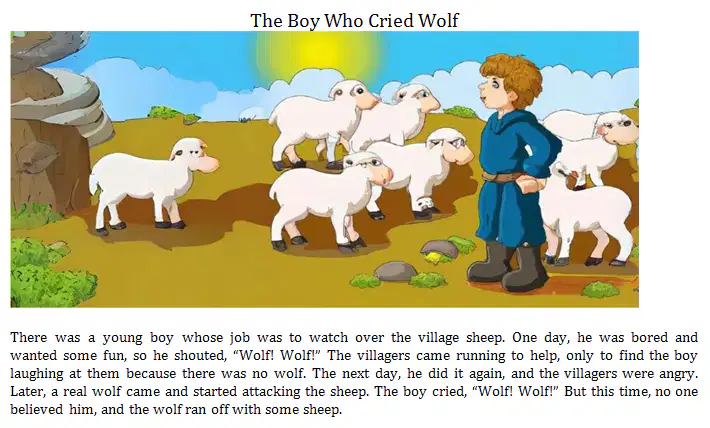
He laughed at them
He gave them food
He cried
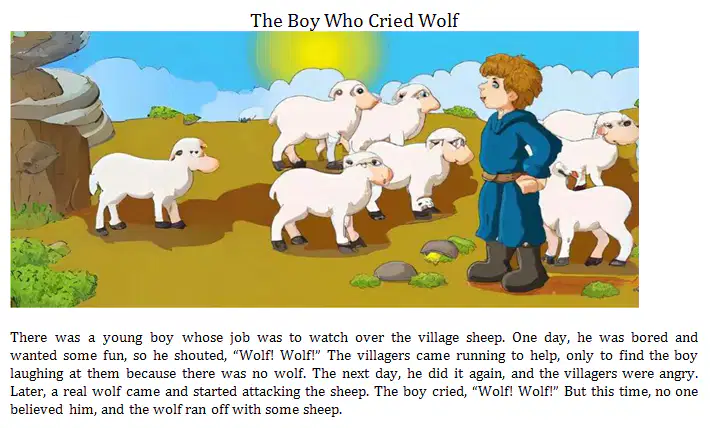
How did the villagers feel when the boy lied for the second time?
Happy
Scared
Confused
Angry
Proud
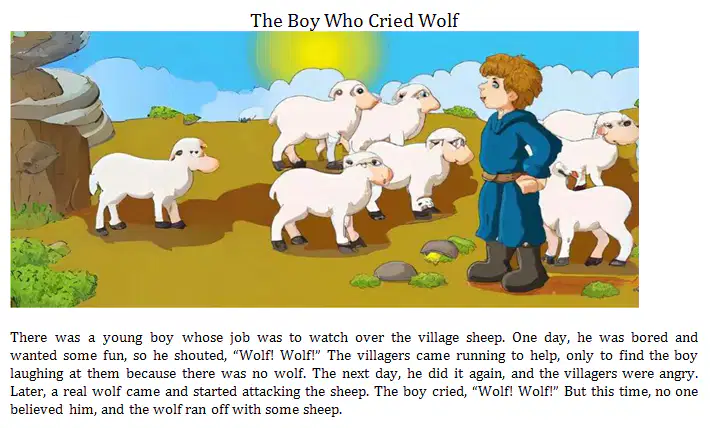
What happened when the real wolf came?
The villagers caught it
The boy ran away
The wolf didn't attack
The boy cried for help
The sheep ran away
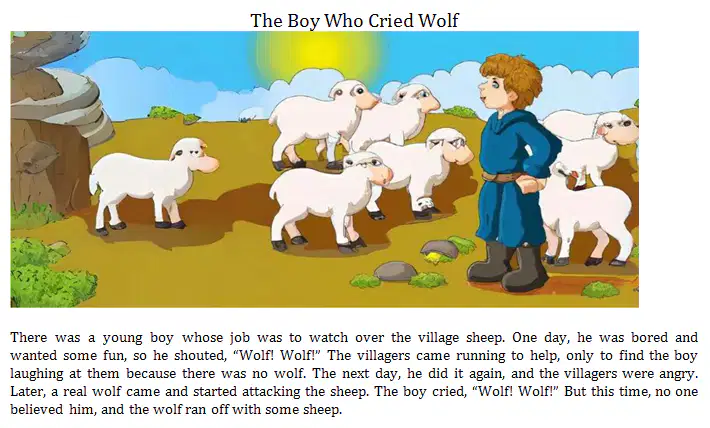
Why didn't the villagers help the boy at the last time?
They were sleeping
They were busy
They didn't hear him
They were not in the village
They didn't believe him
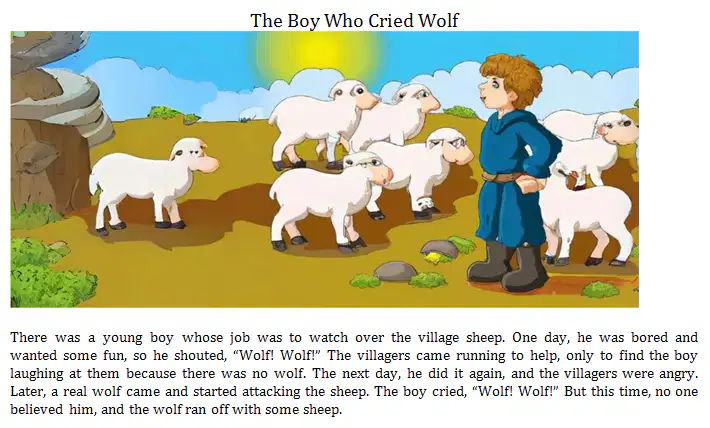
What is the moral value of the story?
Always play with the animals
Never go near wolves
People won't believe liars, even when they tell the truth
Don't talk to strangers
Help others all the time
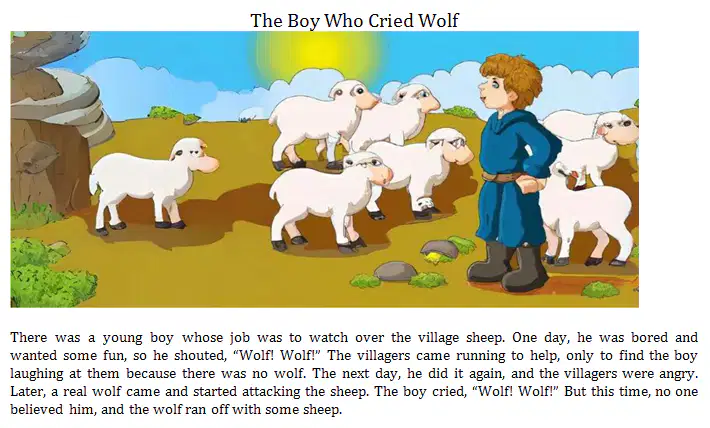
How many times did the boy lie about the wolf?
Once
Twice
Three times
Four times
Never
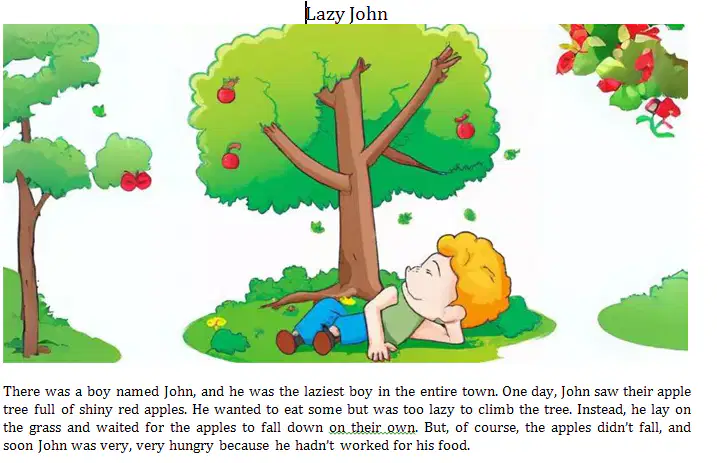
"He wanted to eat some ..." (Line 2)
The underlined word refers to ...
entire town
boys
John
apple tree
the grass
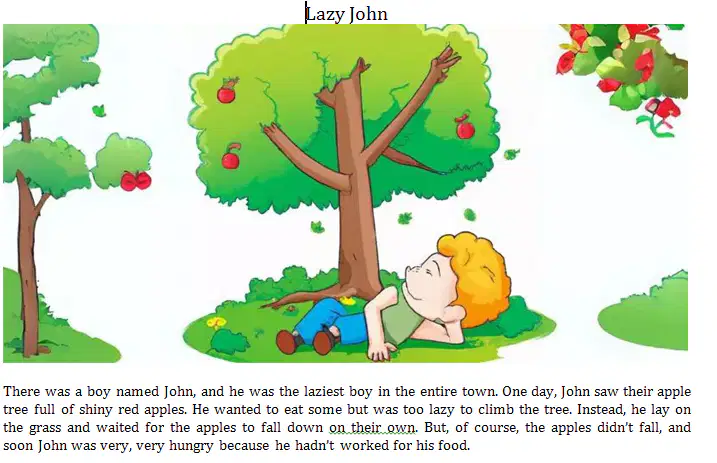
The point of view of the story is ...
internal
external
third person
first person
main character
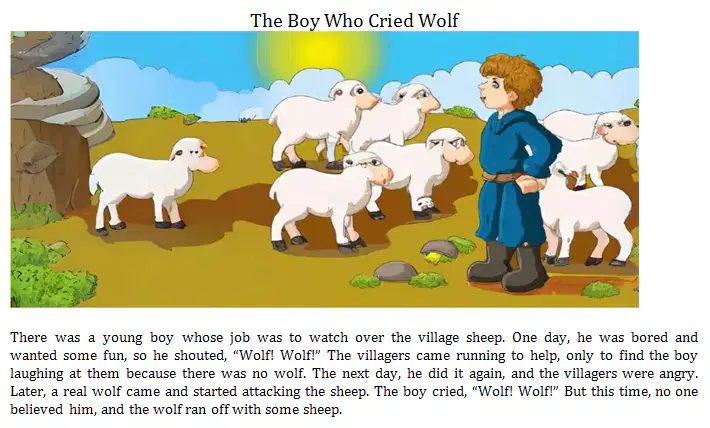
The generic structure of the text is ...
Identification-Description
General Classification-Description
Orientation-Events-Re-Orientation
Orientation-Complication-Resolution
Thesis-Arguments-Reiteration
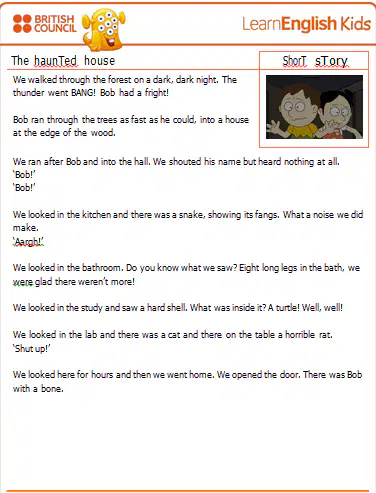
Who ran into the house first?
Bob
The narrator
A ghost
A cat
The writer
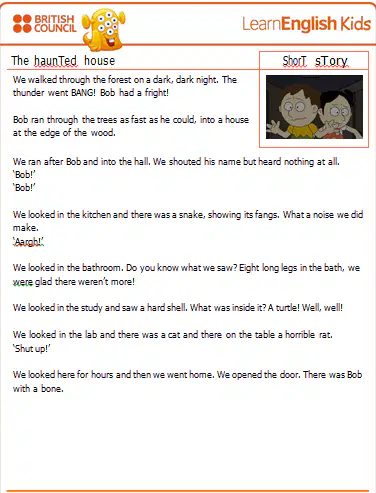
What did they do after looking for hours?
They slept in the house
They ran away
They went home
They called Bob
They ate dinner
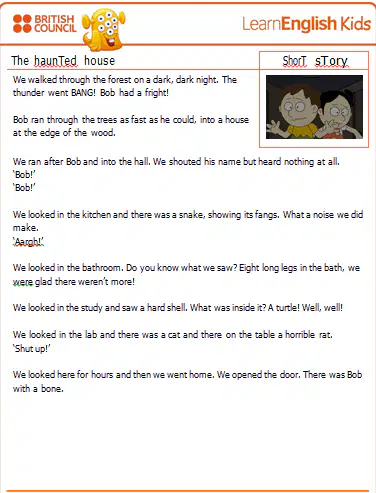
What did they shout when they saw the snake?
Aarrgh!
Shut up!
Well! Well!
Bang!
Bob!
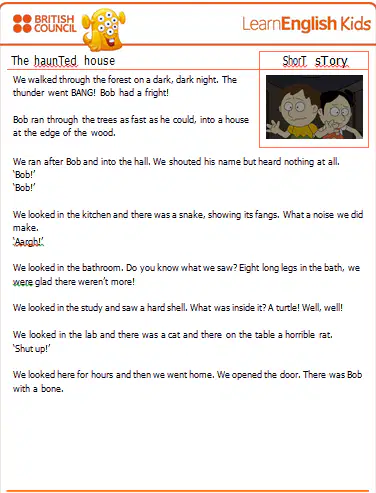
What does the word "Haunted" mean?
Full of ghosts
Full of lights
Full of people
Full of animals
Full of sound
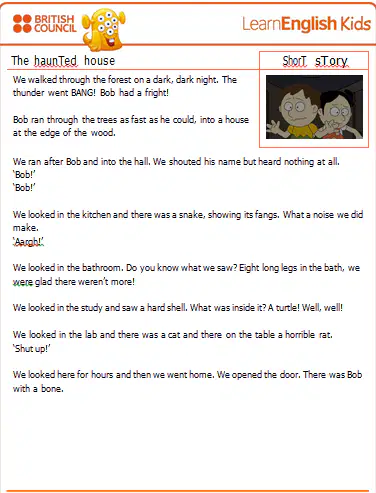
Where did they find a turtle with a hard shell?
In the study
In the kitchen
In bathroom
In the lab
On the table
How to turn in assignment in Google Classroom:
1. Tap Classroom
2. Tap the class → Classwork → the assignment
3. On the Your work card; tap expand
4. Tap Add attachment → select Drive, Link, File, Take photo, or Record video
5. Tap Turn in and confirm
6. Tap Mark as done and confirm
What kind of text is it?
Descriptive Text
Narrative Text
Procedure Text
Report Text
Recount Text
How to turn in assignment in Google Classroom:
1. Tap Classroom
2. Tap the class → Classwork → the assignment
3. On the Your work card; tap expand
4. Tap Add attachment → select Drive, Link, File, Take photo, or Record video
5. Tap Turn in and confirm
6. Tap Mark as done and confirm
What is the purpose of the text?
To describe about Google Classroom
To tell how to turn in assignment in Google Classroom
To retell about the assignment in Google Classroom
To entertain the readers
To tell about the assignment in Google Classroom
How to turn in assignment in Google Classroom:
1. Tap Classroom
2. Tap the class → Classwork → the assignment
3. On the Your work card; tap expand
4. Tap Add attachment → select Drive, Link, File, Take photo, or Record video
5. Tap Turn in and confirm
6. Tap Mark as done and confirm
What can you attach in Google Classroom?
Drive files
Links
Photos or Videos
All of the above
None
How to turn in assignment in Google Classroom:
1. Tap Classroom
2. Tap the class → Classwork → the assignment
3. On the Your work card; tap expand
4. Tap Add attachment → select Drive, Link, File, Take photo, or Record video
5. Tap Turn in and confirm
6. Tap Mark as done and confirm
What does "Mark as done" mean?
Delete the assignment
Finish the assignment without attaching a file
Logout from Classroom
Open a new class
Sign in Classroom
How to turn in assignment in Google Classroom:
1. Tap Classroom
2. Tap the class → Classwork → the assignment
3. On the Your work card; tap expand
4. Tap Add attachment → select Drive, Link, File, Take photo, or Record video
5. Tap Turn in and confirm
6. Tap Mark as done and confirm
Which button is used to attach a file?
Mark as done
Turn in
Add attachment
Expand
Confirm
How to turn in assignment in Google Classroom:
1. Tap Classroom
2. Tap the class → Classwork → the assignment
3. On the Your work card; tap expand
4. Tap Add attachment → select Drive, Link, File, Take photo, or Record video
5. Tap Turn in and confirm
6. Tap Mark as done and confirm
Where do you find your assignment in Google Classroom?
Home → Profile → Assignment
Class → Classwork → Assignment
Menu → Settings → Task
Drive → Folder → Work
Attachment → Link → Confirm
How to turn in assignment in Google Classroom:
1. Tap Classroom
2. Tap the class → Classwork → the assignment
3. On the Your work card; tap expand
4. Tap Add attachment → select Drive, Link, File, Take photo, or Record video
5. Tap Turn in and confirm
6. Tap Mark as done and confirm
The generic structure of the text is ...
Goal - Materials - Steps
Identification - Description
General Classification - Description
Orientation - Complication - Resolution
Orientation - Events - Re-Orientation
Tania : I have a very important interview tomorrow. But I have arranged some appointments with customers.
Lia : I … the appointments. I believe they will understand your situation.
suggest you rearranging
suggest you to rearrange
suggest you rearrange
suggesting you rearrange
suggested you rearrange
Hendy : Donny looks so sad. Somebody has broken his bike.
Rudy : How … Mr. Frank to fix it?
about asking
about to ask
about we go
about you go
about not asking
I am so tired.
The best suggestion is ...
You should take a rest
You should take a medicine
You should go to market
You should go to a doctor
You should cook a delicious cake

