
 Worksheets
WG:CO:U4L08 - Paper/Virtual Prototype Project Quiz
Total questions: 25
Worksheet time: 13mins
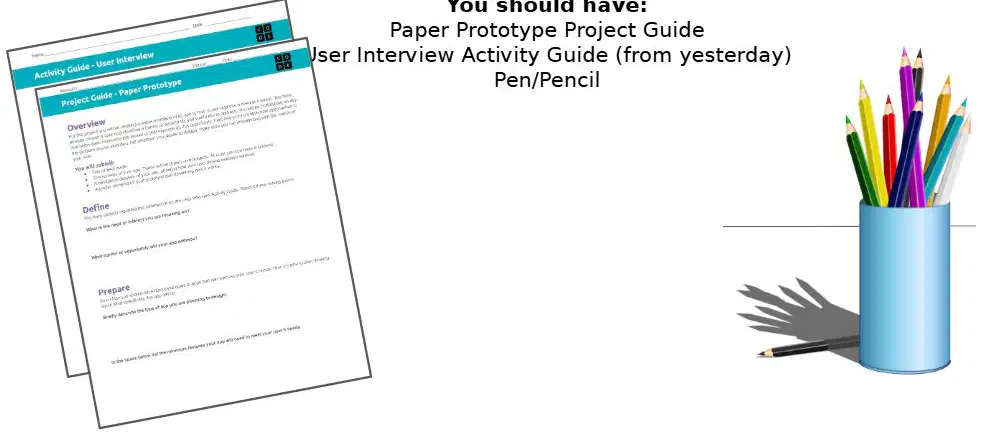
What is one of the materials you should have for the Paper Prototype project?
Scissors
Paper Prototype Project Guide
Glue
Ruler
Which activity guide is mentioned as being from yesterday?
Design Activity Guide
User Interview Activity Guide
Prototype Testing Guide
Creative Thinking Guide
What is the purpose of creating a virtual/paper prototype of an app in the design process?
To entertain users
To address a need or interest
To replace existing apps
To increase app downloads
What should you have already done before prototyping an app?
Designed the app interface
Chosen a user and identified a barrier or opportunity
Tested the app with users
Published the app on app stores
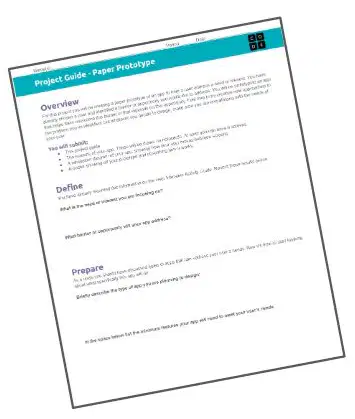
What is the goal of prototyping an app according to the design process?
To create a final product
To help users overcome a barrier or expand on an opportunity
To generate revenue
To compete with other apps
What tool should you use to outline your screens and how a user will navigate between them?
Drawing tool
Text editor
Spreadsheet
Presentation software
What information should be included on the navigation diagram?
User's favorite color
How the user interacts with the app
The app's download size
The app's logo design
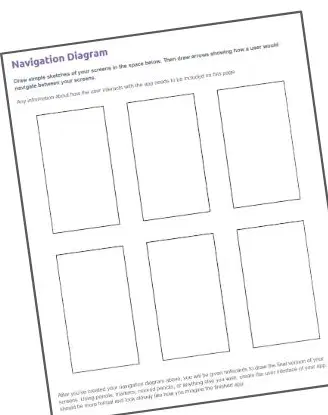
To keep your app simple, what is the maximum number of screens you should limit yourself to?
4 screens
5 screens
6 screens
7 screens
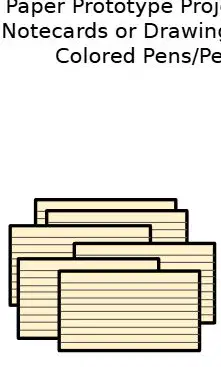
What materials are suggested for creating your screens in the design process?
Paper Prototype Project Guide, Notecards, Colored Pens/Pencils
Computer, Printer, Scanner
Paint, Canvas, Brushes
Textbook, Calculator, Ruler
What is the purpose of using drawing tools, pencils, or markers in the activity described?
To create a paper prototype of an app
To write a story
To design a poster
To solve a math problem
What should the paper prototype look like according to the instructions?
A rough sketch
A formal representation of the finished app
A colorful painting
A random doodle
What is the first activity mentioned for Day 1 Wrap Up?
Review the project guide
Fill in the left-most column of the table with main tasks
Discuss the project with a partner
Write a summary of the project
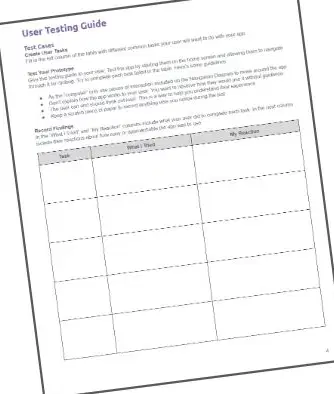
Where should you turn to find the table for the Day 1 Wrap Up activity?
Page 1
Page 2
Page 3
Page 4
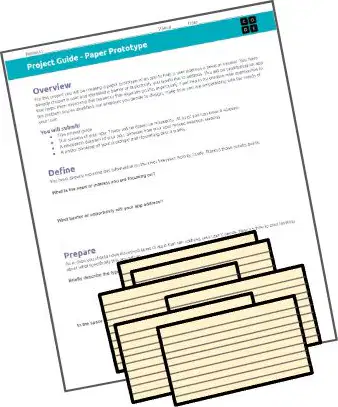
What materials do you need for Day 2 of the activity?
Project Guide and Paper Prototype
Computer and Internet
Textbook and Notebook
Calculator and Ruler
What is the main task for Day 2 in the activity?
Designing a new app
Testing your app by navigating it
Writing a report
Creating a presentation
In a user testing activity, what role does one person take when they navigate the Slides/paper prototype?
Designer
User
Developer
Tester
During user testing, what is the role of the person who changes the screens?
User
Observer
Computer
Analyst
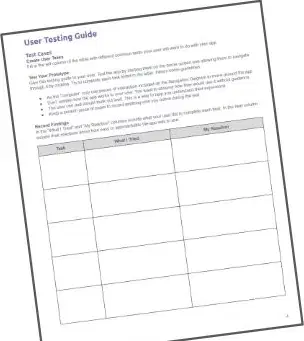
What should you follow during the user testing activity?
The project timeline
The User Testing section of the project guide
The design specifications
The feedback form
What is the first step in creating a drawing poster according to the project guide?
Read through the instructions in the Create a Poster section
Gather all the materials needed
Start cutting out sections immediately
Attach sections to the poster
What is required for the "Understanding the User" key concept to have extensive evidence?
The purpose of the app is not defined.
The purpose of the app is described in terms of the needs of the user.
The purpose of the app is clearly defined in terms of multiple user needs and challenges.
User needs are not mentioned.
In the "Designing to Criteria" key concept, what does limited evidence indicate?
User needs are identified, and appear to be related to app features, but may not be explicitly connected.
Explicit connections between user needs and features of the app.
User needs are not mentioned or addressed in the app.
Multiple screens and elements with a clear purpose.
What does convincing evidence in "Prototyping and Testing" require?
No screens or elements related to the app's features.
At least one screen with elements relevant to the user's task.
Multiple screens and elements relevant to the user's task and stated features of the app.
The poster describes user testing, but there is no clear analysis.
For "Software Development: Communication and Documentation," what does no evidence mean?
Clear description of how the user could navigate the app.
The poster describes how the user could navigate the app, but elements may be missing.
No description of how the user could navigate the app.
There are proposed improvements to the app.
What is indicated by limited evidence in "Software Development: Refining Computational Artifacts"?
There are no improvements mentioned to the app.
There are some proposed improvements to the app, but it is not clear if they relate to the results of testing.
There are proposed improvements to the app based on testing.
The purpose of the app is not defined.


