
NEW
Font size
 Worksheets
Y1 Revision Pack
Total questions: 28
Worksheet time: 14mins
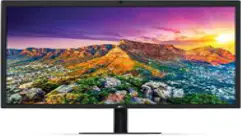
What is this?
Keyboard
Monitor
Mouse
Speaker
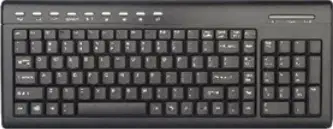
What do we use to type letters on a computer?
Mouse
Keyboard
Monitor
Hard Drive
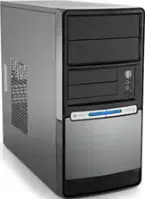
Which one is the “brain” of the computer?
CPU
Power Supply
Motherboard
Monitor
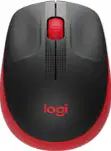
What is this part?
Keyboard
Mouse
Monitor
Speaker
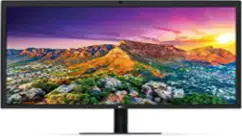
Which part shows what the computer is doing (pictures, videos)?
CPU
Mouse
Monitor
keyboard
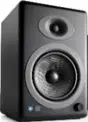
What is this?
Keyboard
Monitor
Speaker
CPU
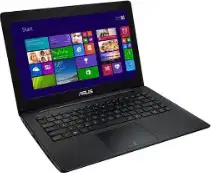
What is this device?
Television
Laptop
Phone
Book
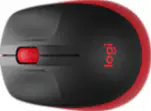
What do we use to click on things on the screen?
Keyboard
Mouse
Screen
Pencil
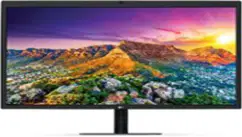
What do we use to see pictures and videos on the computer?
CPU
Monitor
Mouse
Speaker
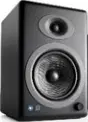
What part helps us hear music and sounds?
Monitor
CPU
Speaker
Keyboard
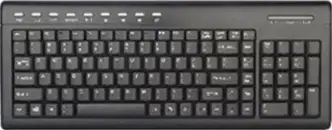
What part helps us type words and numbers?
Mouse
Keyboard
Monitor
Fan
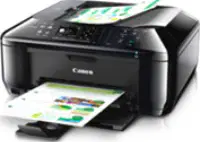
What do we use to print our work on paper?
Keyboard
Printer
Speaker
Monitor
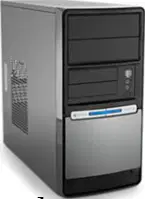
What part is called the brain of the computer?
CPU
Keyboard
Mouse
Monitor
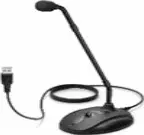
Which device helps us talk to the computer?
Speaker
Microphone
Mouse
Camera
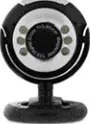
What helps us see ourselves during an online class?
Mouse
Keyboard
Webcam
Speaker
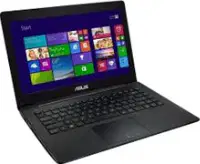
Which one is a portable computer?
Desktop
Laptop
Monitor
CPU
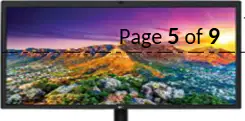
What part shows colors and pictures?
Monitor
Keyboard
Mouse
Speaker
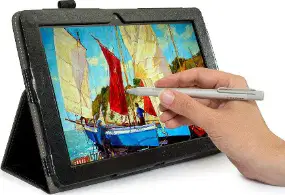
Which part helps us draw pictures on the computer?
Mouse
Keyboard
Drawing tablet
CPU

Where should you sit when you use a computer?
On the floor
In a chair
On the table
On the bed
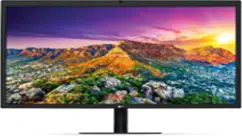
What do you look at when you use a computer?
Keyboard
Screen
Mouse
Window

What do you use to move things on the screen?
CPU
Monitor
Keyboard
Mouse
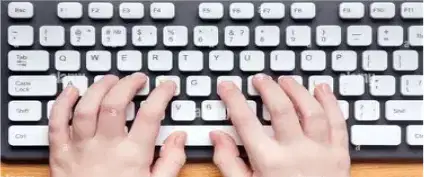
What do you use your fingers to press?
Screen
Keyboard
Mouse
Speaker

What should you NOT do to the keyboard?
Type gently
Bang on the keys
Press softly
Use fingers
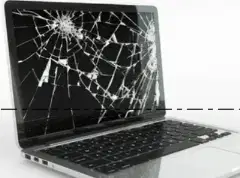
You should NOT do this to the computer screen:
Hit or knock it
Touch gently
Watch carefully
Clean with cloth

What makes the computer work?
Water
Electricity
Wind
Food

What should you never touch?
Mouse
Keyboard
Electrical plugs or sockets
Monitor
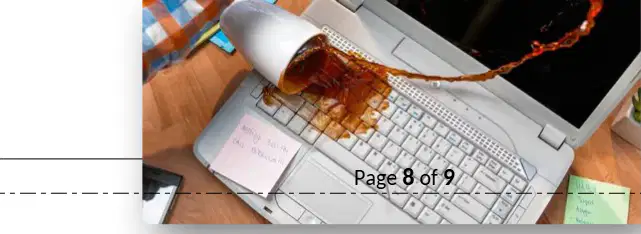
What can harm the computer?
Books
Food and drink
Air
Mouse

What is the best way to take care of a computer?
Be gentle and careful
Eat and drink on it
Hit it
Pull the wires

