
 Worksheets
Introduction to ICT Quiz
Total questions: 40
Worksheet time: 22mins
What does ICT stand for in the context of technology and education?
Information and Communication Technology
International Computer Training
Integrated Communication Tools
Internet and Computer Technology
What are some of the main functions of ICT as described in the material?
To cook food and clean houses
To locate, save, send, and edit information
To build roads and bridges
To grow plants and harvest crops
What is the primary focus of Information and Communication Technology (ICT)?
The access and sharing of information and communications
The development of new languages
The study of ancient civilizations
The creation of physical infrastructure
Which of the following is NOT typically used in Information and Communication Technology?
Cellular phones
Television
Internet connections
Steam engines
According to the material, what is one way ICT has changed in recent times?
It has stopped developing new tools
It has widened its horizons by developing new tools or emerging technologies
It only focuses on traditional communication
It is no longer used in mobile devices
Why is the Philippines referred to as the "ICT hub of Asia"?
Because of its huge growth of ICT related jobs
Because of its agricultural exports
Because of its tourism industry
Because of its manufacturing sector
The ICT department in the Philippines supports national development in which of the following ways?
By planning, developing, and promoting the country's ICT agenda
By organizing cultural festivals
By managing natural resources
By regulating food safety standards
The growth of ICT-related jobs, such as BPO and call centers, has what impact on the national development of the Philippines?
It decreases employment opportunities in the country
It contributes to economic growth and positions the country as a leader in ICT in Asia
It leads to a decline in technological advancement
It reduces the need for communication infrastructure
What is the Internet best described as?
A single computer network
A global system of interconnected computer networks
A local area network
A wireless communication system
How does the Internet enable a computer to connect to any other computer worldwide?
Through Bluetooth connections
Via dedicated routers and servers
Using satellite phones
By direct cable connections only
What is the Internet sometimes simply called?
The Net
The Web
The Cloud
The Grid
Which of the following best describes the World Wide Web?
A system on the Internet that allows documents to be connected by hypertext links, enabling users to search for information by moving from one document to another.
A type of computer hardware used for storing large amounts of data.
A programming language used to create operating systems.
A wireless technology for connecting devices over short distances.
Which of the following is a primary function of the World Wide Web?
Allowing users to access and move between documents via the Internet
Providing only email services
Storing files offline
Running desktop applications without the Internet
Suppose you want to access information from different websites. Which software application would you use?
Web browser
Spreadsheet
Word processor
Database management system
How is robotics related to artificial intelligence?
Robotics is a form of artificial intelligence
Robotics is unrelated to artificial intelligence
Robotics replaces artificial intelligence
Robotics is only about building hardware
What is holography?
A photographic technique that uses light to project objects in a way that appears 3 dimensional.
A method for creating 2D images using ink.
A process for printing documents quickly.
A way to store data on magnetic disks.
Why do the different parts of a computer work together?
To do their specific task
To increase the computer's size
To make the computer look better
To reduce electricity usage
Suppose one part of a computer stops working. Based on your understanding, what is the likely impact on the computer's ability to perform tasks?
The computer may not be able to complete certain tasks
The computer will work faster
The computer will use less memory
The computer will automatically fix itself
Which device is classified as an output device?
Joystick
Printer
Compact disc
Mouse
A monitor is considered an output device and not an input device because:
It displays information from the computer to the user
It stores data for future use
It sends data to the computer
It processes data internally
Which input device looks like a typewriter and has many buttons?
Keyboard
Mouse
Monitor
Printer
A keyboard is considered an input device because:
It sends data to the computer, such as typing a document
It displays images on the screen
It stores files for later use
It prints out information on paper
What happens when you move the mouse?
The cursor on the screen moves
The computer shuts down
The screen turns off
The keyboard lights up
Suppose your on-screen cursor is not moving when you move the mouse. What could be a possible reason for this issue?
The mouse is not properly connected or is malfunctioning
The monitor is turned off
The printer is out of paper
The speakers are muted
Explain how a joystick and a digital camera serve as input devices for a computer.
A joystick sends movement data for games; a digital camera sends image/video data.
Both devices print documents.
A joystick displays images; a digital camera plays music.
Both devices are used for output only.
If the CPU is like the brain of a computer, which of the following best describes its role?
It processes information and controls other components
It only stores files and documents
It provides power to the computer
It prints documents
What is the primary purpose of a router in a network?
To connect multiple devices to the Internet
To store data for backup
To print documents
To display images on a screen
Which of the following is an example of an output device?
Speaker
Microphone
Keyboard
Scanner

Input device
Output device

Input device
Output device

Input device
Output device

Input device
Output device

Input device
Output device

monitor
Input device
Output device

Input device
Output device

Input device
Output device
These are devices that we use to put information into the computer.
Input devices
Output devices

Identify the name of the icon shown
Mouse Pointer
Arrow hand
Keyboard Shortcut
All of the above
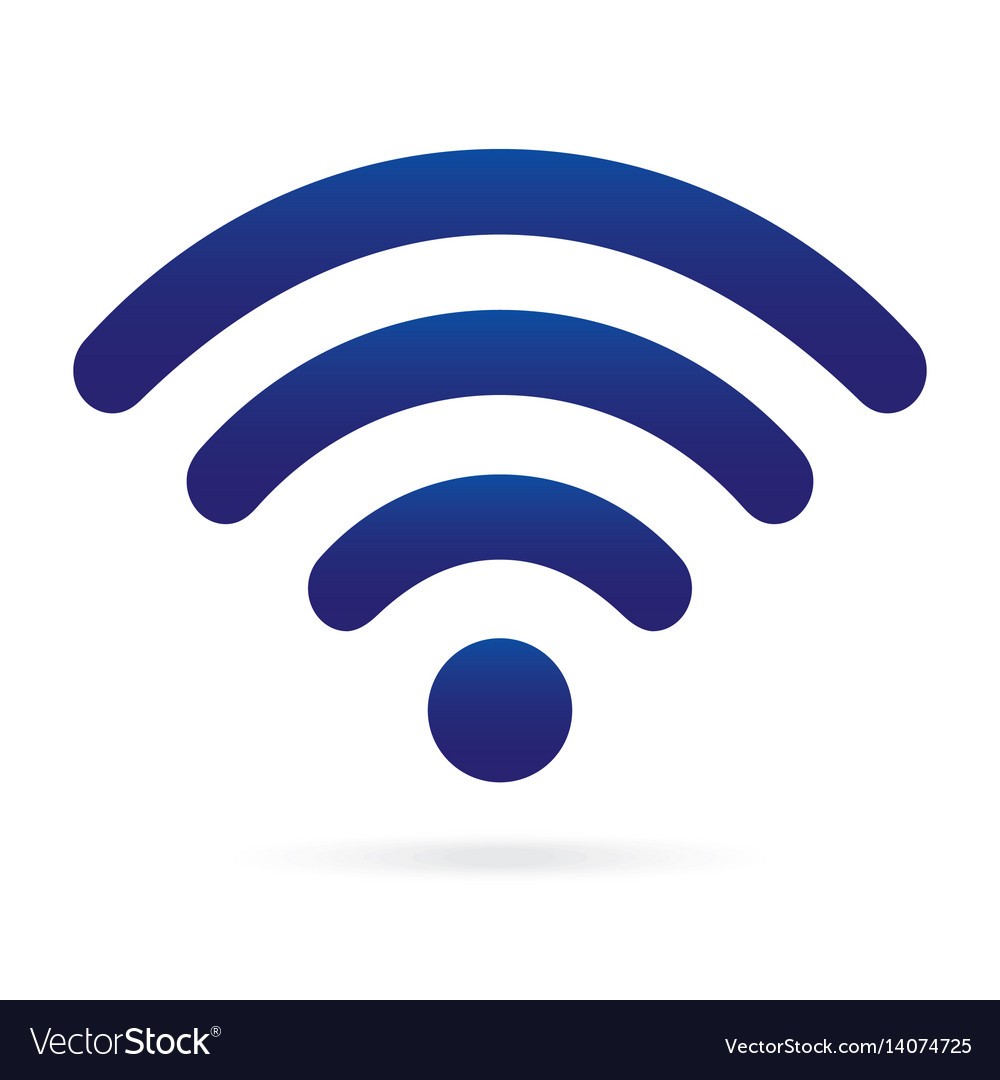
What icon is this
Volume
Bluetooth
WiFi
All of the above

Which browser is this?
Internet Explorer
Google Chrome
Mozilla Firefox
Safari

