
 Worksheets
Form I OneDrive
Total questions: 12
Worksheet time: 13mins
What are the TWO things you should do when you open a Word Document from the App?
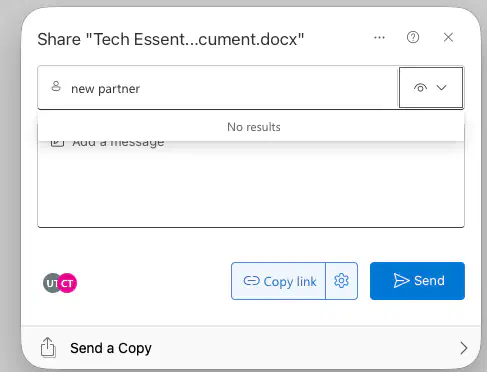
You are working on a screenplay for the next big hit movie.
You have created a document and need to share it with your writing partner so you can collaborate together on the same document.
Was this shared correctly?
Yes
No
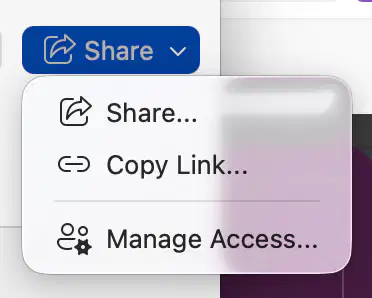
Your partner calls saying they can't access the document.
The ONLY way to give them access is by clicking SHARE and MANAGE ACCESS.
True
False
Your partner moved to Canada to work with another writer on a similar screenplay (LOSER!) So, you have chosen a different partner.
You don't want your old partner to have access to the work you have started or any further work.
How should you deal with your shared document?

Stop sharing then share with new partner

Create a new doc/copy & paste -reshare

For the integrity of your writing ideas, you and your new partner have decided to cut out everything that your old partner wrote for the screenplay.
What is the best way to do this?
Look at all the copies of the document that you have created and compare.
Read the document and you will remember what you wrote.
Delete anything written in their color.
Look at the Version history and compare.
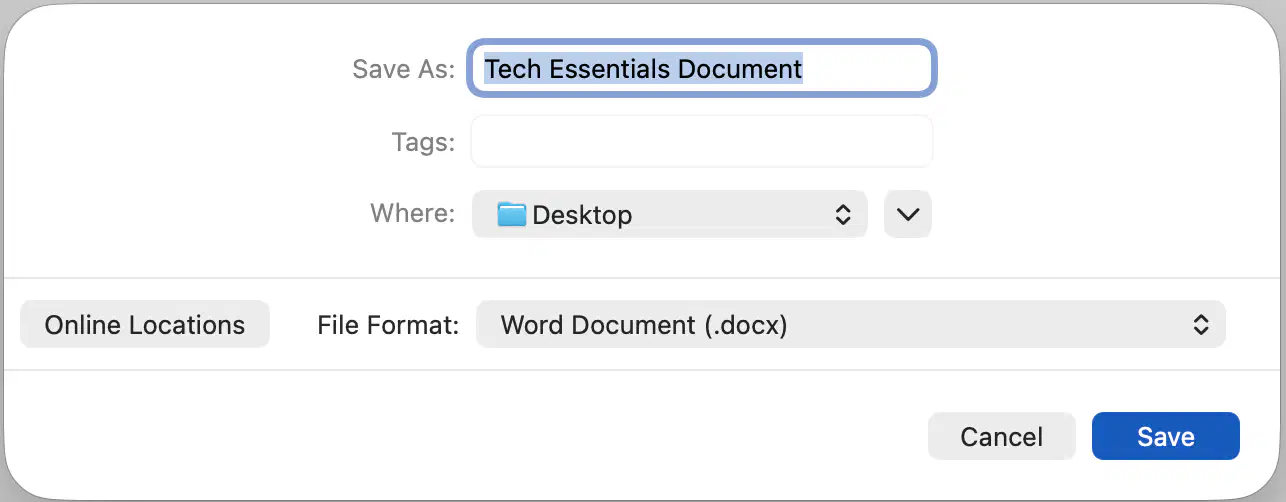
You have written all day and your partner hits SAVE
What will happen to the document based upon this image?
- (a)
-
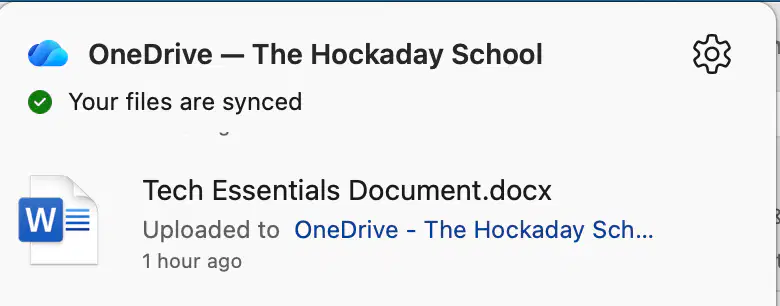
You have written all day and your partner hits SAVE
What will happen to the document based upon this image?
- (a)
-
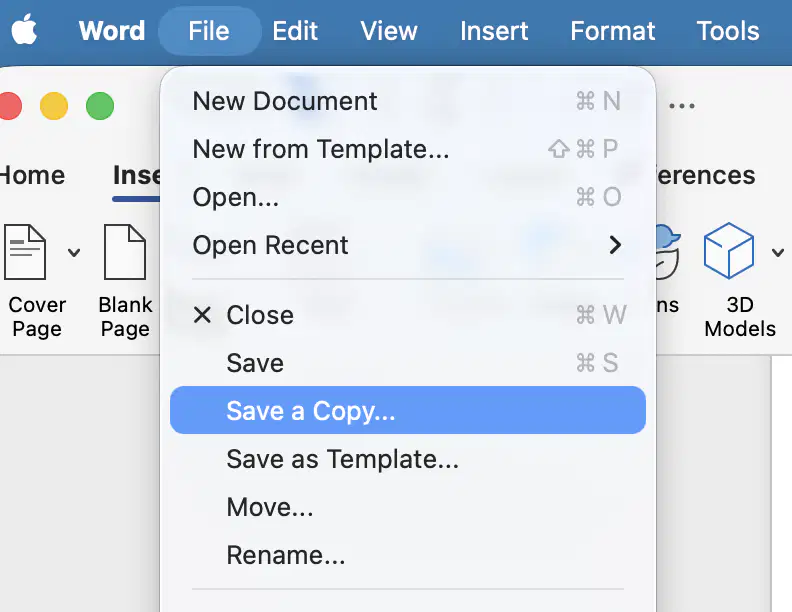
You have written all day and your partner hits SAVE
What will happen to the document based upon this image?
- (a)
-

Your partner wants an Idea Page and decided to open a Word document from a browser with Microsoft 365.
Do you have to AUTOSAVE and have a HAPPY CLOUD?
Yes
No
So, you know you don't have to AUTOSAVE this Idea Page created in a browser with Microsoft 365.
But, what should you do to avoid confusion and be able to find it easily in OneDrive?
Save it to the cloud.
Title the document.
Have them send you a copy.
Save a copy to desktop.
You have written quite a bit and it's time to do some reviewing and editing.
Do you need to be in the same room working on the document at the same time?
Yes
No
What are other tech things you would like to learn how to do or use?

