
 Worksheets
ICT 5 Revision 1
Total questions: 120
Worksheet time: 2hrs 24mins
Which of the following is not an input device
Mouse
Bar code scanner
Speaker
Keyboard
A printer is an__________device
Input
Pointing
Output
Drawing

This device is called a_________
Display
Projector
Monitor
TV

This is a_________
Printer
Photocopy
Scanner
Monitor
A scanner is an_________device
Output
Input
Pointing
Calculating

This is an ___________device
Output
Input
Designing
Drawing

This device is called a___________
Keypad
Typing device
Keyboard
Trackpad

This device is called a____________
Projector
Plotter
Scanner
Joystick

This is an________ device
Input
Pointing
Output
Designing

This device is called a_______
Projector
Printer
Bar code scanner
Monitor

Speakers...
Input Device
Output Device

Webcam...
Output Device
Input Device

It is an input device that reads a set of lines of different thickness that represent a number.
Scanner
Joystick
Barcode reader

Input or Output?
input
output

Input or Output?
input
output

Input or Output?
input
output
CPU is the ____________ of the computer.
Nose
Brain
Eyes
Ears
Choose which ones are the Hardware (a) (b) (c) (d)
Arrange the following parts of the computer according to their purpose.

INPUT

PROCESS

OUTPUT
Arrange the following things that computers can do.

TYPE

DRAW

LISTEN

PLAY
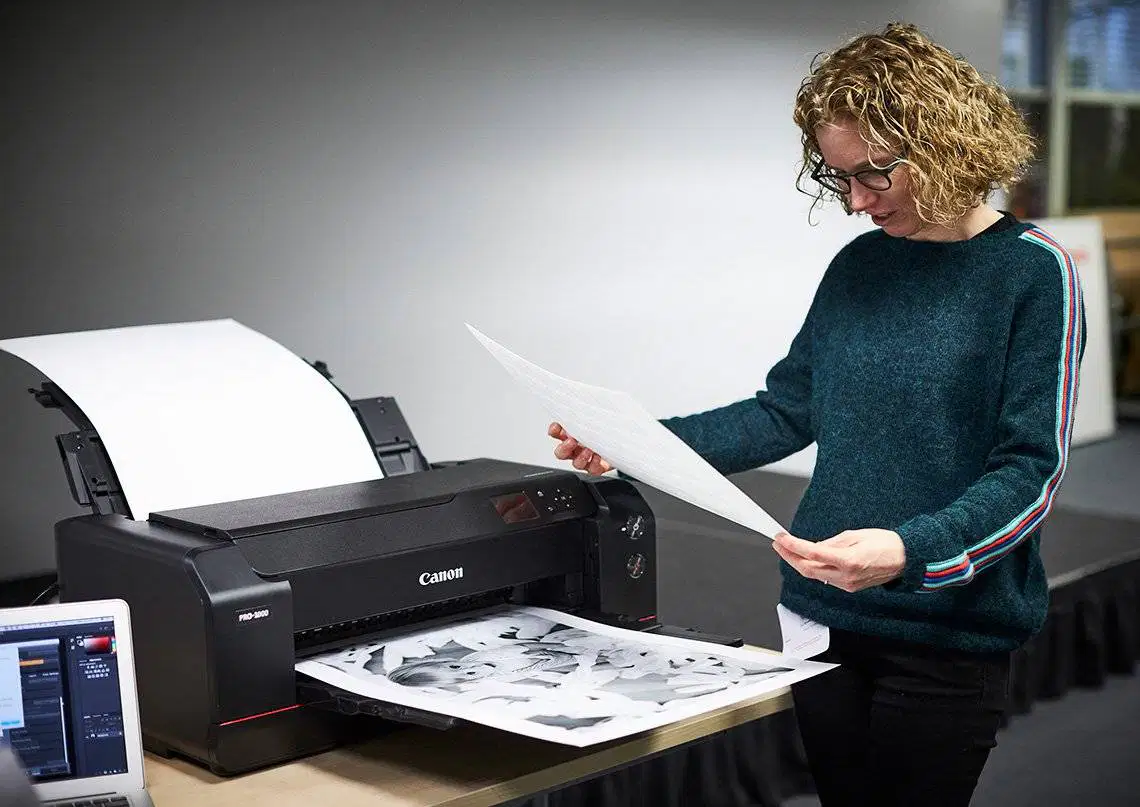
The computer is an ___________ device.
System
Electronic
Mac OS
Application
Processing is done by the ____________.
CPU
printer
Keyboard
Application
MS Word is a kind of hardware
False
True
Which of these is computer software?


Which of these is computer hardware?


What is Software?
A monitor
Programs or Apps that can be run on a computer
A mouse
Physicals parts of a Computer
A device is commonly seen in video parlors for playing games.
Joystick
Scanner
Speaker
Mouse
Ram wants to record a song on the computer. Which input device can he use?
Microphone
MS-Paint
Mouse
Speaker

Is a typing game hardware or software?
Hardware
Software

Is the Scratch website hardware or software?
Hardware
Software

Is a Nintendo Switch hardware or software?
Hardware
Software
Which of these Devices is Hardware?


Rearrange the letters to form the correct word.
(a) (b) (c) (d) (e)
What does CPU stand for?
Central Power Unit
Controlled Processing Unit
Computer Power Unit
Central Processing Unit
A (a) is used to point, select, and move any object on the computer screen.


What is the name of this image?
Text Box
A bracket

The computer can work without the CPU
True
False

Which of these is a 'desktop computer'?


Name all the devices in the pictures____
Monitor
Mouse
CPU
speaker
Monitor
Keyboard
printer
speaker
Speaker
Monitor
CPU
Printer
Monitor
Keyboard
CPU
Mouse
A scanner is a device that converts pictures or text into digital files.
FALSE
TRUE
In computer networks, LAN means?
(a) Area Network.
In computer networks, PAN means?
(a) Area Network.
In computer networks, MAN means?
(a) Area Network.
In computer networks, WAN means?
(a) Area Network.
In computer networks, CAN means?
(a) Area Network.
In computer networks, WLAN means?
(a) Local Area Network.
What does " C " stand for in CPU?
What does " P " stand for in CPU?
Phone
What does " U " stand for in CPU?
User
What does " I " mean in the I P O cycle?
Insert
Internet
What does " P " mean in the I P O cycle?
What does " O " mean in the I P O cycle?
Online
Onion
What is a network?
A collection of computers.
A computer using the used for drawing.
A type of computer virus.
A program that makes the computer work.
Two types of computers in a computer network.
(a) (b)
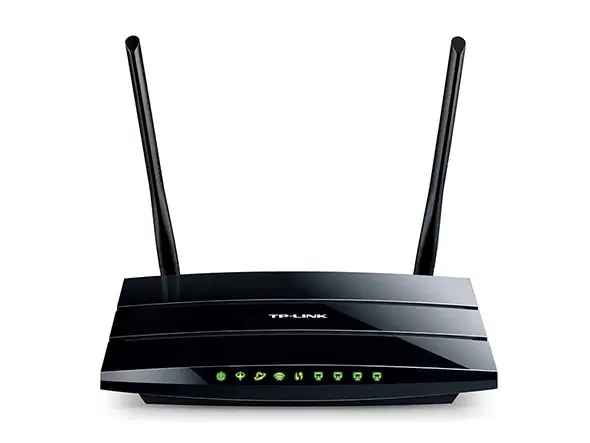
This device converts analogue - digital data and vice versa?
How can we connect computers together to form a network?
(a) (b) (c) (d)

I am the founder of Microsoft
I am (a)
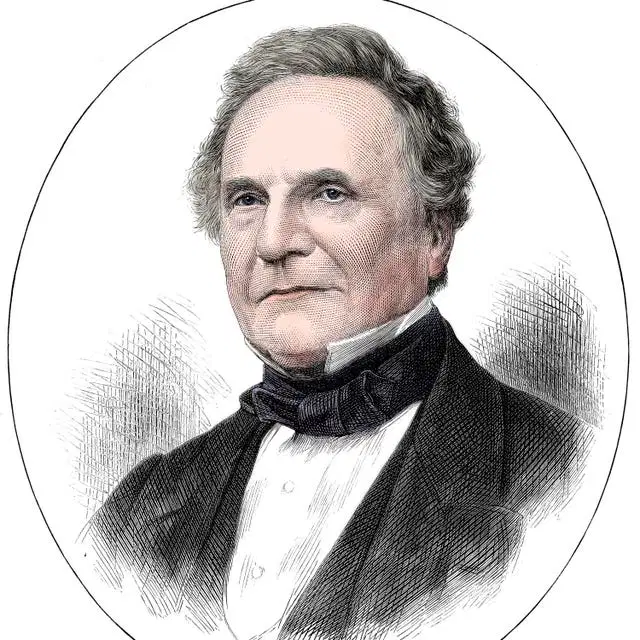
I am known as the "father of computers"
I am (a)
The Operating system that we use in our ICT room is.

Linux
Windows

Apple

This is a (a)
It is an (b) device.
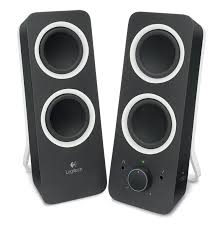
This device is called (a)
It is an (b) device.

input device
output device
storage device
communication device
A scanner is an _______________ device.
Input
Output
Storage
What does CPU stands for?
Command Processing Unit
Communication Processing Unit
Central Processing Unit
Center Processing Unit
It is commonly known as programs or applications, consists of all instructions that tell the hardware how to perform a task.
Hardware
Software
Peopleware
Malware
It is type of software that manages other software and device inside the computer.
Peopleware
Malware
Application Software
System Software
It is type of software that is designed to perform specific task that includes word processing and web browser.
Peopleware
Malware
Application Software
System Software

CPU
supplies power to the components
the heart of the computer, connects all the components
connects the hard drive to the motherboard
the brain of the computer, executes all the programs

What is this?
Ipad or tablet
cell phone
keyboard
monitor

What is this
smartphone
computer
internet
browser

What part of the Information Processing Cycle does this device do?
Input
Processing
Storage
Output
Two or more computers
A printer and a computer
A keyboard, monitor and a mouse
A phone or an Ipad connects to the internet through ______
Wires
Apps
Wifi
a server

What does WAN stand for?
Wide Area Network
Windows Apps Now
What Are Networks?
Wide Animal Crossing
What does LAN stand for?
Lowest Available Network
Local Area Network
Laptop Access Network
Large Area Network
which of the following shows a windows 11 desktop?


What does this Present?
Someone hacked your computer.
An app is using your microphone.
Your computer is died.
Your mic is going is going to be destroyed
Not listed here

What is the name of this?
Windows 10 is finally alive
Wallpaper
Nothing
Blue Screen Of Death(BSOD)
Is windows 10 the latest version operating system on the market?
Yes
No
Which one is NOT the most important part of computer?
Mouse
Speakers
Monitor
Keyboard
What the ICT stands for?
Information Computer Technology
Information Championship Technology
Information Communication Temperature
Information Communication Technology
What button that we pressed before we press the shut down button to turn off the computer?
Close button
Minimize button
Start button
Icon button
Which of these is the MOST important part of computer?
Projector
Mouse
CPU
Keyboard
What program do we use to practice typing?
Microsoft Windows
Discord
MS Word
Google Chrome

This is a VDU.
True
False
Which one is the CPU?


Icon is one of the parts on Desktop, Which one the icon in this image below?


Which of the following devices produces the largest display?


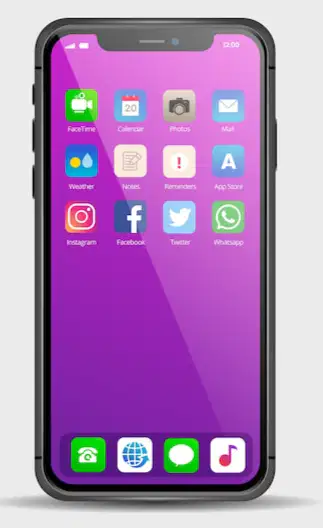

What is the CPU stands for?
Championship Portugal United
Control Projector Unit
Central Processing Utility
Central Processing Unit
Which one is Taskbar?


How many Shift button on the keyboard?
1
2
3
4
What is the name of button that we use to turn on the computer?
Power button
On button
Blue button
Circle button

What is the name of this?
Mouse
Icon
Background
Pointer / cursor

What is it called?
Computer
Desktop
Monitor
Picture
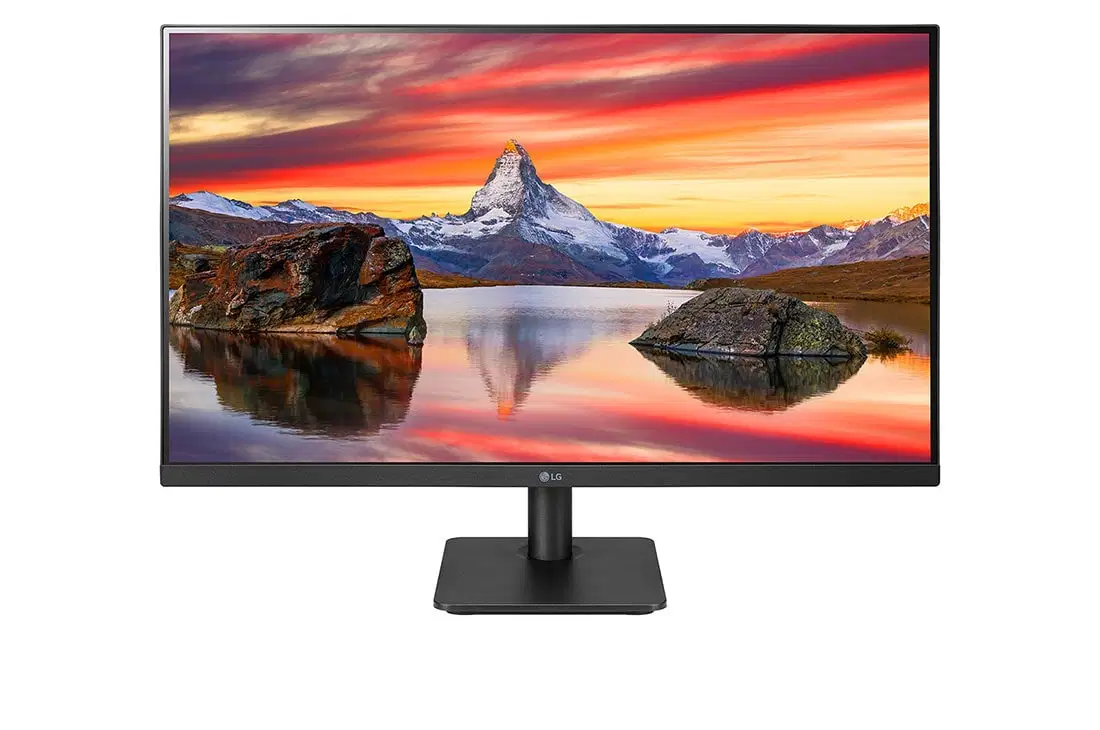
Monitor

Printer

Headphones

CD
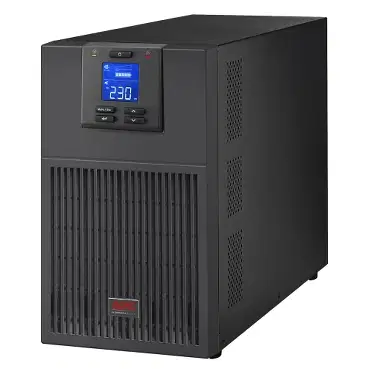
UPS
The CPU is the "eyes" of the computer.
A computer keyboard has more than 100 keys.
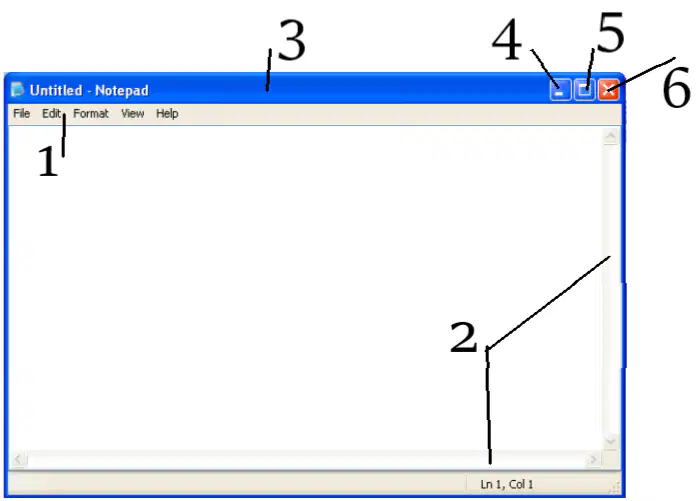
1. (a)
2. (b)
3. (c)
4. (a)
5. (b)
6. (c)
The long horizontal bar located at the bottom of the desktop is called ______.
Title bar
Task bar
Quick access toll bar
___________ is present at the right side of the task bar.
Start button
Notification area
Opened Programs
The start menu can be opened by ________
Clicking on start button
Pressing Windows key on the keyboard
Both correct
The task bar can be moved to any side of the desktop.
True
False
The steps to be followed to shutdown a computer. Click on ........>.........>..........
Start> Shutdown>Power
Power> Start> Shutdown
Start> Power > Shutdown

Identify
Internet Explorer
File Explorer
MS Paint
Start button

Identify
Recycle Bin
Folder
Trash can
Storage room
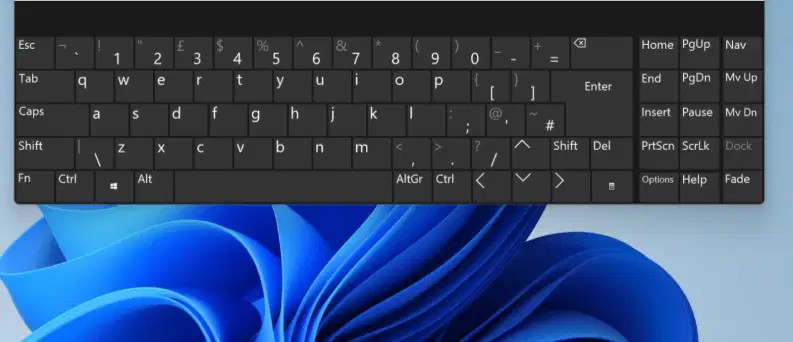
The picture shows
the on-screen keyboard interface.

The icon means
Windows is an system that uses a GUI. It means...

