
 Worksheets
Identifying Common Computer Peripherals
Total questions: 15
Worksheet time: 8mins
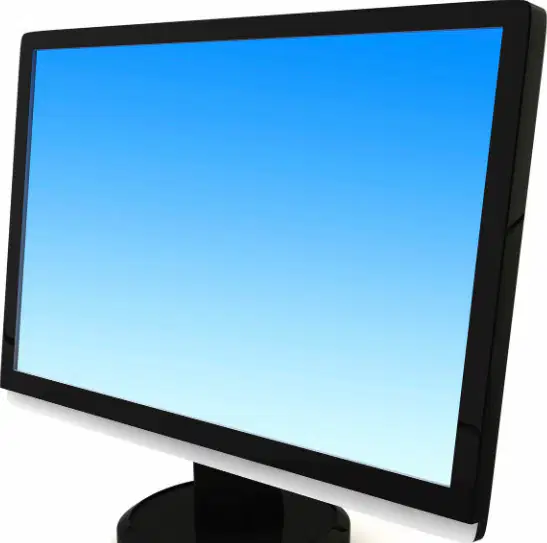
Refer to the diagram showing a flat-screen display on a stand. Which device is pictured, and how is it classified in terms of input or output?
Monitor; output device
Monitor; input device
Projector; input device
Tablet; output device
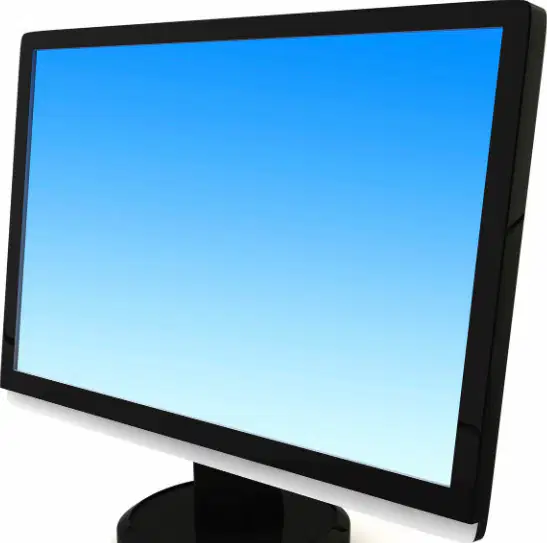
Using the monitor pictured, which action best describes its primary function during everyday computer use?
It displays visual information from the computer for the user to see.
It captures hand movements and translates them into cursor motion.
It scans paper documents into digital files.
It stores files persistently for later retrieval.
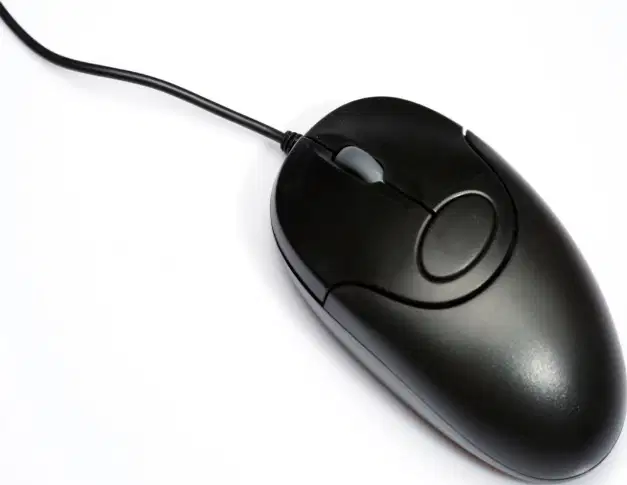
Refer to the diagram of a wired black mouse with a scroll wheel. Which task is the mouse designed to perform?
Provide visual output by showing images and text
Input commands by pointing, clicking, and scrolling
Produce printed copies of digital documents
Convert paper pages into digital images
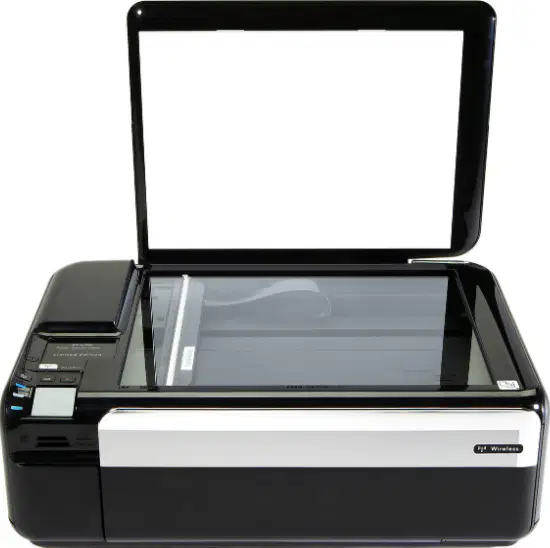
Look at the diagram of the printer/scanner with the lid open. In a small office, which scenario best matches the function of this device?
Sending on-screen notifications to employees
Capturing a paper form into a digital file and producing paper copies
Tracking the mouse pointer across the screen
Storing programs so they run faster
Refer to the image of a headset with cushioned earcups and an attached boom microphone. Which statement best explains its primary business-use function?
It captures on-screen video for presentations
It outputs audio privately to the user and can input voice through the microphone for calls or meetings
It stores files externally like a portable hard drive
It projects visuals onto a larger display
Look at the picture of two rectangular desktop speakers with a mesh front and a volume knob. In a shared workspace, why might these be chosen instead of headphones?
They allow multiple people to hear audio from one computer during a demo
They encrypt stored documents for team security
They record meeting notes automatically
They replace the need for internet access
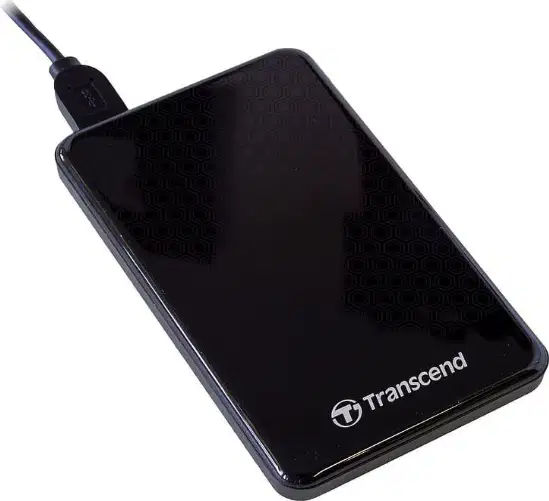
Study the image of a slim external hard drive connected by a USB cable. Which scenario best matches its intended purpose in business class projects?
Streaming audio to classmates during a live demo
Backing up large project files and transferring data between computers
Improving Wi‑Fi signal strength for video calls
Controlling sound volume on desktop speakers
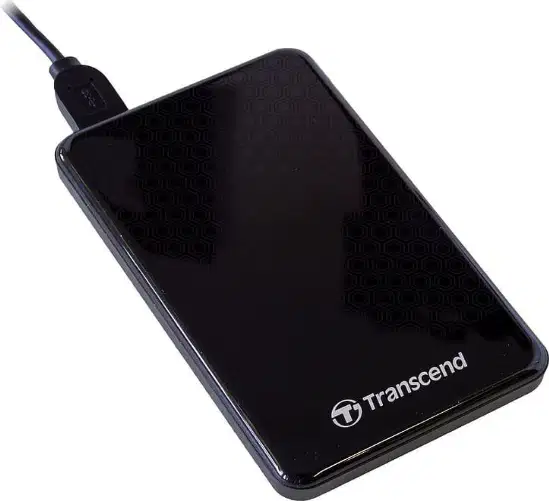
You need to prepare for a group presentation that includes narration and large media files. Based on the devices shown, which combination is most appropriate to meet both needs?
Speakers and a monitor to store the files
Headset with microphone and an external hard drive
External hard drive and a webcam for public audio
Headphones only to back up and play audio to the whole class
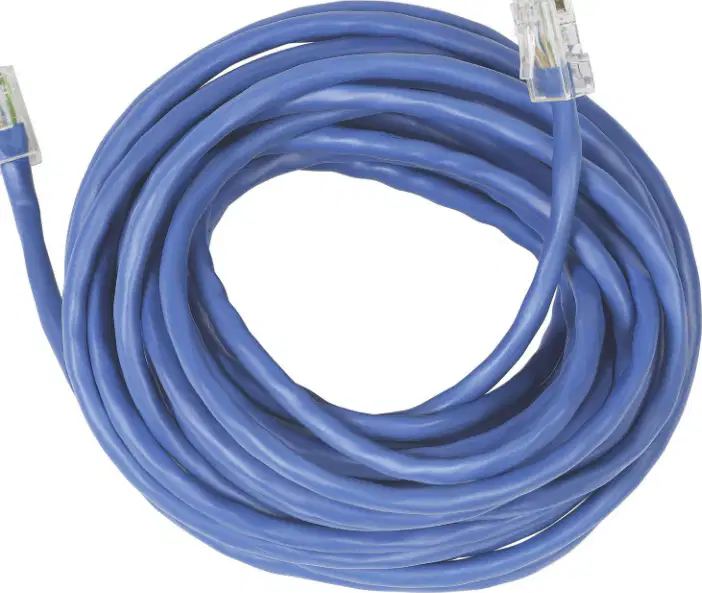
Refer to the image of a coiled blue cable with clear plastic RJ-45 ends showing eight internal wires. Which cable is pictured, and what is its primary function in a computer setup?
Ethernet cable; provides wired network connectivity between devices and a router/switch
HDMI cable; carries high-definition audio and video to a display
SATA cable; connects internal storage drives to the motherboard
USB cable; powers peripherals like a mouse or keyboard
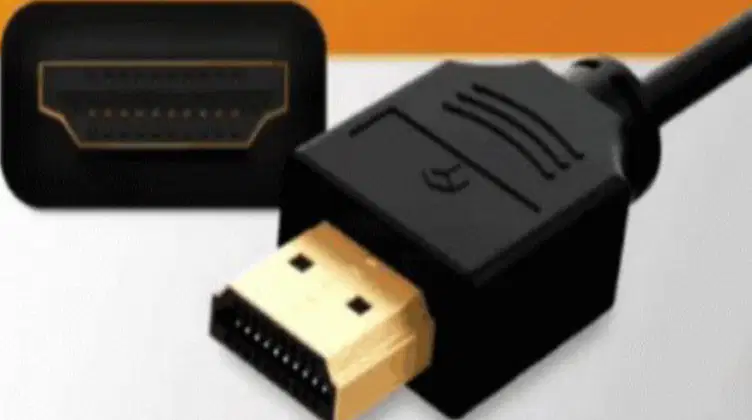
A workstation needs a reliable way to stream video to a classroom TV without using Wi‑Fi. Based on the image showing a black connector with many small pins and a trapezoid-shaped port, which cable should be chosen and why?
HDMI; it transmits high-definition audio and video through a single cable
Ethernet; it carries internet data but not display video signals
SATA; it links a hard drive internally and cannot connect to a TV
VGA; it supports only analog video and requires separate audio
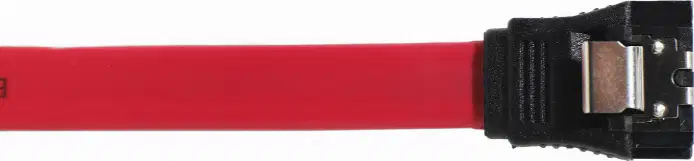
Look at the image of a thin red cable with a small rectangular latch-style connector used inside a PC. What hardware components does this cable typically connect?
A storage drive (HDD/SSD) to the motherboard for data transfer
A monitor to a graphics card for video output
A router to a computer for network access
Speakers to a computer for audio output
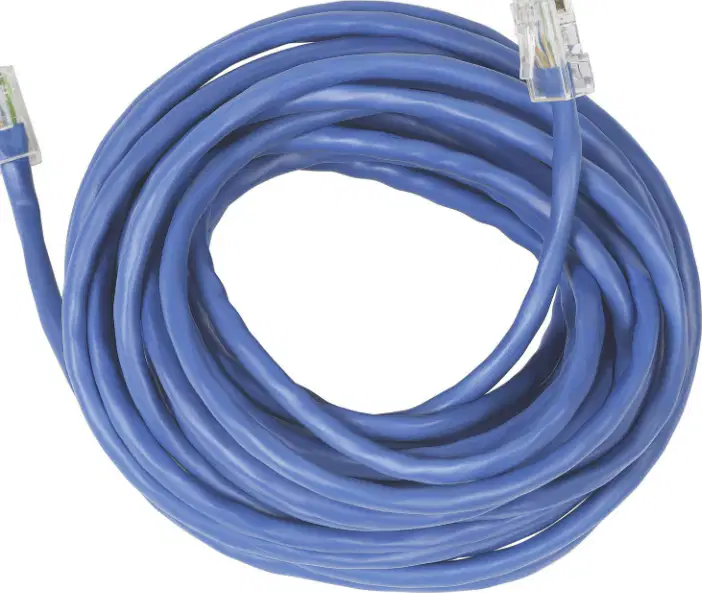
A student wants the fastest, most stable file download while taking an online test. Considering the cables shown, which connection method best meets this need and why?
Use the Ethernet cable; wired networking is typically faster and more stable than Wi‑Fi
Use the HDMI cable; video cables deliver higher bandwidth than network cables
Use the SATA cable; internal storage links improve internet speed
Use no cable; wireless always provides the highest reliability
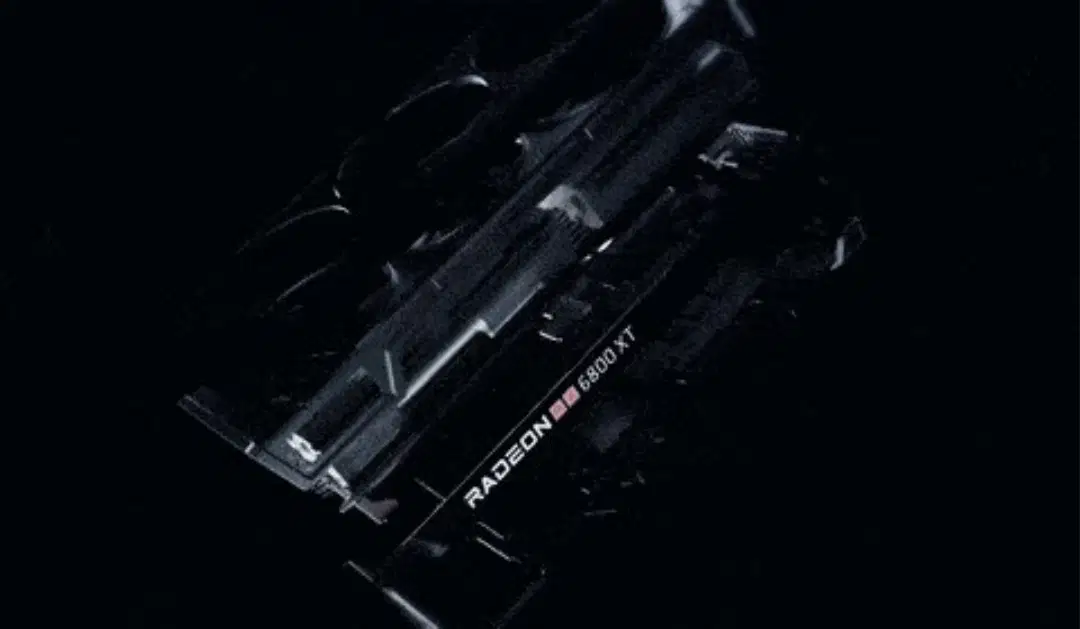
Refer to the image showing a bulky add-in card labeled “RADEON 6800 XT” with cooling fans. Based on the visual, which component is this and what is its primary role in a computer?
Network interface card; connects the PC to Wi‑Fi or Ethernet
Sound card; processes audio input and output
Graphics card; renders images and video for the display
Storage controller; manages hard drives and SSDs

Look at the image of a green printed circuit board with edge connectors and multiple chips. It is an expansion card. Which task is most appropriate for an expansion card like this in a desktop computer?
Adding specialized capabilities such as extra ports or device controllers
Replacing the CPU to increase clock speed
Providing portable storage for files between computers
Powering the motherboard directly from a wall outlet

A small device with a metal USB plug is being inserted into a laptop’s USB port. In a business setting, what is the best use of this device?
Transferring and carrying files between computers
Boosting the computer’s graphics performance
Cooling the laptop during heavy use
Providing wireless internet without any software

