
Font size
 Worksheets
Computer Networks - Grade 2
Total questions: 34
Worksheet time: 17mins
Identify a range of devices that can connect to a network, including to the internet. (Fill in the blank: Devices that can connect to a network include ________.)
computers, smartphones, tablets, printers, smart TVs, etc.
books, pencils, erasers, papers, etc.
tables, chairs, sofas, beds, etc.
shoes, hats, shirts, pants, etc.
Know that two devices working together can achieve things that neither device can achieve on its own.
True
False
Network connected devices share ________ with each other and there are ________ associated with this.
information, risks
data, benefits
files, advantages
resources, opportunities
Know that there are wired and wireless networks. (Multiple Choice: Which types of networks exist? )
Wired
Wireless
Both A and B
None of the above
It is important to know how to ________ when a network is and is not available.
recognise
ignore
disconnect
forget
Do you use any digital devices at home?
Yes
No
Which of the following is a digital device you might use at home?
Refrigerator
Smartphone
Table
Chair
Does your device have any of these parts? Select all that apply:
'on' button
touchscreen
volume control
'home' button
place to plug in the charger
My digital device connects to (joins) the internet. How do I know?
Because I can browse websites and use online apps.
Because my device turns on and displays the home screen.
Because my device has a touchscreen.
Because my device has a camera.

Which of the following are digital devices you can connect to the internet at home?
Smartphone, Laptop, Smart TV
Refrigerator, Microwave, Toaster
Table, Chair, Sofa
Lamp, Curtain, Carpet
When we connect the devices to the internet at home, we can – Fill in the blank: One thing we can do is _________?
Find information
Paint a wall
Drive a car
Cook food
When we connect the devices to the internet at home, we can – Fill in the blank: One thing we can do is _________?
Watch videos
Water the plants
Paint the walls
Drive a car
Cook food
When we connect the devices to the internet at home, we can – Fill in the blank: One thing we can do is _________?
Listen to music
Paint a wall
Drive a car
Cook food
Plant a tree
When we connect the devices to the internet at home, we can – Fill in the blank: One thing we can do is _________?
Message our friends and family
Paint the walls automatically
Grow plants instantly
Make food appear magically
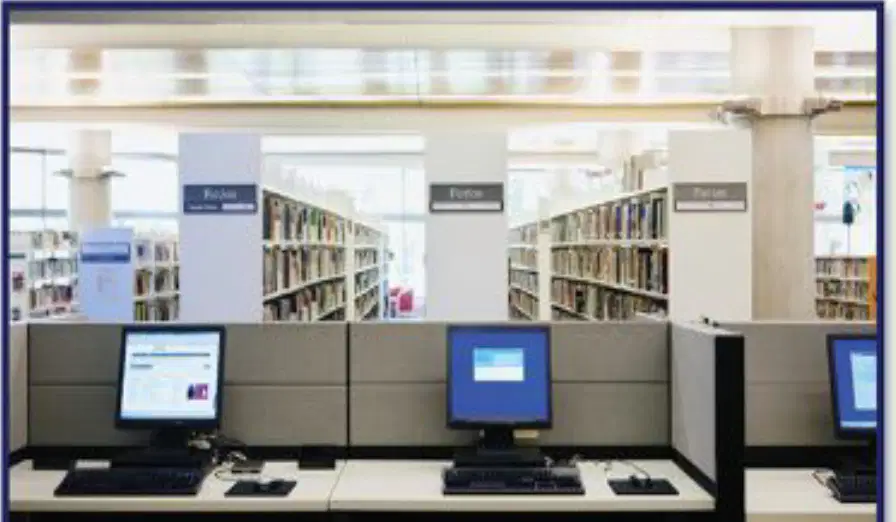
Schools, shops, offices have their own _______. Fill in the blank with the correct word.
network
garden
library
playground
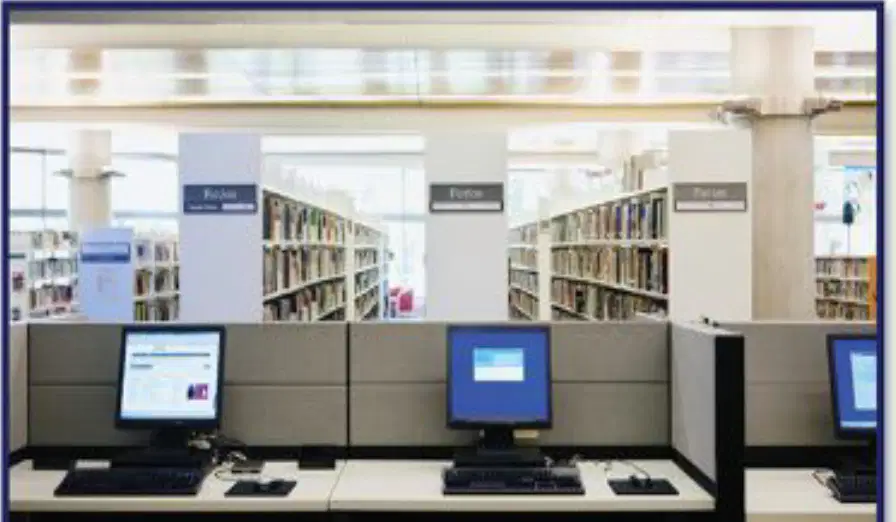
Which of the following places have their own network?
Schools
Shops
Offices
All of the above
Arun and Sofia are in a supermarket. They can see some digital devices that can connect to a network. Which of the following devices in the supermarket are connected to a network?
Tills
Scanners
Both A and B
None of the above
Arun and Sofia are in a supermarket. They can see some digital devices that can connect to a network. Fill in the blank: The _______ are connected to a network.
scanners
trolleys
shelves
baskets
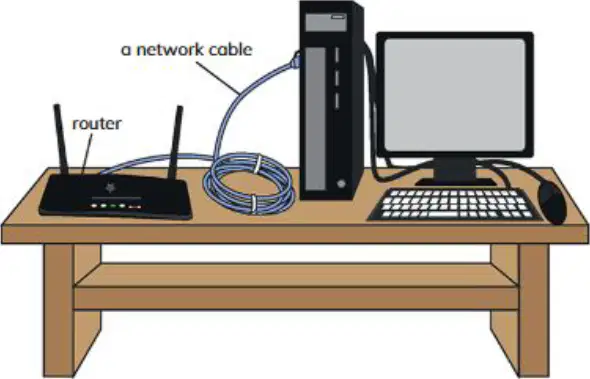
What do digital devices like a desktop use to connect to the network?
Wireless connection
Wired connection
Bluetooth connection
Infrared connection
Wired connections are joined together by wires called as _________?
Network Cables
Fiber Optics
Wireless Routers
Bluetooth Devices
A wired network is reliable.
True
False
What is the main difference between a network cable and a power cable?
Network cable carries electricity, power cable carries data
Power cable carries electricity, network cable carries data
Both carry electricity
Both carry data
Fill in the blank: A network cable carries ________.
data
electricity
water
sound
What is a wireless connection?
A connection that uses network cables
A connection that does not use network cables
A connection that uses only mobile data
A connection that requires physical wires
Fill in the blank: Wireless connections do not use _________.
Network Cables
Wi-Fi signals
Bluetooth devices
Radio waves
If you walk around with your digital devices and they stay connected, it is likely using a wireless connection.
True
False
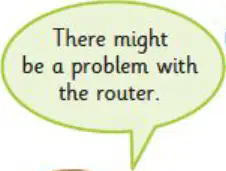
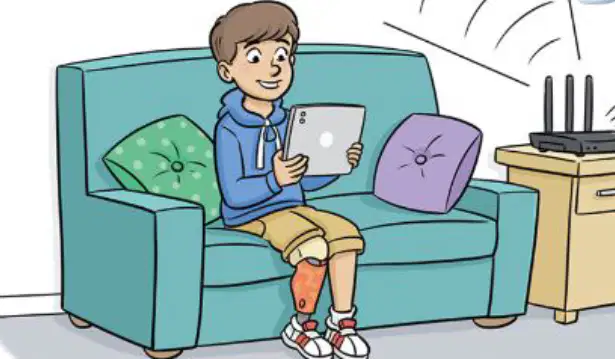
Let's look at some reasons why Zara cannot connect to the internet. Fill in the blank: There might be a problem with the _______.
router
keyboard
monitor
printer
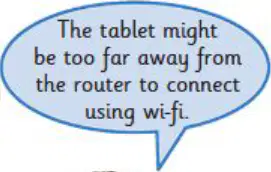
Let's look at some reasons why Zara cannot connect to the internet. Fill in the blank: The tablet might be too far away from the router to connect using _______.
wi-fi
bluetooth
ethernet
infrared
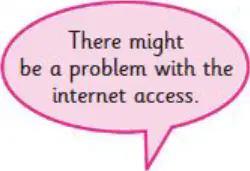
Let's look at some reasons why Zara cannot connect to the internet. Fill in the blank: There might be a problem with the _______ access.
internet
printer
keyboard
monitor
Sometimes there can be problems with the wired / wireless connections. True or False: Problems with the network can occur with both wired and wireless connections.
True
False

In which of these places could it be hard to connect to the internet?
A remote mountain village
A busy city center
A university campus
A shopping mall
What does 'Available' mean? Fill in the blank: 'Available means something is ______ for us to use.'
ready
expensive
hidden
broken
How can we see which Wi-Fi networks are available on our device?
By looking at the Wi-Fi settings
By turning off the device
By making a phone call
By charging the device
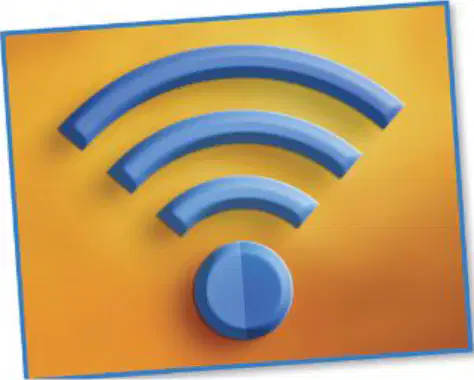
What does the image shown represent?
Bluetooth symbol
Wi-Fi symbol
Battery symbol
Airplane mode symbol

