
Font size
 Worksheets
Section A (Objectives) - Christmas Term Examination
Total questions: 33
Worksheet time: 18mins
The invention of computers was based on _________.
music
counting
games
Counting devices are used for _________.
writing letters
making music
counting and keeping numbers
In the olden days, counting was done by the early men using the following EXCEPT _________.
cowries
fingers and toes
calculator
Which of these was used for recording numbers using knots?
Knotted ropes
Tally marks
Abacus
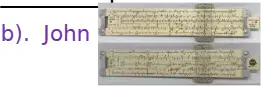
The Slide Rule was made by _________.
Charles Babbage
John
Edmund Gunter
Identify this device.
Slide Rule
Napier Bones
Abacus
The object above was invented around the year _________.
1617
1822
700 B.C
Who invented the “Difference Machine” and “Analytical Engine”?
Charles Babbage
Gottfried Leibnitz
Blaise Pascal
Punched cards were invented by _________.
John Eckert
Hermann Hollerith
Blaise Pascal

Identify this device.
Pascaline
Napier Bones
Difference Machine
All are early counting devices EXCEPT _________.
pebbles
cowries
ENIAC
Which counting device was made of wooden frame with strings and beads?
Napier Bones
Pascaline
Abacus
Who was noted as the father of computer?
John Napier
Edmund Gunter
Charles Babbage

Who invented the abacus ?
(a)
ENIAC, EDVAC and UNIVAC were _________ counting devices.
electromechanical
electronic
early
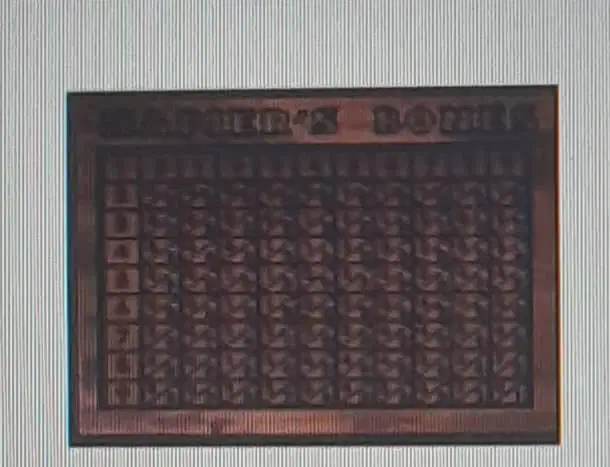
Who invented the Napier bones
(a)
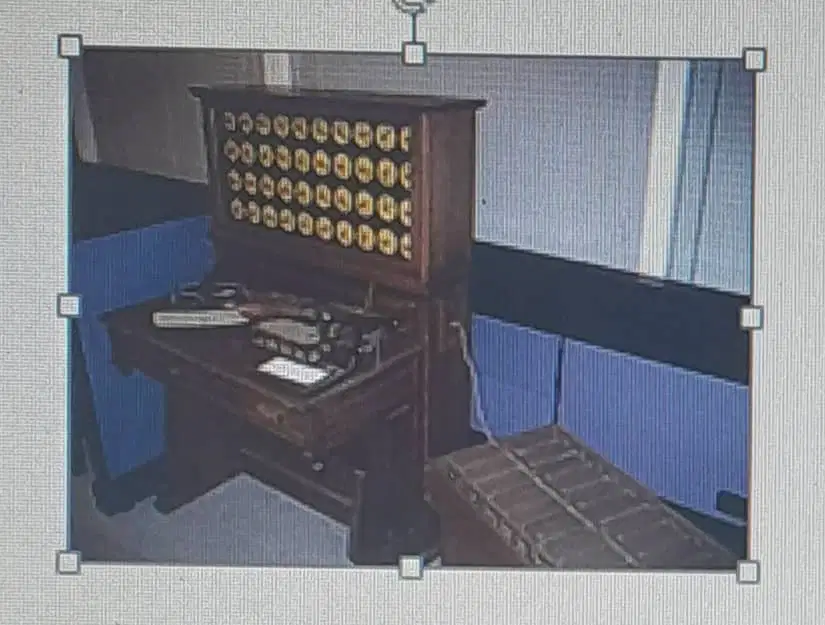
Who invented the tabulating machine?
(a)
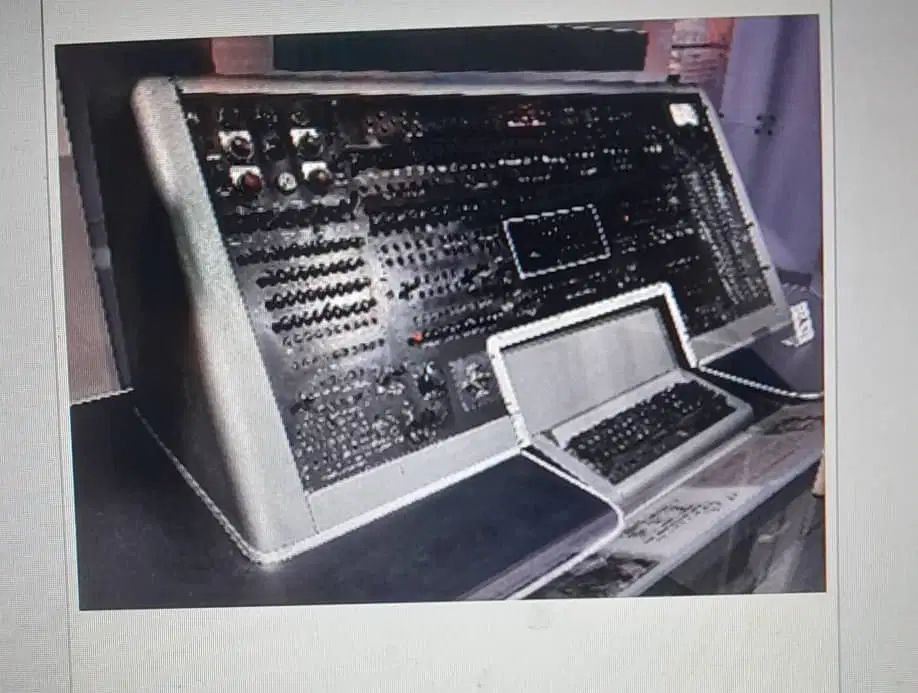
Identify this device
ENIAC
EDVAC
UNIVAC
We can use MS Word to do the following EXCEPT _________.
change colour of words
type letters
calculate numbers
We need a _________ to print our work after typing it in Word.
printer
keyboard
camera
The following are commands in the MS Window File Menu EXCEPT _________.
Draw
New
Save
The keyboard shortcut to create a new document in MS Word is _________.
Alt + N
Shift + N
Ctrl + N
Which pair shows two early counting devices used long before modern computers?
Abacus and Napier Bones
Mouse and joystick
Printer and scanner
Monitor and webcam
Who is known for creating the calculating tool called Napier Bones?
Blaise Pascal
Charles Babbage
Herman Hollerith
John Napier
Which inventor designed the Tabulating Machine that used punched cards to process data?
Ada Lovelace
Konrad Zuse
Herman Hollerith
Alan Turing
A friend says, “The Abacus was a modern keyboard tool.” What is the best correction?
It is a network security tool
It is an ancient counting frame
It is a laser printing device
It is a computer operating system
You want to save your work quickly in MS Word using the keyboard. Which shortcut should you press?
Ctrl+P
Ctrl+N
Ctrl+Z
Ctrl+S
You sit at a new computer and need to open MS Word without help. Which plan will most likely work on a Windows PC?
Click Start, search Word, select Microsoft Word
Press random keys until a document appears
Turn off PC, unplug keyboard, restart computer
Open Paint first, then rename it to Word
You typed a sentence in Word and want to keep it for later. Which plan is best?
Click File then New to make another file
Click File then Close without saving
Click File then Account to see program name
Click File then Save to store the work
You need a fresh page to start a new story, but do not want to change your old file. What should you do first?
Click File then New to create blank
Click File then Open the Desktop file
Click File then Save As another copy
Click File then Close your work
Your teacher asks for two copies: My Work and My Work 2. You already saved My Work. What is the smartest next step?
Use File then Account to read program name
Use File then Close to finish and exit
Use File then Save As to make My Work 2
Use File then New to start a fresh page
You closed your document by mistake and want to read it again from the Desktop. What sequence makes sense?
Click File then New to create blank page
Click File then Account to see Word name
Click File then Save to keep new copy
Click File then Open and choose My Work
You want to stop typing and leave Word without losing your work. Which plan shows good steps?
Create new file, then click File and Open
Close the file, then click File and New
Save the file, then click File and Close
Open a file, then click File and Account

